I don’t think you have addressed the weird stuff the images are doing on the popups. Sometimes it just crops the image – other times it duplicates the image by stacking a portion of the image below the image if it’s not cropped. It’s very inconsistent. Are you guys working on a fix for this?
Could send us a screenshot?
So does this mean you can’t help fix that issue on my site since you can’t recreate it on your test site?
I need to check the HTML structure with the CSS styling that comes from your theme and other plugins.
I also had to go back to 4.6, same problem.
And are all of your events have the english translation?
For example,
https://institutguylacombe.ca/wp-admin/post.php?post=6179&action=edit&lang=fr
Hello,
I added the code snippit but there are still issues with the site.
Please check the staging site which I have provided above.
Could you try updating EventON to 4.6.1 and then going to EventON > EventCard > select Feature image display style: Fit entire image, resized box height > also remove Minimal height for featured image (value in pixels)?
Could you try updating to 4.6.1?
4.6.1 version adds “EventON > EventCard > Hide location other events button” option.
Also translation for the button is available in EventON > Language > General Calendar.
Hello,
You are welcome. If you have any other questions, please feel free to create a new ticket
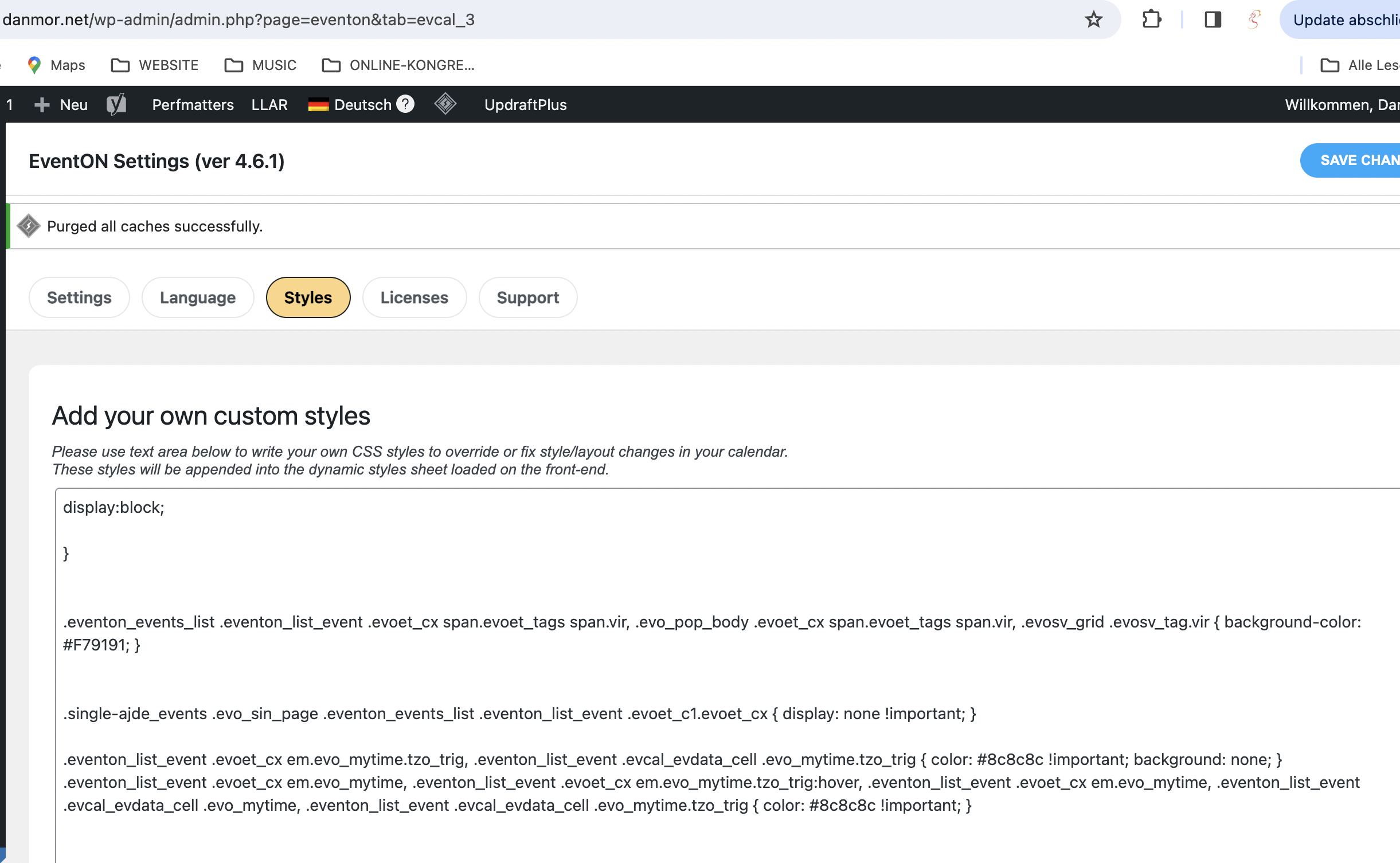
Hi, you mean here (screenshot)?
I replaced “white” in the last line with “#8c8c8c”
Didn’t take so far.
There is a mouse-over effect on that sentence, though (blue background).