Hello,
Thank you for your messages!
I am going to escalate this ticket to development to help in here. Please allow us some time to address this, and we truly appreciate your patience. Thank you for being a valued EventON customer!
Additionally, if your site has any IP blocking or security restrictions in place, kindly disable them temporarily to facilitate our support process.
Your website is still loading the file with old CSS styling:
yourwebsite/wp-content/plugins/eventon-event-slider/assets/evosl_styles.css?ver=2.1.6
Do you have some kind of cache functionality on the server that needs to be cleaned?
Just an update that I figured out how to fix it myself.
That CSS just makes the button invisible all the time. (Ie it does the exact opposite of what I want to do.) How do I make the button visible?
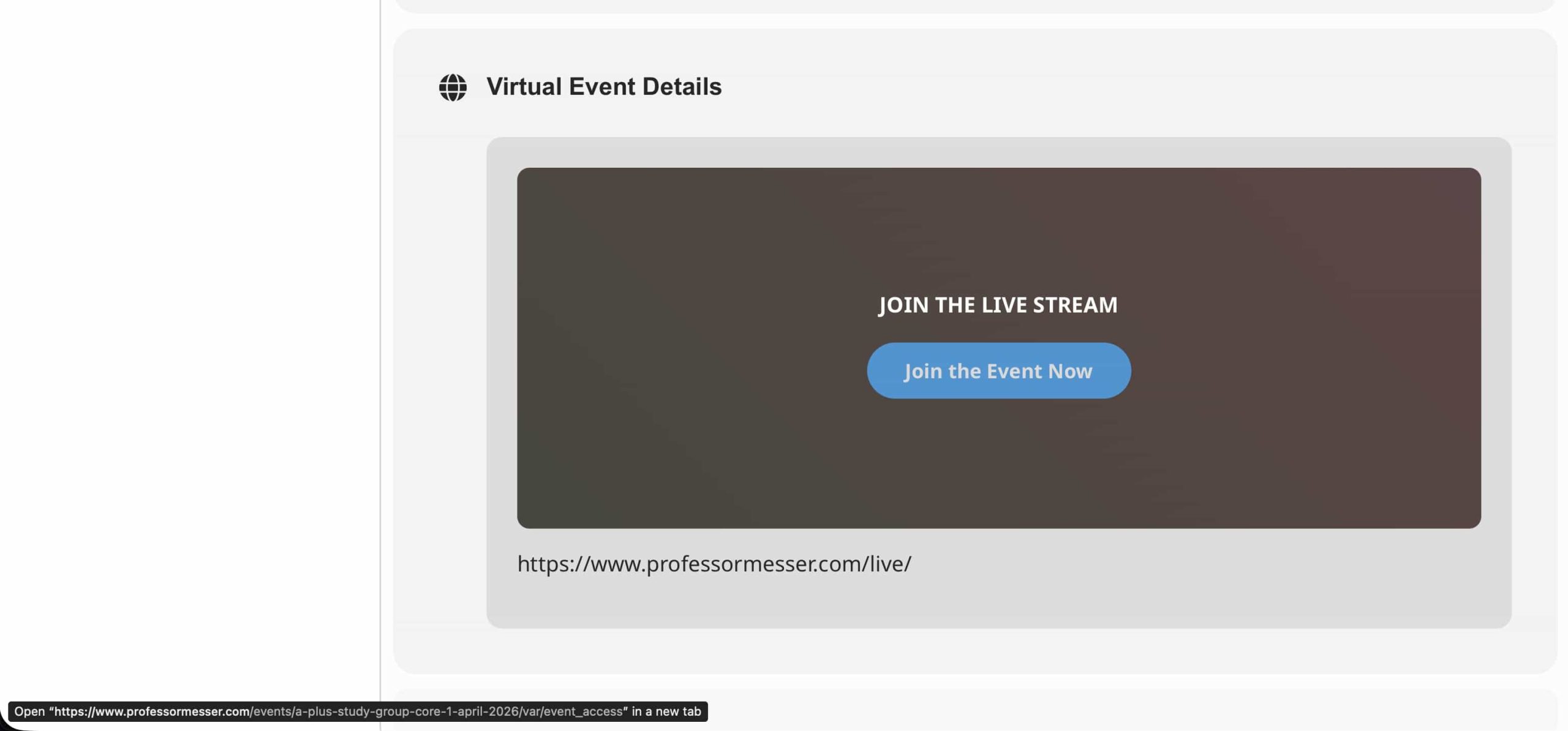
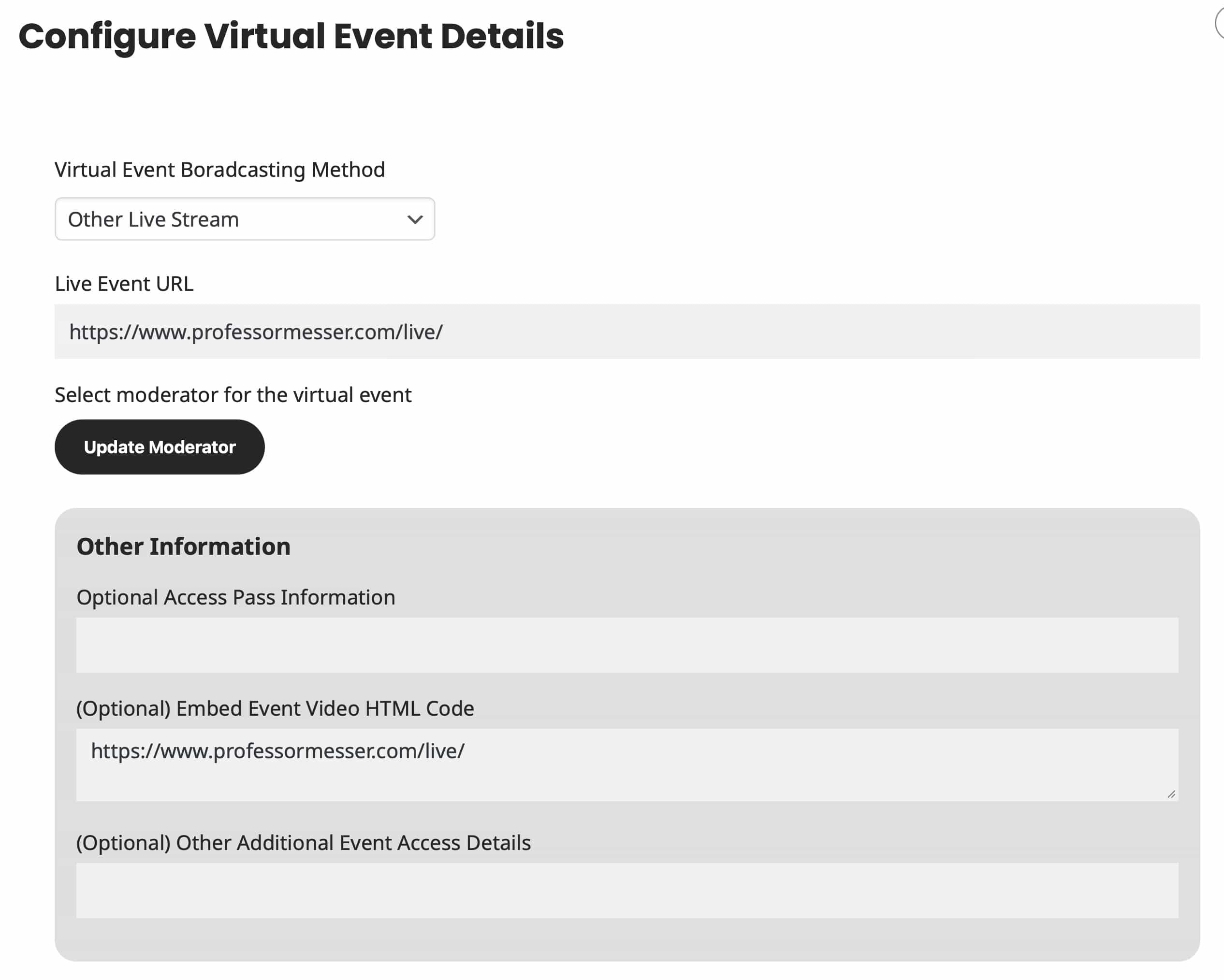
Here are some screenshot of the issue.

i have entered my information from codecanyon now 3 times and it doesn’t who up on my account. It tells me i already have an account when I try again. I’m now past the point of being pationt I’m pissed off there is nothing on my account to access the plugin to download. This is total crap.
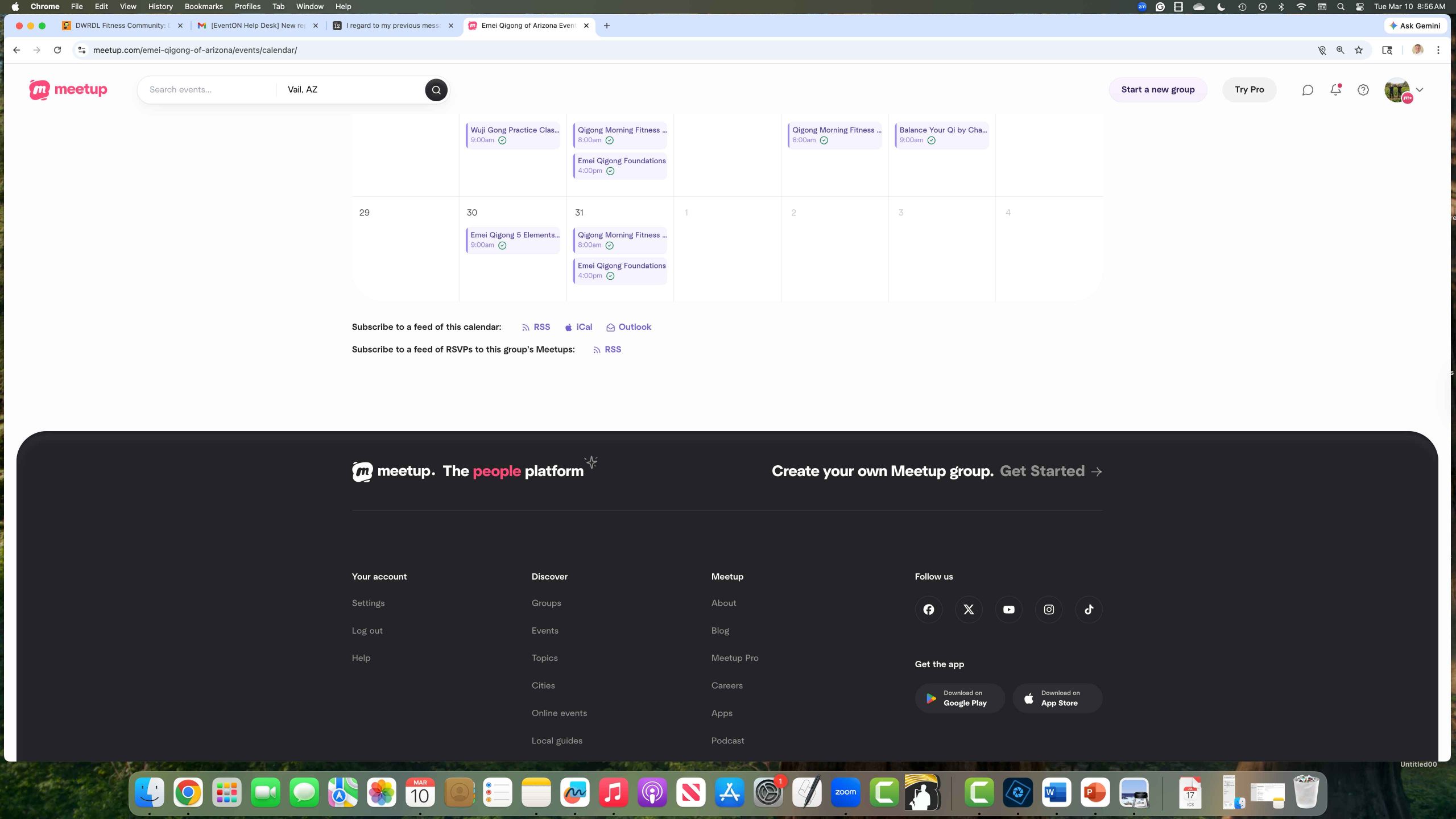
https://www.meetup.com/emei-qigong-of-arizona/events/calendar/
Did you see my other ticket…I think the problem is that I purchased an API add-on…I think for Meetup, I need the ICS add-on. If that is correct, can I swap out add-ons so I can connect to Meetup? thx
Stan
Hello,
I have modified the SMTP and sender email settings. Now all emails seem to be arriving correctly.
So that’s sorted.
However, I see two other problems:
1. Although I have set the time available for people on the waitlist to just 1 hour, it turns out that it lasts 24 hours.
URL : https://staging.f–s.fr/amsterdam/wp-admin/admin.php?page=eventon&tab=evcal_tx#evotxw

URL : https://staging.f–s.fr/amsterdam/wp-admin/post.php?post=50084&action=edit

2. I have been reviewing the official documentation, but I still do not understand how a user can cancel a ticket for an event.
Thank you.
Marta Fernandez
Support www.from-scratch.fr