Hi
Attached screenshot for my issue
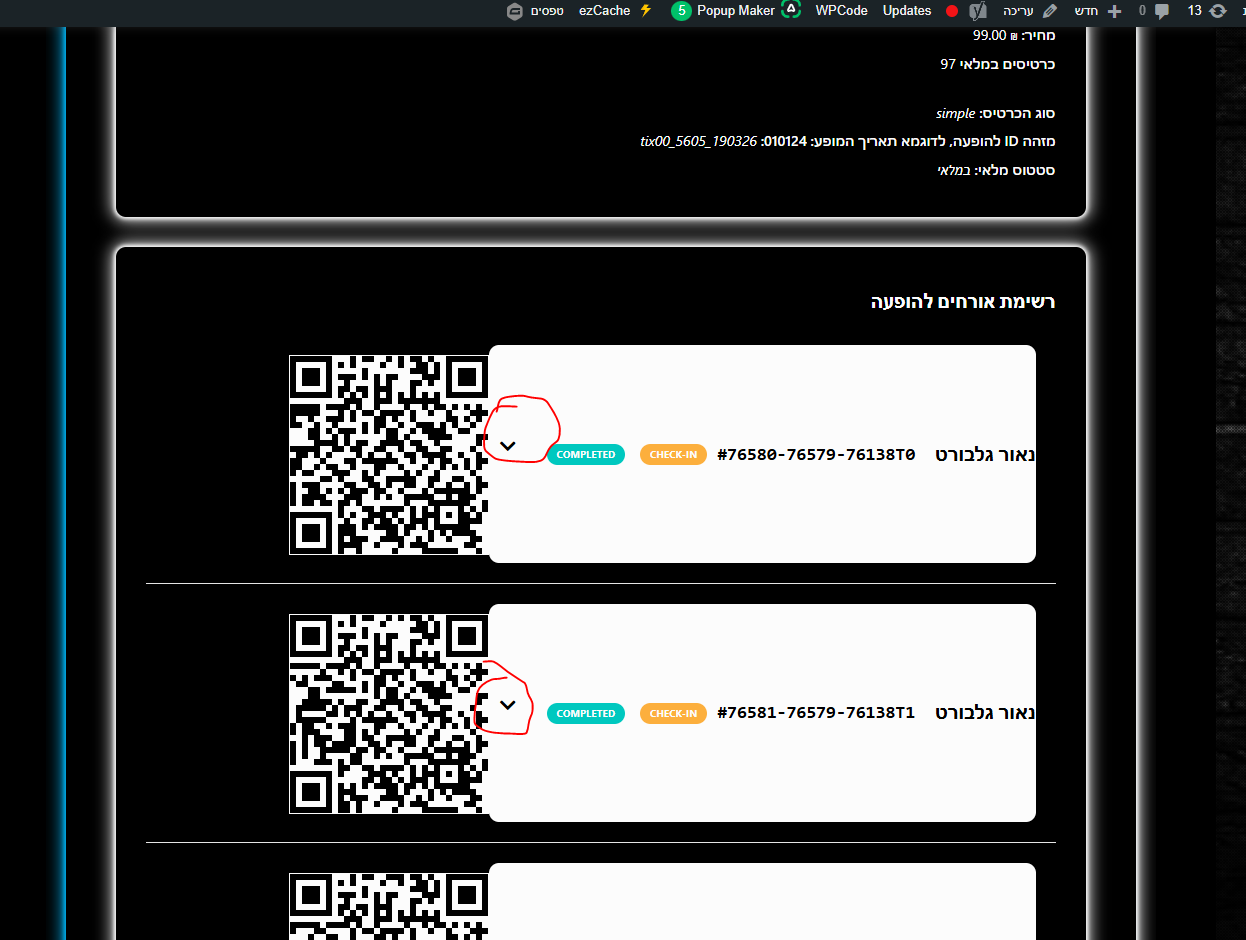
Replies for tickets on suppota
Hi
Attached screenshot for my issue
The issue is related to the theme, I am afraid. Not sure how can we fix this from our side.
Could you try downgrading to EventON 5.0.4:
https://dev2.myeventon.com/surl/zve8j1hIOCTf
Now you have two versions of Variations installed. You can switch between them.
The issue is that I cannot re-create the issue.
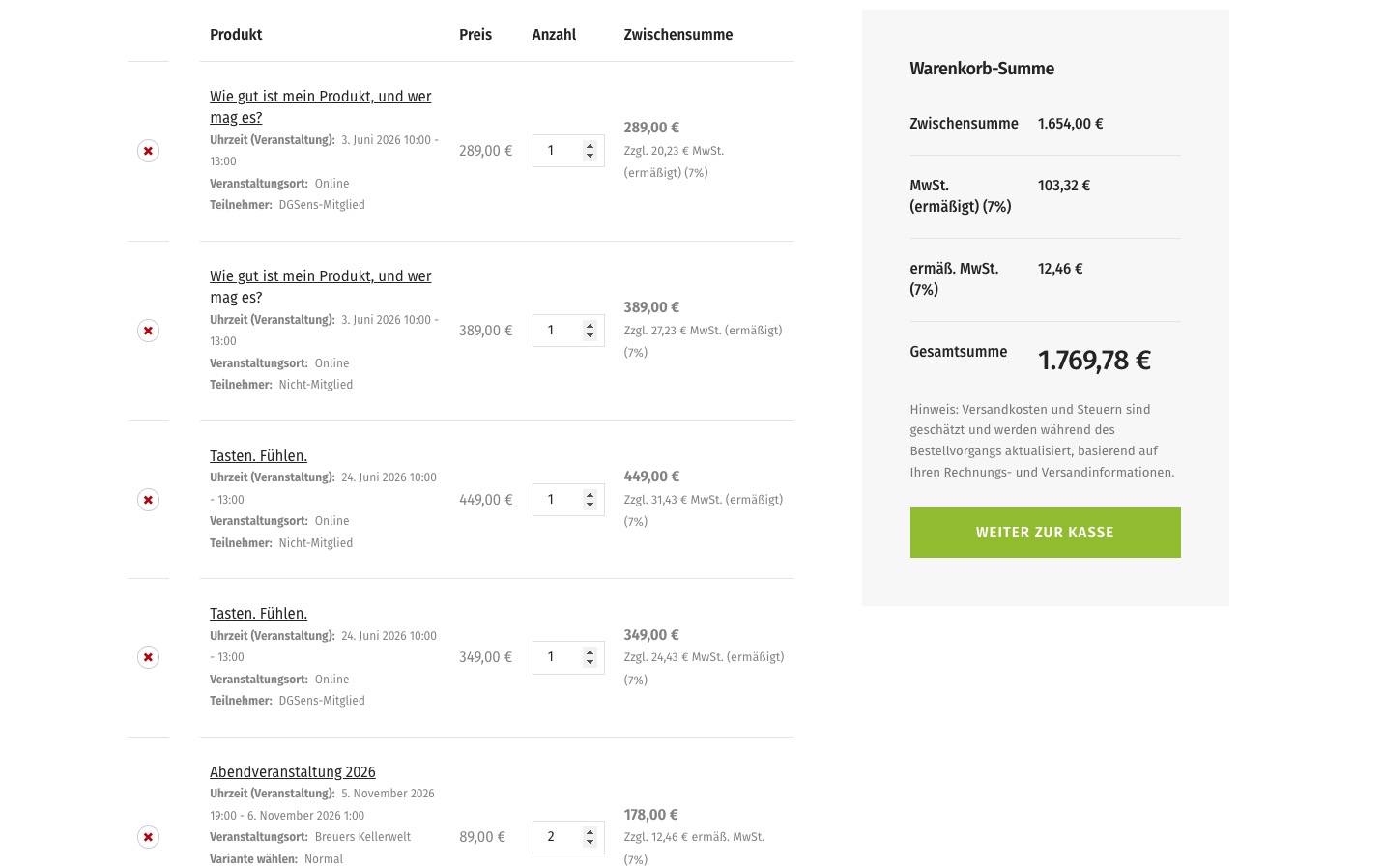
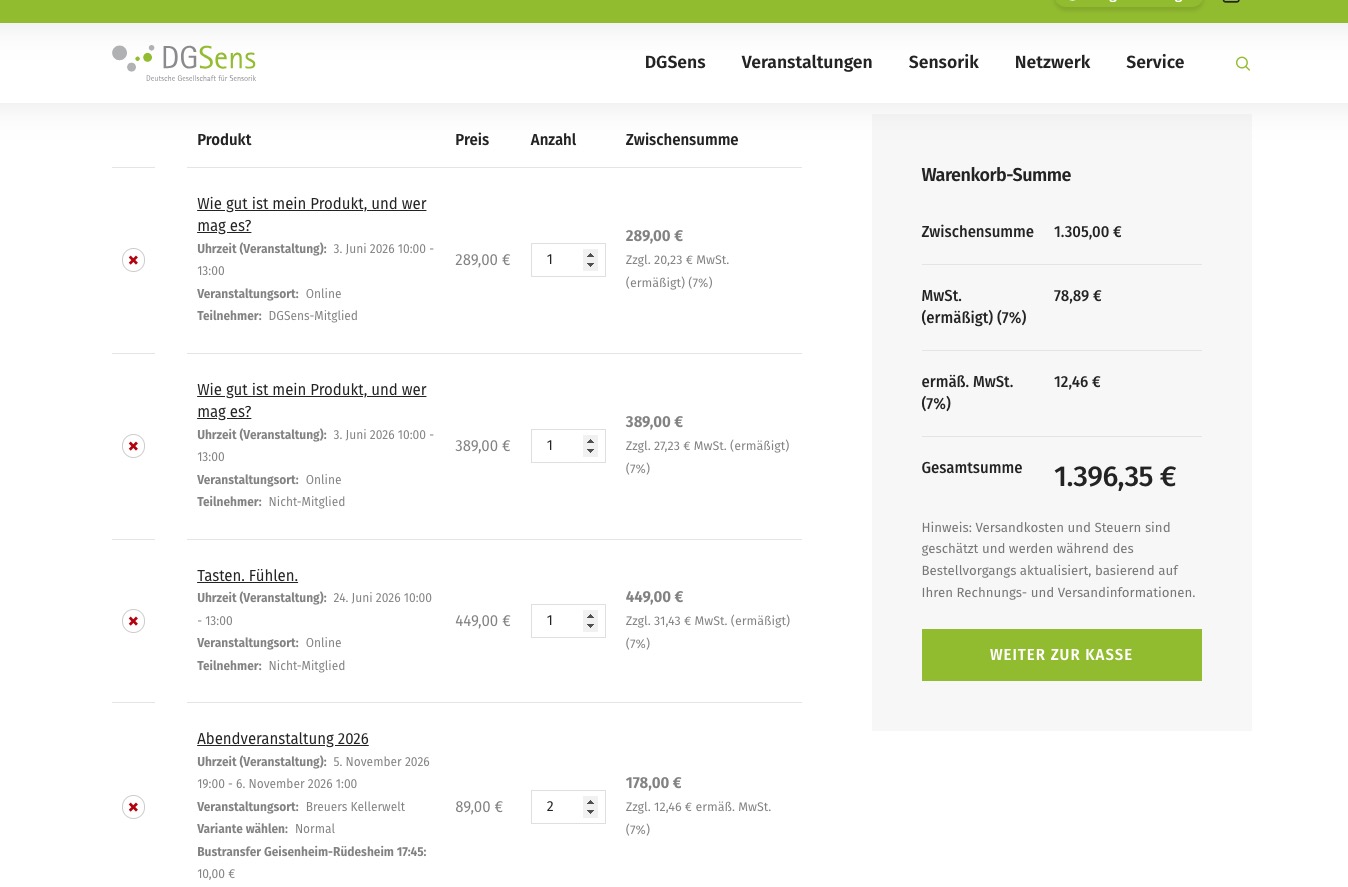
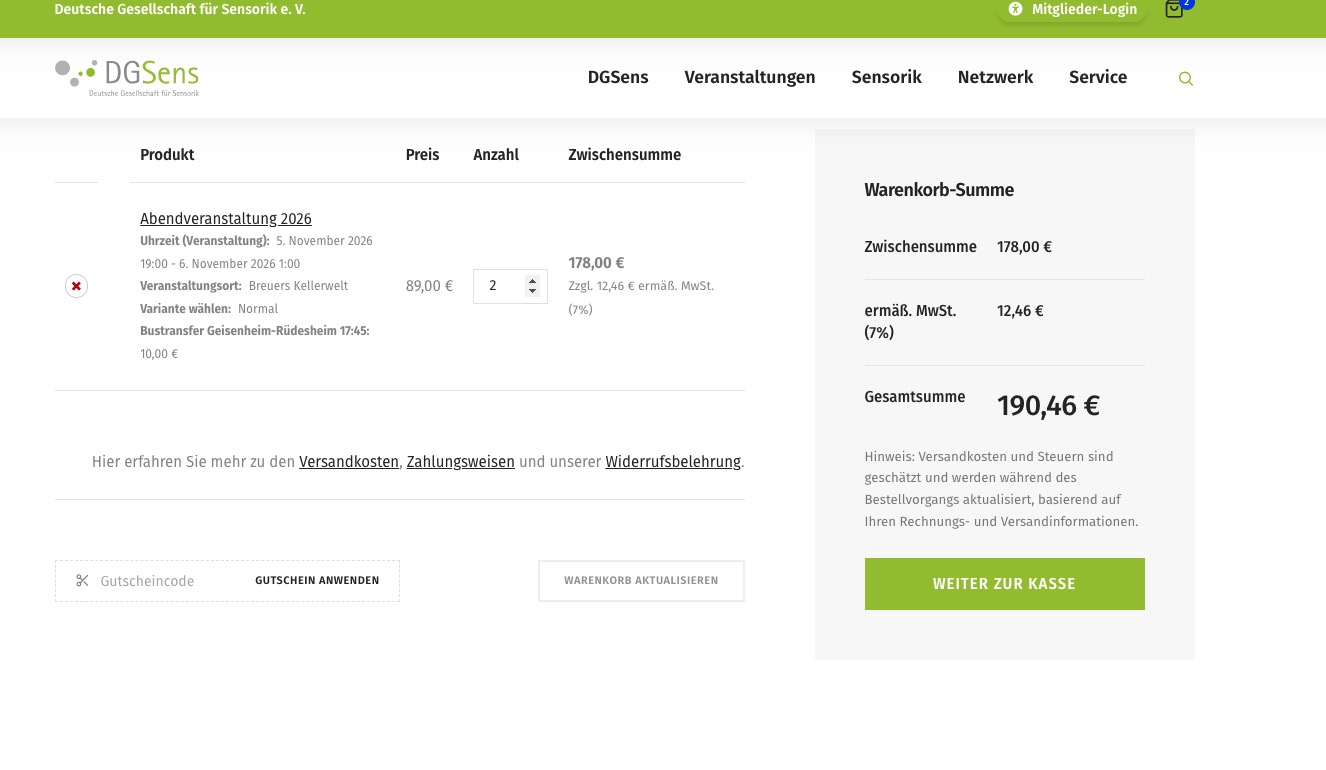
Could you tell us more about how should we add and then delete purchases to see the issue?
In order to fix the map, please follow
Google Maps JavaScript API error: RefererNotAllowedMapError
https://developers.google.com/maps/documentation/javascript/error-messages#referer-not-allowed-map-error
Your site URL to be authorized: https://classes.alexandriaprofessional.com/mystaging01/event-organizer/katie-sauer/
Please follow
https://elfsight.com/blog/how-to-get-google-maps-api-key-guide/#secure
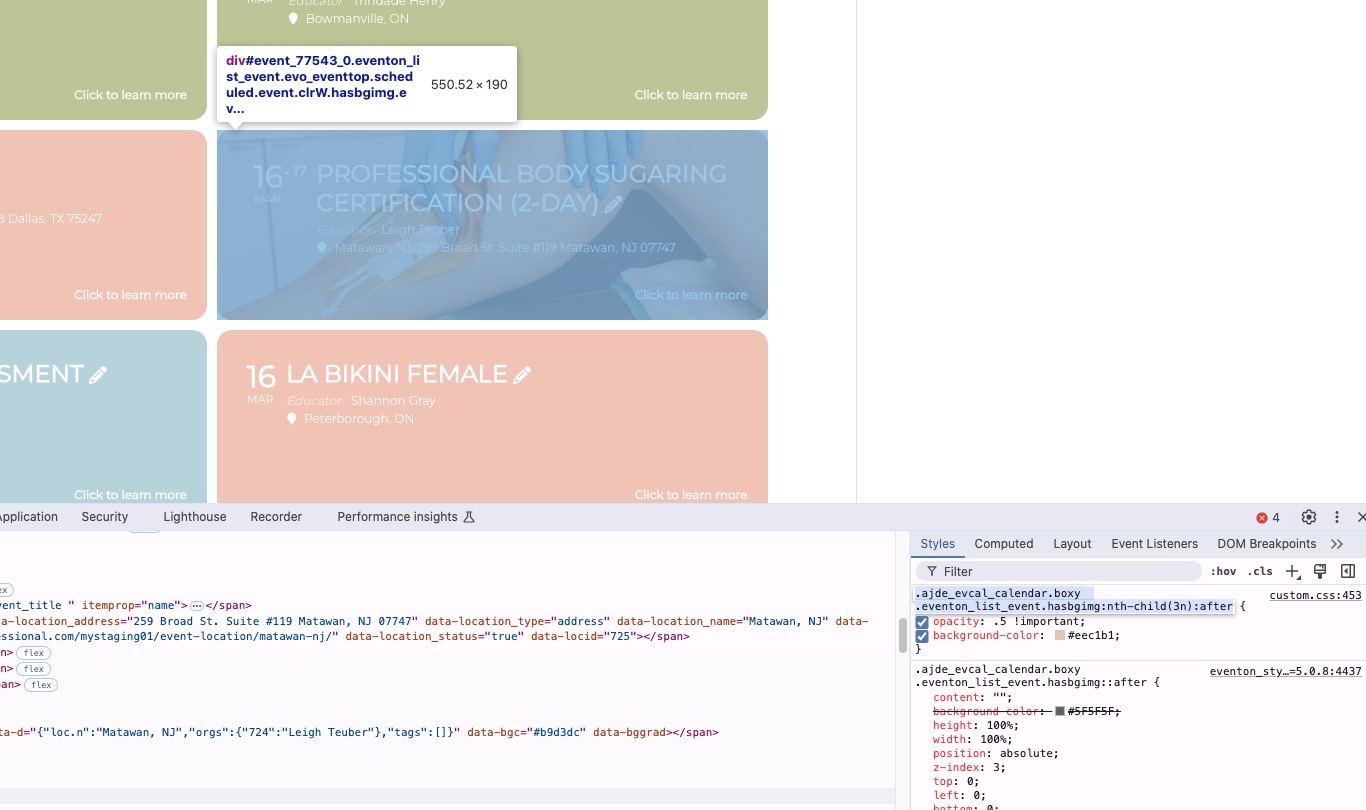
The background is pink because of this custom CSS styling:
Here’s the issue:
[10-Mar-2026 10:53:35 UTC] PHP Fatal error: Uncaught Error: Class ”Constants” not found in /home/customer/www/oldhamsendlocaloffer.co.uk/public_html/wp-content/plugins/eventON/includes/class-evo-ajax.php:59
Stack trace:
#0 /home/customer/www/oldhamsendlocaloffer.co.uk/public_html/wp-content/plugins/eventON/includes/class-evo-ajax.php(77): EVO_AJAX::evo_ajax_headers()
#1 /home/customer/www/oldhamsendlocaloffer.co.uk/public_html/wp-includes/class-wp-hook.php(341): EVO_AJAX::do_evo_ajax(’’)
#2 /home/customer/www/oldhamsendlocaloffer.co.uk/public_html/wp-includes/class-wp-hook.php(365): WP_Hook->apply_filters(false, Array)
#3 /home/customer/www/oldhamsendlocaloffer.co.uk/public_html/wp-includes/plugin.php(522): WP_Hook->do_action(Array)
#4 /home/customer/www/oldhamsendlocaloffer.co.uk/public_html/wp-includes/template-loader.php(23): do_action(’template_redire…’)
#5 /home/customer/www/oldhamsendlocaloffer.co.uk/public_html/wp-blog-header.php(19): require_once(’/home/customer/…’)
#6 /home/customer/www/oldhamsendlocaloffer.co.uk/public_html/index.php(17): require(’/home/customer/…’)
#7 {main}
thrown in /home/customer/www/oldhamsendlocaloffer.co.uk/public_html/wp-content/plugins/eventON/includes/class-evo-ajax.php on line 59
Login link doesn’t work. Could you check?
Please also make sure that your version of PHP is 8.2+.
Hello,
Please refer to your other ticket. I’ve replied there.
Hello,
Since your link downloads a .ics file, then it should work. However, some websites allow you to download the file using your browser, but doesn’t allow other websites to download it on command.
I am sorry, the access information you have provided did not work for us. Please check them and post the correct login information as a private message, thank you!
Could you tell us which versions (Tickets and Variations) did you update from?
Hello,
Please send us wp-admin access to your site from ”Access Info” box on right side menu, to further assist your situation.
We are glad your issue is resolved, if you have any further questions or concerns please create a new ticket.
If you have a moment, we would greatly appreciate if you could kindly leave us a review at EventON WordPress Page OR EventON > My Account > Downloads. Your review helps us a lot in continuing EventON improvements!