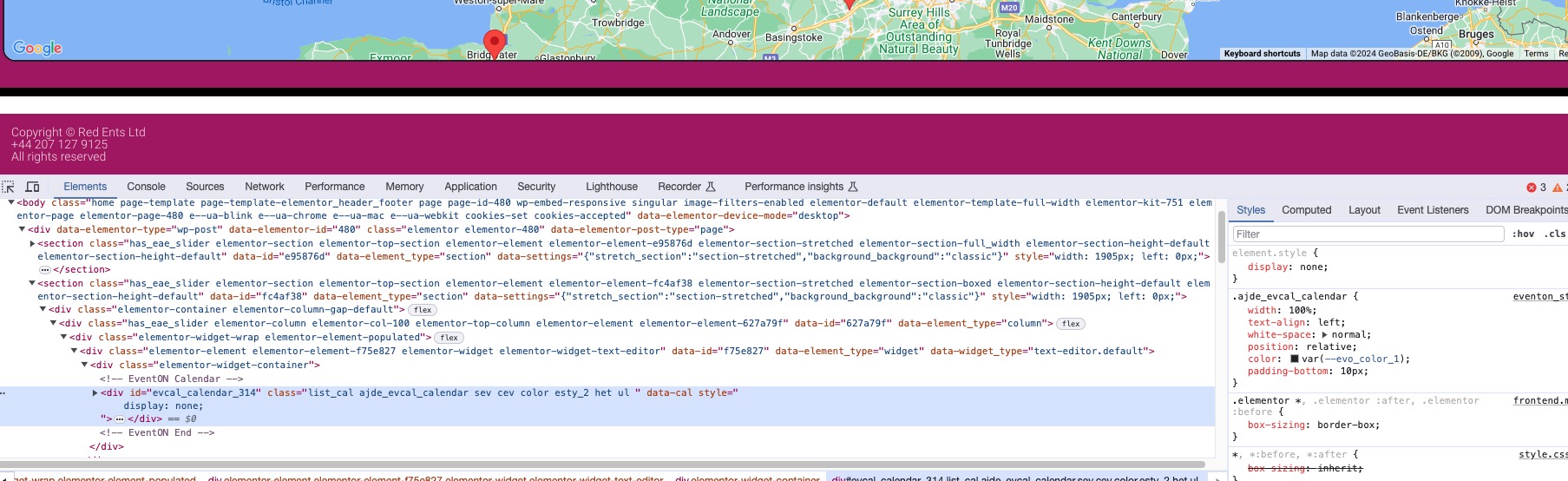
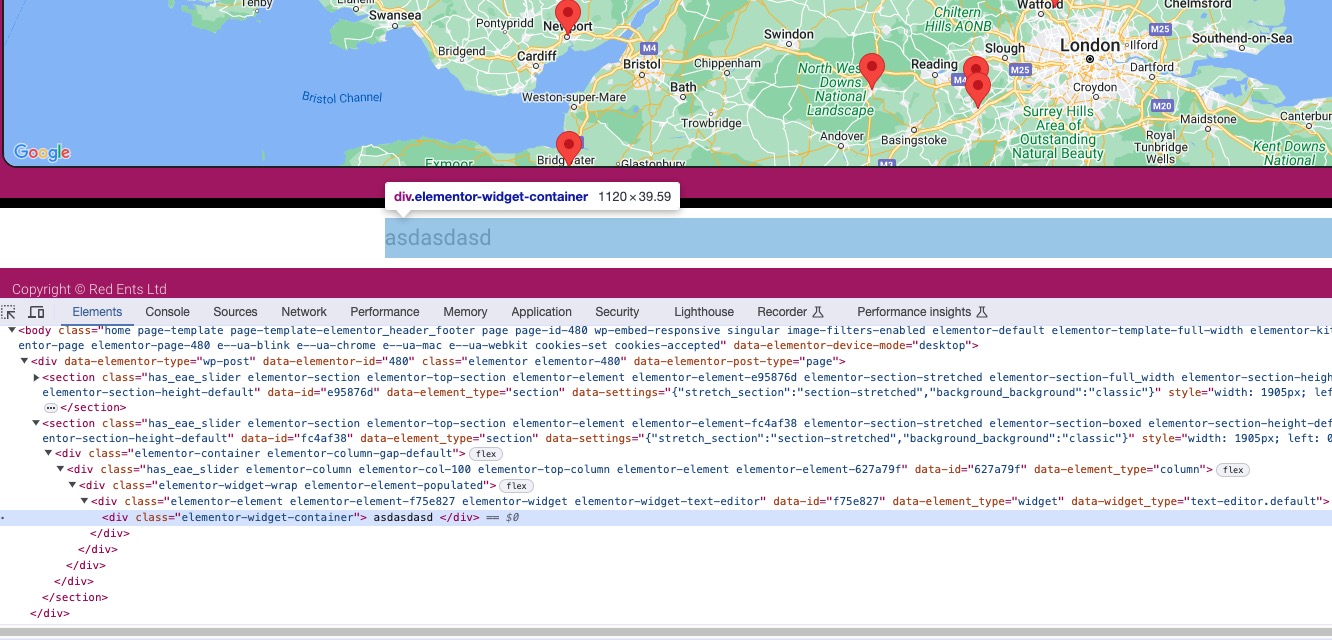
could be an issue with siteground cache- can you temporarily disable the javascript minification (or it might be simply called combined javascript)
then clear the cache and see
it could very well be trying to load a previous version of eventon action user with some parts of the new one
Perfect! You can update as soon as it will be available on CodeCanyon.
Please send us wp-admin access to your site as a private message for us to further assist your situation.
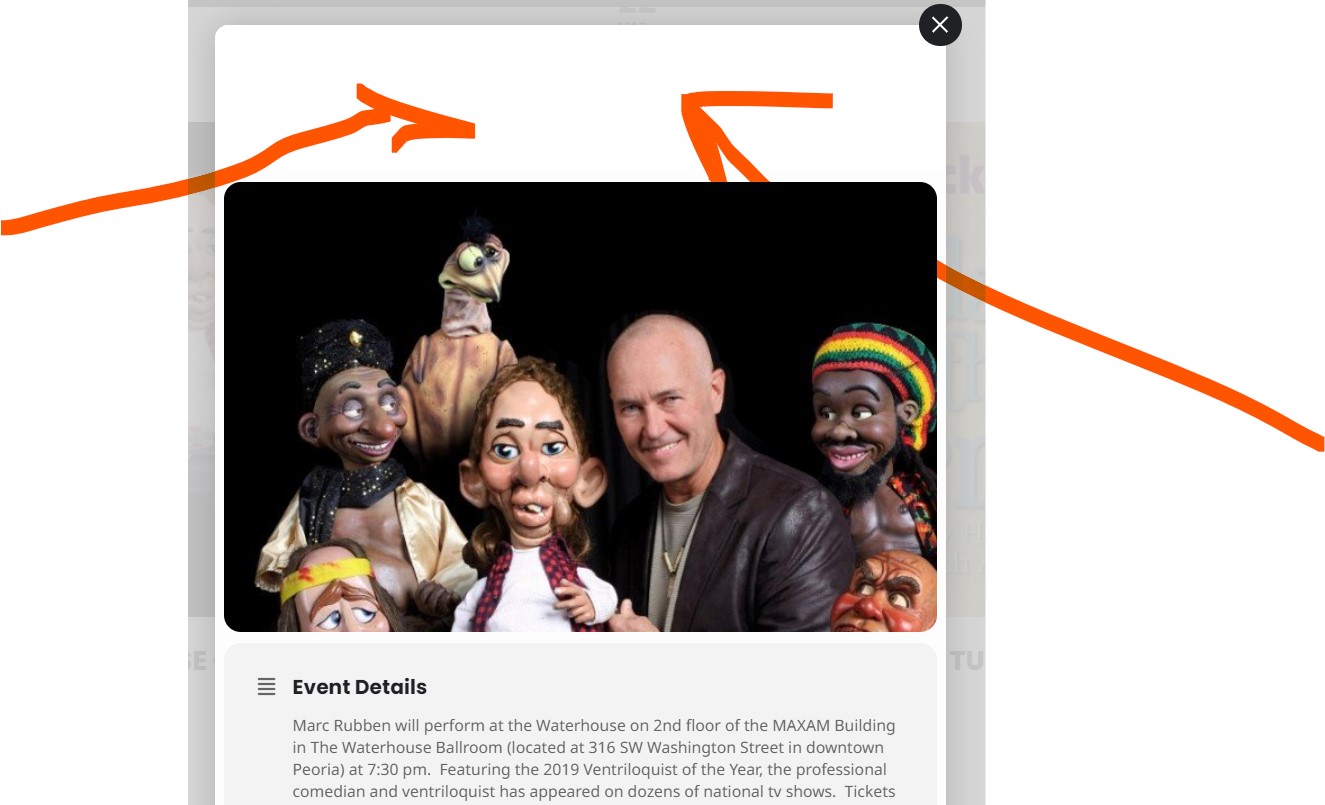
Also, I just noticed that the text in the header of the pop up for an event is apparently white again – not black – so it appears to be blank. I’ve attached a screenshot of this for you to see.
You need to contact the CodeCanyon for the refund. We unable to refund without you contacting them first.
Hello,
Could you go to EventON > EventCard > open Designer and make sure that all fields are there? Re-save settings even if everything is correct.
Please send us wp-admin access to your site as a private message for us to further assist your situation.
Also please try removing cal_id=”Main_Calendar”.
Hello,
Please apply this patch:
https://docs.myeventon.com/patch-fixes/4-6-get_supported_shortcode_atts-error/
Hello,
You are having an issue with Fusion Builder, correct? Have you tried to contact them?
We can try applying the patch to Fusion Builder files if you want.
And if you put any other type of content instead of EventON’s calendar?
When I hide it with display:none, it still shows the white background (that white line after the map):
I replaced the calendar with simple text:
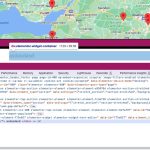
Please understand that I don’t know how Elementor’s containers work.
If you take this code and use it, the background will be changed:
section.has_eae_slider.elementor-section.elementor-top-section.elementor-element.elementor-element-fc4af38.elementor-section-stretched.elementor-section-boxed.elementor-section-height-default.elementor-section-height-default { background: black; }
But not sure how workable the solution is. Please try and let me know.