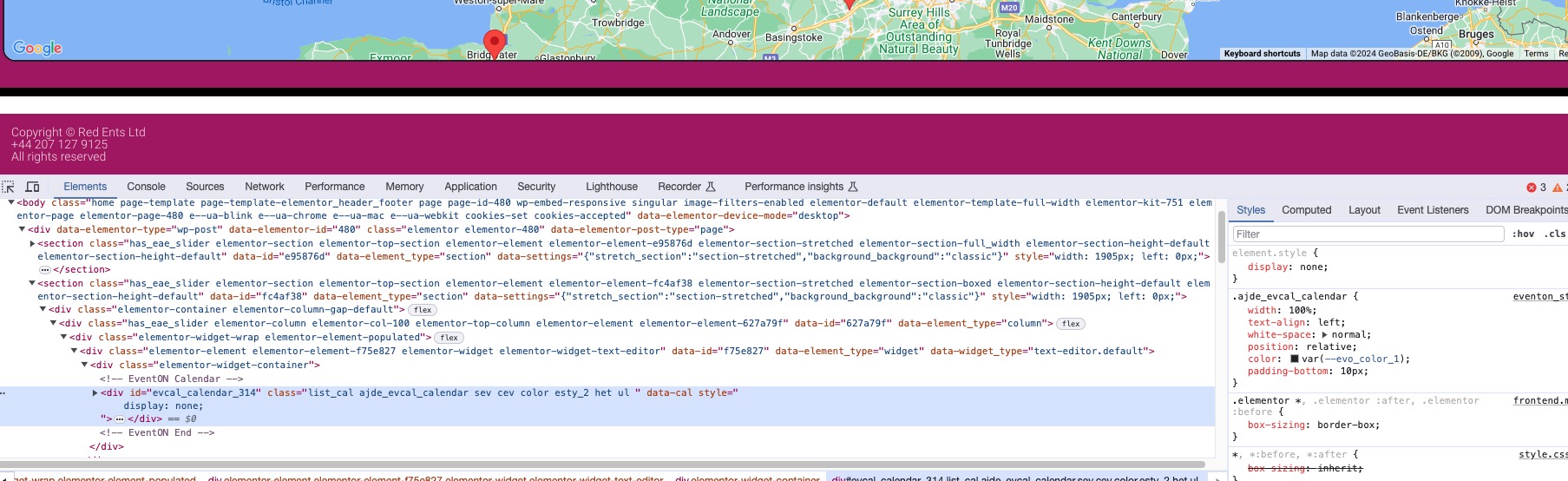
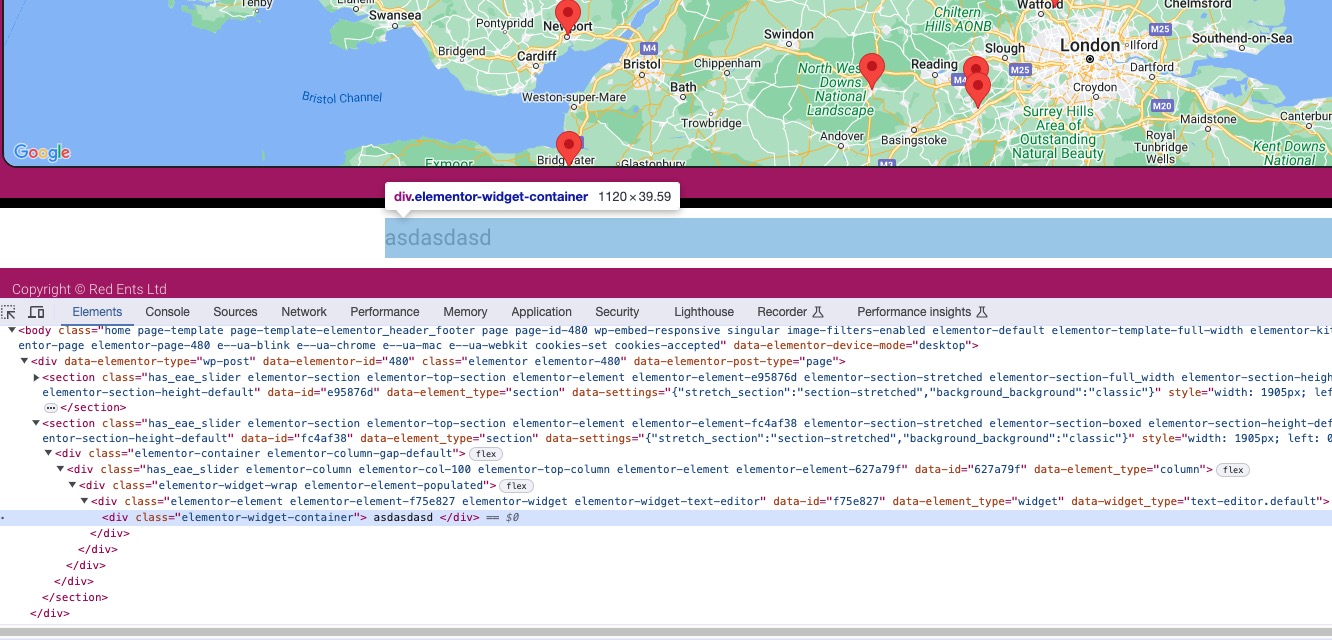
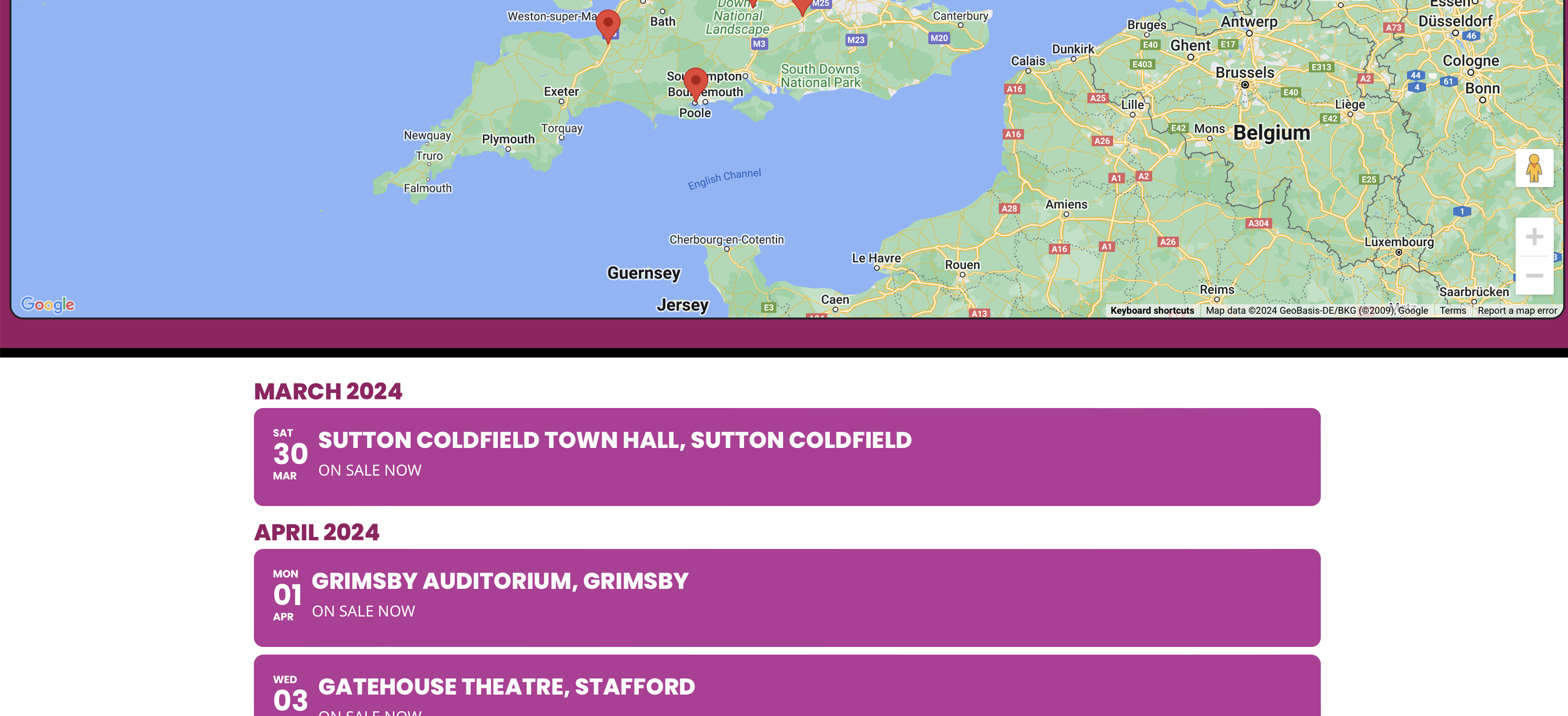
And if you put any other type of content instead of EventON’s calendar?
When I hide it with display:none, it still shows the white background (that white line after the map):
I replaced the calendar with simple text:
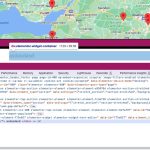
Please understand that I don’t know how Elementor’s containers work.
If you take this code and use it, the background will be changed:
section.has_eae_slider.elementor-section.elementor-top-section.elementor-element.elementor-element-fc4af38.elementor-section-stretched.elementor-section-boxed.elementor-section-height-default.elementor-section-height-default { background: black; }
But not sure how workable the solution is. Please try and let me know.
Hello,
Please take a look at
https://wordpress.org/plugins/autocomplete-woocommerce-orders/
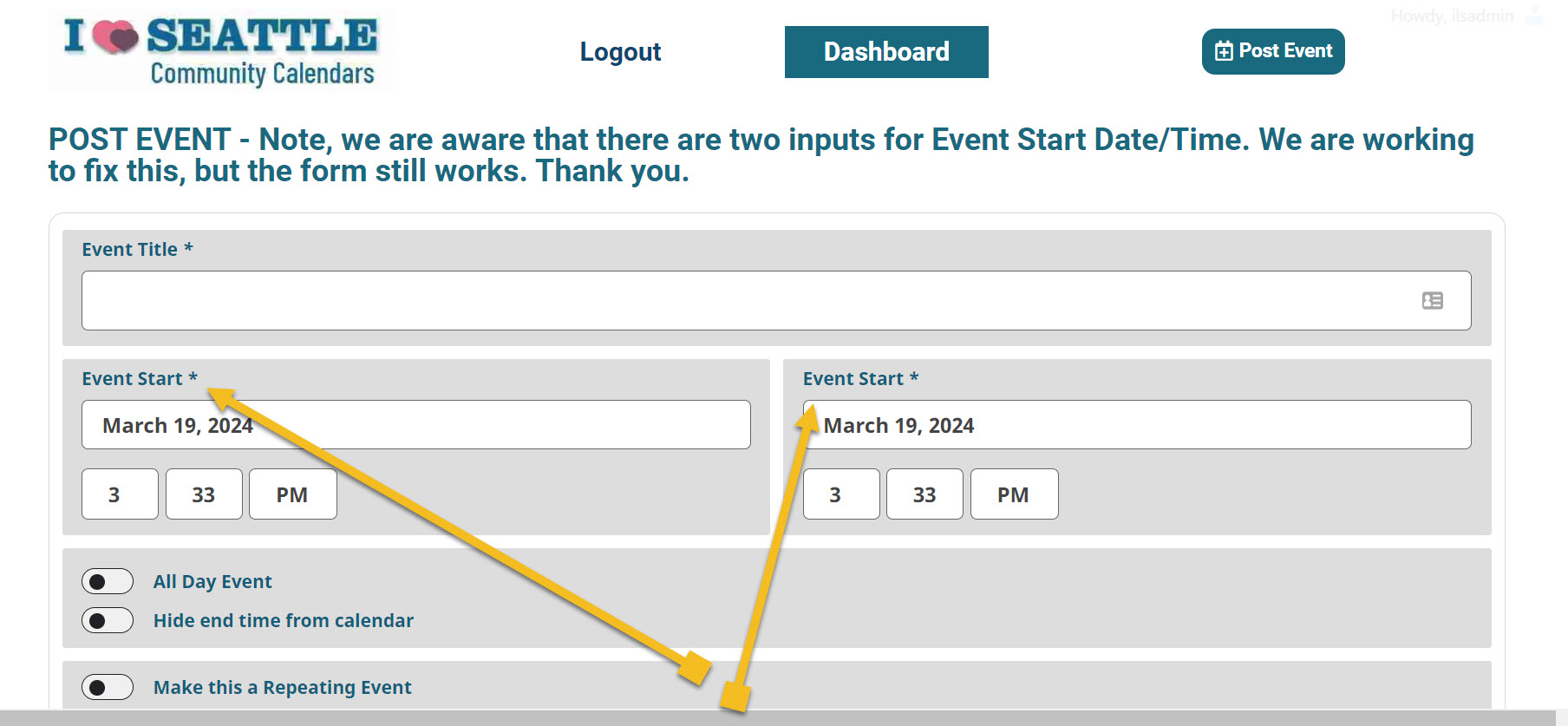
Here is screenshot. We have been waiting for over a week. Our form has TWO Start times and NO End time.
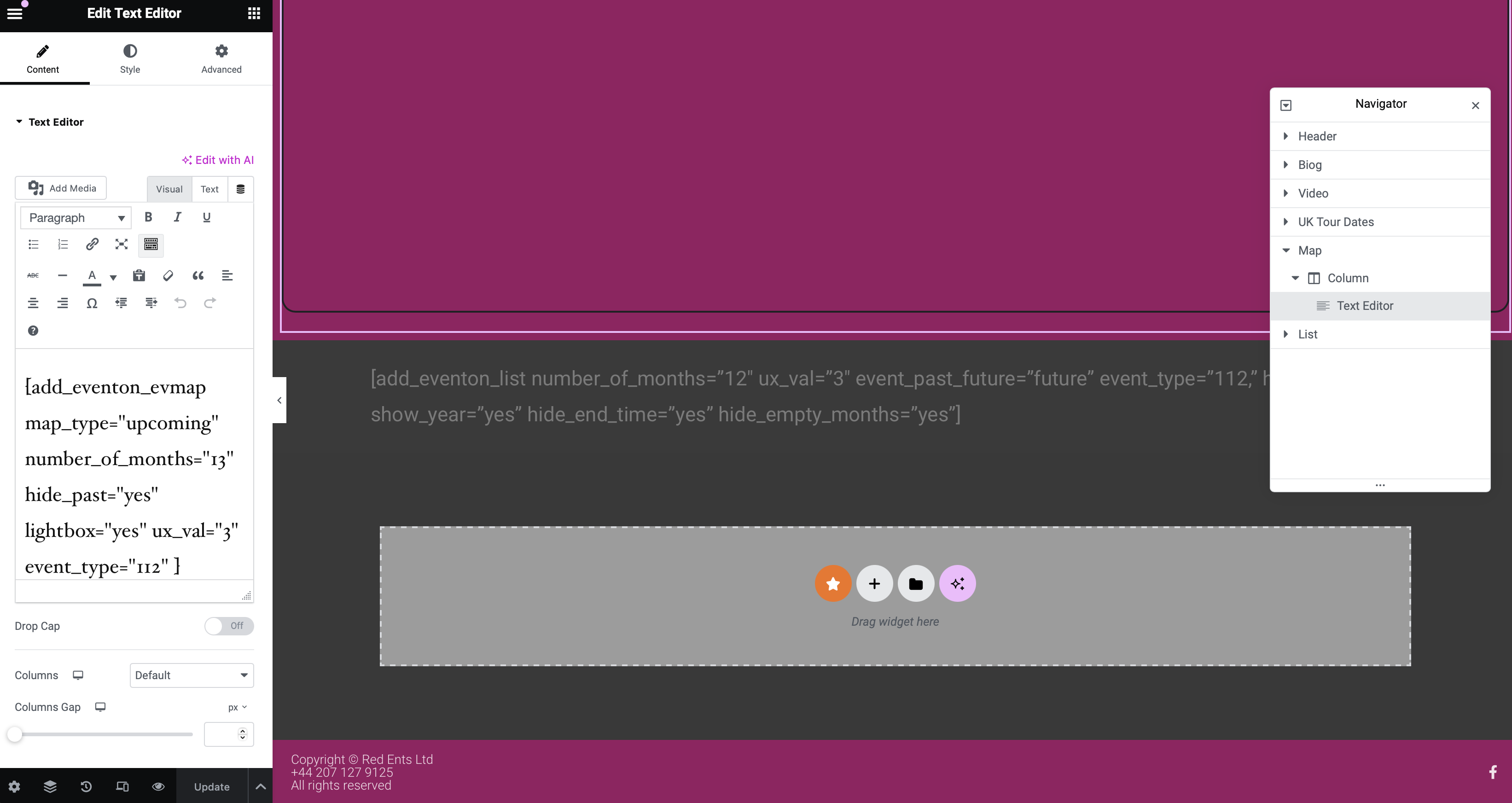
Thankyou. This was worth a try but logically it didn’t make sense. I can create anything on that page and have complete control of the background UNTIL I place the EventOn. The moment I do that, it overrides the background and changes it white.
2 weeks ago it was fine. and we haven’t changed anything but our multi-site did get hacked and some files got corrupted (hence deleting and reinstalling the plugin from scratch to try and solve this problem).
So there is some hex code being injected somewhere from EventOn that is resetting and overriding the background.
Additional examples attached.
The used WordPress theme was causing the issue. It got fixed by theme support.

I checked it on my IPad too and the huge white space appears there too – so it’s not just my browser on my desktop.

I changed it and reloaded the calendar page and it’s still got the weird white space – I’ve attached another screenshot of it for you – looks the same as the original screenshot I sent.
Feel free to use the login to try to fix it.
Thanks,
Amy Blain
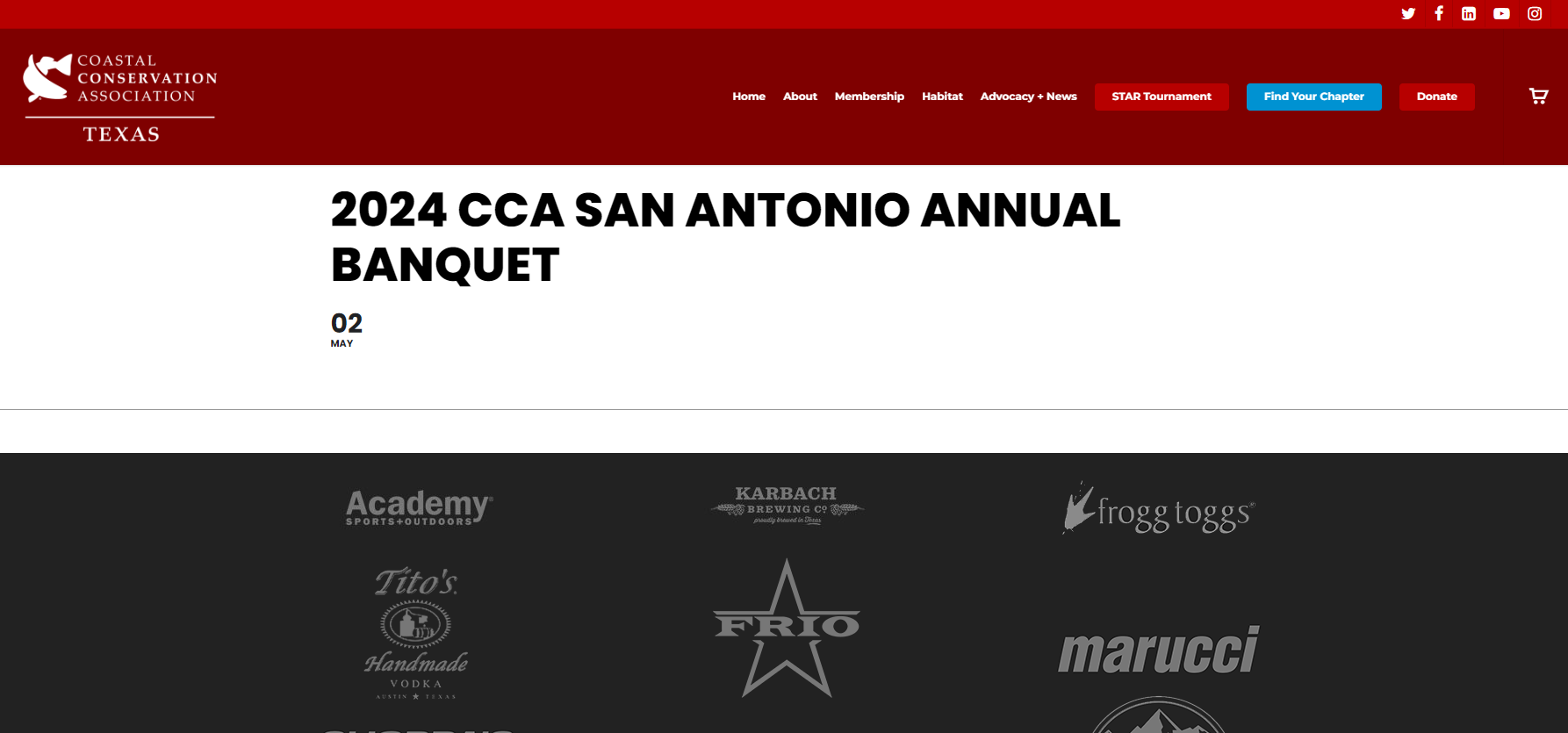
One last note, this issue is affecting all my events, not just the San Antonio Banquet event link I provided. Attached is a screenshot of what I’m seeing when that event is accessed (if needed).