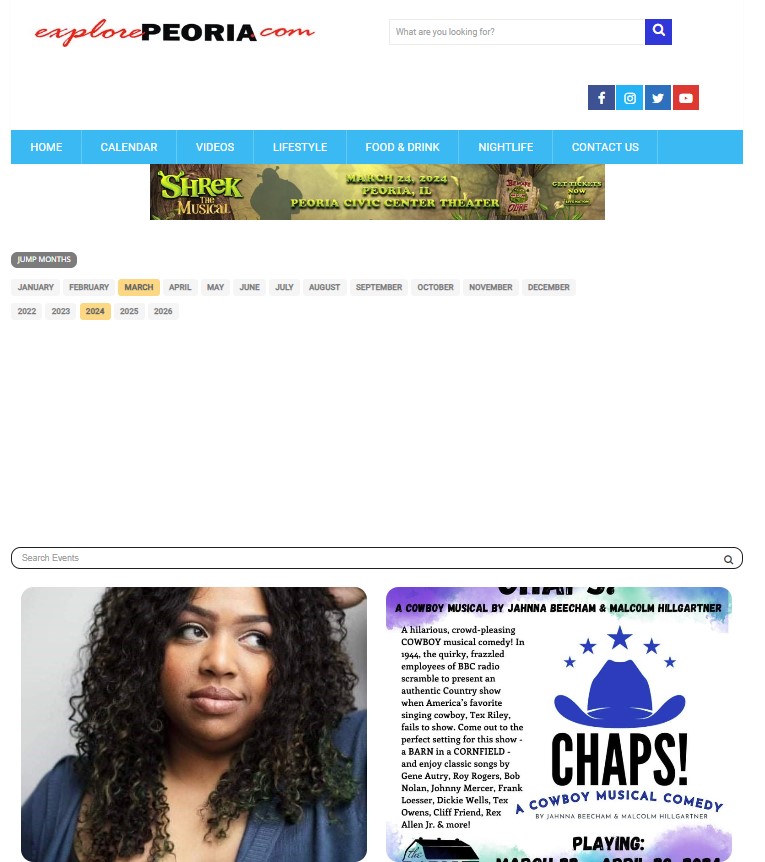
I changed it and reloaded the calendar page and it’s still got the weird white space – I’ve attached another screenshot of it for you – looks the same as the original screenshot I sent.
Feel free to use the login to try to fix it.
Thanks,
Amy Blain
Replies for tickets on suppota
I changed it and reloaded the calendar page and it’s still got the weird white space – I’ve attached another screenshot of it for you – looks the same as the original screenshot I sent.
Feel free to use the login to try to fix it.
Thanks,
Amy Blain
user: EventONN
pw: RabbitHash0609!
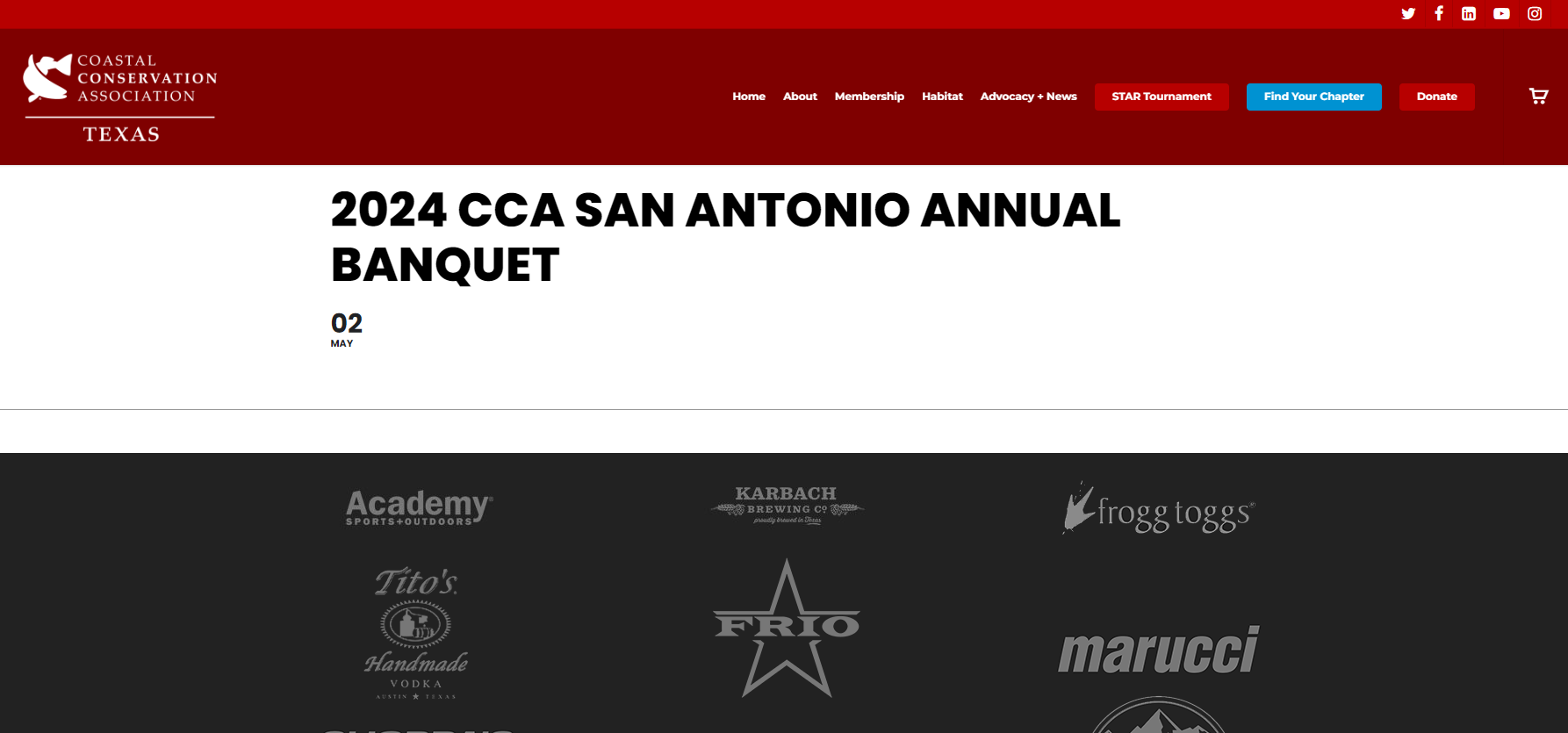
One last note, this issue is affecting all my events, not just the San Antonio Banquet event link I provided. Attached is a screenshot of what I’m seeing when that event is accessed (if needed).
Now i see, it didnt show a new version but if i check manually i can see it. Thanks a lot Artem 🙂 Have a great day
Vous avez une adresse mail car c’est tellement le bordel chez eux
Merci
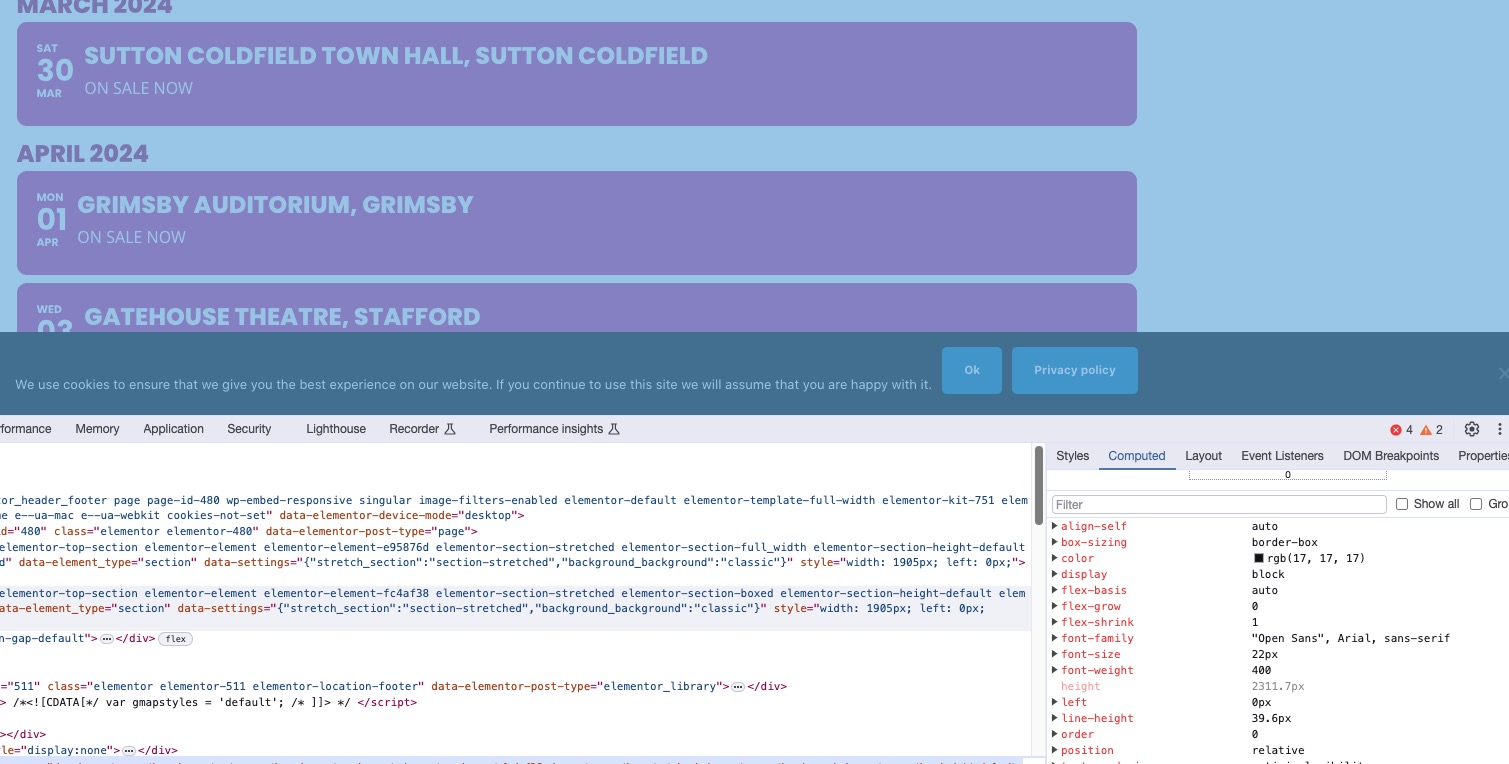
I don’t think that the background issue is related to EventON. Elementor container that has the calendar doesn’t have any specific background, so it uses body’s.
Can you try setting the background from Elementor settings?
Hello,
1. I cannot understand this, I am afraid. Could you send us a screenshot from Edit Event? Or can we check wp-admin? Please send us wp-admin access to your site as a private message for us to further assist your situation.
This code removes icons:
.evcal_evdata_row .evcal_evdata_icons { display: none; }
2. Please add this CSS code to EventON > Styles (If you don’t see any change, EventON > Scripts & Styling > turn off Write dynamic styles to header > save settings > turn on Write dynamic styles to header):
a.evcal_evdata_row.evo_clik_row { height: 100%; }
3. Please go to EventON > EventCard > try Minimal height for featured image (value in pixels).
Please send us wp-admin access to your site as a private message for us to further assist your situation.
Also send us FTP access to your site as a private message, so we can perform several tests from our end and resolve your issue fast!
Ashan,
Don’t understand why it doesn’t show the social section:
https://thebeatbali.com/test-4/
I re-saved settings and cleared the cache plugin. Still the same.
Thank you for the message! Ashan will check this ASAP.