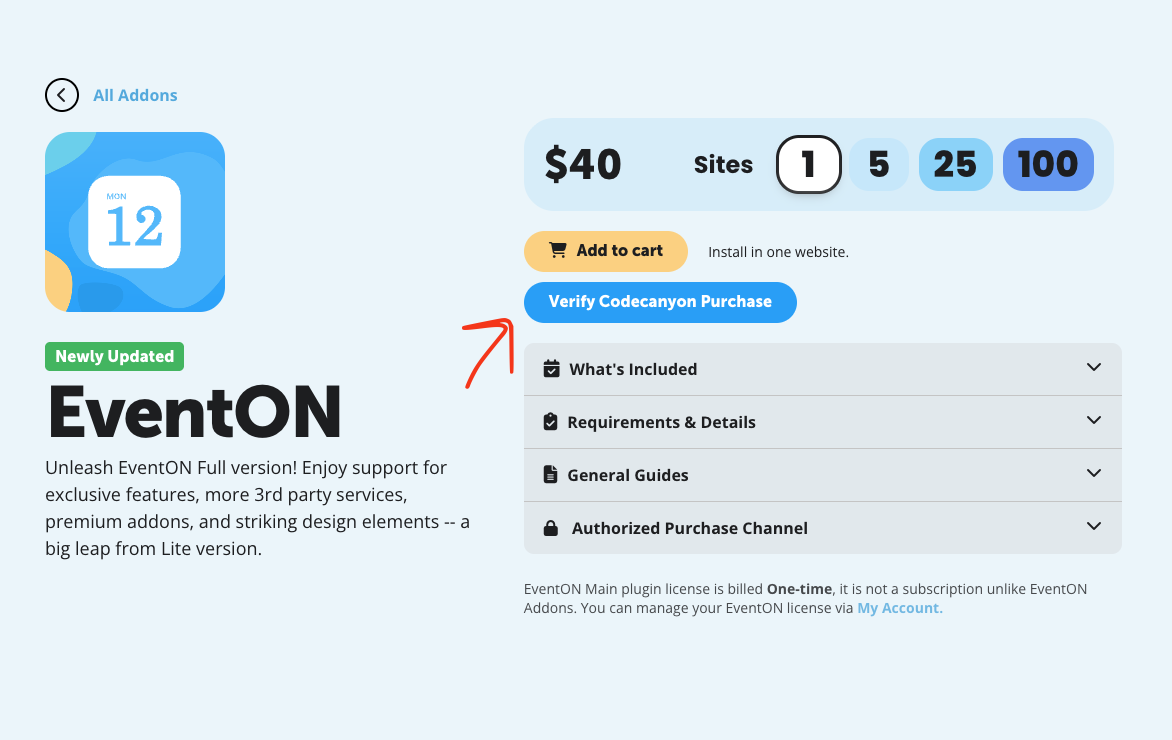
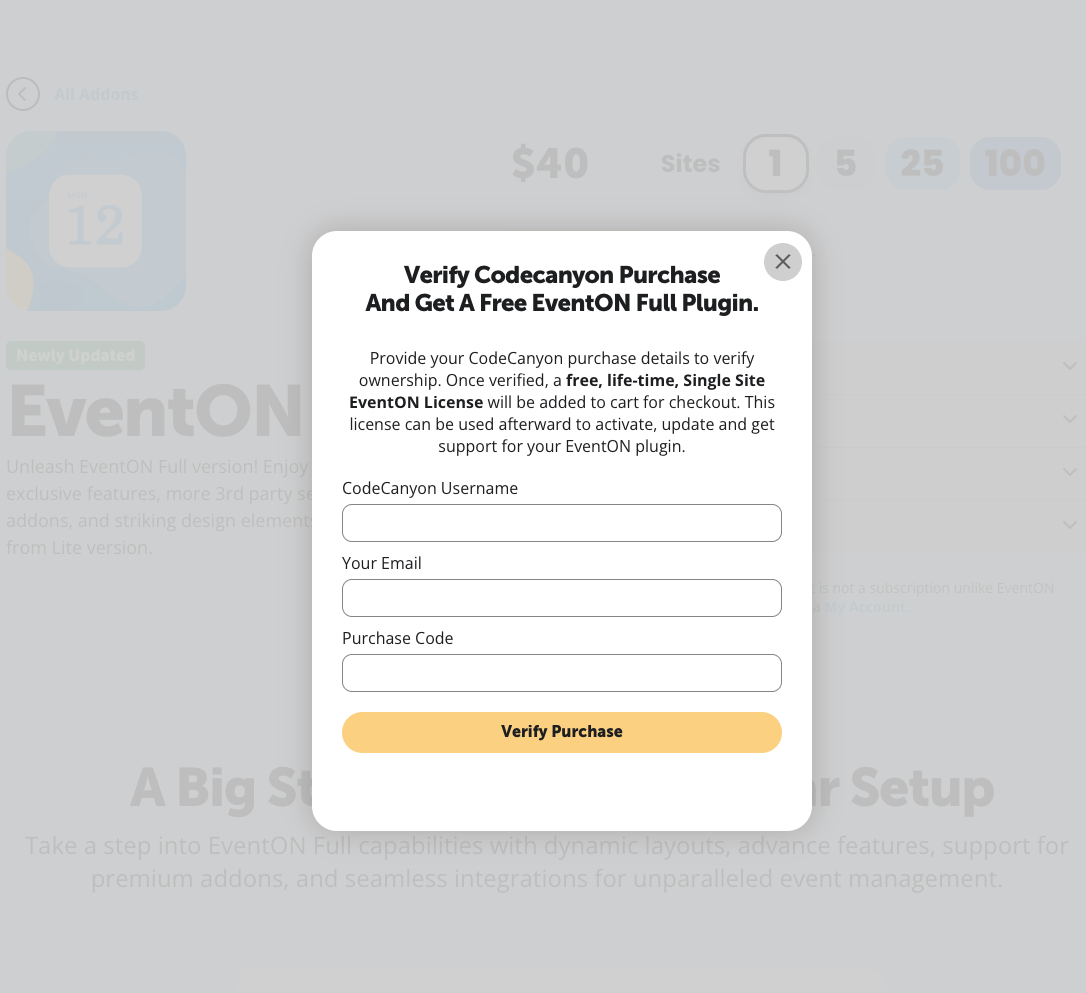
Please take a look at these screenshots on how to get a free copy of EventON with CodeCanyon’s license:
Replies for tickets on suppota
Please take a look at these screenshots on how to get a free copy of EventON with CodeCanyon’s license:
Hello,
Please update EventON to 5.0.8.
After the update, could you let us know which event you are referring to with the issue. This one:
https://defiancelibrary.org/events/shoot-a-hoop/
Could you also send us a screenshot of the issue, if possible?
I need to re-create the issue, so could you send us a screenshot of how you created the element I pointed to.
Please also send us wp-admin access to your site from ”Access Info” box on right side menu, to further assist your situation.
We are glad your issue is resolved, if you have any further questions or concerns please create a new ticket.
We are glad your issue is resolved, if you have any further questions or concerns please create a new ticket.
Thank you, i’ve shared the login information.
I haven’t updated the plugin yet, because doing the daily no load issue on both versions thought best to leave it as is now.
Please let me know what else need from me and for your assistance!.
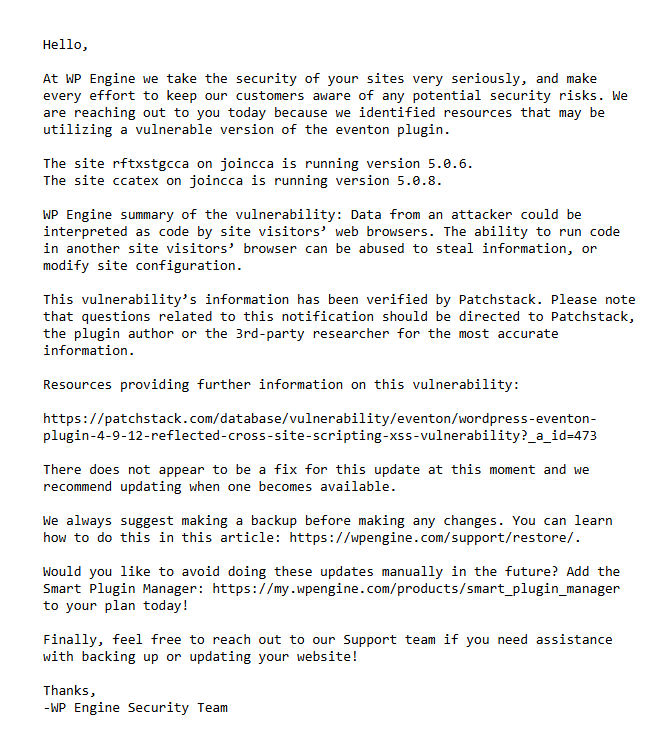
Here is the link from the email, so you don’t have to type it out: https://patchstack.com/database/wordpress/plugin/eventon/vulnerability/wordpress-eventon-plugin-4-9-12-reflected-cross-site-scripting-xss-vulnerability
Artem/Dev – Please see the attached image from an email I just received from WP Engine about EventON having a plugin vulnerability. It is referring to Cross Site Scripting (XSS) issue I brought up back on December 9th, and it looks like it’s been upgraded from a ”low priority” to a ”medium priority”.
I have two questions:
I would appreciate a prompt response, as I need to decide on whether there are any risks involved with having EventON.
Thank you.
I need this too.
Thank you! All good now!