This has been a tad frustrating. I had to install a plugin to force the purchase of an event to change from “processing” to “complete” so the end user could receive the event details. It’s working, because of a plugin.
I guess that is ok :). unless you have a different solution. I’ve about exhausted a week trouble shooting this one. :).
thank you for helping me
We are having issues with this, you can see the toggle on both of these sites:
https://museum.simcoe.ca/whats-on/upcoming-events/
and
https://experience.simcoe.ca/events-directory/
When you click the toggle to the map, sometimes the events load and sometimes they do not. And if you toggle back to the tile view, not all the events load up.
There are also weird things happening with the calendar, the days and dates do not change as you toggle through, see screenshot: https://share.zight.com/jku8B6lX each month shows that the 1st of the month is a Monday for eveyry month.
Hi
We didnt do any customize changes for that,
We are using time GMT +2 as always and the issue is happen after update the version, and as i remmber at the beginning of February you had the same problem and you fixed it in the update.
I can’t give you access from the moment to the moment, it has to go through the main programmer who will give you permission after backing up everything before your actions or on a test environment
We have currently turned off the option of confirming sending tickets until you will fix it on your side in the next update
Thank you
Nitzan
Where can I change the size of the slider card? I need to show more of the image (so the image is square, or near square, above the text part).
Also, the original problem with the share icons not showing at the bottom on the calendar event cards is still a problem. They show on the slider event cards but not the calendar event cards. Please check
Unfortunately this didn’t work.
It didn’t seem to make any difference. All local cookies have been cleared and the server cache. Multiple browsers and private browsers used.
All websites now display incorrectly with the following examples of errors:
- incorrect colouring (littlemixshow.com)
- not displaying at all (spicegirlsshow.com – the entire bottom of the page isn’t working)
- inconsistent popups on some devices but not others
- Everything working but popups twice the size they used to be (dinosauradventurelive.com)
However, the install is across a multi-site WordPress setup so there should be no individual differences
That did the trick, thank you!
I do have another issue. I will put it here but please let me know if I need to open another ticket since it is a different issue.
When I download my events, not all of the events are downloading. For example, I downloaded after making the above fix and the number of downloaded events in my spreadsheet is 1,391 and the number of events in the dashboard of my site is 2,120. And it does not appear to be dropping the events just from the end of the list – the second event in my dashboard does not show up on the download.
Can you help me troubleshoot that?
Thank you!
Ok it appears to work now. But the size is different from before. I need it rectangular down, but it is now square.
I will check the settings.
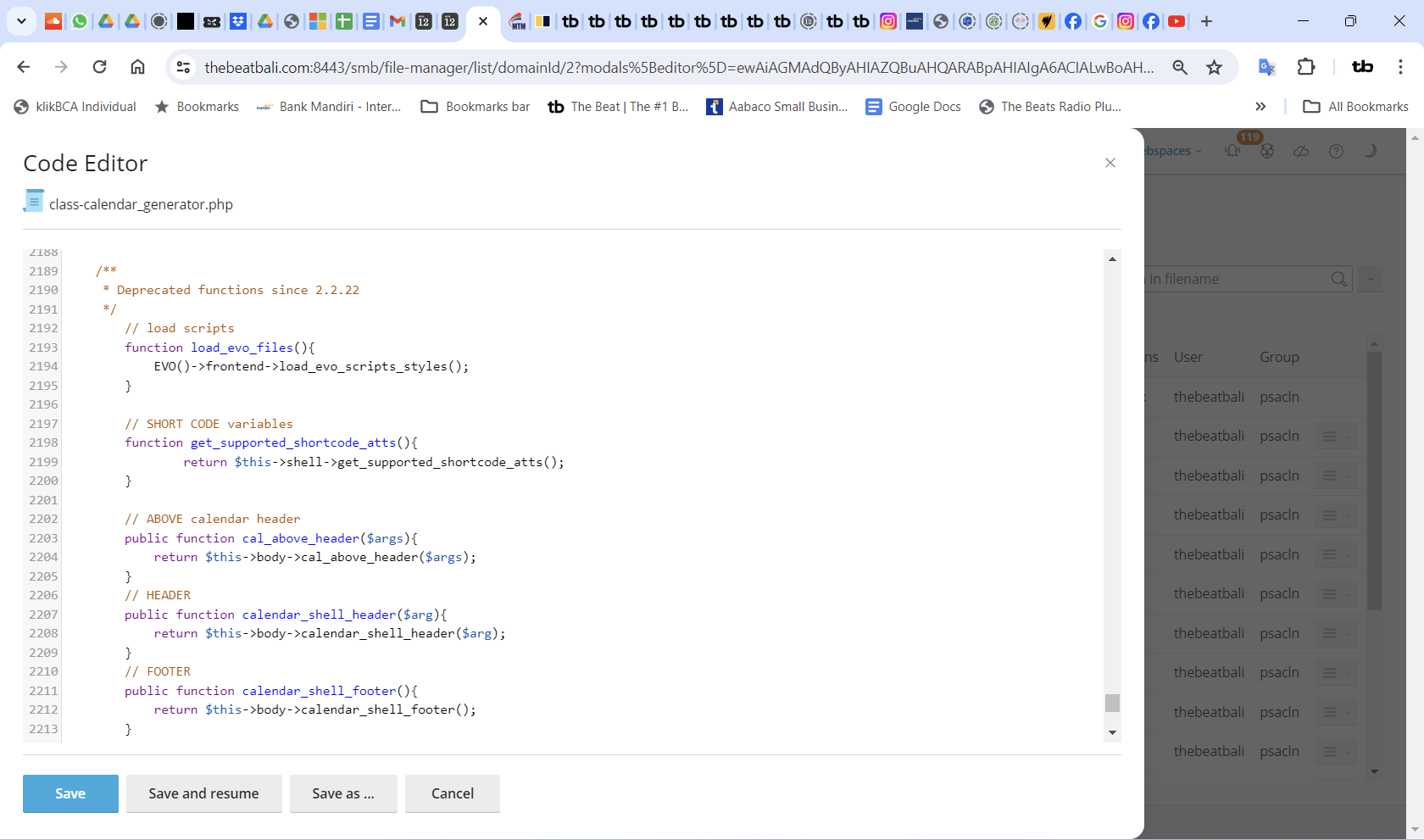
I added your text via Plesk but the slider is still the same.
Can you check please?
Hello,
May i ask you to explain to me and send me the corrected code,
I’m not a programmer, I am the PM and i am not sure what you ask me to change , This is the code at this moment:
<h5>לוח ההופעות שלי עומד לרשותכם להזמנת כרטיסים ומקומות און ליין.</h5>
<script src=”https://ajax.googleapis.com/ajax/libs/jquery/3.2.1/jquery.min.js”></script>
<script type=’text/javascript’ src=’https://standupist.co.il/wp-content/plugins/eventon-api/eventon.js?ver=1.0.6′></script>
<script type=”text/css”>.ajde_evcal_calendar.evoapi #evcal_list .eventon_list_event .hasFtIMG .evcal_desc { padding-left: 0 !important; padding-right: 170px; } .ajde_evcal_calendar.evoapi .eventon_events_list .eventon_list_event .hasFtIMG .evcal_cblock { left: 0; right: 0; } .ajde_evcal_calendar.evoapi .eventon_events_list .eventon_list_event span.evoet_time_expand.level_3 { } .ajde_evcal_calendar.evoapi .eventon_events_list .eventon_list_event .ev_ftImg { margin-right: 10px; } .ajde_evcal_calendar.evoapi .eventon_events_list .eventon_list_event .hasFtIMG .evcal_cblock { left: 0; right: 90px; } .ajde_evcal_calendar.evoapi .eventon_events_list .evcal_time.evo_tz_time { padding-right: 165px; } .ajde_evcal_calendar.evoapi .eventon_events_list .eventon_list_event .evcal_cblock span { float: right; }</script>
<script type=’text/javascript’>
jQuery(document).ready(function($){
$(‘#eventoncontent’).evoCalendar({
api: ‘https://standupist.co.il/wp-json/eventon/calendar?event_type_5=1241&show_et_ft_img=yes’,
calendar_url: ‘https://standupist.co.il’,
new_window: true,
loading_text: ‘טוען הופעות…’,
});
});
</script>
<div id=”eventoncontent” style=”height: 100%; width: 100%;”></div>
Can infotainer please post the css so that we can all benefit from the solution? Removing the checkboxes was a mistake – nobody was asking for this change in feature requests and it was not documented anywhere. It makes the User Experience worse and does not address any of the many problems that need attention in EventON software