Reply to: tickets(399157)

Hi Artem,

I’m unable to run this kind of test on the live environment, since it’s behind CloudFront caching and uses the main Flatsome theme — deactivating it would impact production.

However, I’ve replicated the exact same scenario in my local Docker Desktop test environment, and the result is identical.

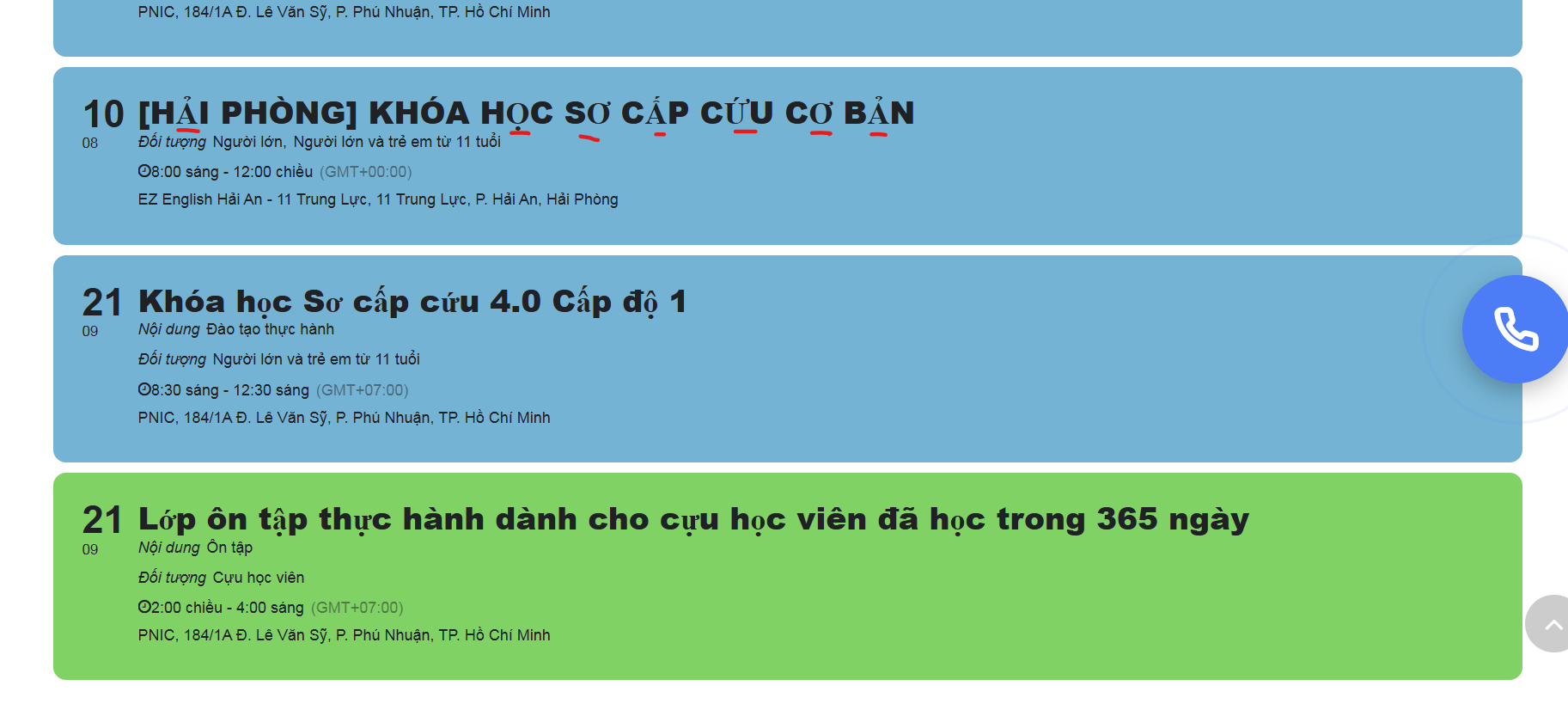
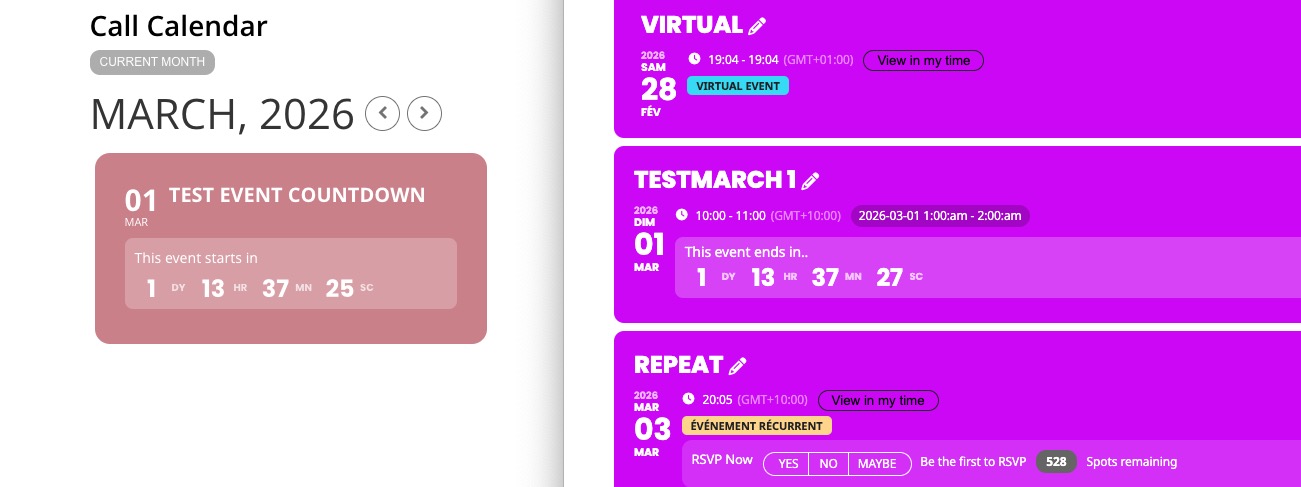
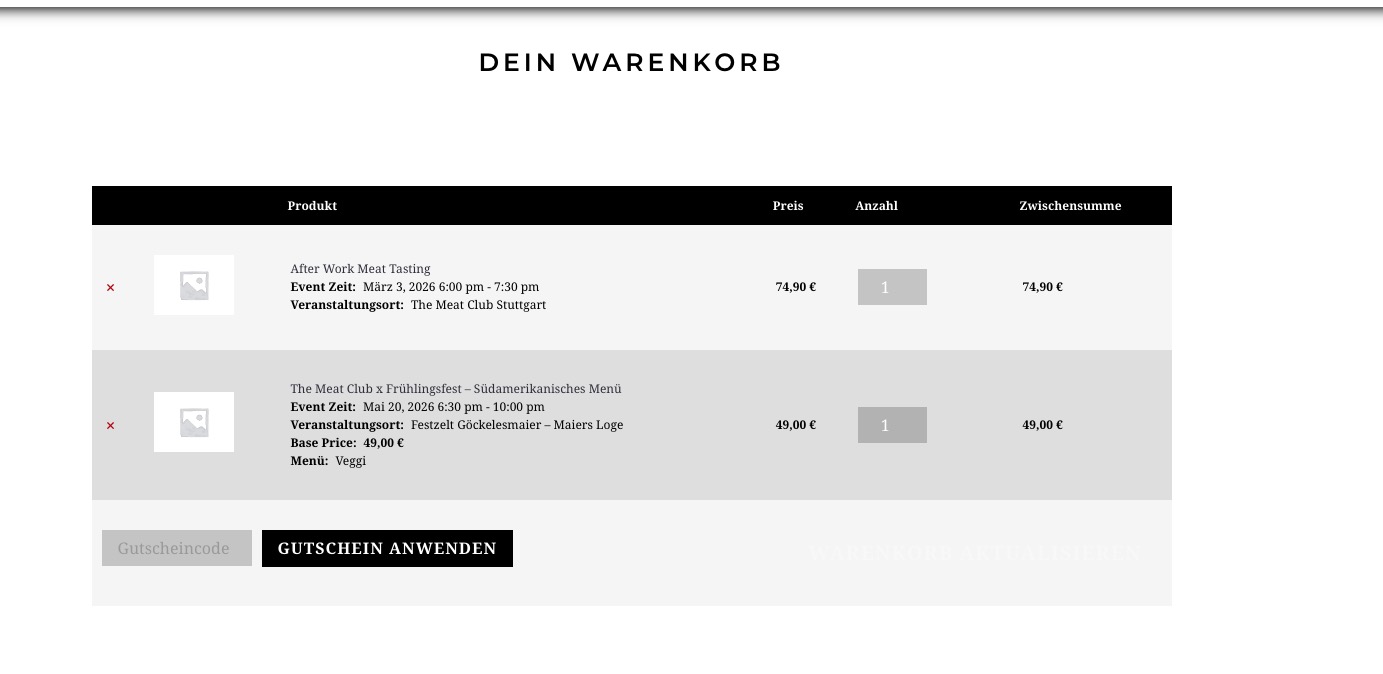
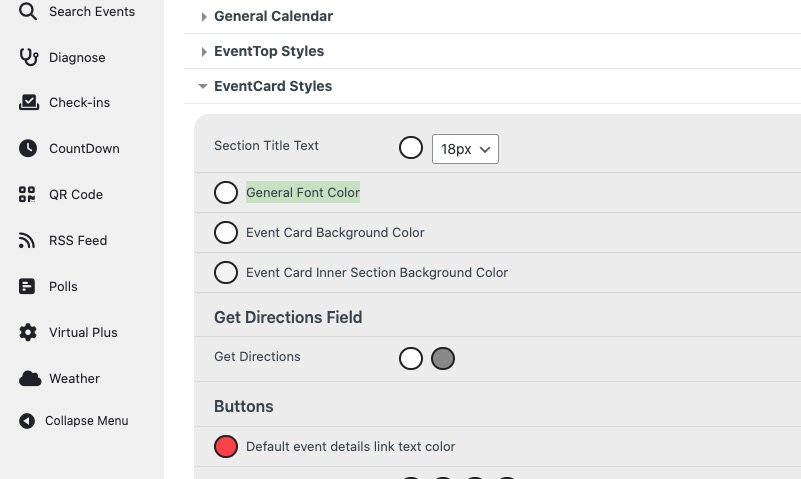
I’ve attached screenshots so you can see the behavior on my side.

Could you please share screenshots from your own test setup (using the same versions)?

  • WordPress: latest

  • WooCommerce: 10.3.4

  • EventON – Action User Plus: 1.3

Also, could you please confirm with the developer whether Action User Plus v1.3 is fully compatible with WooCommerce 10.3.4?

Thank you,

Daniel – Onevent.ro

<a href="https://helpdeskx.s3.amazonaws.com/wp-content/uploads/2025/11/12002618/Fara-titlu.png“><img class="alignnone wp-image-399268 size-thumbnail" src="https://helpdeskx.s3.amazonaws.com/wp-content/uploads/2025/11/12002618/Fara-titlu-150×150.png” alt=”” width=”150″ height=”150″ />

<a href="https://helpdeskx.s3.amazonaws.com/wp-content/uploads/2025/11/12002622/Fara-titlu2.png“><img class="alignnone wp-image-399269 size-thumbnail" src="https://helpdeskx.s3.amazonaws.com/wp-content/uploads/2025/11/12002622/Fara-titlu2-150×150.png” alt=”” width=”150″ height=”150″ />

<a href="https://helpdeskx.s3.amazonaws.com/wp-content/uploads/2025/11/12002626/Fara-titlu3.png“><img class="alignnone wp-image-399270 size-thumbnail" src="https://helpdeskx.s3.amazonaws.com/wp-content/uploads/2025/11/12002626/Fara-titlu3-150×150.png” alt=”” width=”150″ height=”150″ />

<a href="https://helpdeskx.s3.amazonaws.com/wp-content/uploads/2025/11/12002629/Fara-titlu4.png“><img class="alignnone wp-image-399271 size-thumbnail" src="https://helpdeskx.s3.amazonaws.com/wp-content/uploads/2025/11/12002629/Fara-titlu4-150×150.png” alt=”” width=”150″ height=”150″ />

<a href="https://helpdeskx.s3.amazonaws.com/wp-content/uploads/2025/11/12002633/Fara-titlu5.png“><img class="alignnone wp-image-399272 size-thumbnail" src="https://helpdeskx.s3.amazonaws.com/wp-content/uploads/2025/11/12002633/Fara-titlu5-150×150.png” alt=”” width=”150″ height=”150″ />

<a href="https://helpdeskx.s3.amazonaws.com/wp-content/uploads/2025/11/12002637/Fara-titlu6.png“><img class="alignnone wp-image-399273 size-thumbnail" src="https://helpdeskx.s3.amazonaws.com/wp-content/uploads/2025/11/12002637/Fara-titlu6-150×150.png” alt=”” width=”150″ height=”150″ />

<a href="https://helpdeskx.s3.amazonaws.com/wp-content/uploads/2025/11/12002641/Fara-titlu7.png“><img class="alignnone wp-image-399274 size-thumbnail" src="https://helpdeskx.s3.amazonaws.com/wp-content/uploads/2025/11/12002641/Fara-titlu7-150×150.png” alt=”” width=”150″ height=”150″ />

Reply to: tickets(399251)

The only difference I can see looking at successful seats made orders unavailable versus the ones where it skips it is the starting message of “Order status changed from Draft to Pending payment.” I have had the autocomplete on and off, and tried everything I can think of but I can’t make it consistently make the seats purchased unavailable. This has caused a lot of having to communicate with clients and reserve other seats for them. And I’m scared to check for new orders. We’ve turned it off until we can get this fixed, but would really like to have it working so the parents and community can buy tickets without the headache,

Reply to: tickets(399251)

Here is what the Stripe chain looks like on the orders it works for: 

  • Stripe charge complete (Charge ID: py_3SSJ2h3MLvDguMXU0pfOdnEg)

    November 11, 2025 at 2:59 pm Delete note

  • Order status changed from Processing to Completed.

    November 11, 2025 at 2:59 pm Delete note

  • Order status changed from Pending payment to Processing.

    November 11, 2025 at 2:59 pm Delete note

  • Stock levels reduced: Ticket: The Wizard of Oz November 21, 2025 – November 21, 2025 (ip-woz-11-20-25) 642→641, Ticket: The Wizard of Oz November 21, 2025 – November 21, 2025 (ip-woz-11-20-25) 641→640, Ticket: The Wizard of Oz November 21, 2025 – November 21, 2025 (ip-woz-11-20-25) 640→639, Ticket: The Wizard of Oz November 21, 2025 – November 21, 2025 (ip-woz-11-20-25) 639→638, Ticket: The Wizard of Oz November 21, 2025 – November 21, 2025 (ip-woz-11-20-25) 638→637, Ticket: The Wizard of Oz November 21, 2025 – November 21, 2025 (ip-woz-11-20-25) 637→636, Ticket: The Wizard of Oz November 21, 2025 – November 21, 2025 (ip-woz-11-20-25) 636→635, Ticket: The Wizard of Oz November 21, 2025 – November 21, 2025 (ip-woz-11-20-25) 635→634

    November 11, 2025 at 2:59 pm Delete note

  • Stripe payment intent created (Payment Intent ID: pi_3SSJ2h3MLvDguMXU0s56fUGI)

    November 11, 2025 at 2:59 pm Delete note

  • Event: (The Wizard of Oz) seat K7 made unavailable.

    November 11, 2025 at 2:59 pm Delete note

  • Event: (The Wizard of Oz) seat K9 made unavailable.

    November 11, 2025 at 2:59 pm Delete note

  • Event: (The Wizard of Oz) seat K11 made unavailable.

    November 11, 2025 at 2:59 pm Delete note

  • Event: (The Wizard of Oz) seat K13 made unavailable.

    November 11, 2025 at 2:59 pm Delete note

  • Event: (The Wizard of Oz) seat K15 made unavailable.

    November 11, 2025 at 2:59 pm Delete note

  • Event: (The Wizard of Oz) seat K5 made unavailable.

    November 11, 2025 at 2:59 pm Delete note

  • Event: (The Wizard of Oz) seat K3 made unavailable.

    November 11, 2025 at 2:59 pm Delete note

  • Event: (The Wizard of Oz) seat K1 made unavailable.

    November 11, 2025 at 2:59 pm Delete note

  • Event tickets successfully created.

    November 11, 2025 at 2:59 pm Delete note

Reply to: tickets(399251)

Those tickets for seats on Nov 20th R28 and R32 are still available in the system. I can turn on ticket buying and try to order more. I have turned on autocomplete as you advised.

Reply to: tickets(399251)

Here is the Stripe chain for the most recent order: 

  • Stripe charge complete (Charge ID: ch_3SSN6u3MLvDguMXU0Yc7143a)

    November 11, 2025 at 7:20 pm Delete note

  • Order status changed from Pending payment to Processing.

    November 11, 2025 at 7:20 pm Delete note

  • Stock levels reduced: Ticket: The Wizard of Oz November 21, 2025 – November 21, 2025 (ip-woz-11-20-25) 625→624, Ticket: The Wizard of Oz November 21, 2025 – November 21, 2025 (ip-woz-11-20-25) 624→623

    November 11, 2025 at 7:20 pm Delete note

  • Stripe payment intent created (Payment Intent ID: pi_3SSN6u3MLvDguMXU09lFbRXQ)

    November 11, 2025 at 7:20 pm Delete note

  • Event tickets successfully created.

    November 11, 2025 at 7:20 pm Delete note

  • Order status changed from Draft to Pending payment.

    November 11, 2025 at 7:20 pm Delete note

Reply to: tickets(399251)

Hello,

I just did tests on our site and after I manually set order’s status to Completed and waited for 2 minutes (as set in “Cart session timeout duration (time in minutes)”), seats are still unavailable.

Do you manually complete orders before the time runs out? Or could you go to EventON > Tickets > Checkout > Enable auto complete ticket orders > select all “Select relevent auto complete ticket order type”.

Reply to: tickets(399250)

Hello,

The previous ticket is still live and wasn’t closed. I am just not sure how can I test this. I tried switching the theme, but your built-in cache doesn’t take my changes into account.

I also did tests on our test site and no issues have appeared.

Unfortunately, at this stage I cannot escalate the issue to the developer as I need to re-create the issue on your website without the theme and only EventON + add-ons are enabled.

Could you let us know, how can we see Twenty Twenty Five theme enabled on your website?