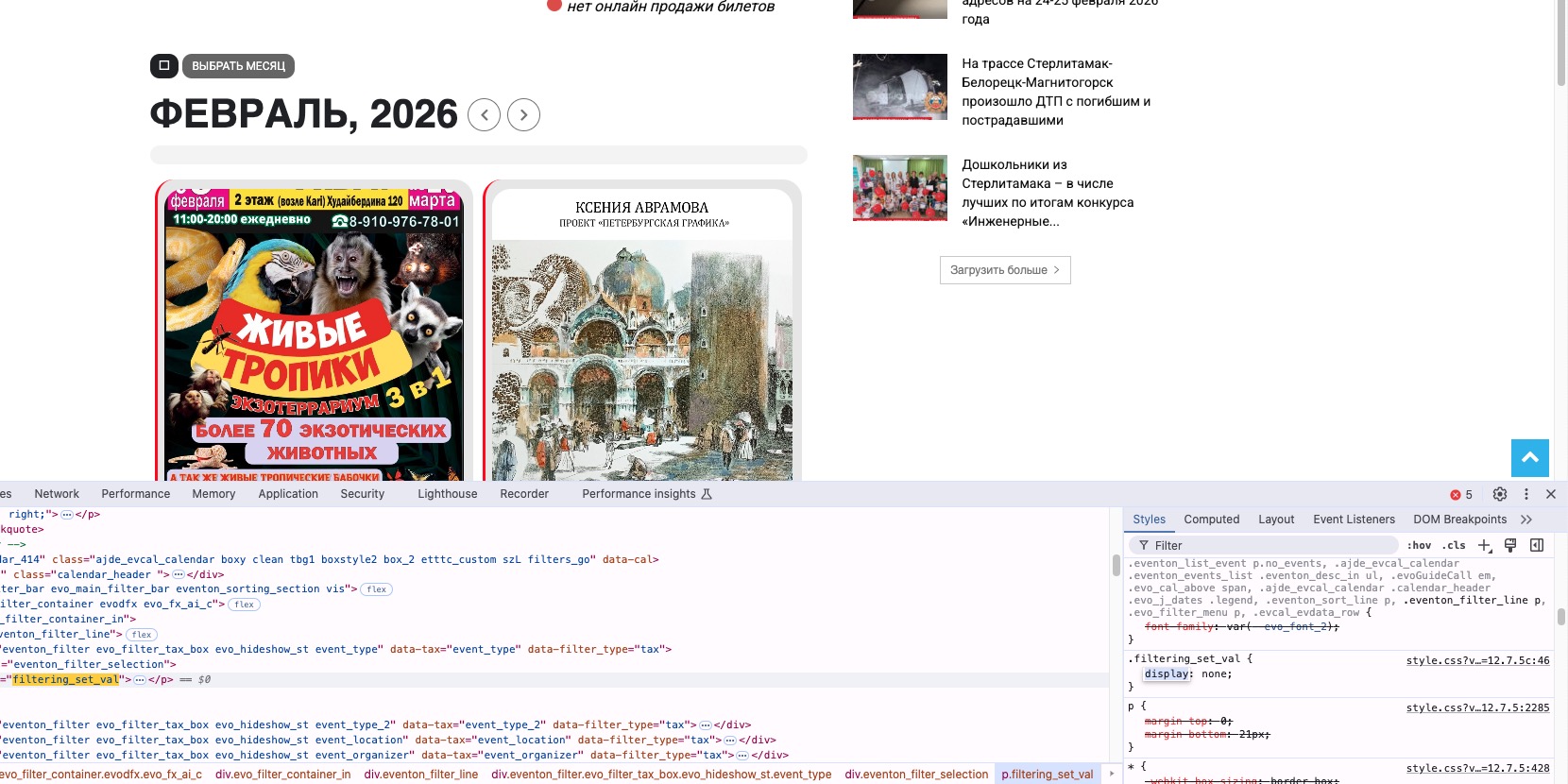
Maybe you need to clear some kind of cache plugin on your website? The style is still in the file:
Please also try adding this CSS code to EventON > Styles (If you don’t see any change, EventON > Scripts & Styling > turn off Write dynamic styles to header > save settings > turn on Write dynamic styles to header).
You can also add this code to wp-admin > Appearance > Customize > Additional CSS.
.filtering_set_val { display: block !important; }
We are glad your issue is resolved, if you have any further questions or concerns please create a new ticket.
Hello,
The current version of EventON 5.0.8 supports PHP 8.2 and up.
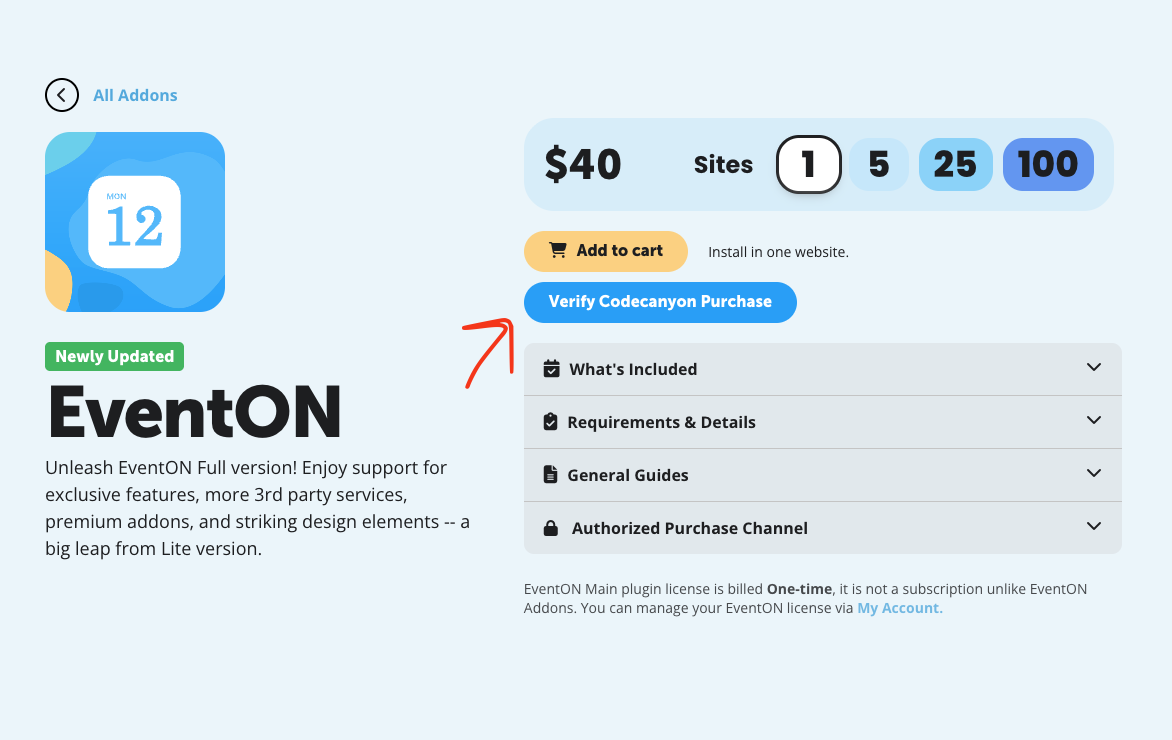
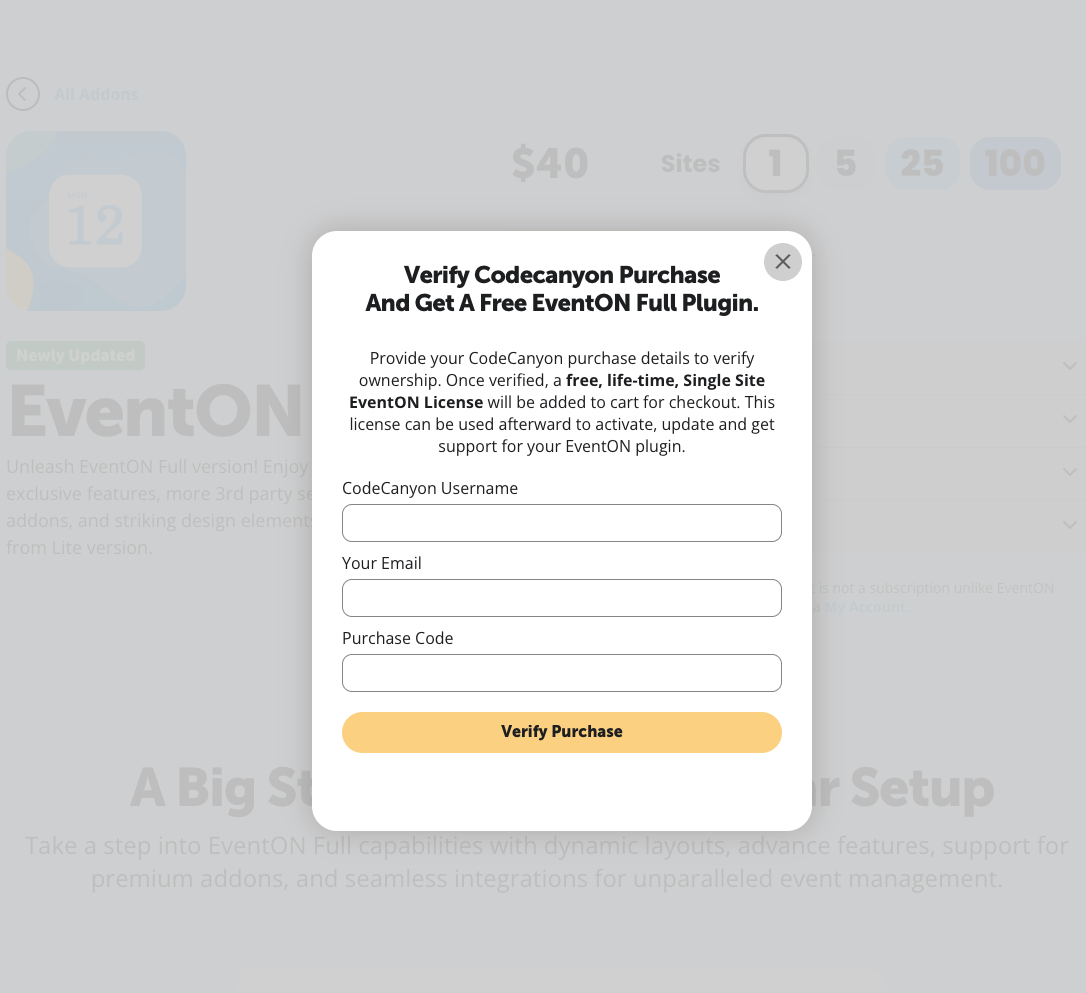
First of please take a look at these screenshots on how to get a free copy of EventON with CodeCanyon’s license:
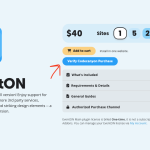
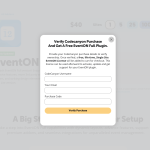
After, please follow ”2.2 – Back-end Way” of this guide:
https://docs.myeventon.com/documentations/update-eventon/
To update eventon addons: You can download latest eventon addons from myeventon > my account. Then you can go to your website, deactivate old addon and install new one and activate then delete the old addon. This link will further explain the process. Also you can follow us on twitter to get real-time announcements on updates!
We are glad your issue is resolved, if you have any further questions or concerns please create a new ticket.
We are glad your issue is resolved, if you have any further questions or concerns please create a new ticket.
I removed this style from style.css. But nothing changed.
Updated through the admin panel
Thanks for your help
This is to confirm that by installing 3.1 the problem resolved. Now notification emails are sent to recipients as CC.