Hello,
Could you go to EventON > Scripts & Styling > check if Write dynamic styles to header is disabled?
Please also send us wp-admin access to your site as a private message for us to further assist your situation.
Replies for tickets on suppota
Hello,
Could you go to EventON > Scripts & Styling > check if Write dynamic styles to header is disabled?
Please also send us wp-admin access to your site as a private message for us to further assist your situation.
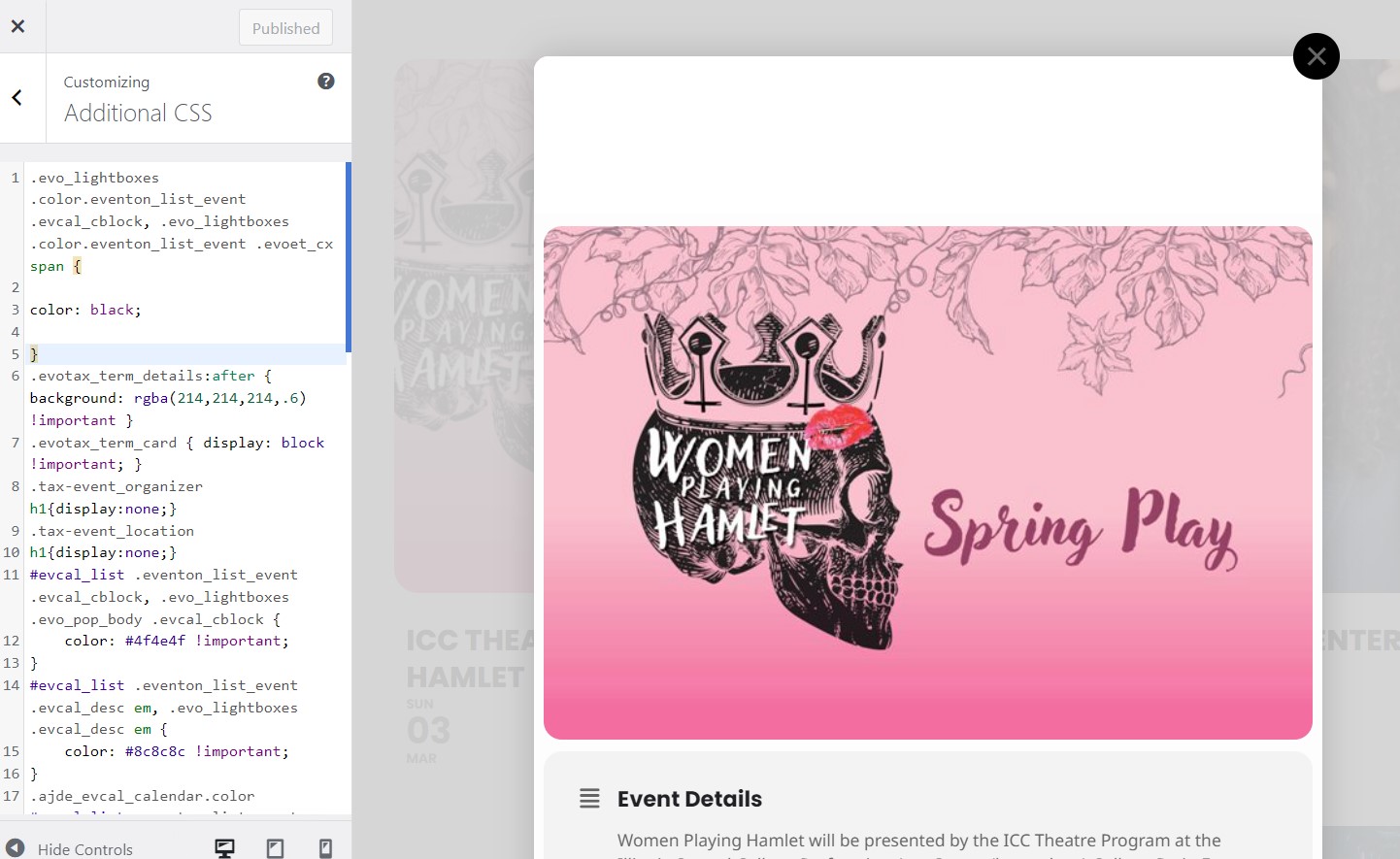
So I added that code where you said to do it – I put it at the top (there was other code there already), but it didn’t fix the issue.
Please take a look at the screenshot I’ve attached.
What else can I try?
Sorry for bothering on that again… Your solution works fine with importing just one field. Got the button text now, but I also need the button link URL. I roughly understand coding, but my PHP knowledge regarding syntax is frankly spoken not existent… How to hook a second or third variable (open link in new window y/n) into this?
Just copying and exchanging the parameters throughs a critical error message on the site.
you are using a very very old version of eventon from 2018
theres been alot of updates since then
To update eventon to latest version: If you are unable to do autoupdate, you can go to codecanyon your account > download and get the latest eventon version as zip file. Then you can go to your website > make sure “Delete eventon settings & data when EventON is uninstalled” is Deslected from eventon settings, delete old eventon, install new one and activate. This link will further explain the process it. Also you can follow us on twitter to get real-time announcements on updates!
in your version I have activated Do not delete eventon settings & data when EventON is uninstalled
if this is OFF all your events will vanish- but in the new version- the opposite is the toggle (so you have to toggle it on to delete everything)
because you are updating from eventon of 6 years ago – PLEASE PLEASE PLEASE CREATE A BACKUP FIRST
ALSO COPY AND PASTE ANY CUSTOM STYLES INTO A NOTEPAD FILE FOR safety however there have been major style changes in the last 6 years
there has been alot of changes since 2018. you are using 2.6.13 https://docs.myeventon.com/documentations/eventon-changelog/
create the backup first- or update using a staging site for safety
Please send us wp-admin access to your site as a private message for us to further assist your situation.
This is the first we have heard of this issue- we wouldneed to check the settings- it appears the next month navigation isn’t working iether
Thanks for this … now I purchased the RSVP addon and I would like to make all the text in the RSVP box bigger. Can you send me those styles please?
I’ve figured out how to do it. I updated the PHP file, and the organizer’s information is now displayed. However, there’s one thing that concerns me. The social share icons are not showing up. They are supposed to be displayed according to the event card design. What could be the problem? Do I need to create another card?
When you say “replace,” do you mean to delete everything in the mentioned file through the plugin file editor and then copy & paste there? I tried it, but ended up with a page filled with a series of numbers.
Hello Andy,
You are welcome, if you have any further questions or concerns please feel free to create a new ticket.