Hi again. I asked Linode to check what you asked for in regard to loading two calendars on the same page. They came back with this.
“The first thing I did hear was to check on your Linode’s host machine that it is currently residing upon. Looking at the host, I am not seeing any signs of an issue there and it is currently in a healthy state. Additionally, the load that the host is currently under is actually pretty low. This should help to rule out any resource contention occurring within the host that would potentially be causing performance issues.
Looking at your Linode’s CPU usage graphs, I am also seeing that the Linode is using a reasonable amount of its CPU power. It is currently averaging about 115% usage out of a possible 400% usage for your 8GB plan, which features 4 CPUs.”
I also notice updating eventon event pages is very slow too.
What could be the issue?
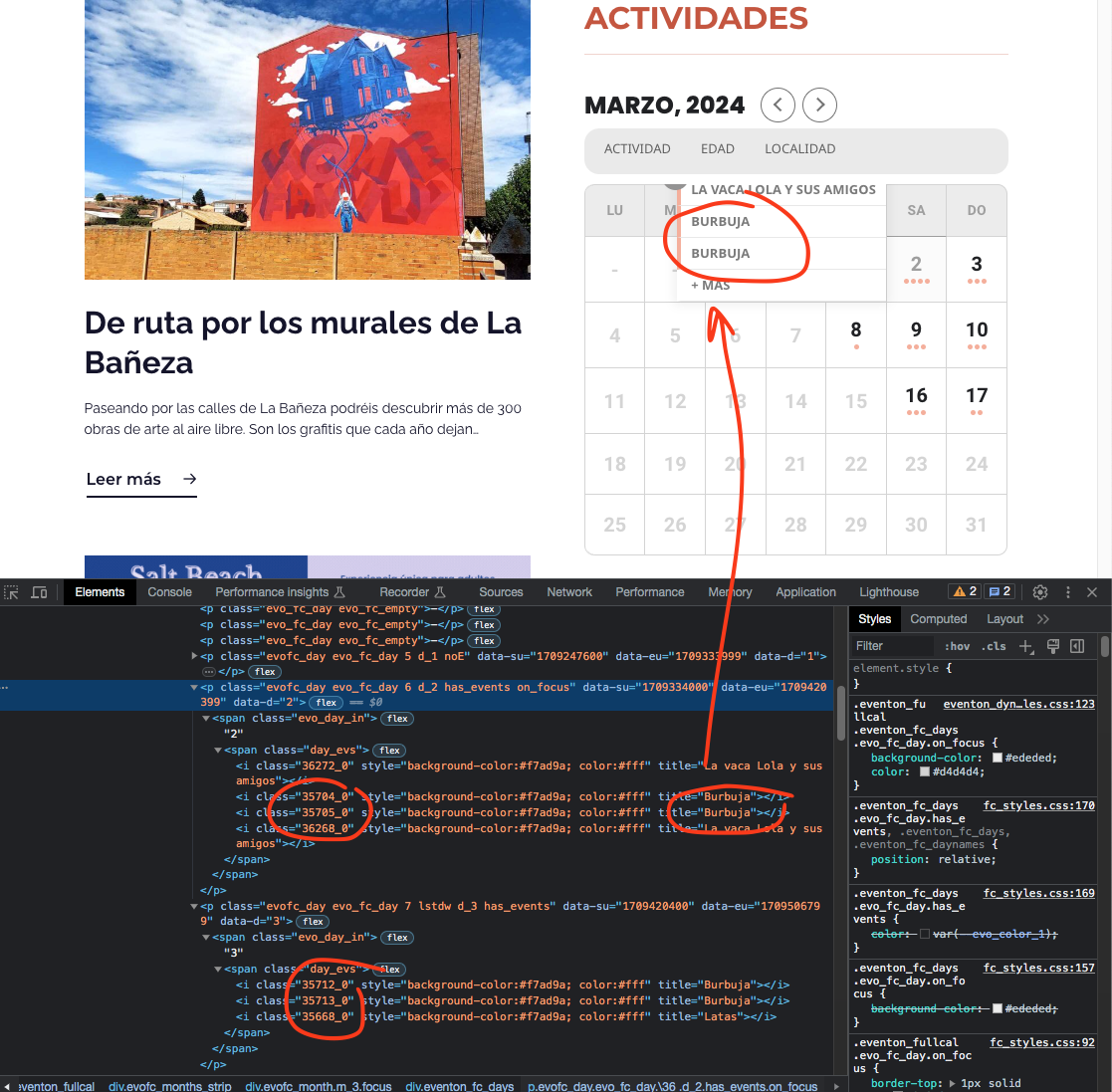
Hector I am not entirely sure what the issue is, because on March 2nd it is showing the event correctly in there. But you have 4 different events with the same name Burbuja.
here is the link to new invoice. http://tinyurl.com/3zjus3f6
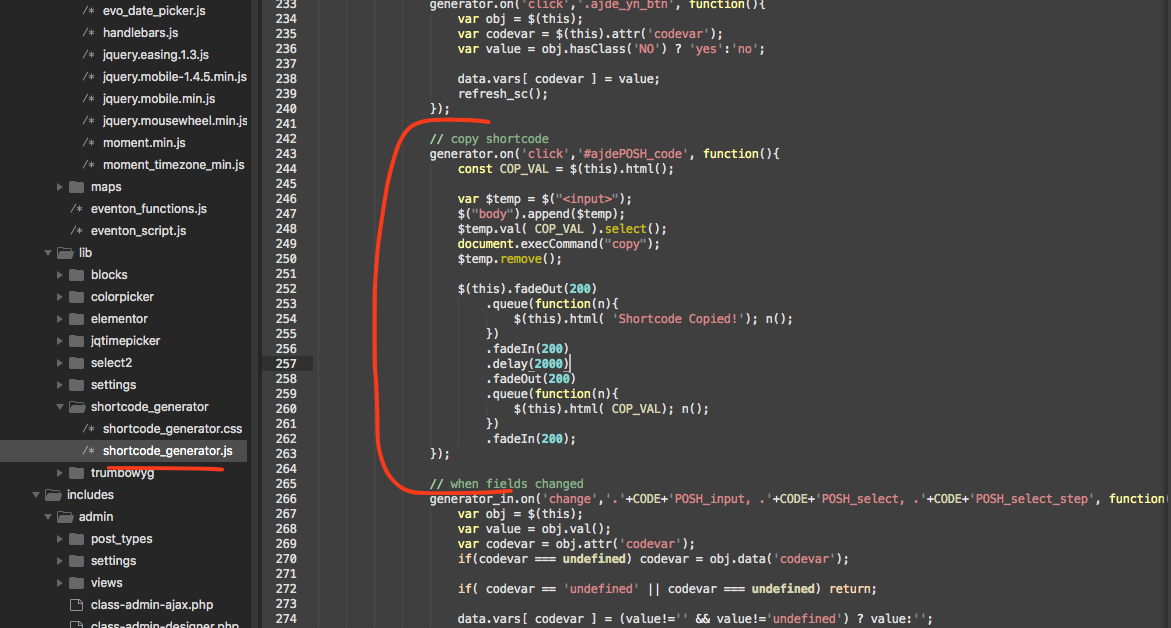
this is the part of the code that copy shortcode. – see below.
If you click the code it should be copied into clipboard for you to paste into where you need it.
I figured it out….i had something incorrect in my widget. Thanks!
Instead of EventON Calendar widget, could you try EventON Shortcode Executor (ESE) with
[add_eventon_list number_of_months=”12″ hide_empty_months=”yes” hide_mult_occur=”yes” event_type=”6781″]
Also…I just manually created events for March, April, May and June in this event https://www.itdojo.com/rmftraining/risk-management-framework-rmf-for-dod-information-technology-it/
And all that is showing up is June on the front end of the site. I am really confused. I have been using your plugin for years and never had this issue.
Please refund the cost of this add on
182736
Hello
Are you clicking on the shortcode once or do double click?