I have disabled GeoIP blocking and activated your account again so can access.
Of course we have a server caching plugin (WP fastest cache) and i have deleted all caches after plugin update
Replies for tickets on suppota
I have disabled GeoIP blocking and activated your account again so can access.
Of course we have a server caching plugin (WP fastest cache) and i have deleted all caches after plugin update
Hi,
the home page is www.world-film-festival.com
The back office link is www.world-film-festival.com/connect
Id: JJG
Password : Speedlight13@
Thanks a lot for your support.
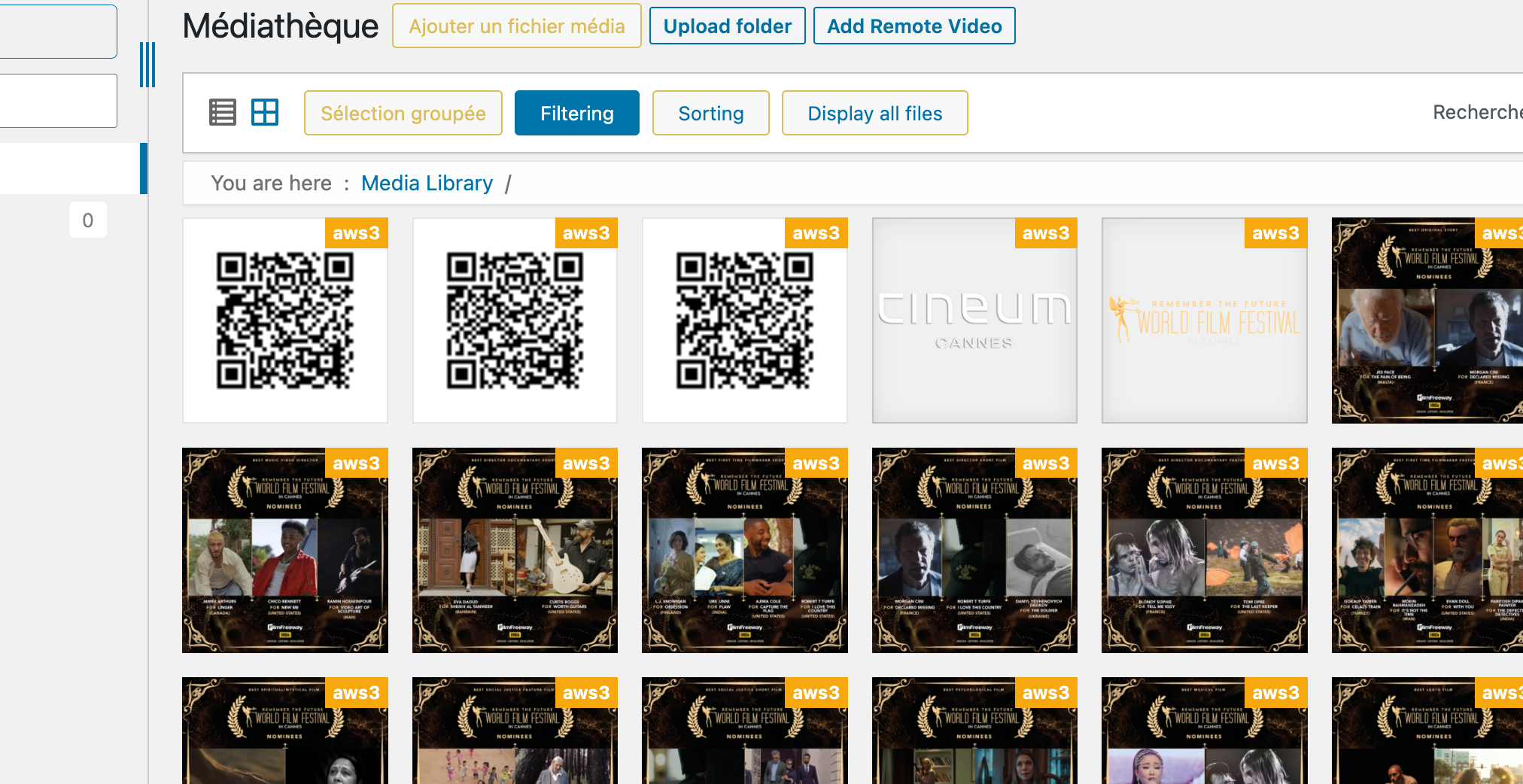
Hi, yes I have a plugin (WP Media Folder with an Add on) who pushes my medias to an Amazon S3 bucket to save space on my hosting service. This morning, I noticed that qr-codes appears on my ipad (mails and back office of the website), and they are working fine. I see now on my computer in the back office 3 qr-codes (screen capture). But, they are not working on my computer emails). I don’t understand why.
What can I do to make it works fine, because my customer and I need to use the qr-codes for the next meeting in a few days and I need to announce people they can buy tickets some days before the event.
Thank you very much for your help.
I’m looking through my website – and this issue is all over the place. I have created repeat events for most of my events because they repeat monthly, weekly, or every few months.
What will be the best way to showcase an individual event but have the NEXT date to show? Perhaps I’m just using the wrong shortcode.
If your app won’t help with this, please let me know so I can source something else.
Thanks again.
Hi there
Thank you very much, that update has worked well in fixing the events showing in a date range.
We’re seeing another issue now though where the calendar for displaying todays events is switching over to the next day too early eg, when it is 7pm Saturday here, the Calendar shows events for Sunday.
The page with the events is here
https://www.aucklandforkids.co.nz/whats-on-today/
Username: tempUser
Password: XuL62%kKGf$kx8D^KNqCnT8U
Login URL: https://www.aucklandforkids.co.nz/wp-login.php
Thanks for your help
Once the page does save (if it saves) if i try and access the frontend page, https://staging.kaoloi.co.uk/7586-2/ the page will often take a very long time to load and will not allow access to any other pages whilst this is loading. I have set the appearance to take the user to a new page for each event however this still is taking quite a long time to load
What would you suggest for me? I have the same event that occurs 3-4 times per year and I want to have my website always up to date of what the next date is. Perhaps you have a better way to do it for me?
Thank you.
We are sorry for the delay. Ashan will check this ASAP.
Hello,
Could you let us know more about your server? CPU, RAM, SSD or HDD and so on.
Hello,
Please go to EventON > EventTop > select Select Default Calendar EventTop Style: Clear with left border colors.