Hello,
You cannot just use
https://tehnopolis.me/en/dogadjaj/eng-test/
In order to show a translated event, you need to add L2, L3 and so on to URL like this:
https://tehnopolis.me/en/dogadjaj/eng-test/var/ri-0.l-L2/
Please also note that users usually see events on a shortcode where all events are translated. See “Step 3: Create Calendar”:
https://docs.myeventon.com/documentations/setup-language-corresponding-events/
I have the location already defined and the organiser – I just want to update each event with the new location and add it to those created without it
Thanks for this, quite straight forward.
I cannot login because of Two-Factor authentication.
Hello,
Do you want to update the location itself or assign a different location to an event?
Hello,
Please send us wp-admin access to your site as a private message for us to further assist your situation.
Also go to EventON > Time Settings > Timezone is the same as wp-admin > General > Timezone.
Hello,
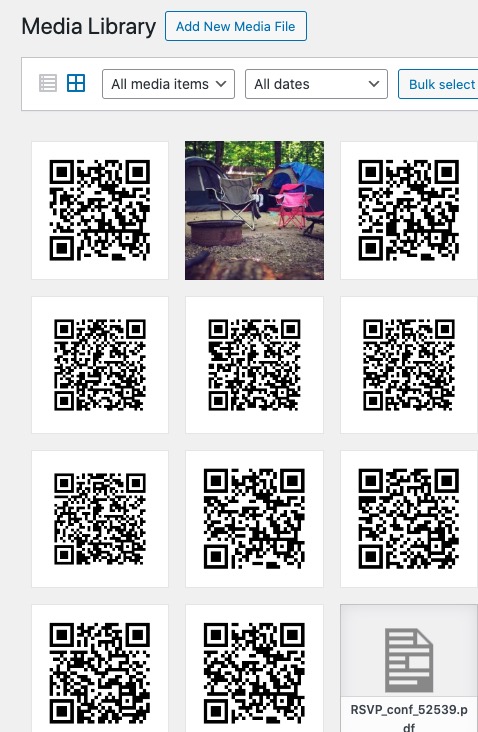
I cannot find any QR Codes in Media folder:
https://www.world-film-festival.com/wp-admin/upload.php#
Should look like this:
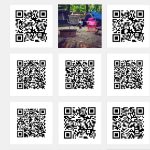
Is there a plugin that affects Media?
You can use any email you like to RSVP them.
Maybe you can use Action User:
https://www.myeventon.com/addons/action-user/
Simply create a new event for each person with date and time. You can do this from the front-end. Then you can search them in the back-end.
You can also use FullCal to show the whole month of bookings:
https://www.myeventon.com/addons/full-cal/
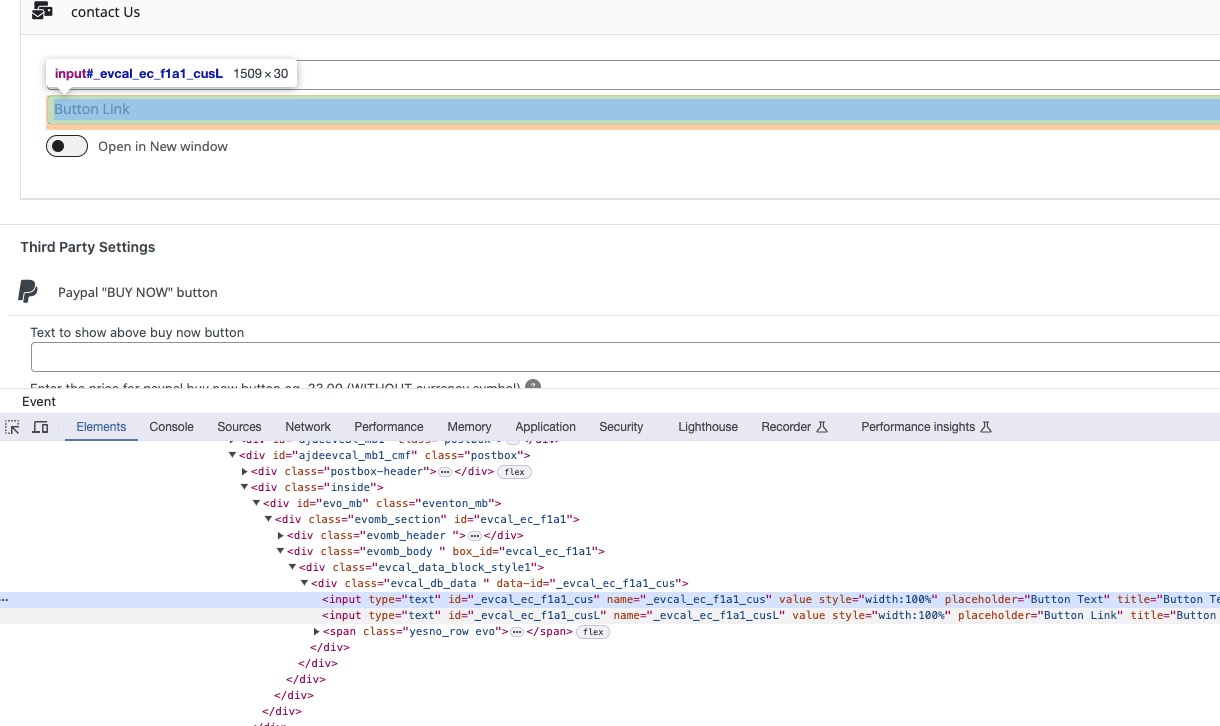
Please take a look at name of input elements you can find in the code:
Depending on fields’ number, you can use _evcal_ec_f1a1_cus, _evcal_ec_f1a2_cus and so on.
On my own website- I don’t use last name- in the language file I have changed Last name so they add Mr or Miss or whatever you could ask any other question that you also want to appear when you see who has RSVP’s at a glance
and I changed first name to full name
so they put their full name into the one field
hope that helps