Please replace your current time
01/01/2024,0:00,,23:59
with
“01/01/2024″,”00:00:AM”,”01/01/2024″,”11:59:PM”
Replies for tickets on suppota
Please replace your current time
01/01/2024,0:00,,23:59
with
“01/01/2024″,”00:00:AM”,”01/01/2024″,”11:59:PM”
Hello,
Please use this code to remove text-transform to make the text normal:
.eventon_events_list .eventon_list_event .evoet_cx span.evcal_desc2, .evo_pop_body .evoet_cx span.evcal_desc2, .eventon_events_list .eventon_list_event .evoet_cx span.evcal_event_subtitle, .evo_pop_body .evoet_cx span.evcal_event_subtitle {text-transform:none !important}
Please let us know which texts’ sizes do you want to change, so we can send you the code.
Do you have some kind of cache plugin on the server?
I cannot login to your website. Could you check and send us the correct login info?
Hello,
Since you are using Single Event shortcode, there is no way to hide the old repeat, I am afraid:
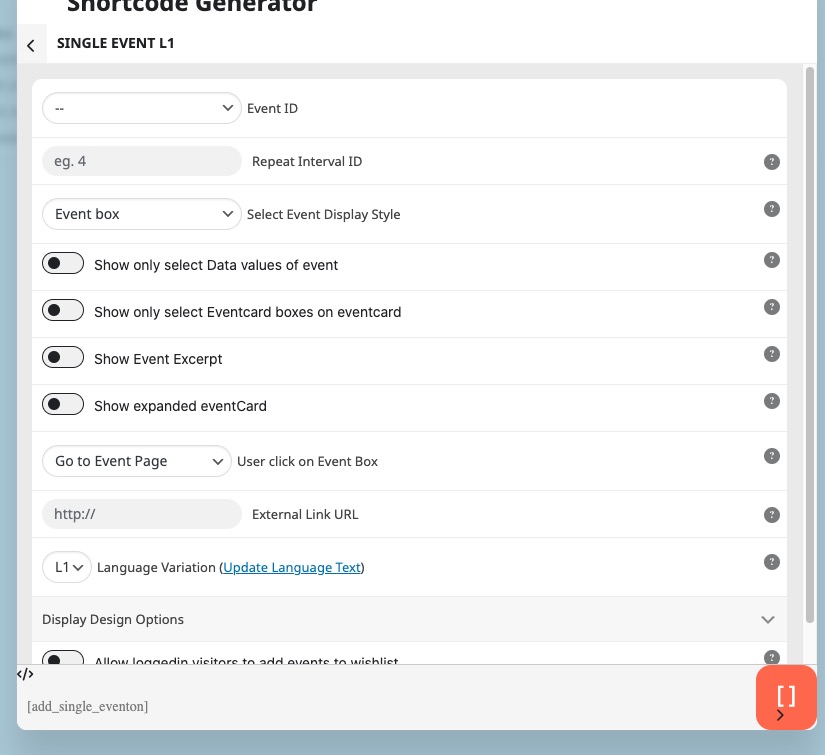
1. Please create a new ticket and select Feature Request as category so others can vote on your idea and get it moved into development faster.
2. Could you send us a screenshot of how you see the number? Here’s how it looks on my side:
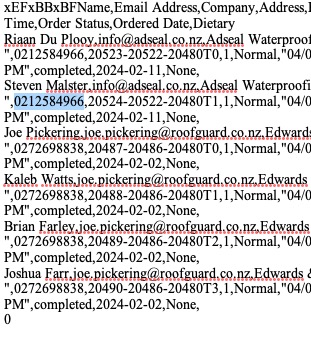
Hello,
You can simply use their data to RSVP the regular way through the RSVP form.
Try on
https://dev.myeventon.com/wp-admin/
Hello,
Not sure how to use WP Fusion with EventON, but here’s how you can use Event Type:
https://docs.myeventon.com/documentations/confused-event-type-categories/
https://docs.myeventon.com/documentations/how-to-use-event-types-to-do-more/
Hello,
Thank you for your great suggestion, at the moment it is not supported. However please create a new ticket and select Feature Request as category so others can vote on your idea and get it moved into development faster.
Hey Artem, thank you for getting back to me. Please see details below:
1. Would this be able to be a toggle-able option?
My client exports these csv files and has to manually remove that section each time. Maybe keep the current method as default, then an opt out or similar.
2. https://www.ardex.co.nz/services/training/
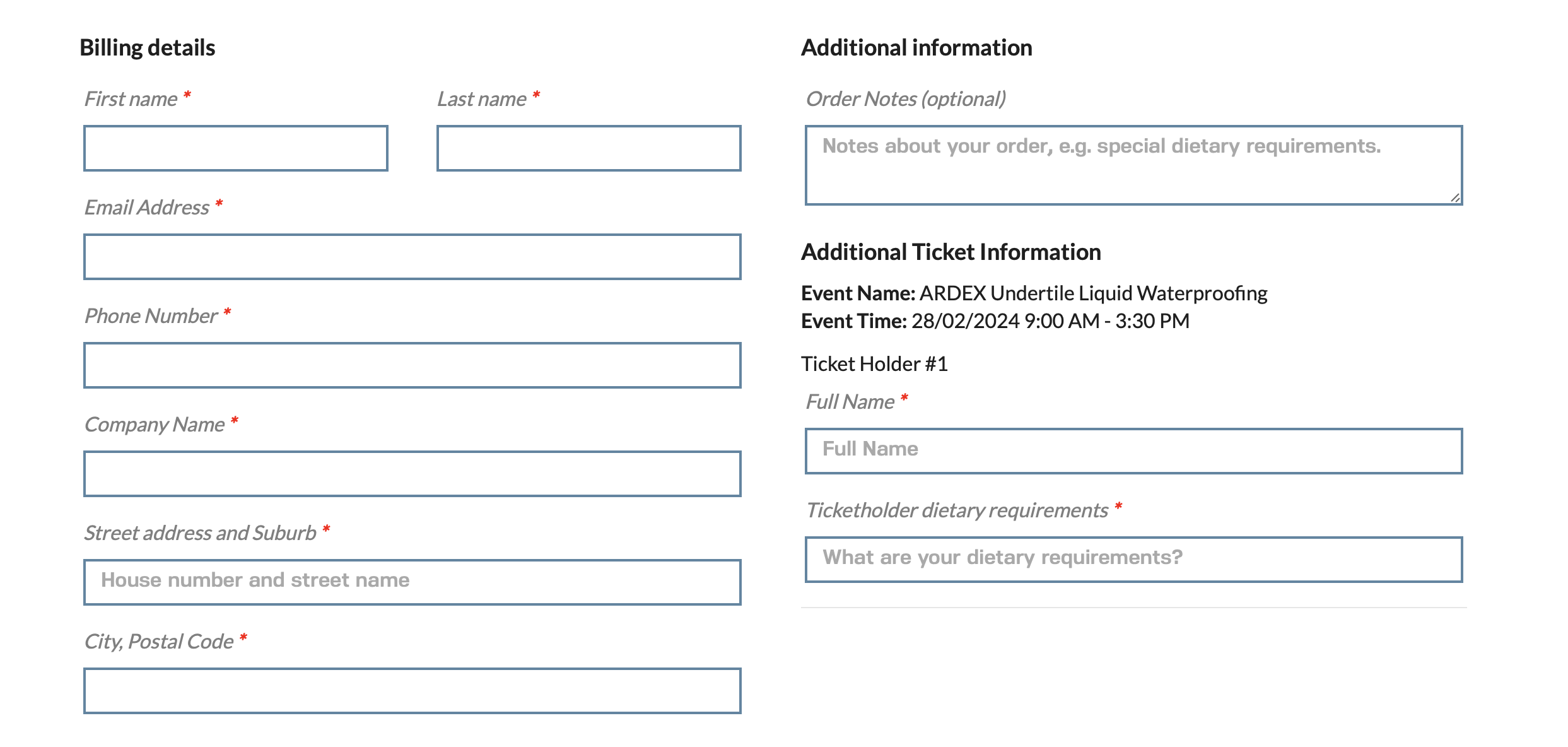
Add to cart, check out item, checkout page, WC phone input section in the checkout/cart. I’ve added a screenshot as well.
Thanks again