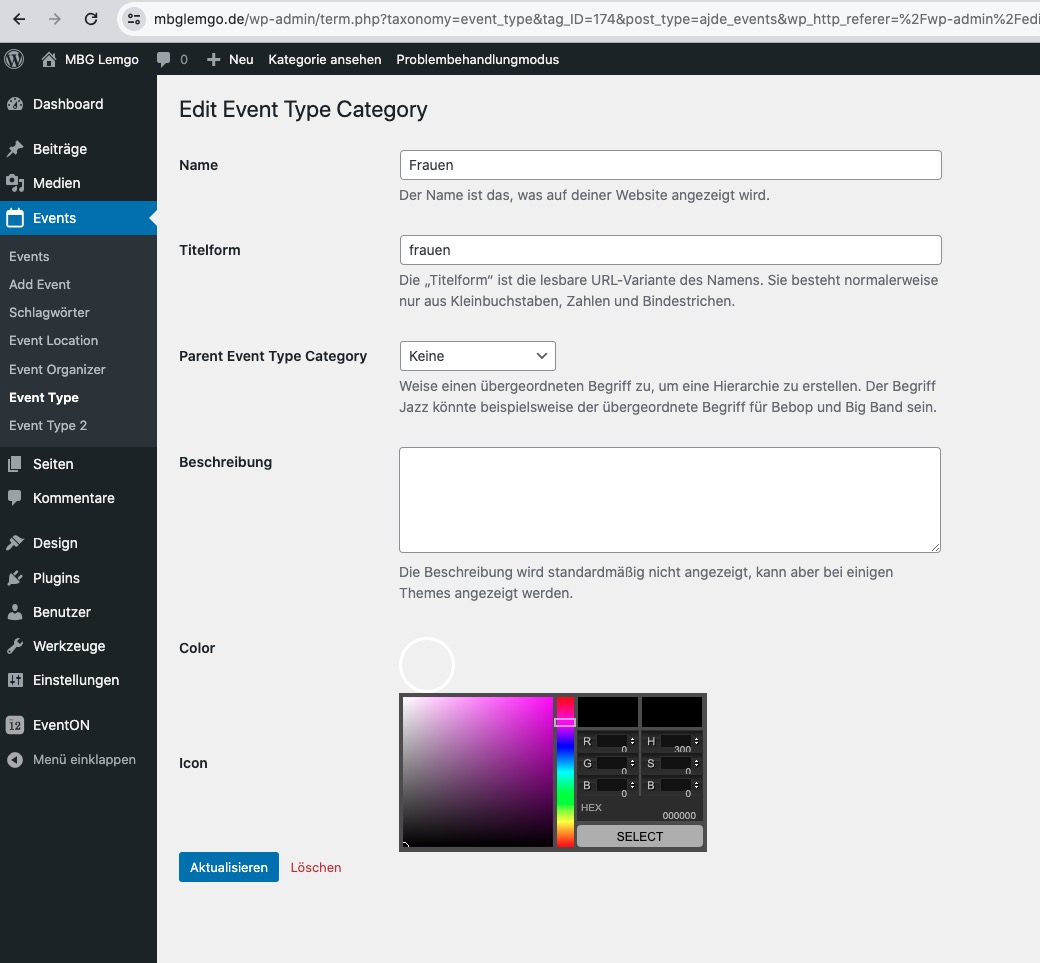
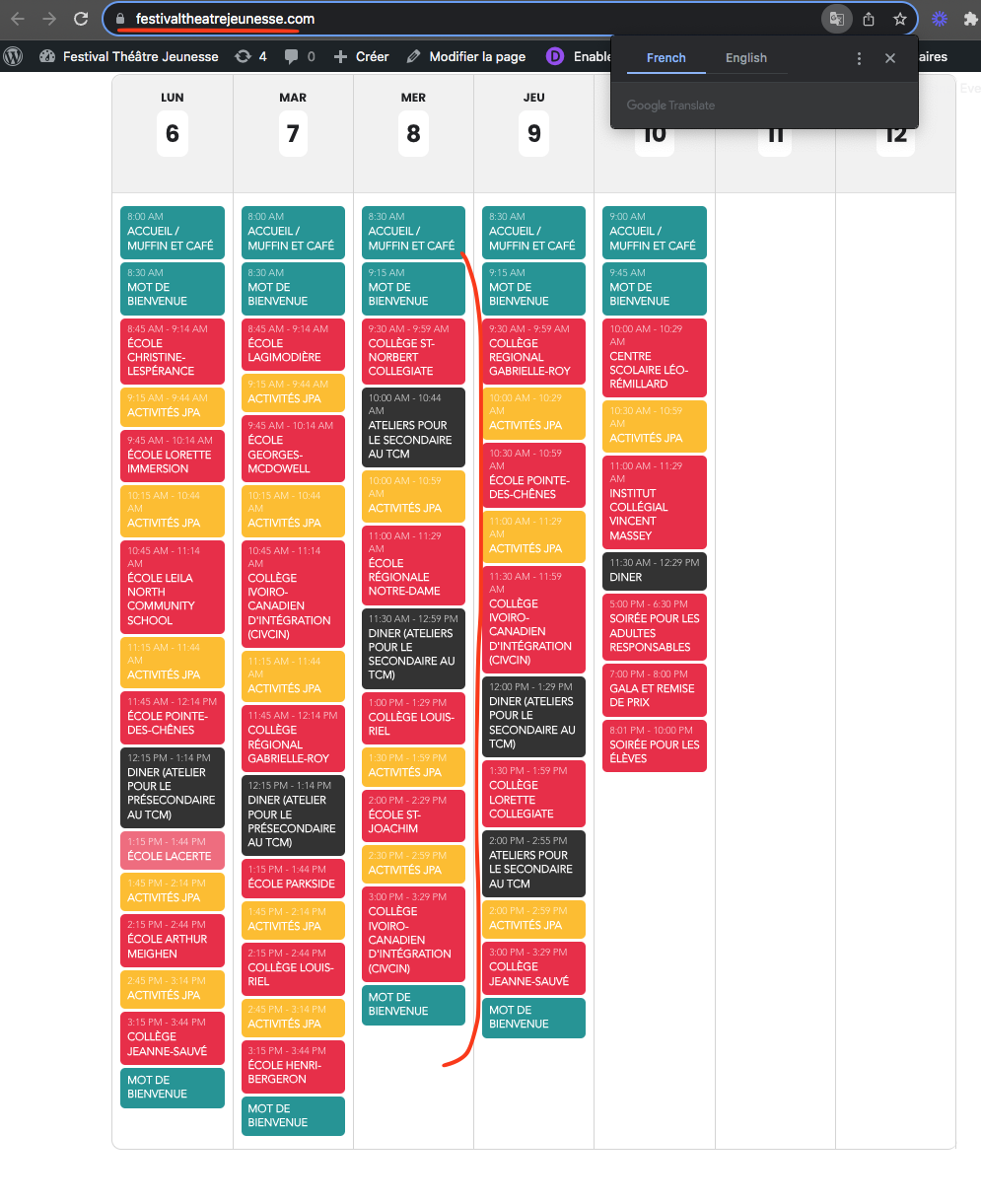
Please try this code:
.evo_metarow_cusF1.evorow.evcal_evdata_row.evcal_evrow_sm {text-align:center} .evo_metarow_cusF1.evorow.evcal_evdata_row.evcal_evrow_sm .evcal_evdata_icons, .evo_metarow_cusF1.evorow.evcal_evdata_row.evcal_evrow_sm h3.evo_h3 {display: none}
Ah sorry, I was trying to use the link from Site URL from the ticket: /event/wp-admin.
The issue happens because of disabled Google Maps API. Please go to EventON > Google Maps API > disable Disable Google Maps API.
But if you need to have disabled Google Map API please let us know.
In order to fix the first issue, please follow:
https://docs.myeventon.com/documentations/increasing-wordpress-memory-limit/
The second is just a warning which doesn’t affect the main functionality.
Hello,
Seems to be working when in Troubleshooting Mode:
https://mbglemgo.de/wp-admin/site-health.php?tab=troubleshoot
Could you please try the instructions mentioned in this documentation to make sure your issue is indeed coming from eventon.
ok so that is corrected thank you, where did yo umake he correction as i had everything set to new york time…thank you
Please use this code:
.widget-area .ajde_evcal_calendar #evcal_cur, .widget_block .ajde_evcal_calendar #evcal_head.calendar_header #evcal_cur, #evcal_widget #evcal_cur { padding-left: 10px; }
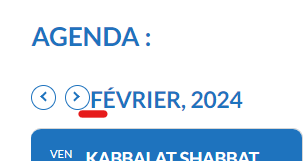
Thank you ! Other issue : arrows are now sticked to the month. How can I have some space between arrows and month (see picture). Thank you.
Hi,
We are experiencing this issue as well. The social share icons have been added to the EventCard and show up on the first event for any iteration of our calendar, but the share icons are missing from all other events for the month or list. For example, on our main calendar, the icons are only present on the first listed event for February, March, etc. This page’s list spans several months, but only the first event on the list is showing the social share icons.
sil vous plait check now. I have made some code changes and they will be in the next version update.
It seems to be correctly ordered now.
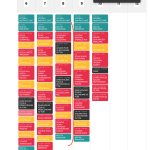
In the future we are going to improve this table view to show grid with time line so it is easier to see the events 🙂
Hi,
thx for your fast answer!
I’m will update the version. IP Blocking should be disabled.
Best
Dennis