In order to limit the error, I have set up a new WordPress installation and only installed the essentials. Woocommerce, Eventon, Tickets and Seats.
The same problem exists here. The seats are blocked in the shopping cart for the card session time and then unblocked again. Here are the login details for the new page if you want to take a look.
https://new.kino-seeblick.de
User: Eventon
P: tYp$C&*wUEmln$A*DIcEkYzf
https://new.kino-seeblick.de/wp-content/debug.log
Can we talk about canceling the purchase of the software (tickets & seats) and getting a refund? It doesn’t seem to be working for me. I would like to look for an alternative. I’m sure it would save us both a lot of time and work.
HI, Kenneth, Thank you–
The icons don’t seem to appear on all the events–
I’ve tried Safari and Chrome…
Hi,
I have the same problem !!!
In the cart, the time is not what it suppose to be.
Thanks
That fixed the issue. Thanks
about the Hosting Provider create.
Could you elaborate? I am not sure what does this mean.
I need to check errors on the server. Could you contact the hosting provider and ask how you can enable WP_DEBUG to show debug.log?
Please go to wp-admin > Events > Edit Event.
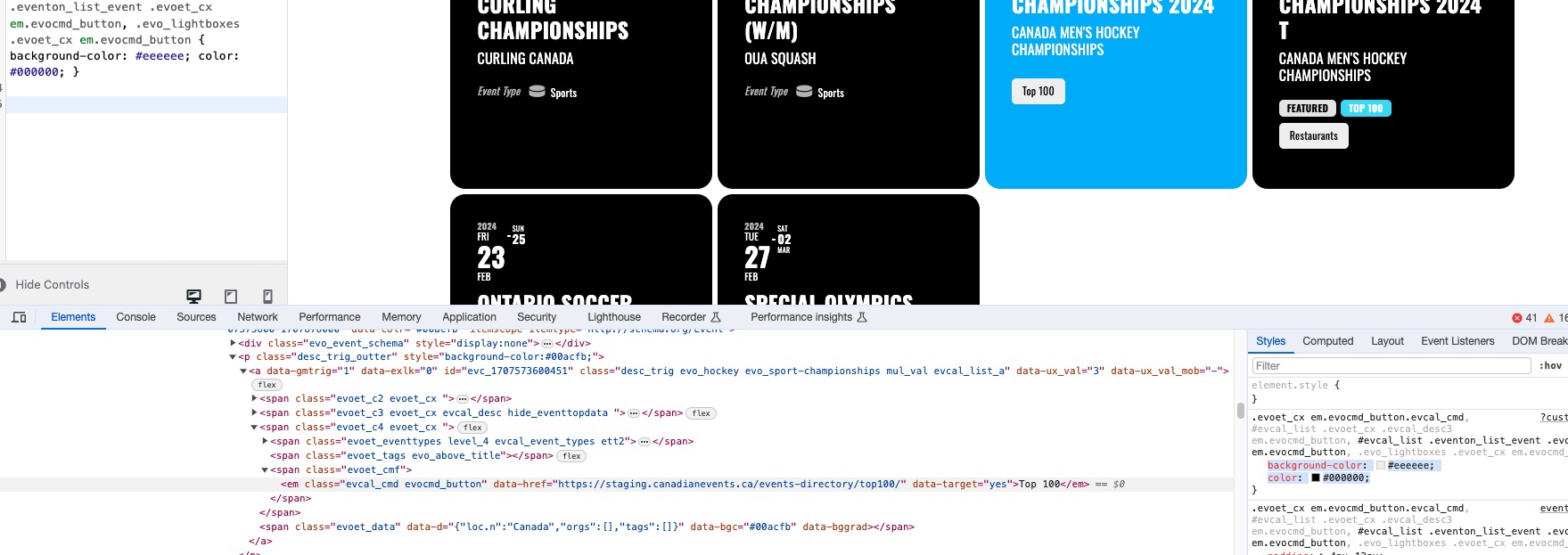
Also make sure to remove the code from EventON > Styles.
Seems to be working here:
https://staging.canadianevents.ca/wp-admin/customize.php?return=%2Fwp-admin%2Fadmin.php%3Fpage%3Deventon
Hi Maxim,
What do you mean by the Eventpreviewcalendar page? Do you mean the Event top? If that is the case, you can use the shortcode below
[add_eventon tiles=”yes” tile_count=”3″ tile_bg=”1″]
Please feel free to take a look at our shortcode guide below for more options
https://docs.myeventon.com/documentations/shortcode-guide/
Not sure really, I am afraid. Just let us know if the same issue comes back.
We are glad your issue is resolved, if you have any further questions or concerns please create a new ticket.
If you have a moment, we would greatly appreciate if you could kindly leave us a review at myeventon/my-account!. Cheers!