Hi, thanks for your quick reply.
In the test event you created: https://firebrick-camel-838235.hostingersite.com/events/as-formas-do-amor-copy/
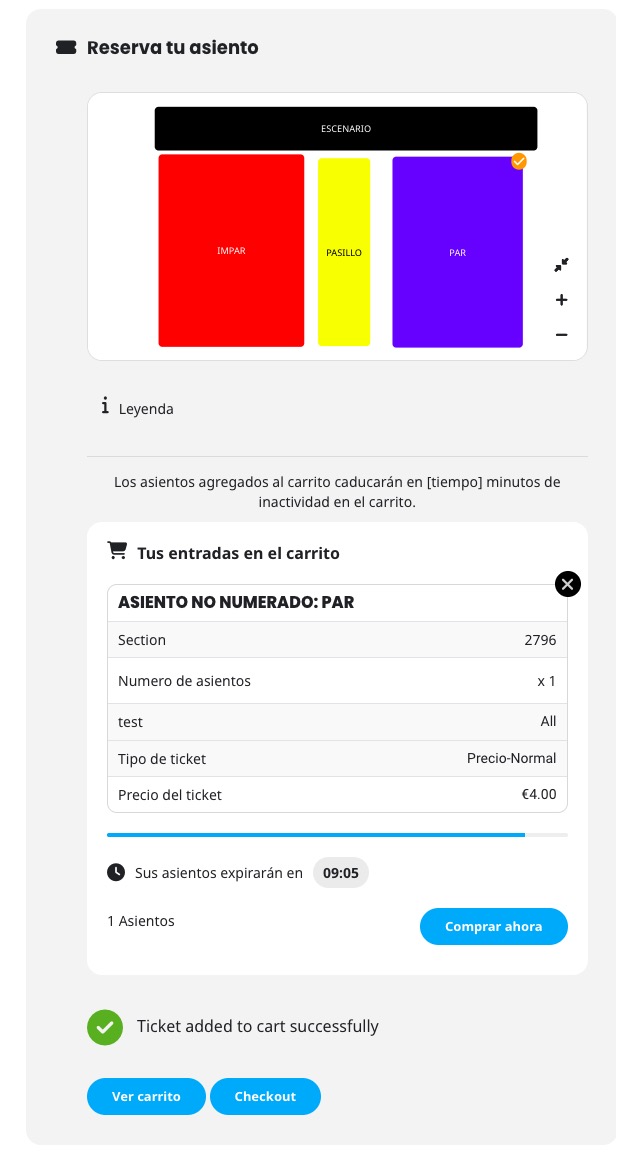
I made a couple of purchases in the IMPAR and PAR sections. After making several purchases, the PAR section stops working.
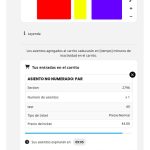
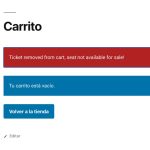
It seems to work fine at first, but it stops working after making a purchase.
Could you take a look at it?
If there is no possibility to change the design somehow easy (or maybe there is), what is the best way to translate it?
Artem – Following up on the three unresolved Patchstack tickets again. Really appreciate your help.
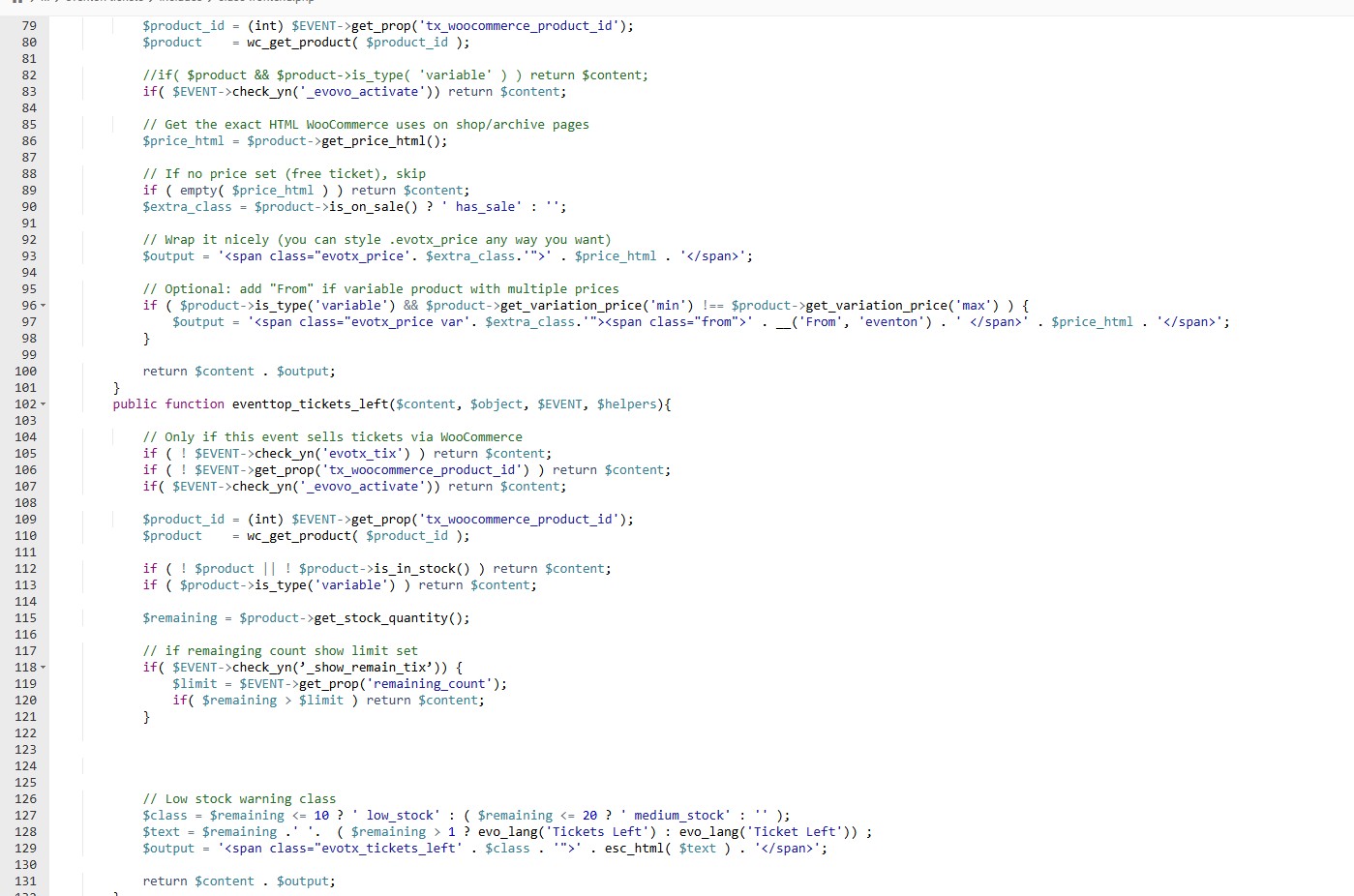
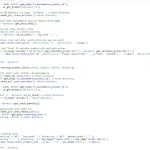
Hello, I did this, but now, the whole calendar crashes and gives critical error. What was the code before? If there is nothing that can be done, better to revert to old code. Now if place tickets available in the the eventTop designer, it gives critical error to the whole calendar page, had to disable.
We are sorry for the delay.
Could you update RSVP add-on to the latest 3.1 version?
We are glad your issue is resolved, if you have any further questions or concerns please create a new ticket.
If you have a moment, we would greatly appreciate if you could kindly leave us a review at EventON WordPress Page OR EventON > My Account > Downloads. Your review helps us a lot in continuing EventON improvements!
I receive this message when try to login:
ERROR: The username or password you entered is incorrect.
As for the original issue, could you please try the instructions mentioned in this documentation? Please start with disabling the minifying functionality.
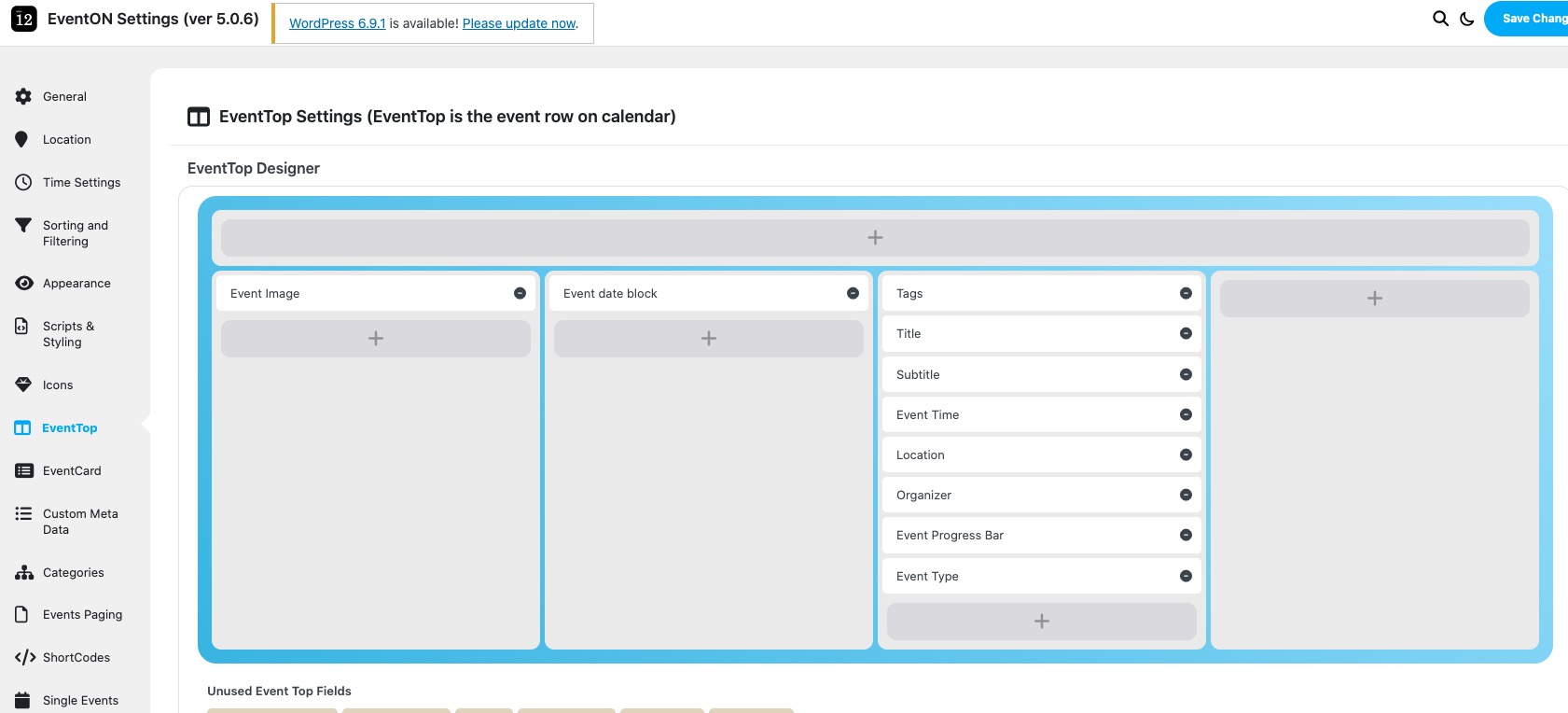
Please go to EventON > EventTop > arrange fields like this:
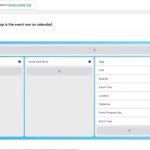
Make sure to add Tags to show Event Status on EventTop.
Ashan,
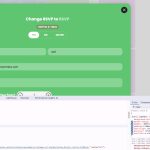
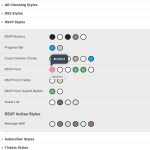
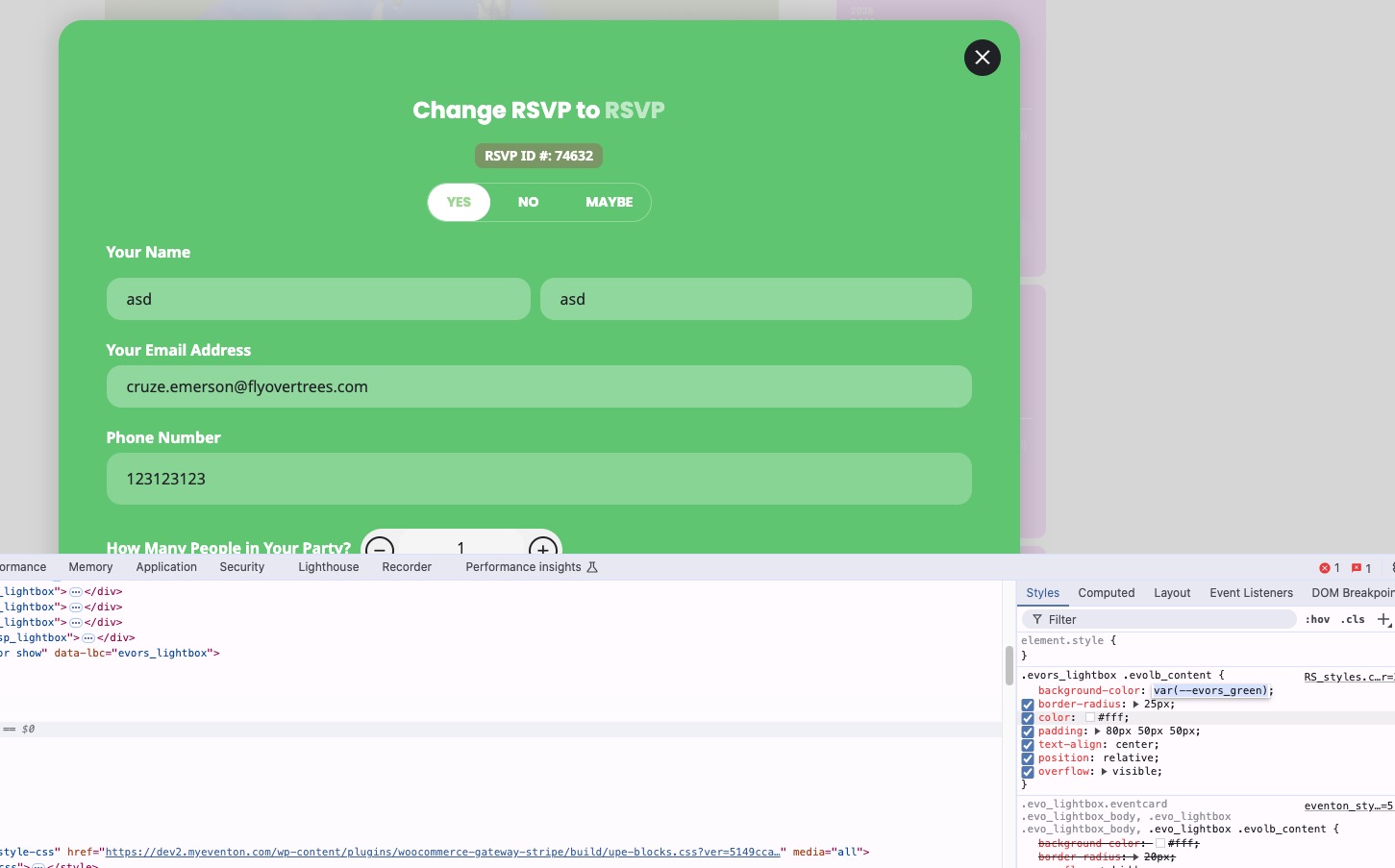
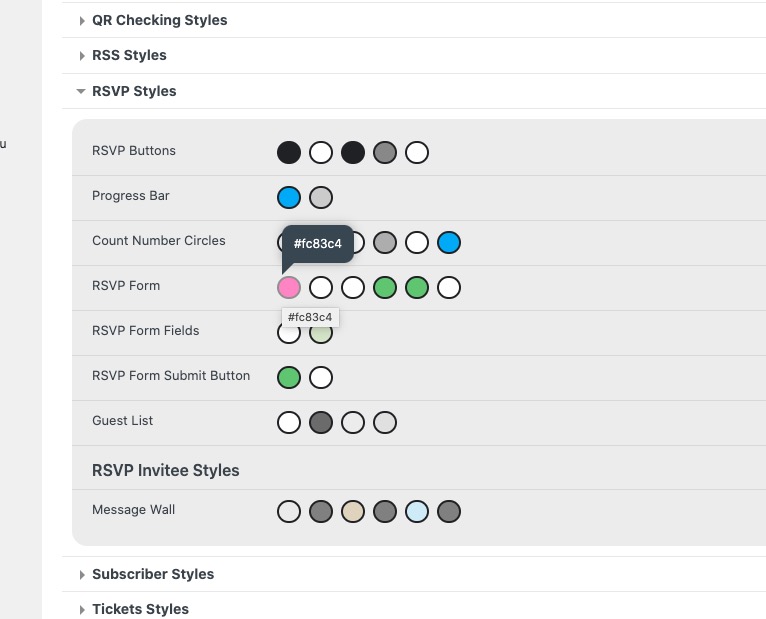
RSVP Form background is still green:
https://dev2.myeventon.com/events/rsvp-13/
https://dev2.myeventon.com/wp-admin/admin.php?page=eventon#evcal_002