We are sorry for the delay. Ashan will check this ASAP.
Archives: Replies
Replies for tickets on suppota
Reply to: tickets(335559)
We are sorry for the delay. ICS Import doesn’t support repeating events from Google Calendar:
Disclaimer: This addon currently does not support importing repeating events from google cal ICS
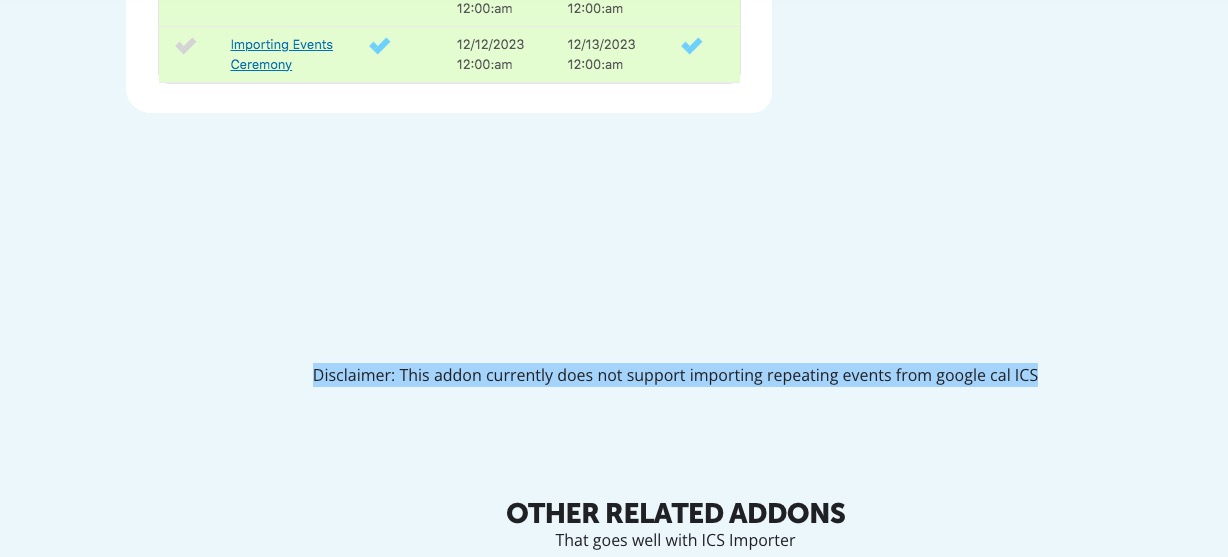
So, unfortunately, this is why this issue is happening.
Reply to: tickets(336116)
We are sorry for the delay.
The only solution is to delete all your current events and then change the original file and add repeats in the following format:
repeatevent,frequency,repeats,
yes,”yearly”,”10″,
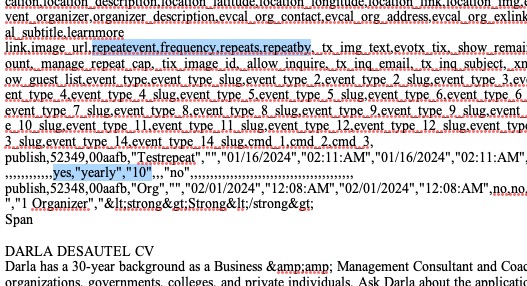
I cannot check the file because I need an access. I sent you the request.
Reply to: tickets(336343)
Hi Artem, just got the new update.
Date picker problem is solved.
Unfortunately the ICS import is still not working 🙁
Reply to: tickets(336244)
https://www.staging2.foodsorcery.co.uk/bookonline/
Login is the same as previously
Reply to: tickets(336244)
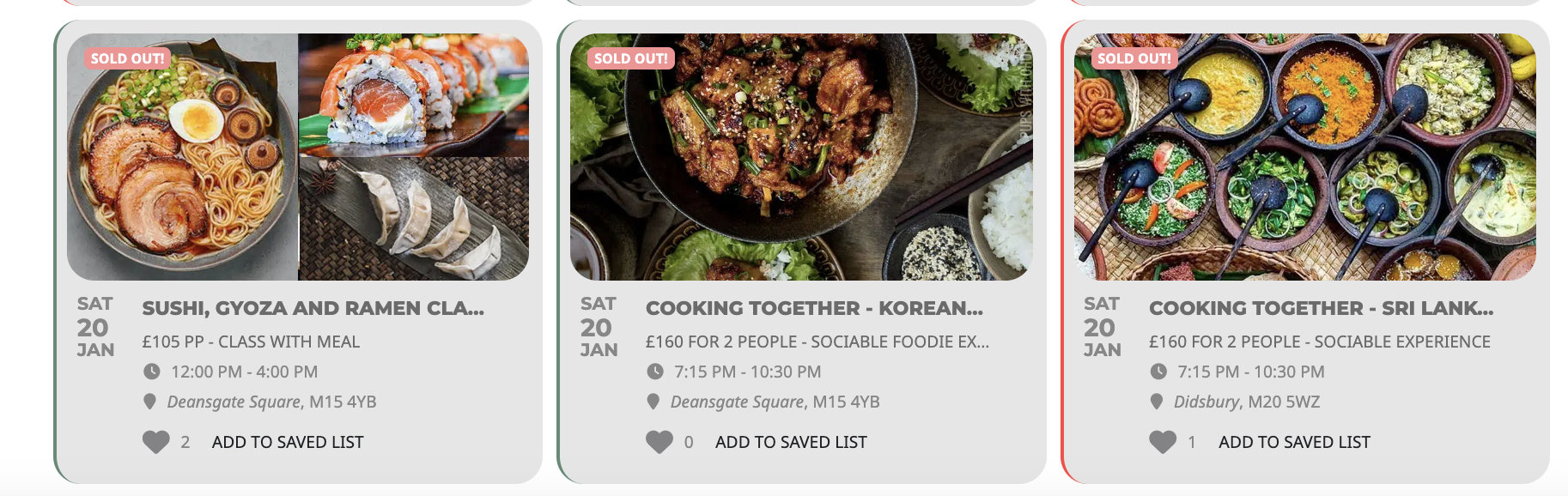
Hi,
I have set up a staging site to test the update, I have moved away from the side bar widget to use shortcode.
Could you let me know how to get the title to be on the same line as the day date month as per the screenshot
Thanks
Helen
Reply to: tickets(336680)
Hello,
When I check this event it has the same “Language for Event” – L2:
https://ibiza-calendar.com/wp-admin/post.php?post=2381&action=edit
https://ibiza-calendar.com/wp-admin/post.php?post=2316&action=edit
When I also go to Homepage and I try to edit shortcodes, they don’t have lang=”L1″ or “L2” according to this guide:
https://docs.myeventon.com/documentations/setup-language-corresponding-events/
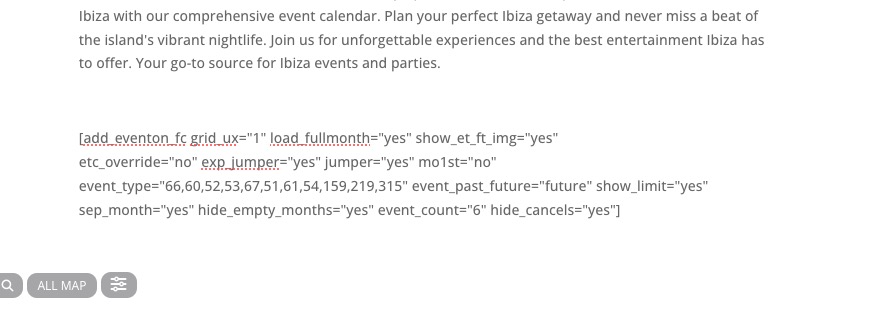
EventON only has compatibility with WPML, so you need to use “Language Corresponding Events”:
https://docs.myeventon.com/documentations/wpml-eventon-front-end/
Reply to: tickets(336676)
Hello Artem,
I deleted all the files in folder and then uploaded the zip and extracted it there as I always do with addons.
I think you still have your credentials should you need to login and check better (Ashan installed the file manager as well).
thanks
Reply to: tickets(336232)
No worries. Yes. We assigned them according to that guide. That’s why we had to clear that error in the first place, to confirm that she is assigned.
Here is her login info so you can see from the front end.
E: lexi@automotivesalescoach.com
P: Allithought1!
Reply to: tickets(336599)
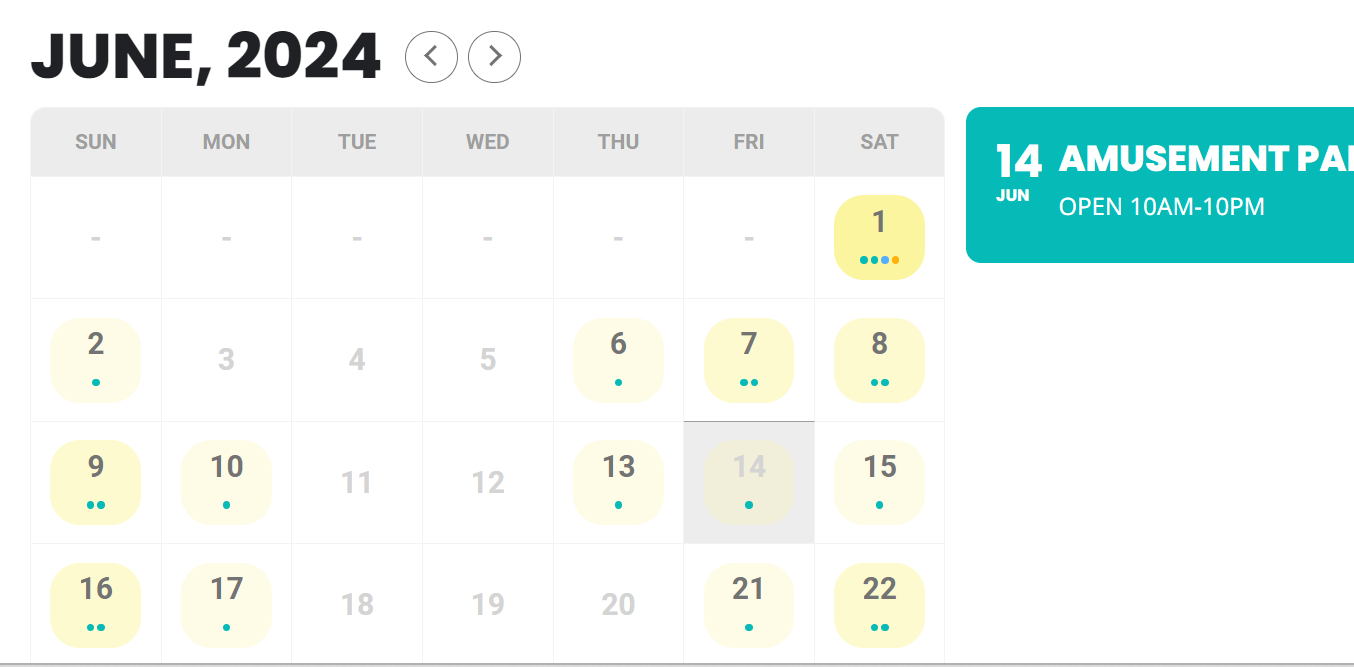
That didn’t work either, it made a ton of the events disappear and there were still double ups on some days and then none on others. This is what the screenshot looked like….I have since taken it back off.