Hello,
Thank you for your messages!
I am going to escalate this ticket to account management to help in here. Please allow us some time to address this, and we truly appreciate your patience. Thank you for being a valued EventON customer!
Replies for tickets on suppota
Hello,
Thank you for your messages!
I am going to escalate this ticket to account management to help in here. Please allow us some time to address this, and we truly appreciate your patience. Thank you for being a valued EventON customer!
Hello,
Please follow the instructions in this documentation to activate debug in your site to see any PHP errors recorded that can provide insight on to whats going on. Please reply with a link to debug.log file. If you are not able to do this please send us FTP access to your site so we can do this for you.
Oh sorry forgot, I removed the lock plugin, it was something our previous developer installed and it wasn’t letting me unlock your account so I just disabled it.
Hello, I updated the plugin and that might have fixed my event view, there are some odd visuals still happening when I hover over the event – we might be switching the view away from the full calender though.
Still having issues with the organizer view, I added a few social media link to my own listing: https://classes.alexandriaprofessional.com/mystaging01/event-organizer/katie-sauer/
Thanks for these steps. I also did a test email, and received it. However, when I do a test registration, the emails do not arrive. I installed an SMTP and followed the documentation for setup. This also did not resolve the issue. What next steps are there?
not working. Still ”Loading Content” and white window….
Thank you, so far so good!
Can we please realign ”Show Time Zone” with the time (see Screenshot) ?

I just shared the access to our staging environment. If you check this event for example, there are some price options but no way to see them in orders or in the csv export. The headers are there, but no value. We made some changes to the csv export in theme but I deactivated these for this issue. Looking at the price of the orders I can see that they definitely added some of those options.
Please add the CSS code to EventON > Styles (If you don’t see any change, EventON > Scripts & Styling > turn off Write dynamic styles to header > save settings > turn on Write dynamic styles to header).
You can also add the code to wp-admin > Appearance > Customize > Additional CSS.
CSS styling is added here:
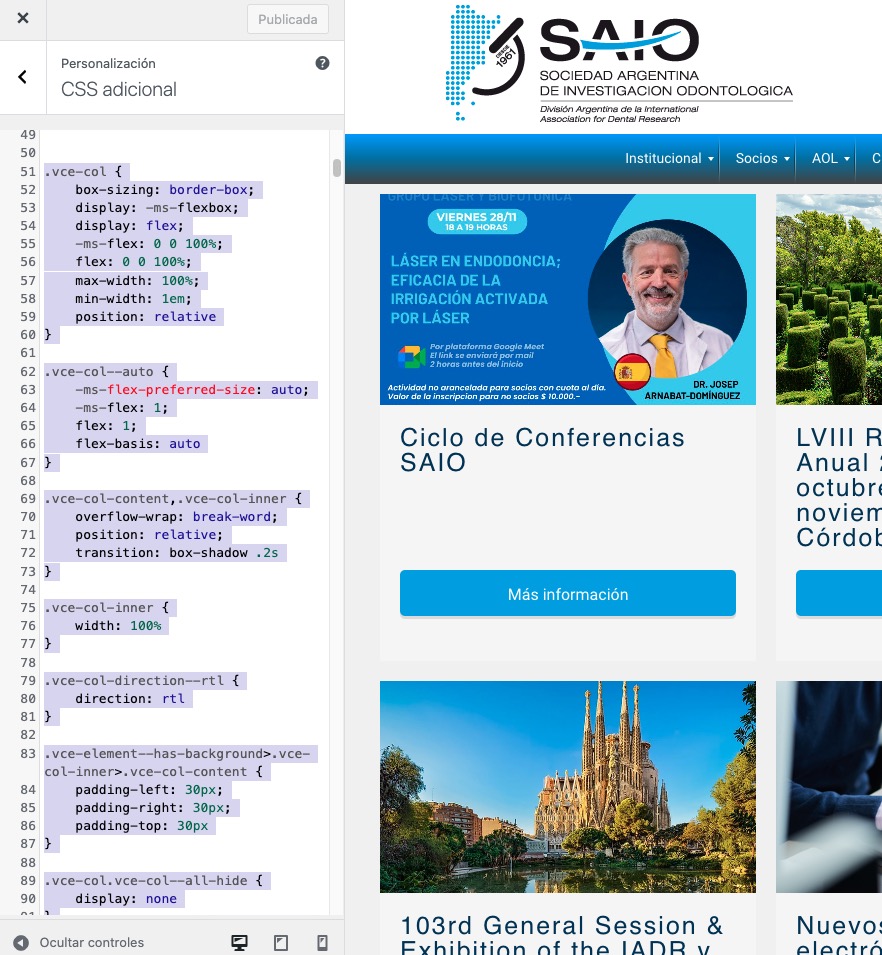
Unfortunately, adding the custom styling didn’t help the icon issue:
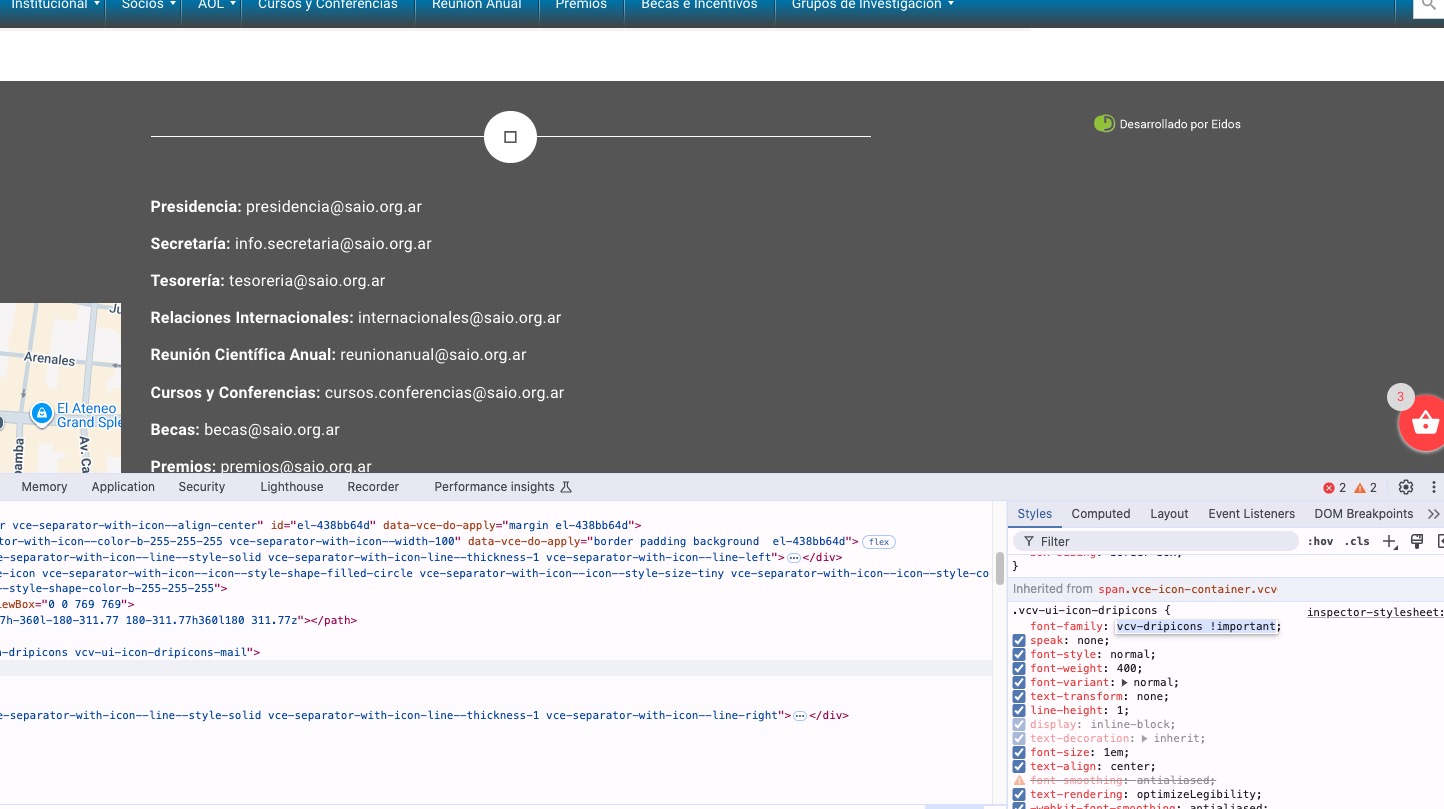
You can use this code to hide one icon and show the text on other:
.single-ajde_events #el-4086d7cc .vce-separator-with-icon–icon { display: none !important } .single-ajde_events div#el-41b9b3de span.vce-button–style-animated-icon-inner { max-width: 100vw; } .single-ajde_events div#el-41b9b3de span.vce-button–style-animated-icon-inner-text { -webkit-transform: translateX(0); transform: translateX(0); }
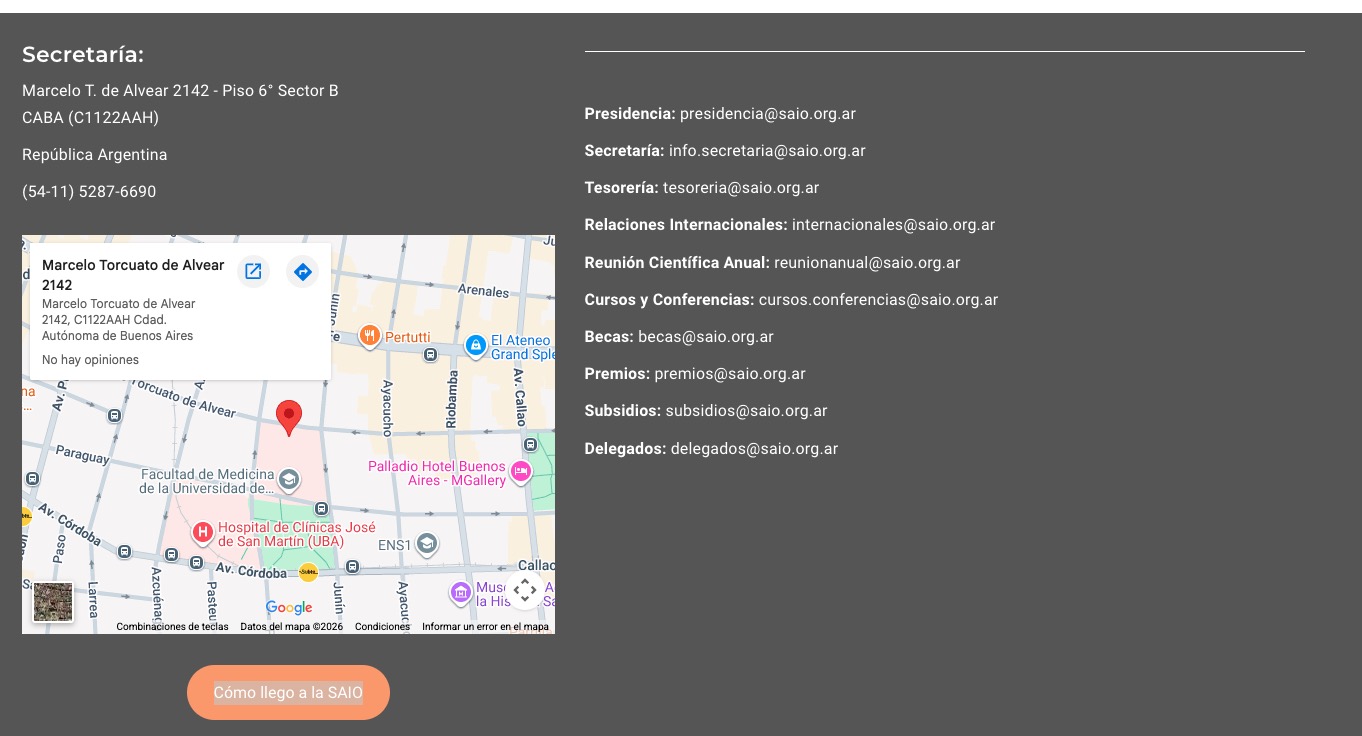
Please check and let me know.