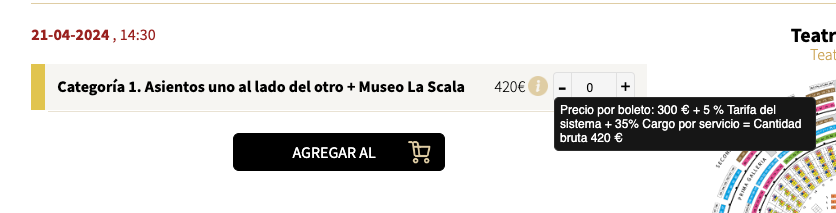
Reply to: tickets(333428)
Replies for tickets on suppota
Thank you. Here is the .csv file we used.
Also, what would the cost be to hire your company to connect your plugin to Dokan?
Yes it works now, probably after activate Litespedd Cache
Thank You
Hi Aslan – I’m ok the way it is now (deleting after end time). It’s just a change from how it used to work (deleting after last day of event). I can adjust for new system now that I understand what it’s doing. Thanks!- John
Thank you for the reply and the nuanced explanation. I understand it can be hard to get software to play nice with every server and every theme. I look forward to it being fully fixed.
Could I get access to these versions?
4.5.3 and version 4.5.2
Many thanks for your assistance
I have the same issue with the location. We have events that take place at someone’s house and don’t want to post the location. I do put in the city, state and zip code but Google says the location is missing and will not index any of our location pages. Currently we show:
94 structured data items are invalid missing location. I have tried different things of turning off the location but google still sees the location in the code. Is there a way to resolve this issue as it is preventing our events from being crawled in Google.
Thank you,
Yes, exactly. The result of the search is always “KEINE VERANSTALTUNGEN = NO EVENTS”. Somehow it can’t find the old events. However, only the events listed below should be included in the search results. These are all events in the category Webcasts (ID 39)
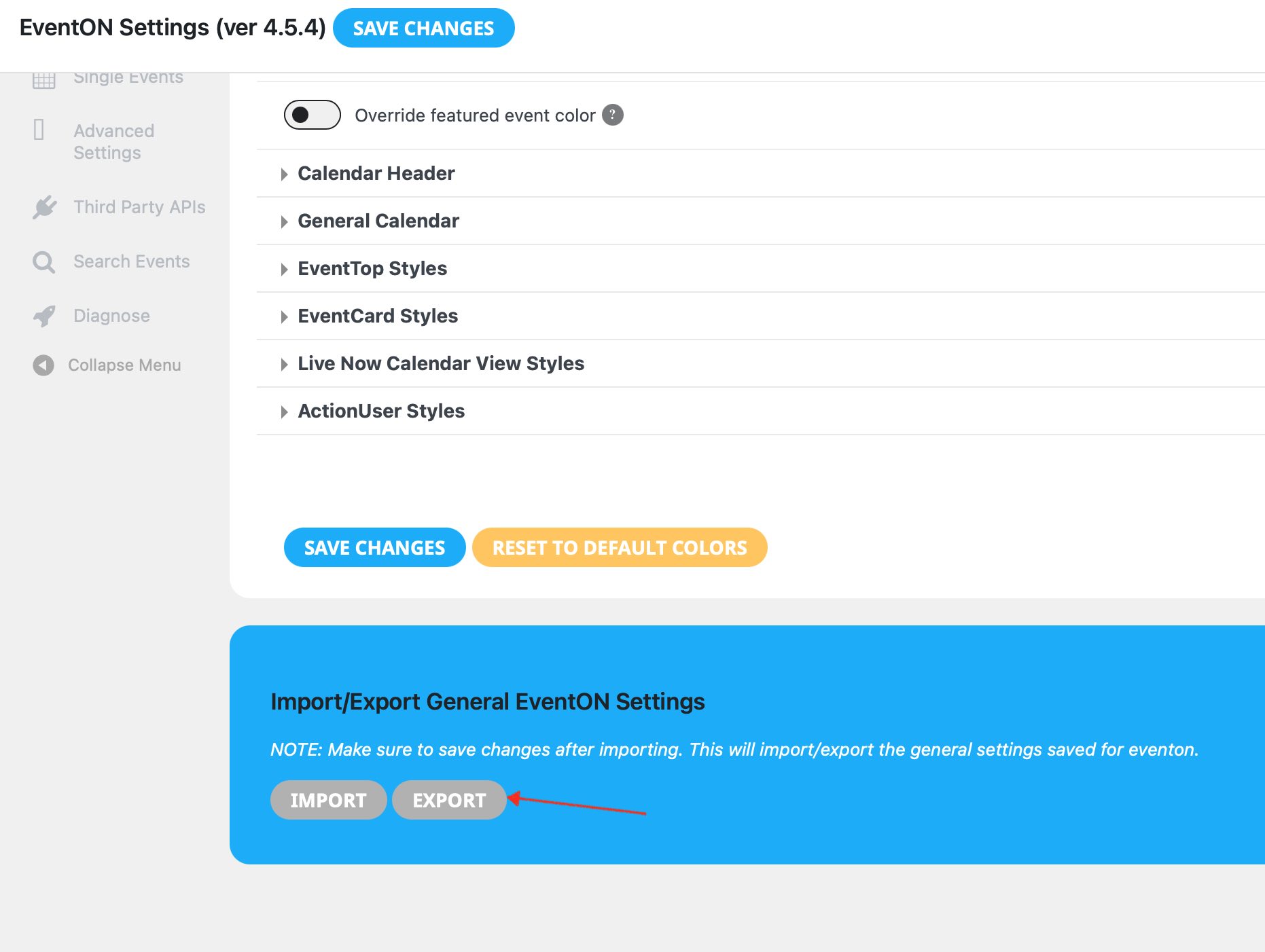
Also we need to transfer / import all the events from the old site to the new one….
We have to buy and pay for another plugin to do this? That doesn’t seem right for such a simple task on a payed plugin. maybe were missing something
let us know thanks
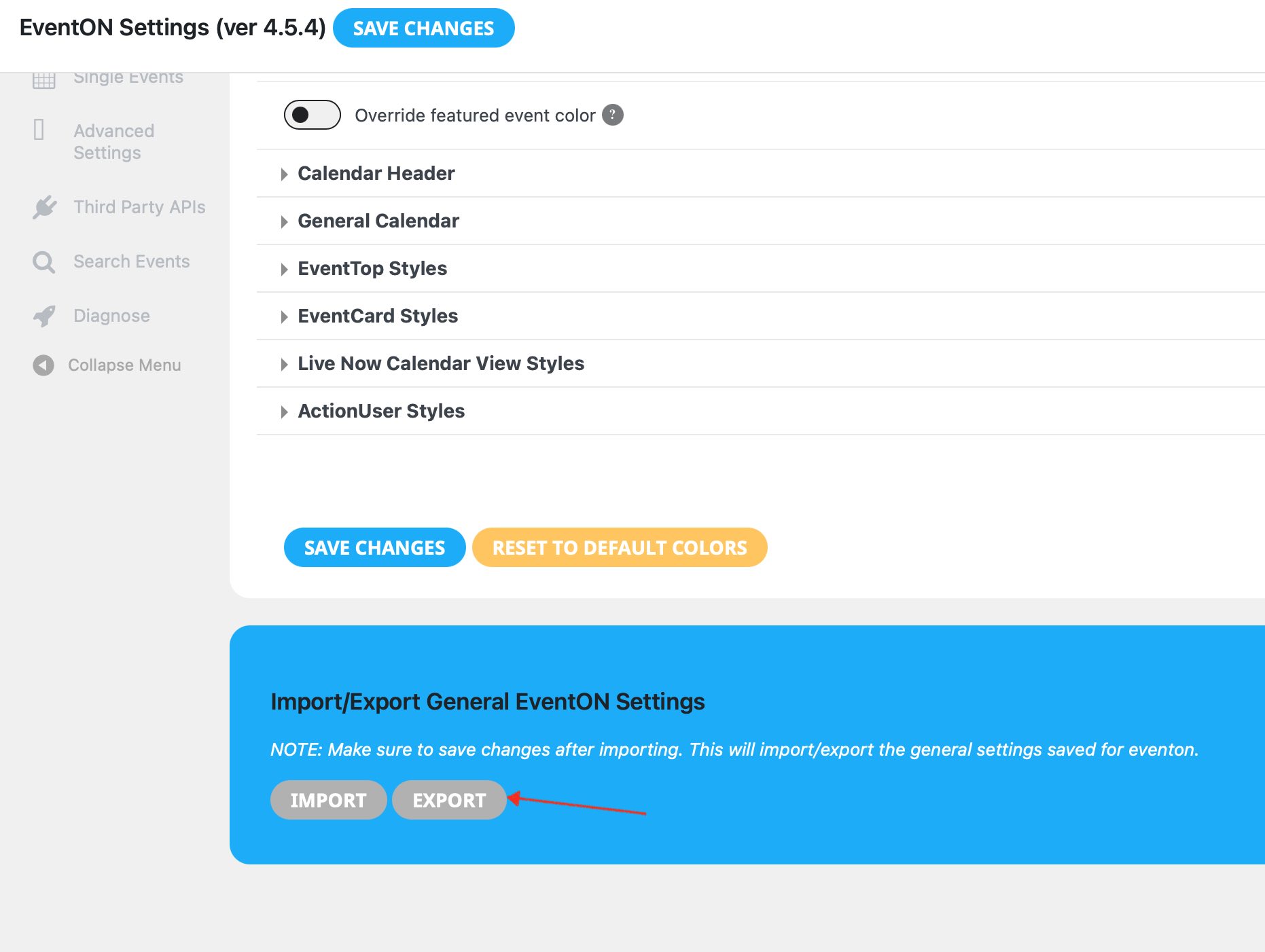
Hi Artem I tried turn off Write dynamic styles to header > save settings > turn on Write dynamic styles to header. No change when I import the file to the new website …. nothing changes.
Such a simple feature surely should just work , not sure why it doesn’t.
Unfortunately I cannot give access to the admin
the system here just locks up trying to send you the file…. How do I send you the json file?
a screenshot of where I’m exporting the settings from.
kindly update to new version 2.9.9 https://docs.myeventon.com/documentations/changelog-rsvp-events/
Should resolve this issue.