We cannot find any licenses associated with your email. Could you login with the email you used to purchase licenses?
Archives: Replies
Replies for tickets on suppota
Reply to: tickets(332582)
We are glad your issue is resolved, if you have any further questions or concerns please create a new ticket.
If you have a moment, we would greatly appreciate if you could kindly leave us a review at myeventon/my-account!. Cheers!
Reply to: tickets(332191)
Now when I try to edit a Eventon element, the site freezes.
Could you send us a screenshot or a link?
Are you referring to Single Event Page? For example,
https://www.people4kennedy.com/events/cyber-monday-sips-dips-and-clips/
It also no longer gives an option to add an Eventon calendar as a module/element.
Divi handles this, I am afraid. Instead, please use a text element and then add EventON’s shortcode from the shortcode generator:
https://docs.myeventon.com/documentations/shortcode-generator/
Reply to: tickets(332611)
Reply to: tickets(332608)
Hello,
1. Please try going to EventON > Advanced Settings > try a different Select calendar event content filter type.
2. Please add this to the shortcode:
ux_val=”4a”
Reply to: tickets(332611)
Hello,
my site is paraiba.soluzioniintegrate.it/eventi
Thanks!
Reply to: tickets(332354)
After you sent us the file, we tried it on our test site and it worked correctly. So it seems there is some kind of issue on your server, from our experience.
Could you create a stage website, so we can take a look at your installation, if you don’t want us to check your live website?
As another test, could you remove one of already added locations and then reimport the event again?
Reply to: tickets(332611)
Hello,
I cannot access the website:
This site can’t be reached
paraiba.soluzioniintegrate’s server IP address could not be found.
Could you check?
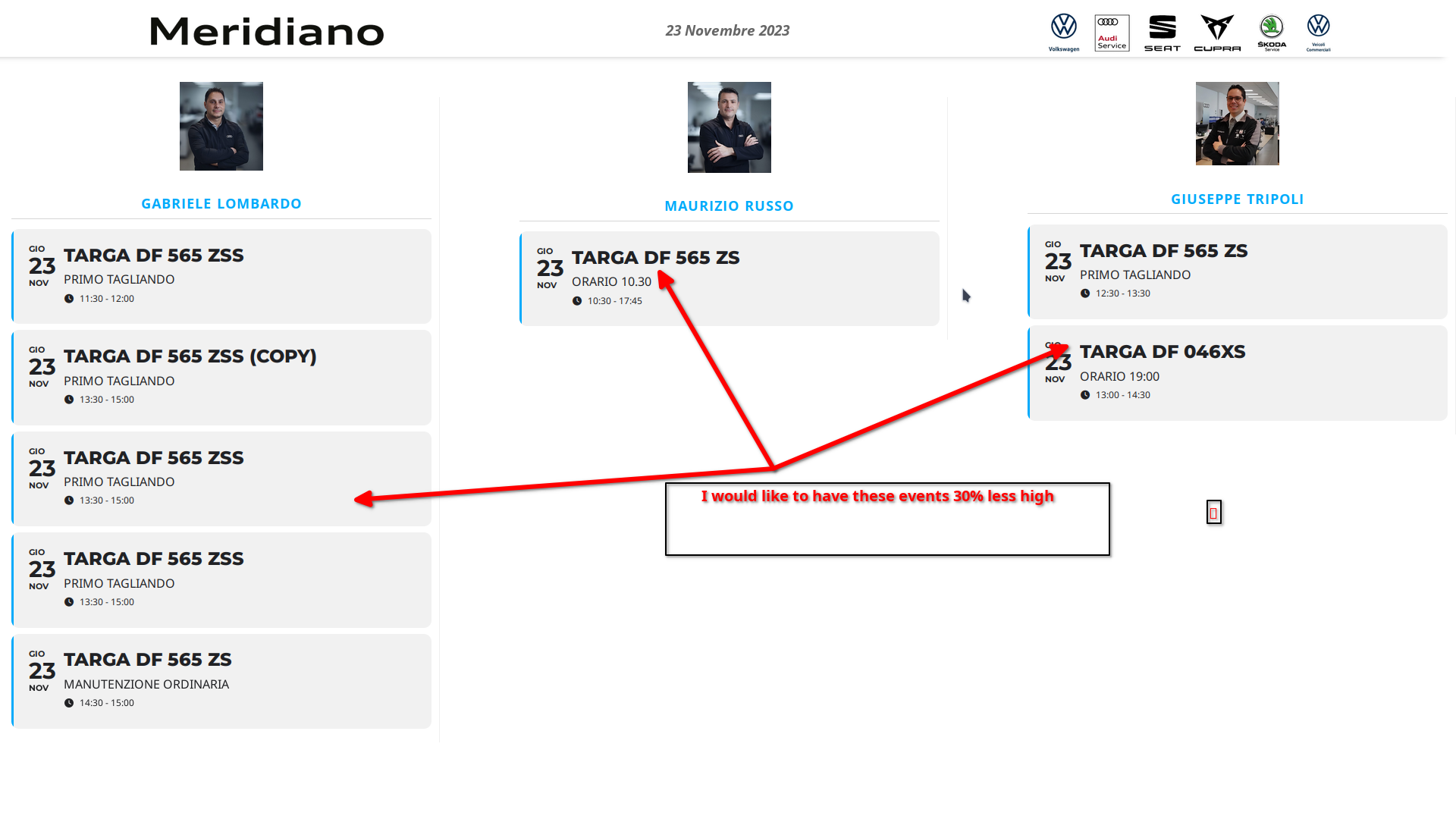
This page must be viewed on a large TV.
Could you show us on a screenshot how would you like to see the list to look like?
Reply to: tickets(332576)
Firstly, when you click “Submit” it does send the email but it then takes you to a blank page, rather than staying on the same page and give you the contact form 7 sent message?
Unfortunately, we unable to help with this as we don’t know how Contact Form 7 works.
Also we do not want this contact form on every event, we want to choose which events it shows for.
This requires a quite extensive customization, we unable to provide, I am afraid.
Just one small other problems, I cant seem to change the title of “Ticket Section Title”, I need it changed to “Book Now”. Please see attached.
Please go to EventON > Language > ADDON: Event Tickets > Ticket section title.
Reply to: tickets(332525)
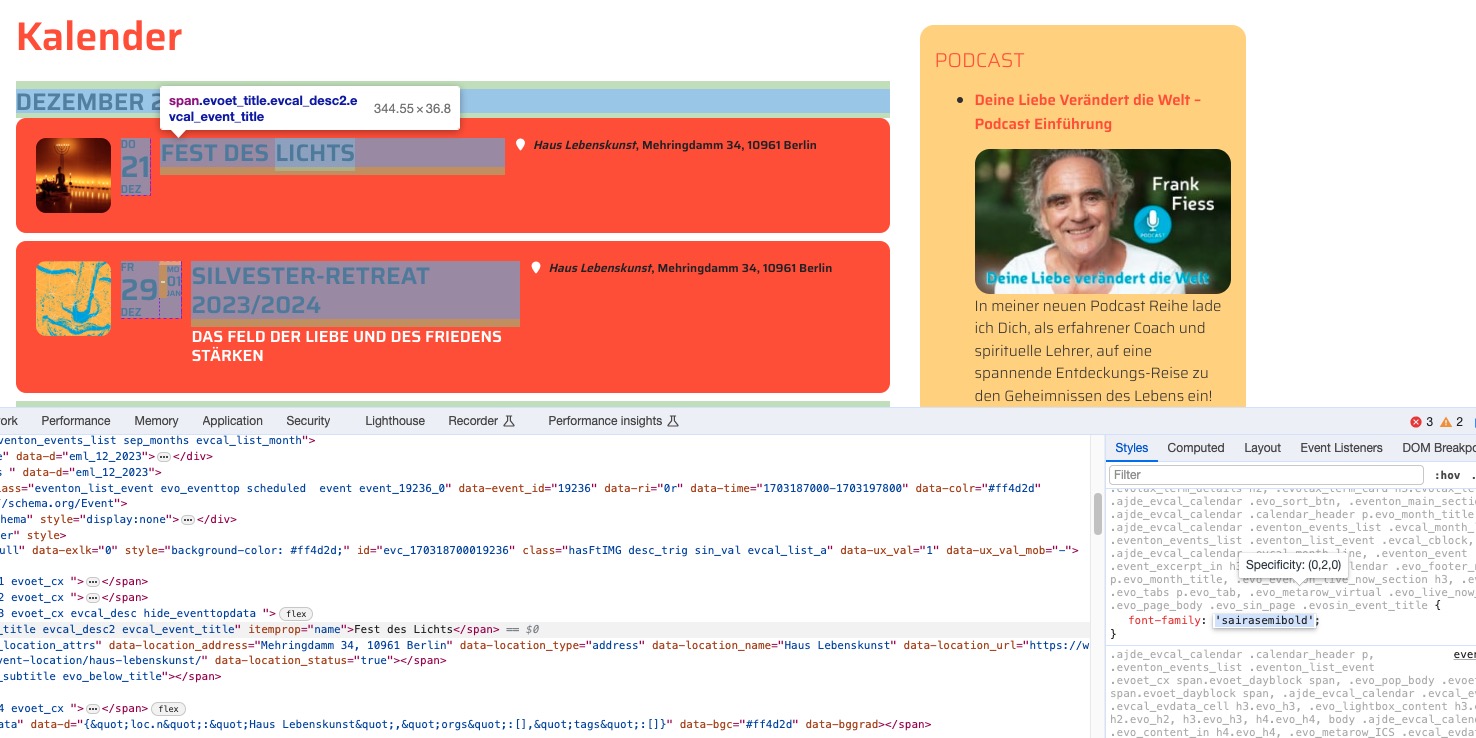
I went to EventON > Scripts & Styling > enabled Write dynamic styles to header, so the font is showing: