Very strange why it doesnt work when its on the same domain. But I am glad if you are able to get it work from different domain.
I also found on internet. in your server config cpanel > email routing > changing it to remote mail exchanger could help but I am not 100% sure, may want to talk to your server host and see if they can assist you better.
Excellent Cristiano! The new version 2.9.6 should include this patch fix code 🙂
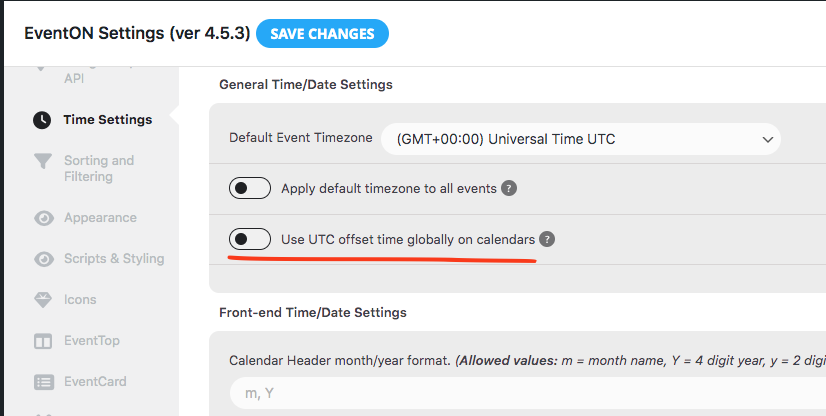
Was this working before eventON 4.5.3 update? Can you try UTC offset setting enabled and see if that helps?
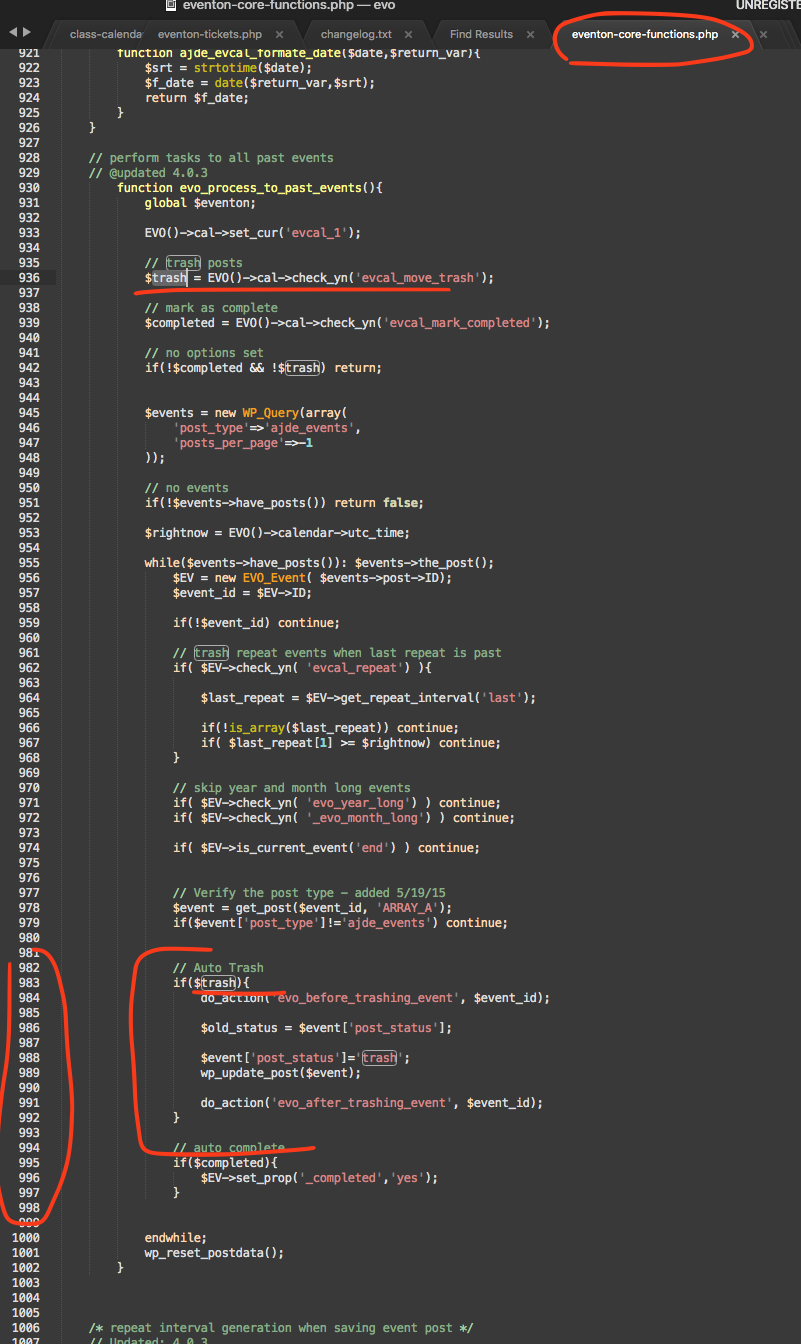
Was auto move past events ever turned on at any point? I am not entirely sure why it would move events to trash if its set to OFF, as you can see the code specifcally stops this function if settings is off. Only thing I can think of is the cache loading old settings values.
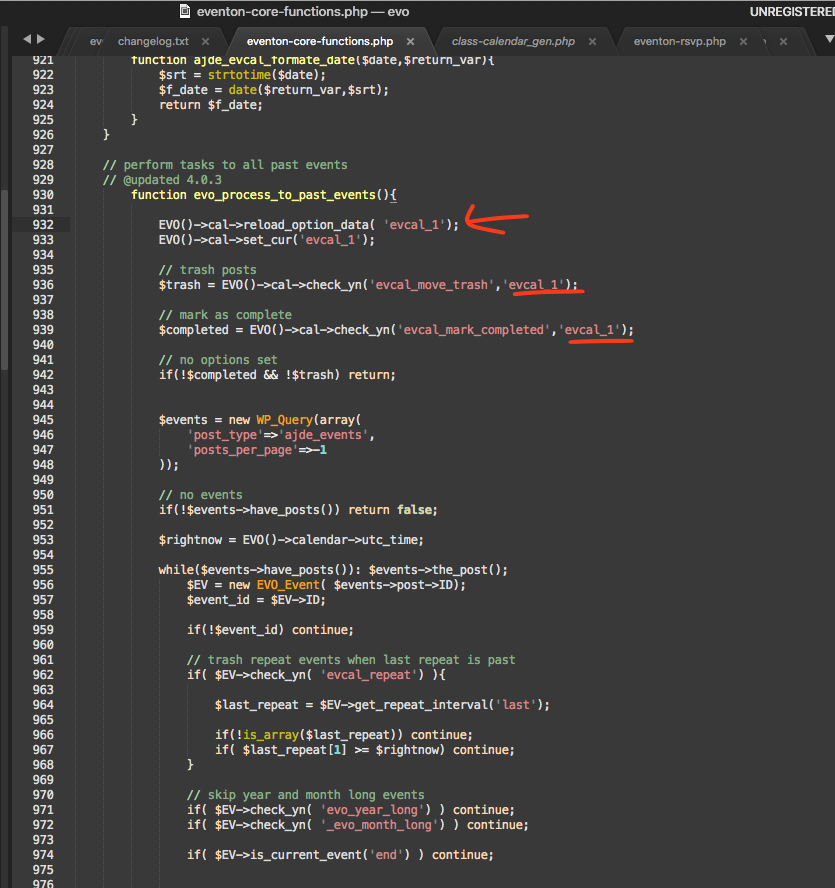
Perhaps try this code changes. this code changes will reload options values again.
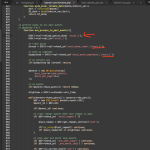
this is the actual code that is responsible for this part of the functionality. Cron job might still be there in the cron settgins, but it should not delete if the settings are set to NOT. What I wonder is, if you have database cache, so even if settings are set to off its still using old stored values of yes. So may be try clear cache on database and on server side and see if that helps?
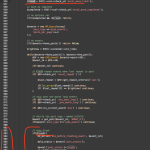
Sweeeet!!! We will do our best to maintain this functionality from here on 🙂 Cheers!!!
Thank you very much Luis!!! truly for your kind words!!
Ok I have gone ahead and transferred the license to devteam11 account. Please check and let us know if everything is properly moved on your side as well.
Are you able to look into this please
Thanks
Helen
Hello
Now the frontend calendar color theme is back to correct “default theme” even though the default theme color on dashboard > appearance is still showing darker theme color. So the below issue is still happening.
The default (light) theme is my current theme but very strange that this theme now looks like dark theme. When I change to dark theme and save and then change back to default theme, the color theme looked correct. But after save changes, the color theme is changed to look like a dark theme.
I still need your help to take a look to the theme color issue on the dashboard > appearance as it is still strange that the theme color is incorrect. Please see below URL for the eventon dashboard > appearance:
https://yoteame.com/wp-admin/admin.php?page=eventon#evcal_002
Please try to login again, maybe the wordpress login page had some bugs yesterday.
https://yoteame.com/wp-admin/
Login: losimon81@yahoo.com
PW: Losimon19991018!
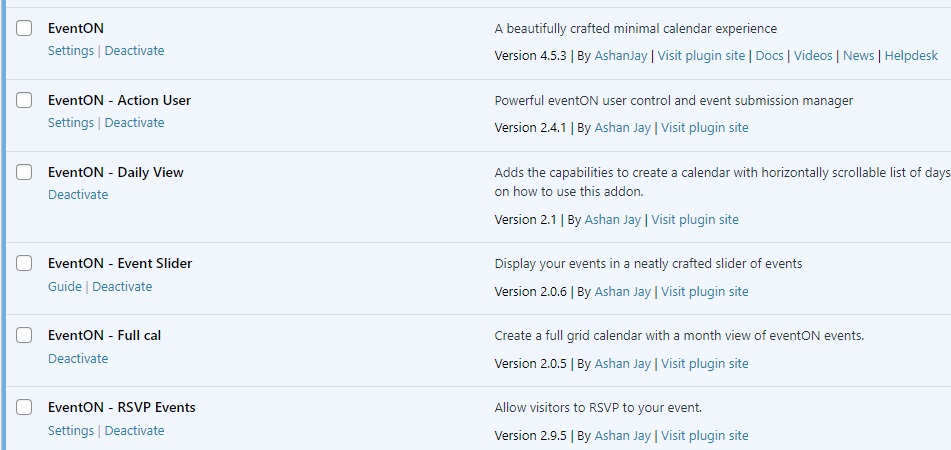
Sorry I don’t remember the version I updated to but please see attached image for the version I currently updated. I keep updating to latest version so I believe the previous version should be also the 2nd latest one, thanks!