Please check now: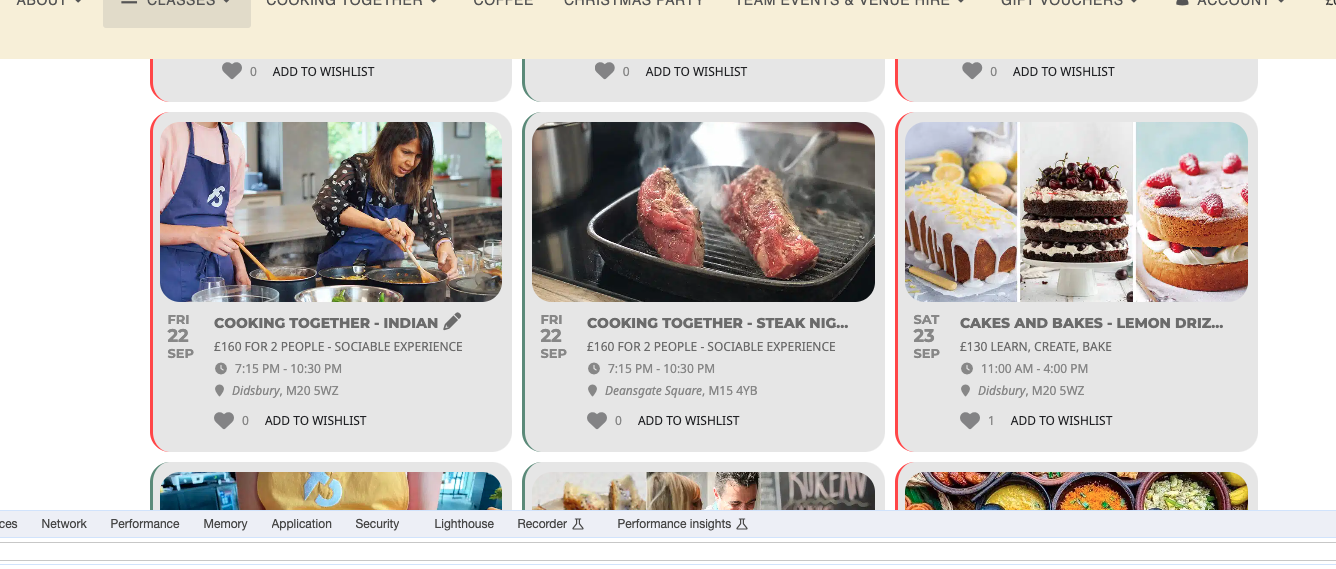
This is the closest that can be achieved at the moment.
Replies for tickets on suppota
Please check now:
This is the closest that can be achieved at the moment.
I am using that, If you dont mind we can schedule a video call, we use Microsoft Single Sign on for authentication, that setting didnt work
Ashan,
Even in Troubleshooting Mode:
https://www.scalefree.com/wp-admin/site-health.php?tab=troubleshoot
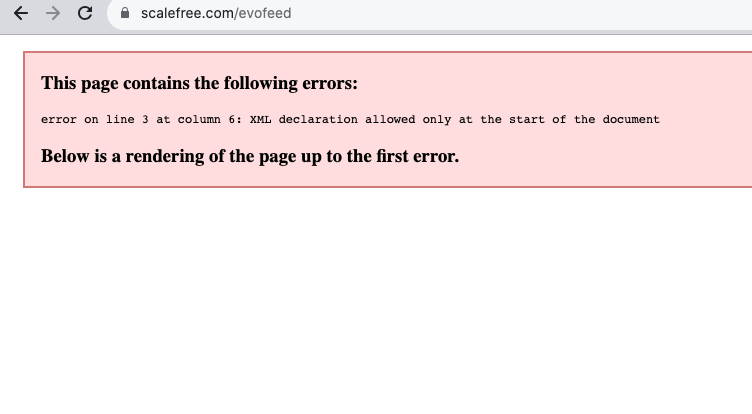
Not sure what’s causing this. Could you check?
Hello,
Thank you for your messages, I am going to assign this ticket to Ashan and he will be able to take it from here and find you a solution. Please allow some time for him to get back to you, we greatly appreciate your patience and thank you for being a eventon customer! Also please disable any IP blocking on your site if there are any.
Ashan,
The same on dev2:
https://dev2.myeventon.com/?ajde_events=test-79
When you put Google Maps and Directions side by side it stops showing the map section:

Thank you for your messages, I am going to assign this ticket to Ashan and he will be able to take it from here and find you a solution. Please allow some time for him to get back to you, we greatly appreciate your patience and thank you for being a eventon customer! Also please disable any IP blocking on your site if there are any.
As a temporary solution, please move Google Maps section to a full width section:

https://www.freece.com/wp-admin/ redirects to a Microsoft form. How can we login?
Could you try to EventON > Time Settings > enable Use UTC offset time globally on calendars.
EventON 4.5.1 should fix the issue with the empty Event Card. Please update.
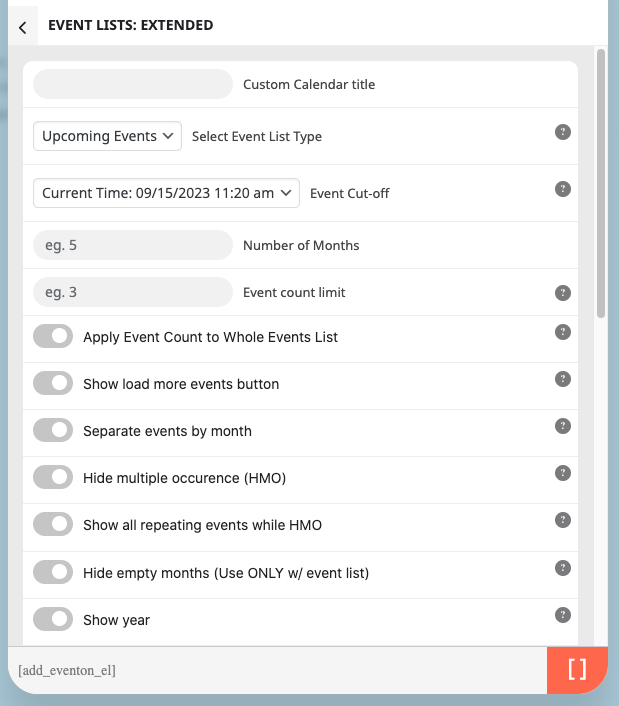
As for the original issue. Since you have Event Lists: Ext add-on, could you update it first to 1.0.1 and then redo your shortcode with [add_eventon_el]:
Hello,
The option “Show remaining tickets (Only for Woocommerce simple tickets)” is for simple tickets only, variations aren’t included:

So unfortunately, you cannot show remaining tickets for variations.
However please create a new ticket and select Feature Request as category so others can vote on your idea and get it moved into development faster.
I made changes here and it seems to be working:
https://newdirectionsdsa.com/wp-admin/admin.php?page=eventon#evcal_001_advance
Enabled Enable sanitizing HTML content for event data and set Select calendar event content filter type: EventON Content Filter. Is it working for you?