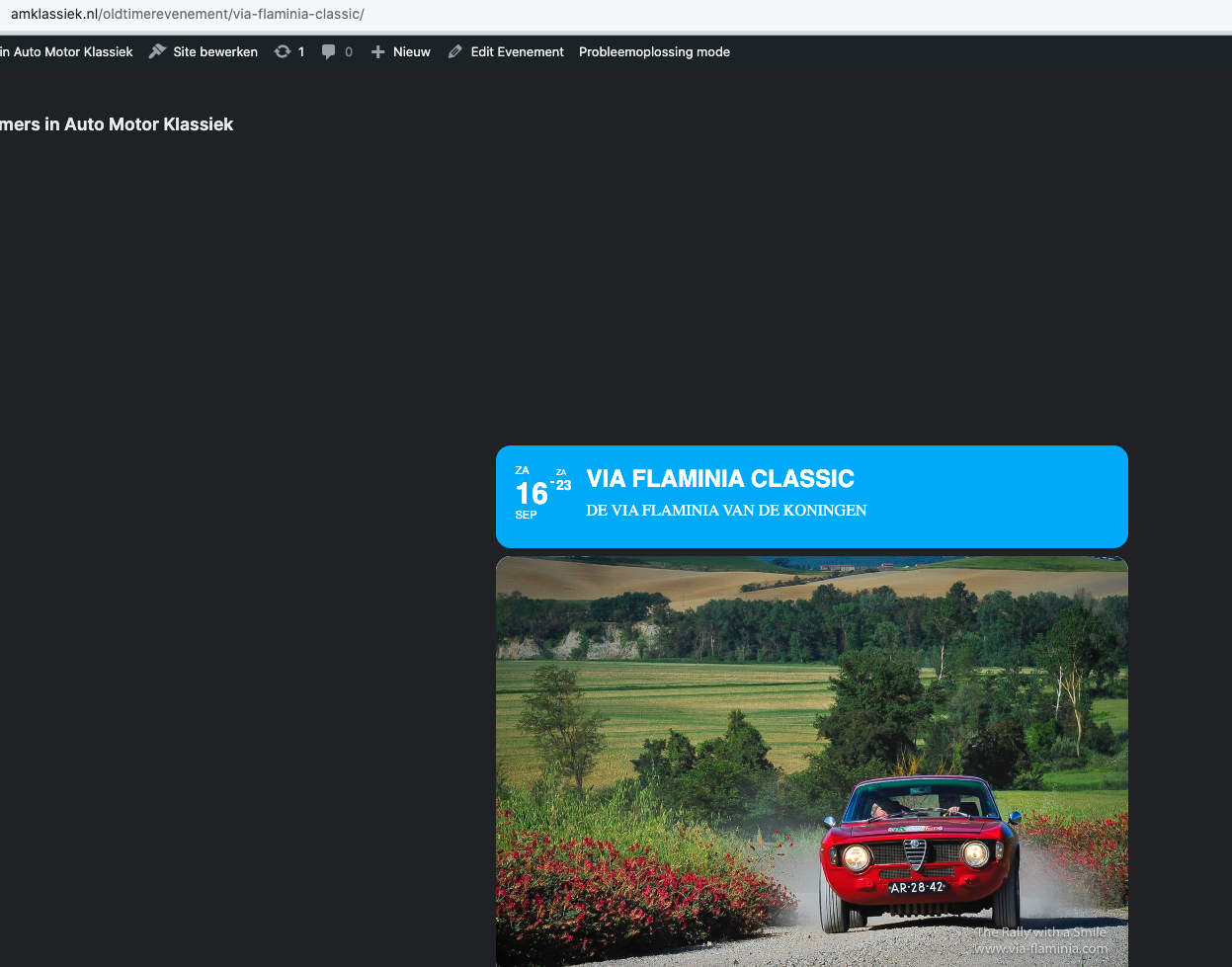
Use this code to fix the color box:
.evo_colorpicker.colorpicker input { top: -4px; right: -6px; }
Unfortunately, filtering by time isn’t available, but you can add it by following:
https://docs.myeventon.com/documentations/confused-event-type-categories/
https://docs.myeventon.com/documentations/how-to-use-event-types-to-do-more/
The issue is that you need to make pretty much everything manually in this case.
Enable Troubleshooting Mode here: https://amklassiek.nl/wp-admin/site-health.php?tab=troubleshoot
Seems to be working in Troubleshooting Mode: Could you please try the instructions mentioned in this documentation?
Please wait for Ashan. He’ll take a look at this ASAP.
We are glad your issue is resolved, if you have any further questions or concerns please create a new ticket.
If you have a moment, we would greatly appreciate if you could kindly leave us a review at codecanyon! from your account > downloads. Cheers!
Do you already have any News for me?
Most important would be the List of Attendees with Seat Numbers …
Hello,
I will not submit a new feature request.
This not a new feature: this is the logical way to get the same event look and feel, never mind where event are displayed : event page, organizer view, lightbox,… So, compliance issue.
If this feature is missing it has to be developed whitout vote from others. Please insert this in the pipeline for the next update.
I have deleted all tags that have oldtimer and evenement in it, but the error persists.
Hello
No problem! I will go to leave a review!
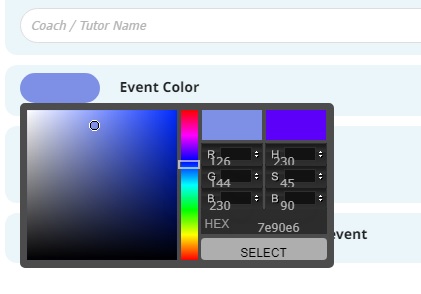
However, I just find a minor issue as similar as the arrow overlapping on numbers but now it is on the color panel. Please see attached image and let me know if it can be fixed.
Just curious, I am not sure if I can add sorting/filter for TIME. For example, what events at 15:00 today are available for a specified category…… It looks like member can only see all the events for that date but cannot select time so I am seeing if there is a filter option that can support, thanks!