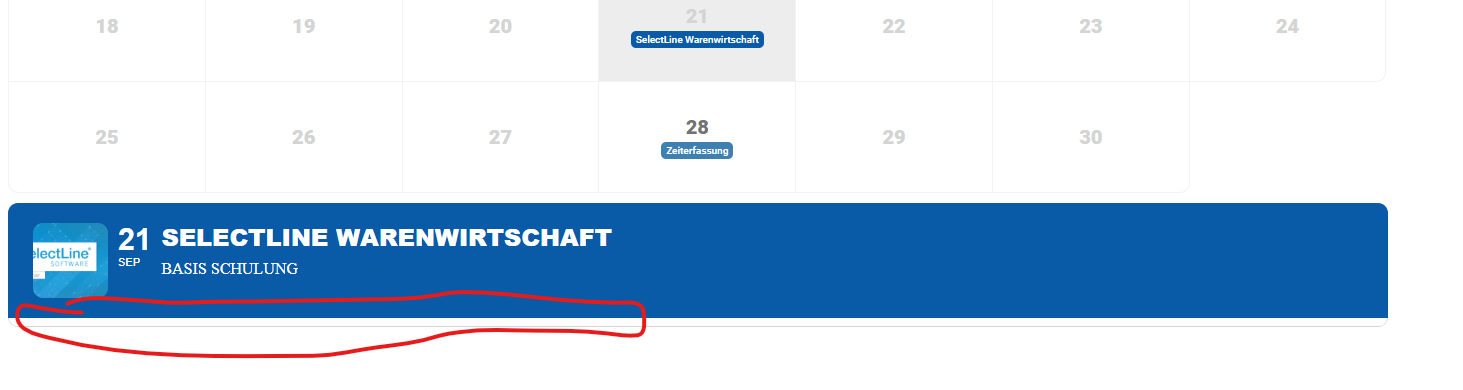
4.3.5 Did not work. Event details area still blank.
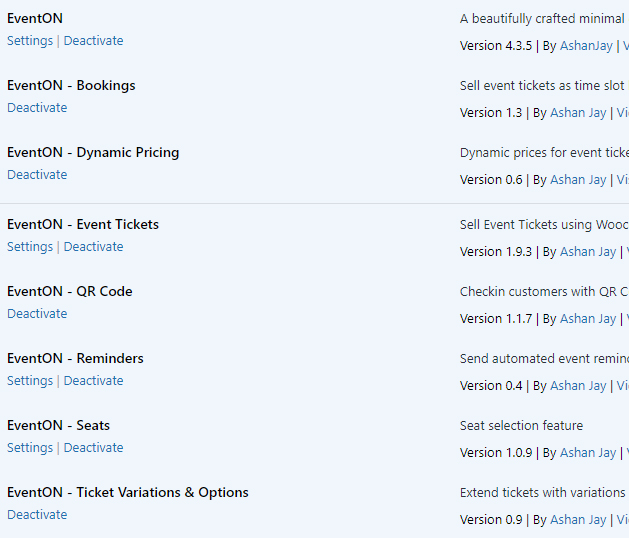
attached is plugins versions
Replies for tickets on suppota
4.3.5 Did not work. Event details area still blank.
attached is plugins versions
A question because of the two identical links that are inserted when creating an appointment from the EventOn. Is it not possible to disable the links so that the user does not get to the single page view. It makes especially no sense if you have deactivated the linking to the single page view for the Top Event for example…. Best regards Jürgen
Thank you for reporting this to us! My sincere apologies on the issues! in 4.5 we added several XSS vulnerability fixes and that adds slashes to saved values. Please allow me some time to find you a proper fix for this issue!.
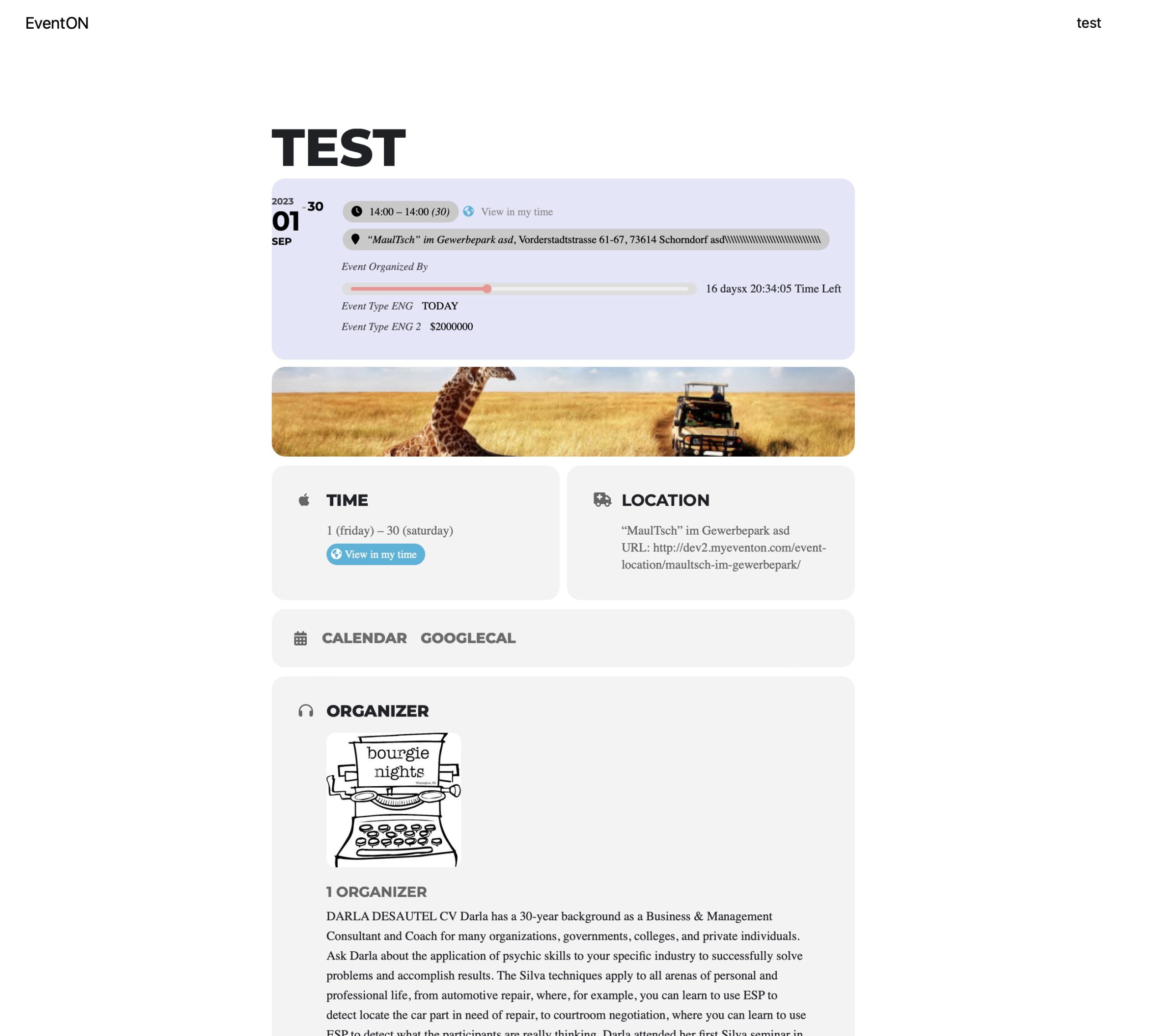
Hello,
I went to the test page and it looks exactly the same as mine. I am working with Safari browser. I have attached the photo for you.
Best regards Juergen
Our big issue with all of these errors is the ability to track inventory.
The individual events enable us to see how many tickets are sold. But since multiple events are linked to the same product, the number of tickets remaining shows the same for all events.
For example, Event A has sold 20 of 60 tickets and Event B has sold 5 of 60 tickets. Both events are linked to Product C. Hence, both events show 35 (20+5) tickets remaining, not 40 for Event A and 55 for Event B as anticipated.
Thanks
Here is the solution: https://helpdesk.ashanjay.com/ticket/eventon-ext-lists-not-showing-event-content-after-update/
I want converted price based on country , which I have added on products using price by country plugin. when I try to get converted price then its getting only real price not converted price.
yes, let me explain. When Chef Julia has a class coming up, for instance, November 11th, plant-based company dinners… about a week before the event she’ll share the “zoom” link with me for those who have purchased to view her live Zoom class.
Once the class is over, for those to have access to her class, Chef Julia posts her video to YouTube for those who have purchased to have access after the class is over.
So the YouTube video for plant-based pasta is correct.
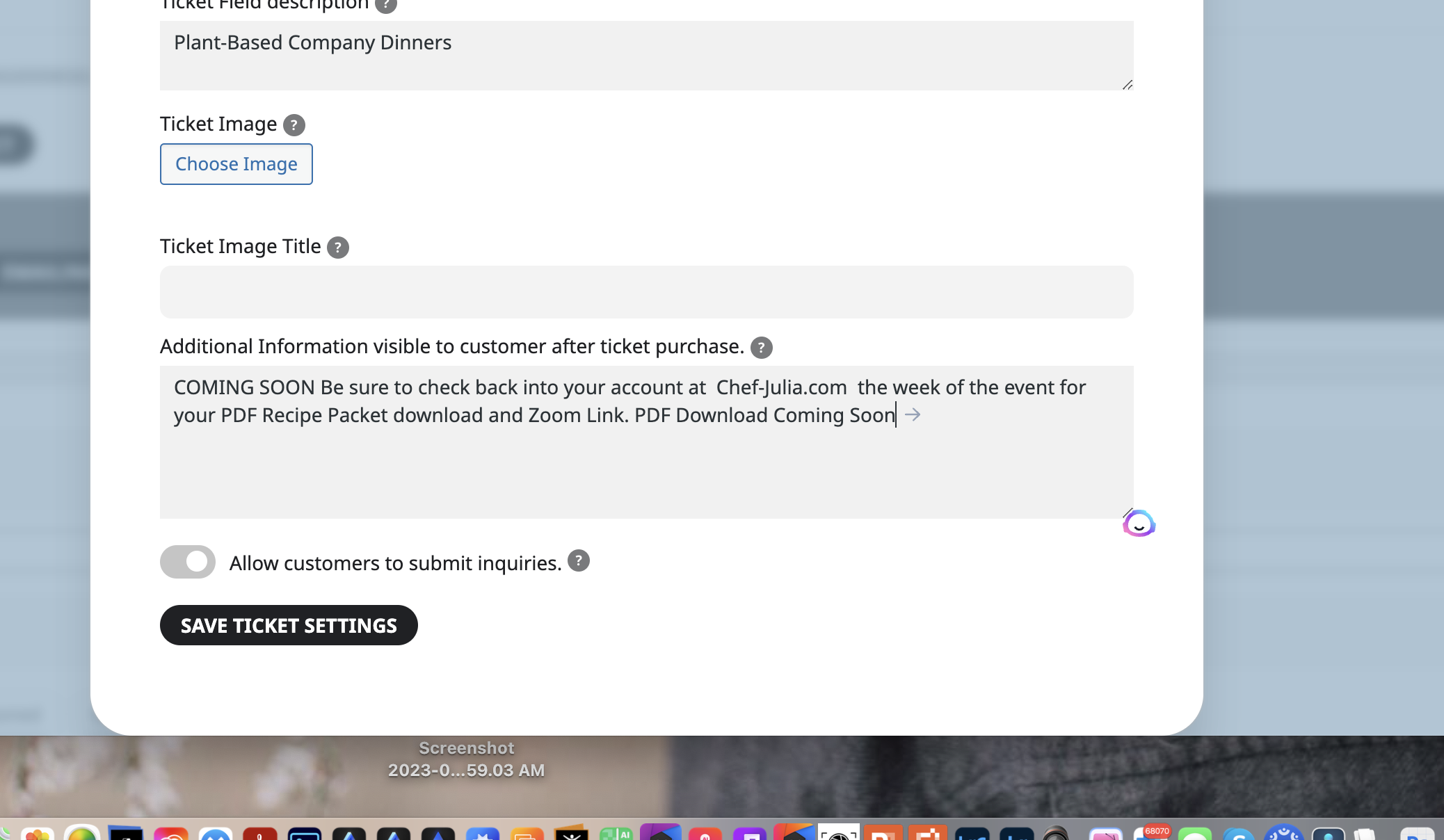
Please look at the event: Plant-Based Company Dinners for November 11th. In the “configure ticket settings” When I place the HTML code in the bottom section. see attached. It does not stay there when I update the page. It reverts to just text.
For Plant-Based Company Dinners, when Chef Julia prepares the zoom link, I add it to the “configure virtual event details” section.
<p><span style=”font-size: 30px;”><strong>COMING SOON</strong></span></p>
<p><span style=”color: rgb(184, 49, 47); font-size: 24px;”><strong>Be sure to check back into your account at </strong></span></p>
<p><span style=”color: rgb(184, 49, 47); font-size: 24px;”><a href=”https://www.chef-julia.com/my-account/dashboard_acc/” target=”_blank” rel=”noopener noreferrer”><strong>Chef-Julia.com </strong></a></span></p>
<p><span style=”color: rgb(184, 49, 47); font-size: 24px;”><strong>the week of the event </strong></span><br><span style=”color: rgb(184, 49, 47); font-size: 24px;”><strong>for your PDF Recipe Packet download and Zoom Link.</strong></span></p>
<p><span style=”color: rgb(184, 49, 47); font-size: 24px;”><strong>PDF Download </strong></span><span style=”color: rgb(184, 49, 47); font-size: 24px;”><strong><a href=”#” target=”_blank” rel=”noopener noreferrer”>Coming Soon</a></strong></span></p>
Thank you greatly for all of your help. 🙂
Try this
user: jmhall
PW: 2*h9)AWRC*TAJfjeW$L#20PB
Just confirmed that. Also, currently all of the events are not expending to show details on the front end.