Just confirmed that. Also, currently all of the events are not expending to show details on the front end.
Please go to EventON Settings and save them. Next go to EventON > EventTop > arrange fields the way they were before.
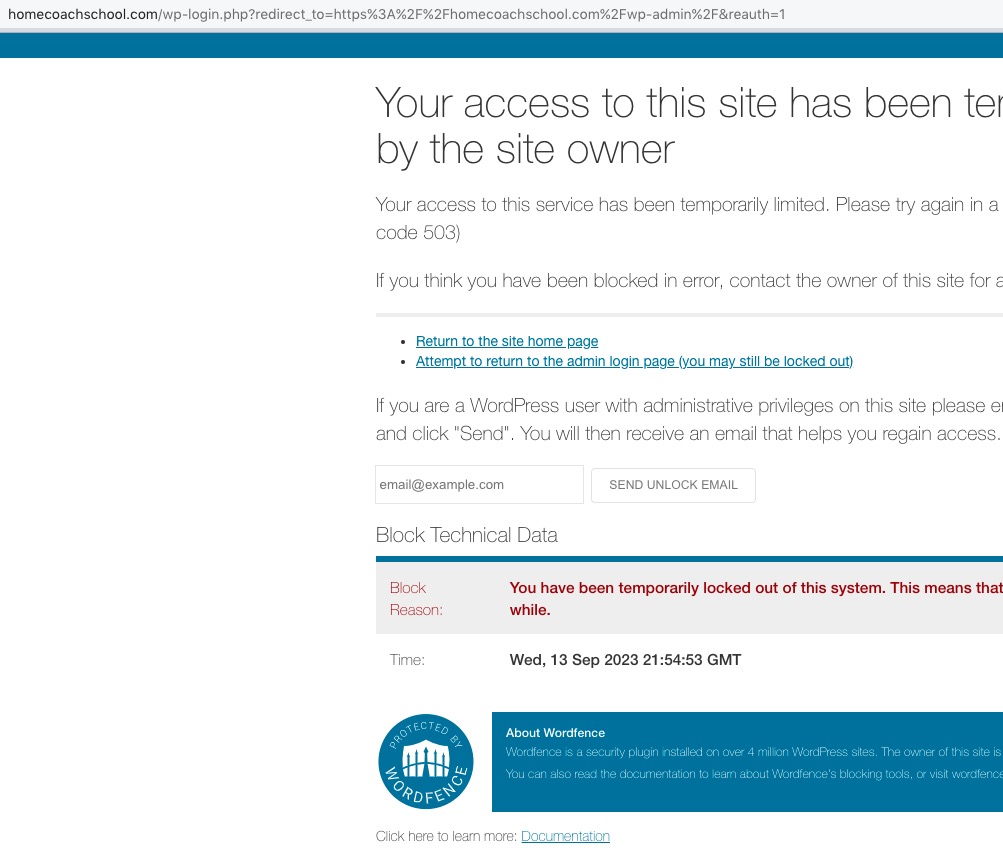
The same issue with WordFence:
About the original issue. By reading your descriptions of what you are trying to do I don’t think that EventON can work this way.
I don’t think that you can do the same with default WooCommerce products. Since each product is individual how can you connect them to each other to track the inventory?
Maybe use variations to allow users to select between different types of tickets and then track the inventory in one event associated with them?
Take a look at
https://www.myeventon.com/addons/ticket-variations-options/
Also take a look at
https://docs.myeventon.com/documentations/set-variable-prices-tickets/
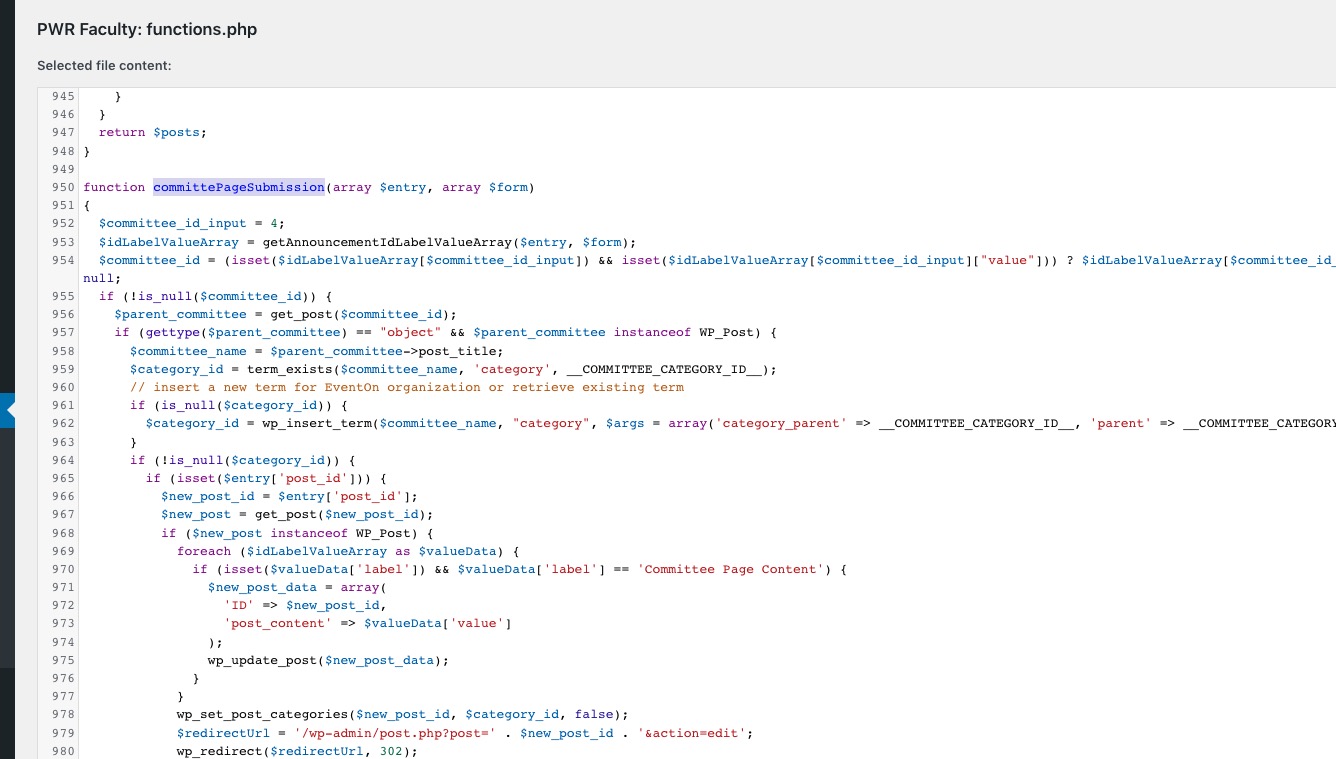
Could you check these code parts: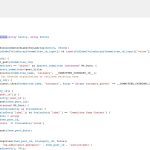
This time I enabled Troubleshooting Mode and all available plugins. The issue was gone because the only thing that was enabled from the website is the theme.
Does the code somehow affect EventON?
Ok, that worked, thanks for the support..
Hello,
Seems to be working correctly on my end:

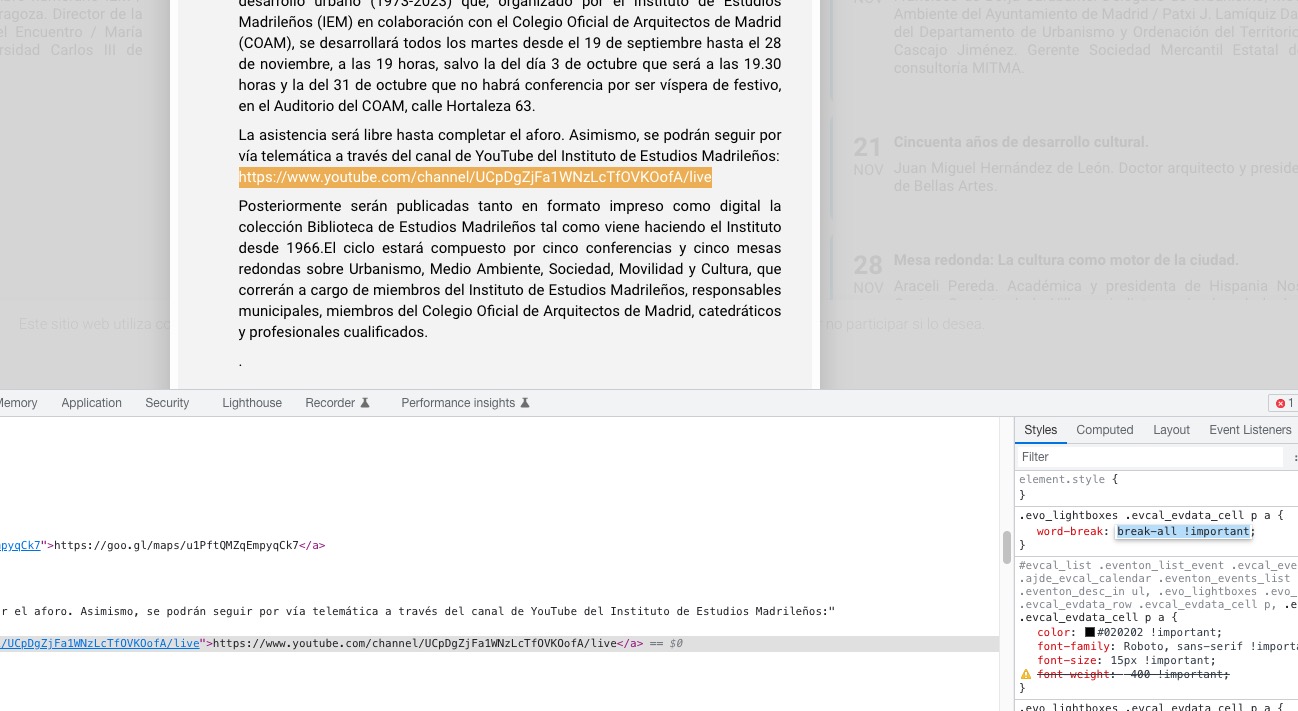
Usually, this happens because of long <a> tags in Event Details. But I can see that the issue is fixed with this added custom CSS code:

Could you try clearing your cache plugin and also browser cache and check again?
We are glad your issue is resolved, if you have any further questions or concerns please create a new ticket.
If you have a moment, we would greatly appreciate if you could kindly leave us a review at codecanyon! from your account > downloads. Cheers!
Please add this CSS code to EventON > Styles (If you don’t see any change, EventON > Scripts & Styling > turn off Write dynamic styles to header > save settings > turn on Write dynamic styles to header):
.ajde_evcal_calendar.cev #evcal_list .eventon_list_event a { background-color: #051754 !important; }
The colors should be the same comparing to 4.4. The only issue is that Event Details can be hidden, but you can fix it easily by re-saving EventON Settings.
Ashan,
EventON outputs the form incorrectly:
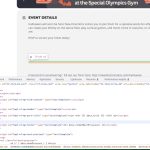
Tried different content filter types. The same in Troubleshooting Mode.
Thank you for your messages, I am going to assign this ticket to Ashan and he will be able to take it from here and find you a solution. Please allow some time for him to get back to you, we greatly appreciate your patience and thank you for being a eventon customer! Also please disable any IP blocking on your site if there are any.
Hello,
Please go to EventON > Language > Months and Dates > change dates.
Also try this CSS code:
.eventon_list_event .evo_eventcard_time_t { text-transform: capitalize; }