Hello,
Thank you for your messages!
I am going to escalate this ticket to development to help in here. Please allow us some time to address this, and we truly appreciate your patience. Thank you for being a valued EventON customer!
Replies for tickets on suppota
Hello,
Thank you for your messages!
I am going to escalate this ticket to development to help in here. Please allow us some time to address this, and we truly appreciate your patience. Thank you for being a valued EventON customer!
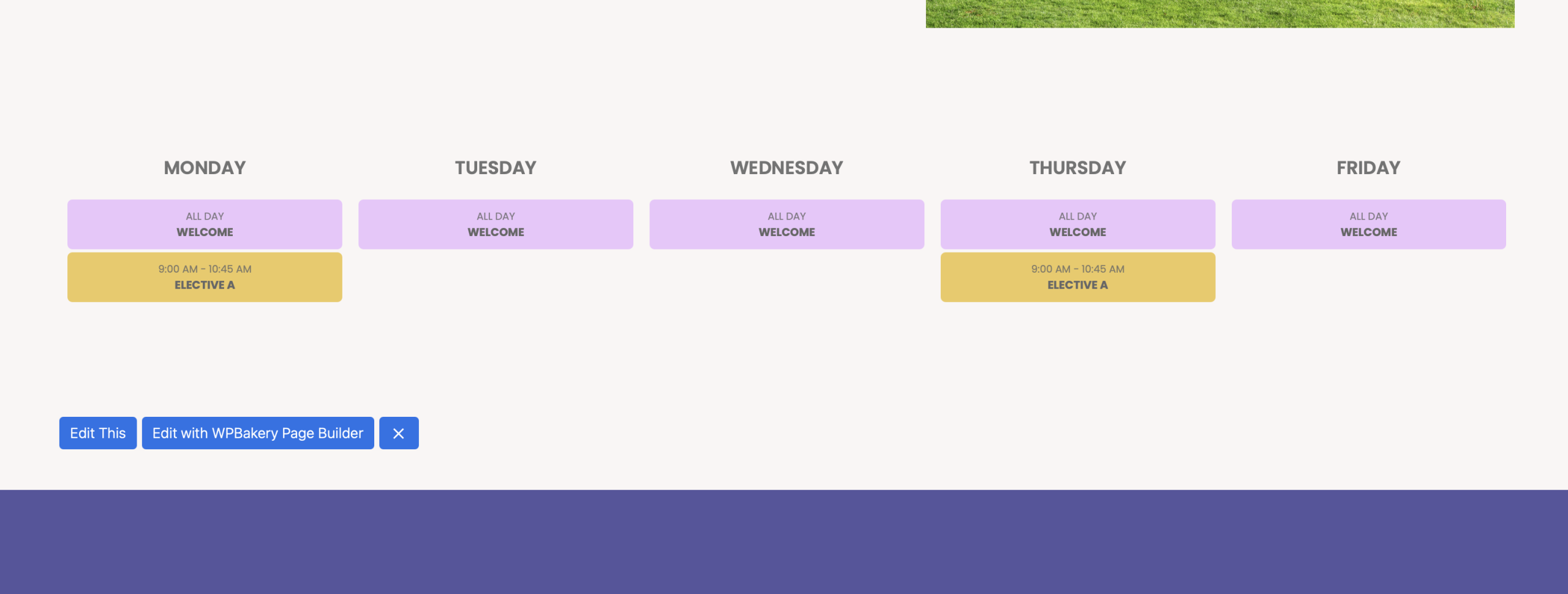
i got the timing thing figured out – the one with pricture attached. so just the question re: hours down the left and then the Mosaic look to block the hours.
also – see attached. why are events showing all day? I have the time set, repeating for the year. as you can see the yellow one works. they other is 8:30-8:45 but shows all day
please, I need to work with chek-in addon.
Perfect!! thank you very much. One final question, is there a way to expand the blocks in hieght? for example – i would like to have the hours rundown the left side (but not important) and have the blocks stretch. for instance, a 15min block is not as tall as a 30min block and an 1hour block is bigger than a 30min block and so on.
That worked, thanks.
I did. not works for me. Nothig to show. And I have a lot of tickets.
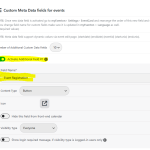
Here are snapshot of my setup… I found documanation and fallow the step by step but I’m still not able to see field within even details setup page.
Hello Pedro Telmo,
I’ve replied in your ticket. Please check and let me know.
Hello,
Sorry for the incomplete documentation.
It’s just with Checkins add-on all the available options can be found by going to EventON > Check-ins:
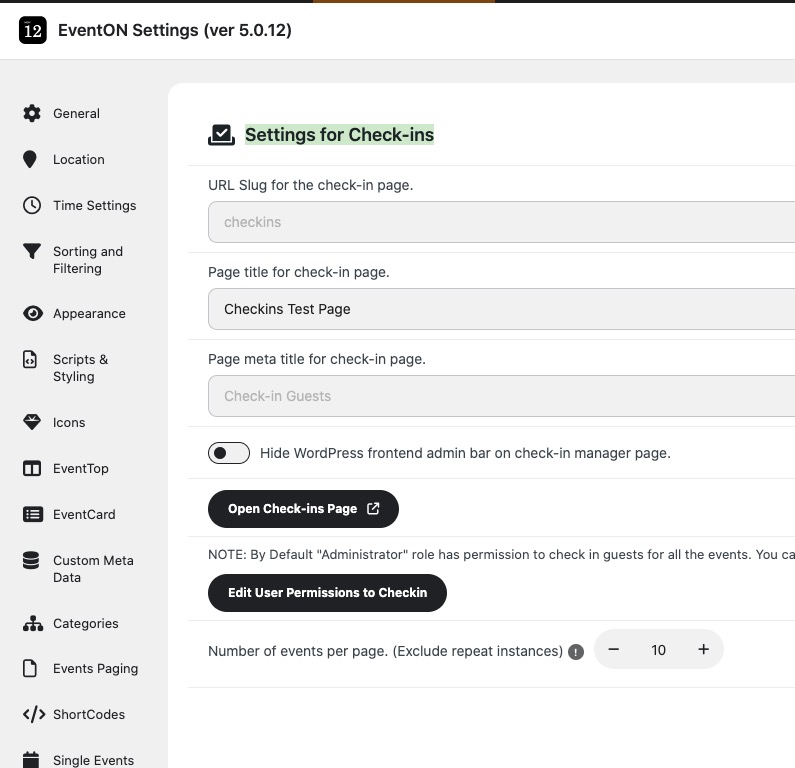
The shortcode for the checkins page isn’t available, you can use EventON > Check-ins > ”URL Slug for the check-in page.” to change the default page URL.
That’s basically it on how to use the add-on.
Please check and let me know.