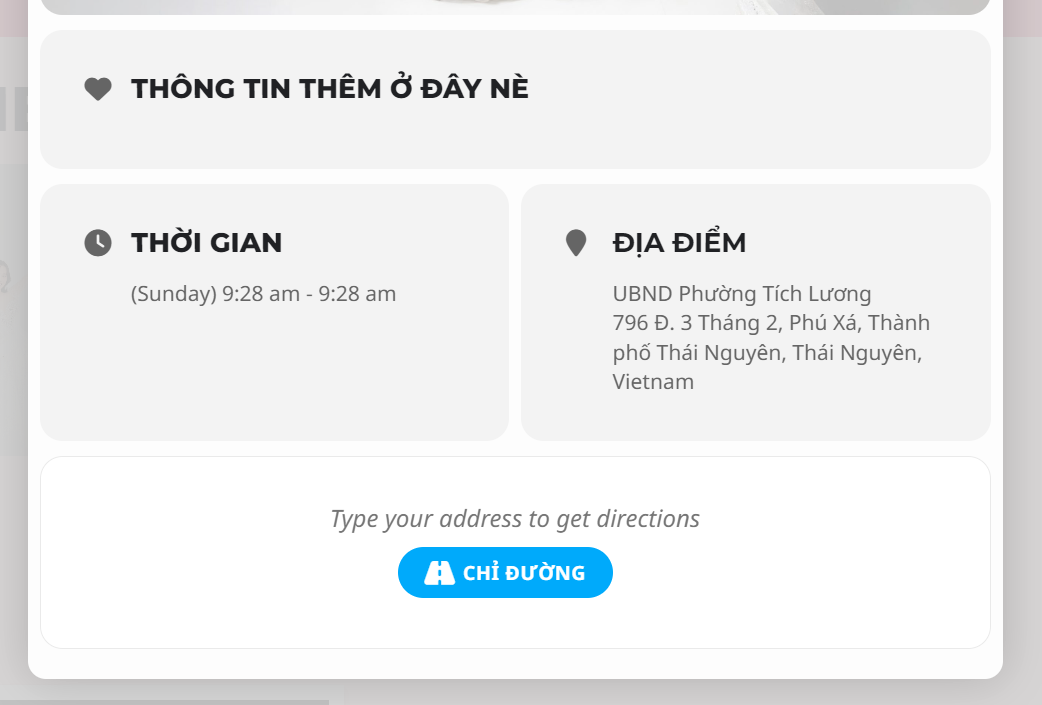
Google Maps Does not show
Replies for tickets on suppota
Google Maps Does not show
Thks a lot, that solve the problem
Hello Ryan I suppose I did not read this clearly.
>>So requesting that the organizer on on the eventtops and eventcards be changed from lightbox, to instead open in eventcard<<
What do you suggest by open in eventcard? Or do you mean clicking on organizer to open the organizer’s archive page instead of the lightbox?
sorry for the late respond. We are adding this in version 4.5
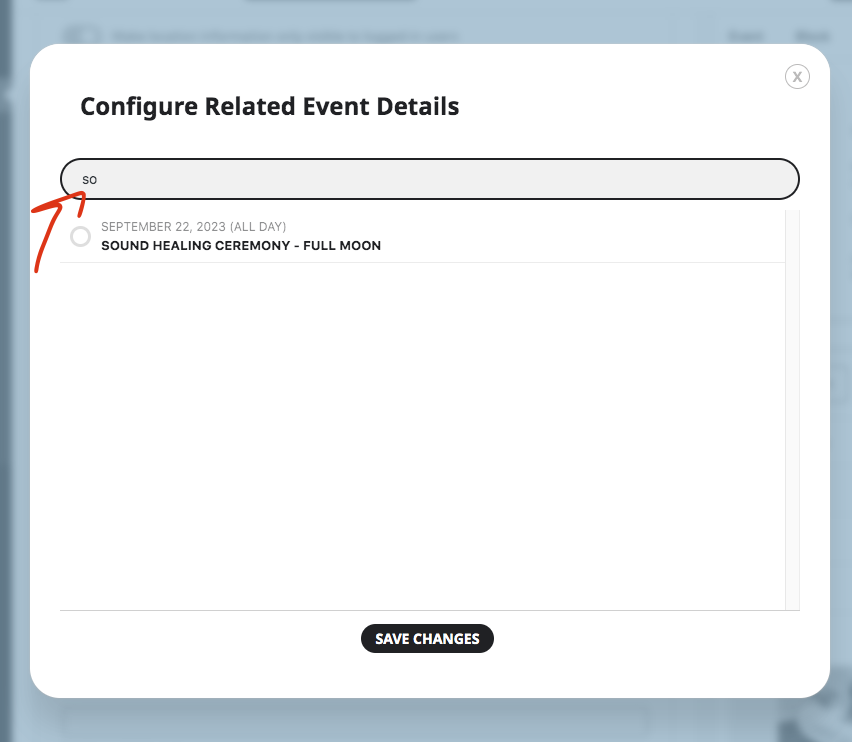
Hi there, this did solve the issue at first but it’s happening again. Any ideas? Thanks!
…Also can we use our Paid version of EventOn on the Staging site and the Main site at the same time for testing things??
Yes, you can. Just activate it on one side so you have access to Shortcode Generator.
Re: Updating … can we not just > add new pluging> upload plugin > and overwrite to the new version?
or do you have to disable and delete first?
You need to delete the old version first, otherwise WP won’t let to update at all.
is there a way to correct that help page?
All done! Thank you very much for the info!
Perfect! Please keep us updated.
Hello,
Please add hide_mult_occur=”yes” to the shortcode to hide multiple occurrences.
Hello,
Could you try updating EventON to 4.4.4 first?
To update eventon to latest version: If you are unable to do autoupdate, you can go to codecanyon your account > download and get the latest eventon version as zip file. Then you can go to your website > make sure “Delete eventon settings & data when EventON is uninstalled” is Deslected from eventon settings, delete old eventon, install new one and activate. This link will further explain the process it. Also you can follow us on twitter to get real-time announcements on updates!
I just tried to submit an event using Action User and it worked correctly, so maybe the issue is with older version of EventON?
Hello,
Please send us wp-admin access to your site as a private message for us to further assist your situation.
Usually there is an issue with memory limit that can be solved with
https://docs.myeventon.com/documentations/increasing-wordpress-memory-limit/