Hello,
Looks completely fine on my side:
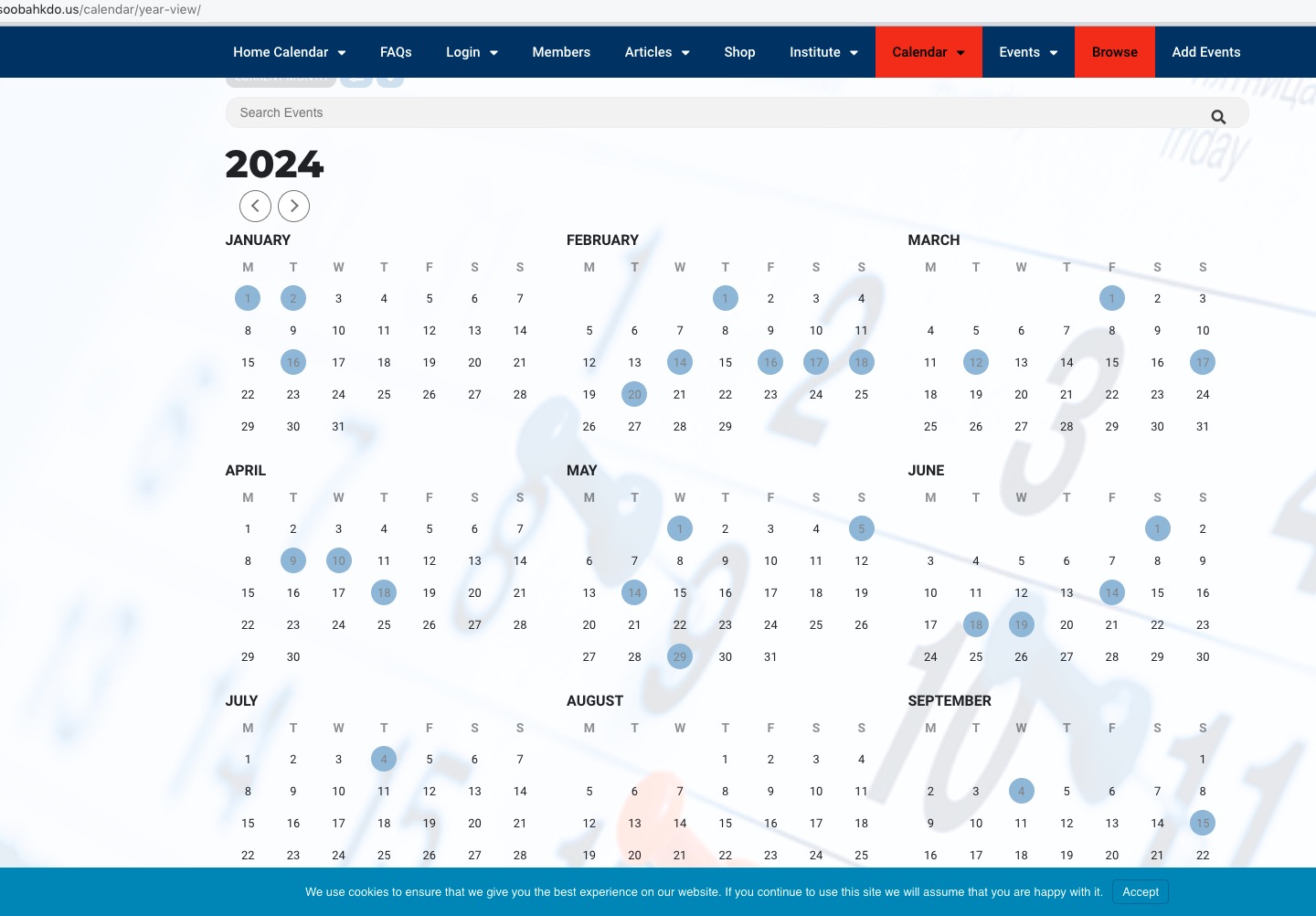
Could you elaborate?
Replies for tickets on suppota
Hello,
Looks completely fine on my side:
Could you elaborate?
We (support staff) don’t have access to the email. Please send us the login info here, so we can fix this ASAP.
Can we try disabling all other plugins and switch the theme for a quick test?
Please take a look at our test server:
https://dev2.myeventon.com/test-145/
Two calendars on the same page are loading with no issues and our server is the most average server you can find.
Your seats are all the same price on your grid. This is a campground with different sizes and you can see that with the links. You also have the ability to reset your password based on my using your email address info@myeventon.com
Still the same issue, I am afraid. Can we access wp-admin?
Hello,
Please add this CSS code to EventON > Styles (If you don’t see any change, EventON > Scripts & Styling > turn off Write dynamic styles to header > save settings > turn on Write dynamic styles to header):
.eventon_events_list .eventon_list_event .sin_val .evoet_cx { margin-right: 35px; }
Hello,
We are sorry for the inconvenience. Please send us wp-admin access to your site as a private message for us to further assist your situation. We will fix the issue ASAP.
Hello,
Could you please update installed add-ons? It should fix the issue.
To update eventon addons: You can download latest eventon addons from myeventon > my account. Then you can go to your website, deactivate old addon and install new one and activate then delete the old addon. This link will further explain the process. Also you can follow us on twitter to get real-time announcements on updates!
For example, the latest version of Tickets is 2.2.3.
Hello,
I am sorry, the access information you have provided did not work for us. Please check them and post the correct login information as a private message, thank you!
Could you take a look at our test server:
https://dev2.myeventon.com/events/seats-7/
It seems to be working correctly there.
Could you please try the instructions mentioned in this documentation?
Hi I am not clear what we need to do. Should I move something off of the page? It is trying to render too many calendars and sliders on the page?