Hello,
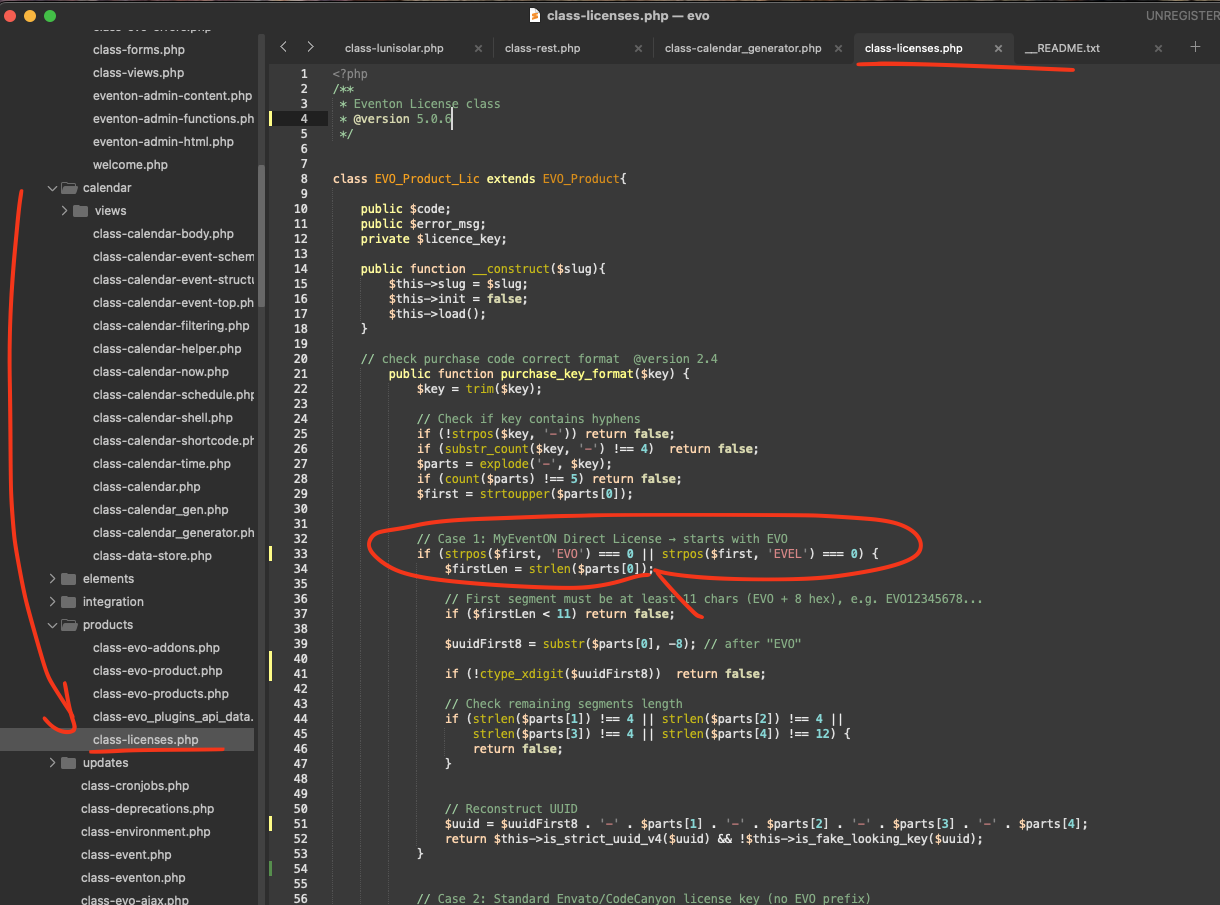
Please try implementing this code change in your website.
code:
https://dev2.myeventon.com/codeshare/7QEBJf3jeRpA
Replies for tickets on suppota
Hello,
Please try implementing this code change in your website.
code:
https://dev2.myeventon.com/codeshare/7QEBJf3jeRpA
Hello,
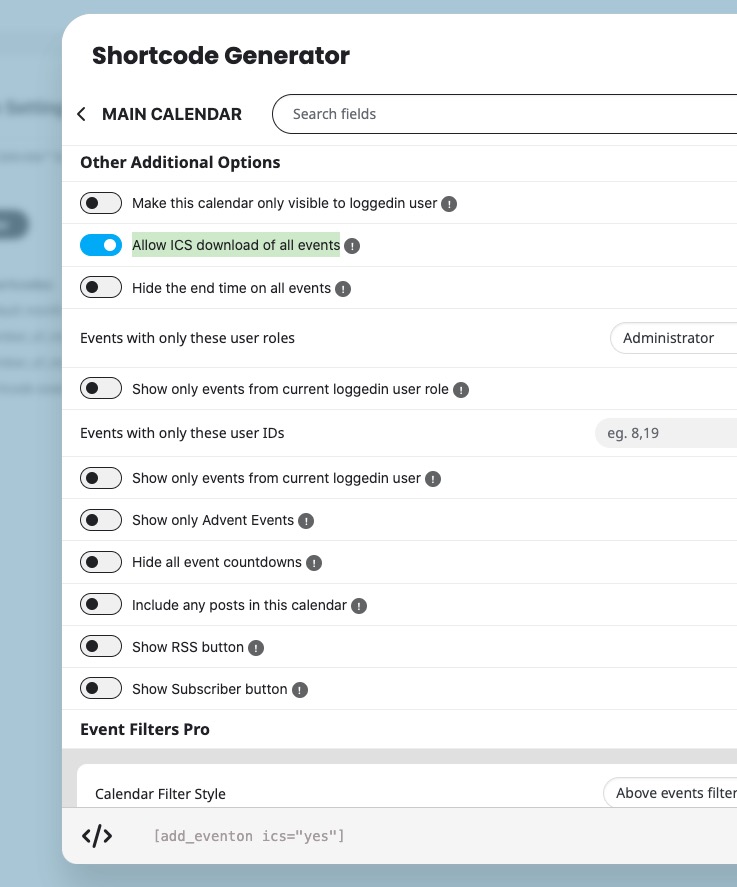
If you enable ”Allow ICS download of all events”, users will be able to download the calendar and then import it:
Please also check RSS Feed add-on:
Maybe they can use the feed to import events from it.
Sorry for the delay. I’ve added more code to EventON > Styles, so it seems to be working now:
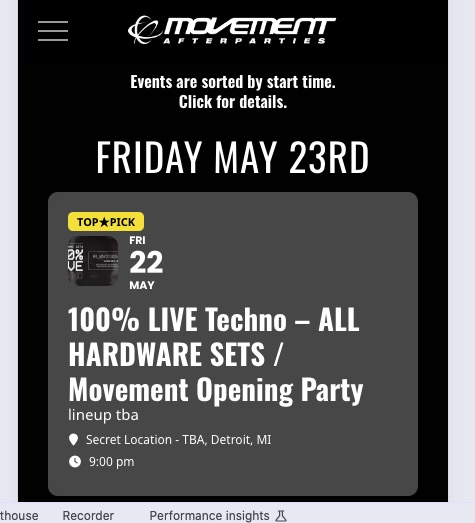
Please check and let me know.
?
Hello, We’re hoping to get a solution today so we can post our calendar. Has anyone reviewed this yet? Thx.
Another clue: Even the Event Author is not recieving RSVP notification emails.
If you recommend, I can install the older version of RSVP plugin to resolve the problem temporarily (Then you will not be able to debug on our website)
I tested many scenarios and it is obviouse that new RSVP notifications is not sent to the list of our staff recipients. But clients recieve the emails. Also, RSVP Update (Change to YES/NO) emails are being delivered.
Please give this high priority and your best advise.
Hello,
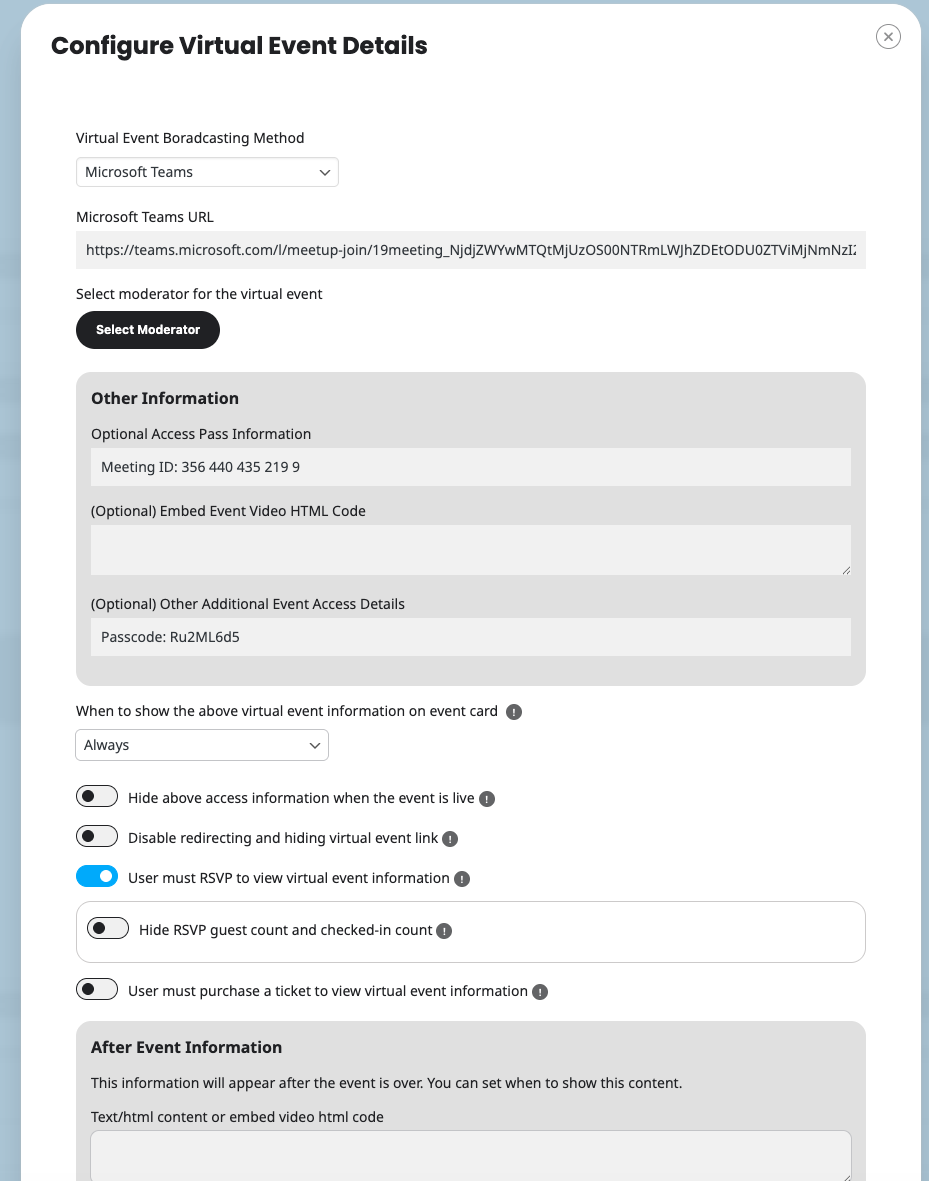
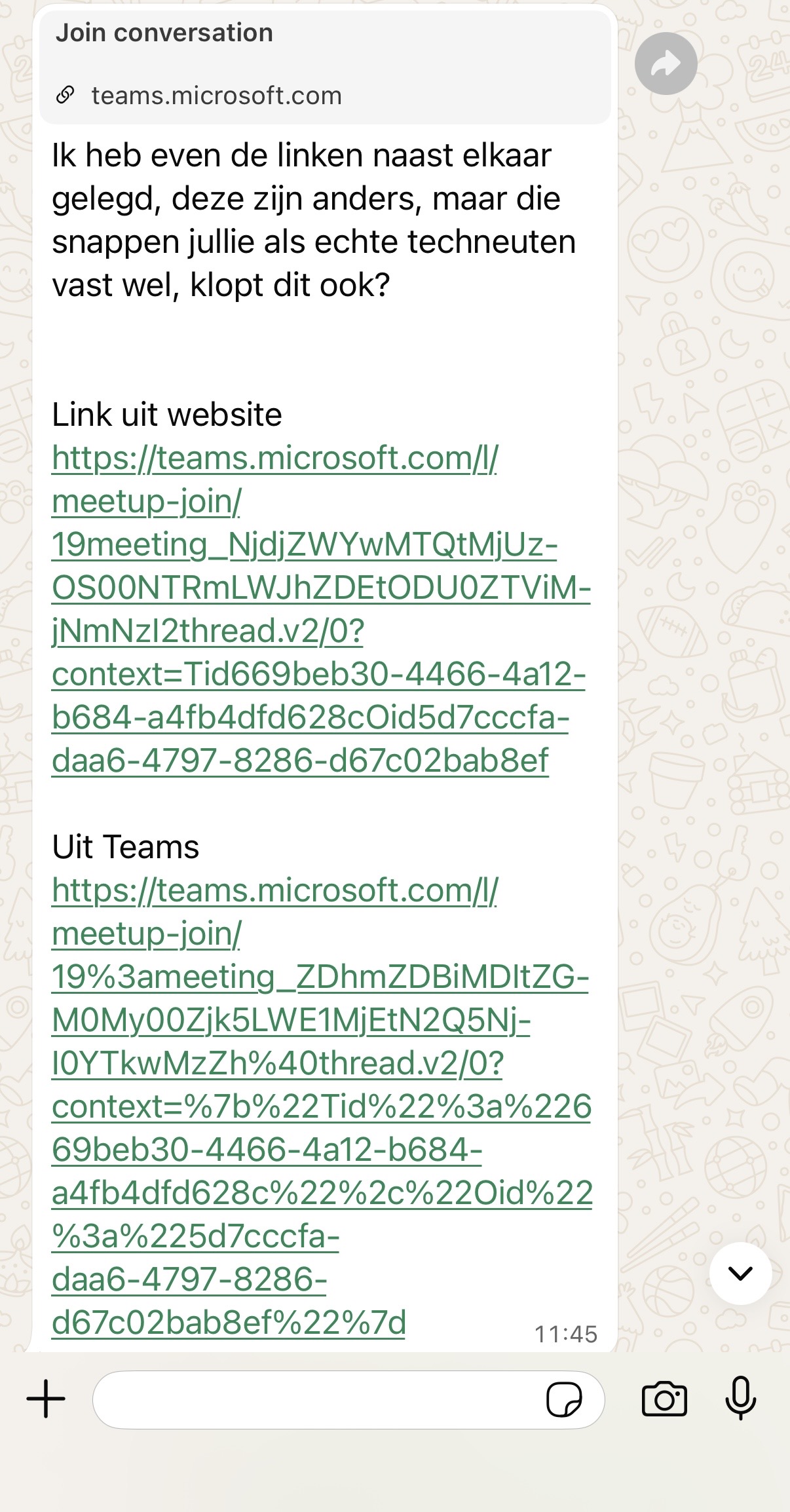
Yes I was referring to that guide. See also enclosed screenshot on how we have added the information requited. The strange thing is that it looks like to url of the meeting is slighty changed when added to EventOn. Please see the difference in links between Event on and Teams on the second image enclosed.
Hi that is disabled now.
Hello,
Thank you for your messages!
I am going to escalate this ticket to development to help in here. Please allow us some time to address this, and we truly appreciate your patience. Thank you for being a valued EventON customer!
Additionally, if your site has any IP blocking or security restrictions in place, kindly disable them temporarily to facilitate our support process.