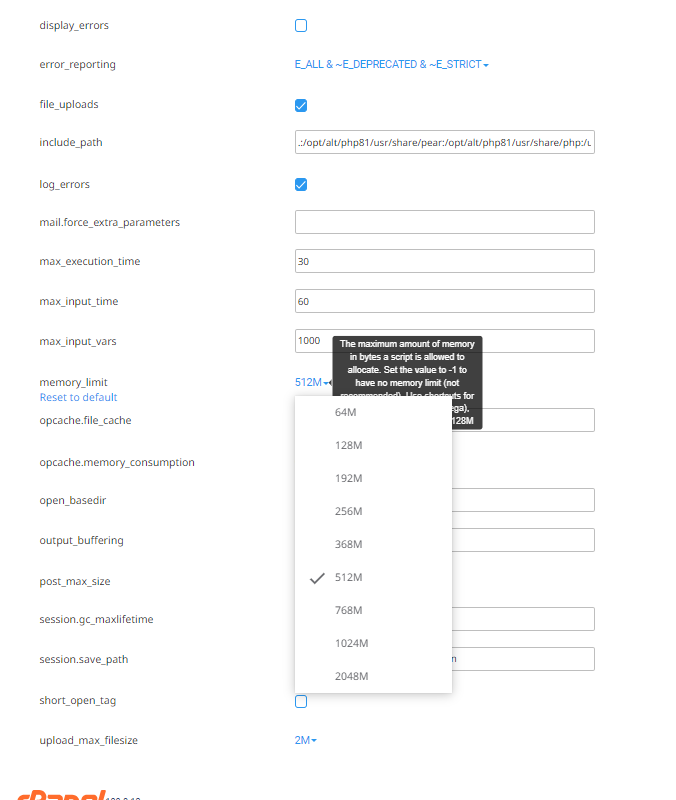
I set 512 MB in any section I know. .htaccess and in the server specification at my hoster (php.ini see screenshot) . The file wp-config.php was already set. But I have the same issue.
Is there a way to remove anything from Eventon from the system. Anything in the file system and the database? So I can start over completely new? it is not usual that I need 512 MB for PHP.
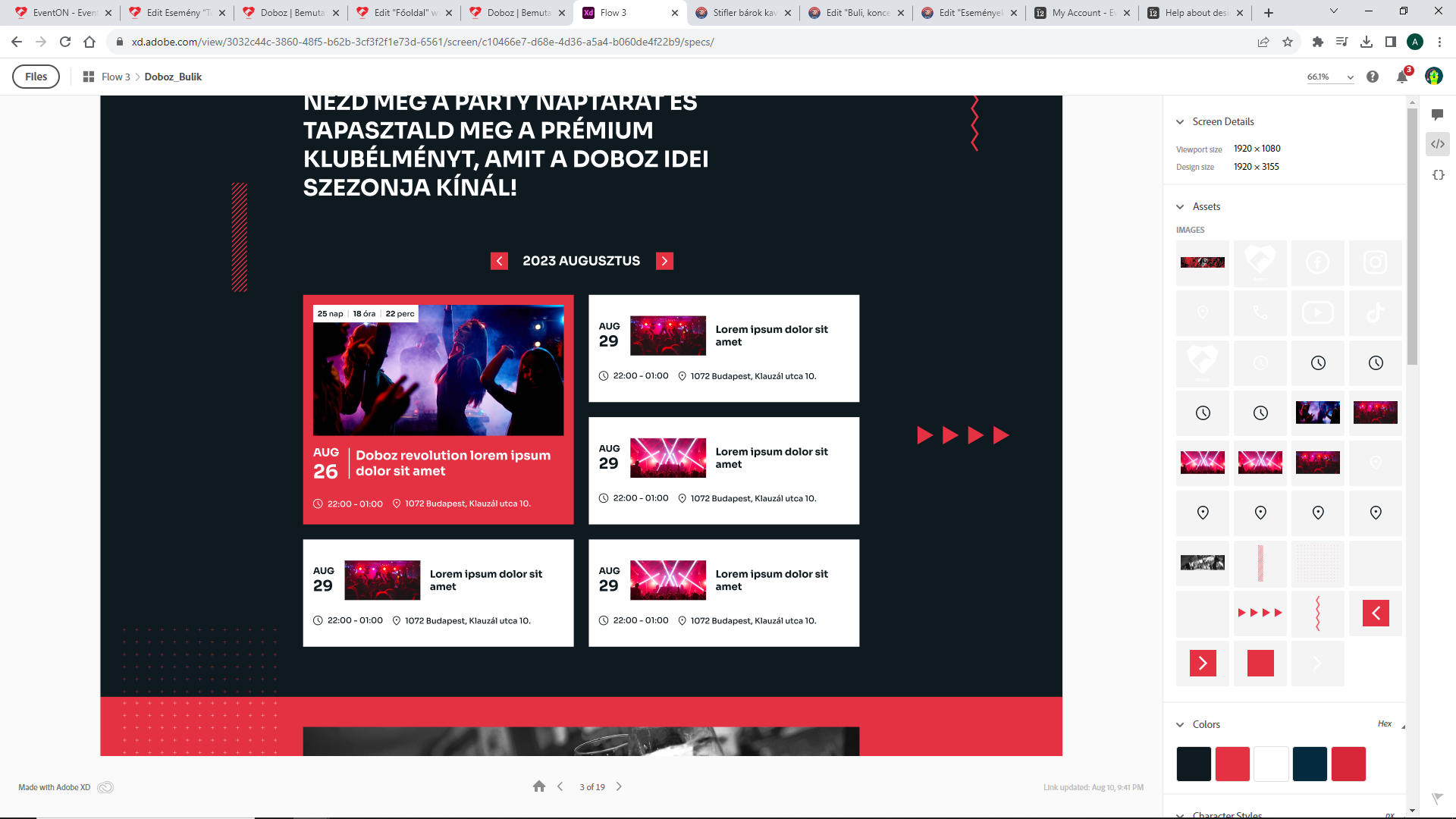
Is there a way to achieve at least something close to this layout?
Hi Thanks for the support, It worked.
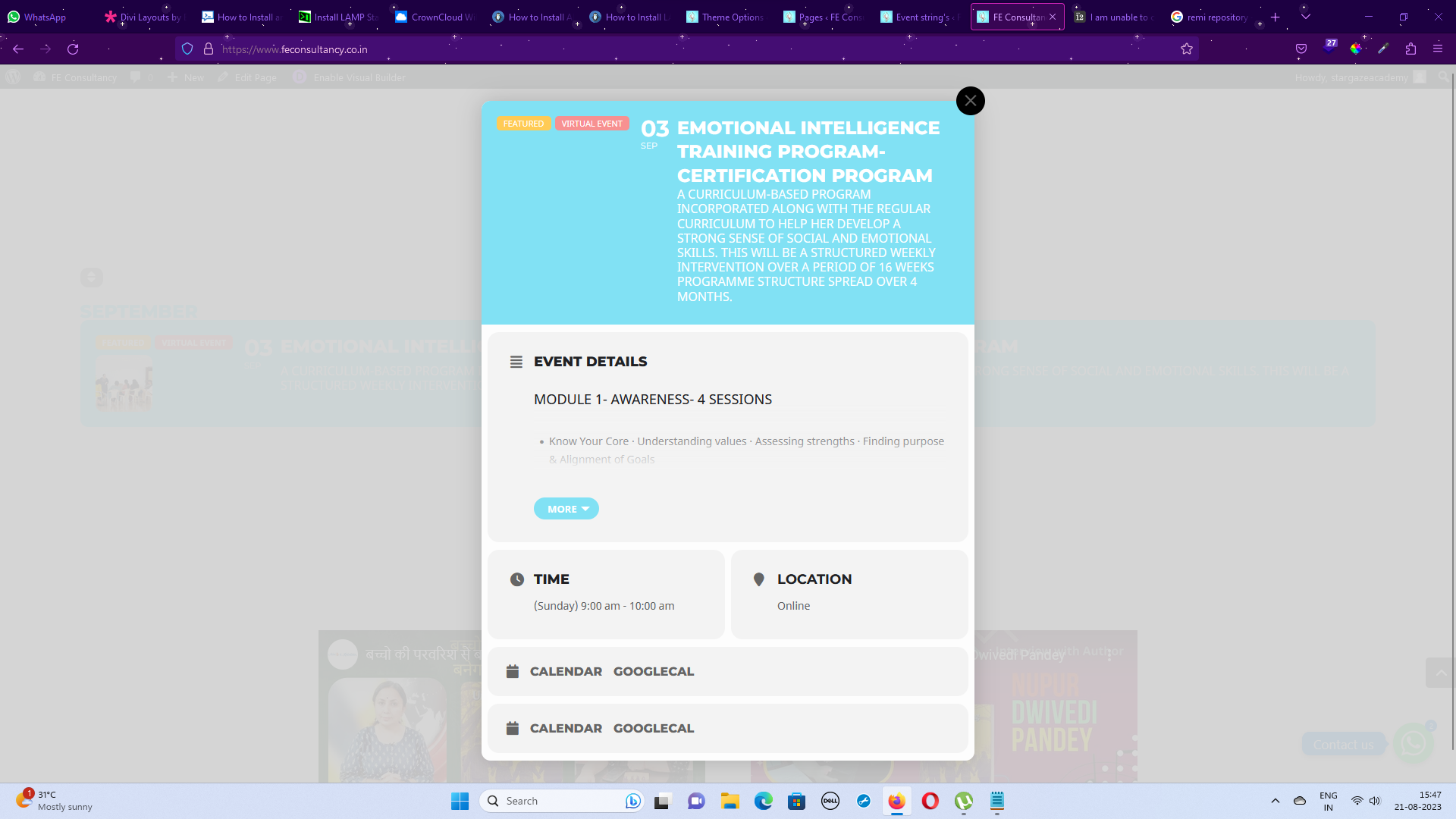
I added the shortcode you suggested and its displaying correctly. Is there any option for me to show as cards .. aligned horizontally?
Also I am attaching an image, I want to display the image here too. Need your guidance. just below the virtual and featured image tag
But with WC involved, the journey was choppy, interrupted and not greatly intuitive.
Could you elaborate on this one? How WooCommerce is different from what, for example, Amazon does? A customer purchases something, then proceeds to Cart or Checkout, fills the form, presses Order Complete. I think that it’s similar for every shop on the Internet.
Ashan will contact you ASAP about the refund.
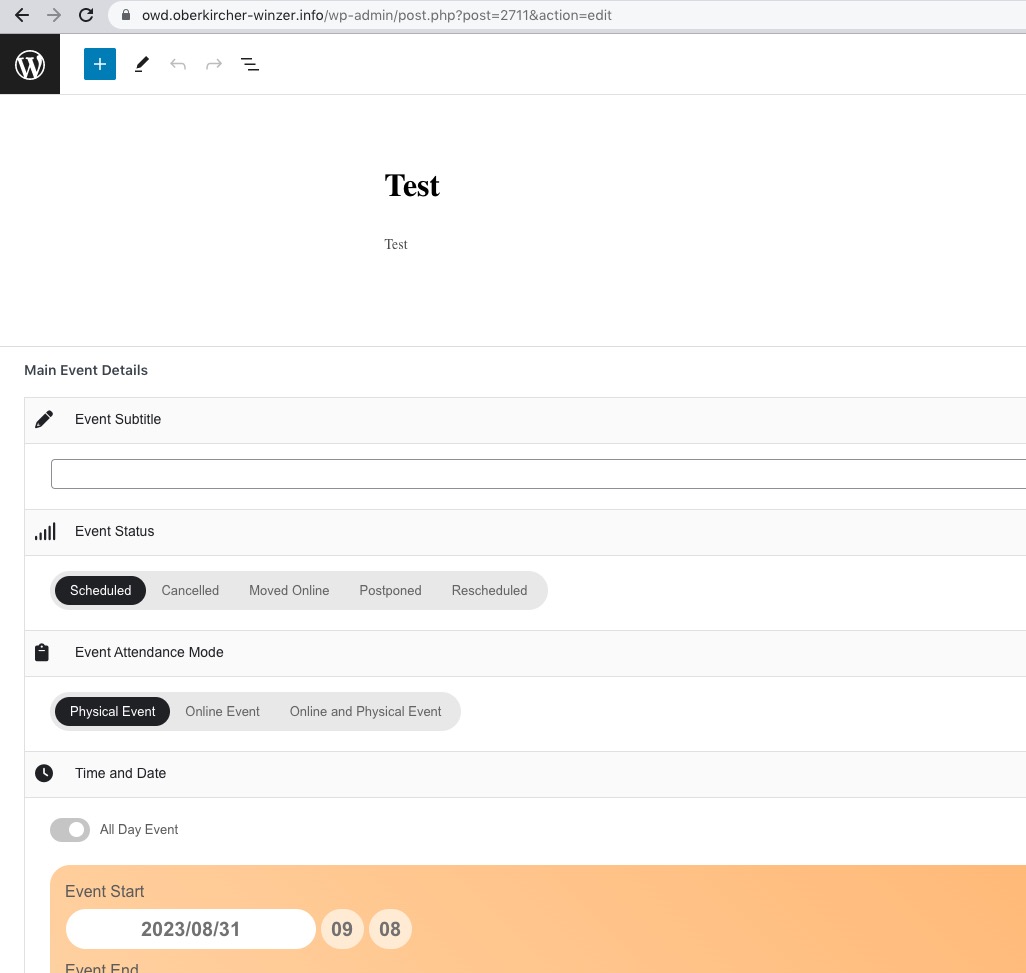
Sometimes when I refresh the page, it shows Main Event Details: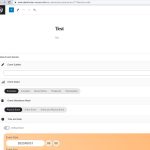
But the other time, it doesn’t.
In error_log I found this
[17-Aug-2023 09:34:20 UTC] PHP Fatal error: Allowed memory size of 134217728 bytes exhausted (tried to allocate 20480 bytes) in /home/oberkirc/OWD.oberkircher-winzer.info/wp-includes/pomo/mo.php on line 328
It’s from August 17th, but I think still related to the issue.
Could you try increasing memory limit by following
https://docs.myeventon.com/documentations/increasing-wordpress-memory-limit/
I’ve already tried changing it by editing wp-config.php, but it didn’t work. Could you try changing it in php.ini file?
Hi,
ok, thank you so much for your response.
Could you please provide a fix for this problem?
Hello again,
sorry for my late response, but there are some important things what I have to do before. Our Golive for this season is on Monday August 28.
Now I setup a new staging system. The problem still exist. After disabling Eventon PRO and installing Eventon LITE, I can immediately create a new Event. No waiting, nothing. If I switch to PRO the same problem exists. (unfortunately it is not possible to add an event picture with the lite version.)
Also I get 503 errors when I try to setup an event. Sometimes I find in the server log more than 60 503 errors, before I can setup an new event. Without using Eventon i find no 503 errors over the whole day.
I made a new user for you.
ps@oberkircher-winzer.info (user)
oEznyyypnUhQREzCm4caat5U (password)
https://owd.oberkircher-winzer.info (staging system, no worry, you can enable/disable any plugin)
Thank you so much in advance.
Karl
Thankyou, much appreciated.
More info: I think in summary it comes down to that you can’t experience ‘event tickets’ until purchased but a customer journey is such a vital and intricate journey for each company. This add on couldn’t provide us the customer journey we needed for our ticket buyers and the customisation of the addon wasn’t plug and play so it would have taken far to long to adapt it to place that would work.
Woocommerce was a big part of this. Stripe appears to provide something that is adaptable to what we need and a journey that we are looking to give our customers. But with WC involved, the journey was choppy, interrupted and not greatly intuitive.
what we’re going to do instead is use our current EventOn infrastructure to build something in with Stripe. It’s not ideal but it’s a very simply journey for our customers and it will do the job on this occasion
Hello,
Thanks for reaching out!
Could you please try the instructions mentioned in this documentation to make sure your issue is indeed coming from eventon.