Hello,
Thank you for your message, I am going to assign this ticket to Ashan and he will be able to take it from here and find you a solution. Please allow some time for him to get back to you, we greatly appreciate your patience and thank you for being a eventon customer!
Hi Geography,
You can use the code below to minimize the Geography spacing.
.eventon_events_list .eventon_list_event .evoet_cx .evoet_cmf{margin-top:-7px;}
Let me know if this works for you.
Hi Alex,
Please send us wp-admin access to your site as a private message for us to further assist your situation.
Hello,
I will go ahead and close the ticket for you. Please be sure to create a new ticket if you need help with anything else.
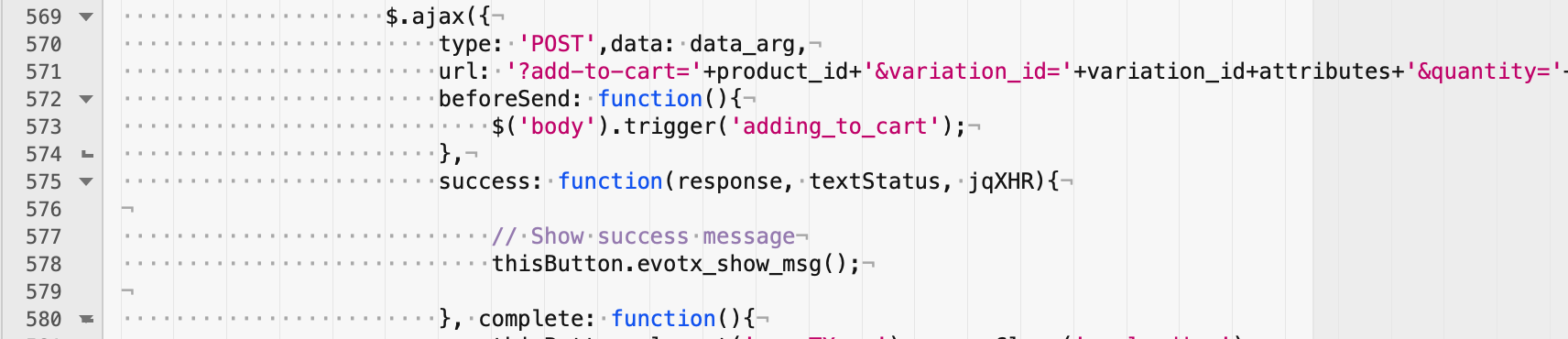
That fix did not fix our problem. I changed the code and reset file permissions and it still does the same thing. I even deleted caches and gave my host 30 minutes for their CDN to update.
It is still an issue.
Thanks so much, all is looking good. There have been a few different support people helping me with things so perhaps they have different methods when they add the CSS. We aren’t so picky about how it works, more just want it to be readable.
looks like you have added a chunk of css into myeventon>>>stles
I can’t begin to go through all those lines to see where you have forced the background to be white
i have added eventtop_style=”4″ to the schedule view shortcode so at least you can read the text
Now it’s running cron but it’s not marking the events with Event Completed
ex: https://16.170.237.209/wp-admin/post.php?post=49711&action=edit
again you were using the widget so I placed the shortcode into a text file
just working now on changing the text color to make it white on the daily view – but darker on the schedual view