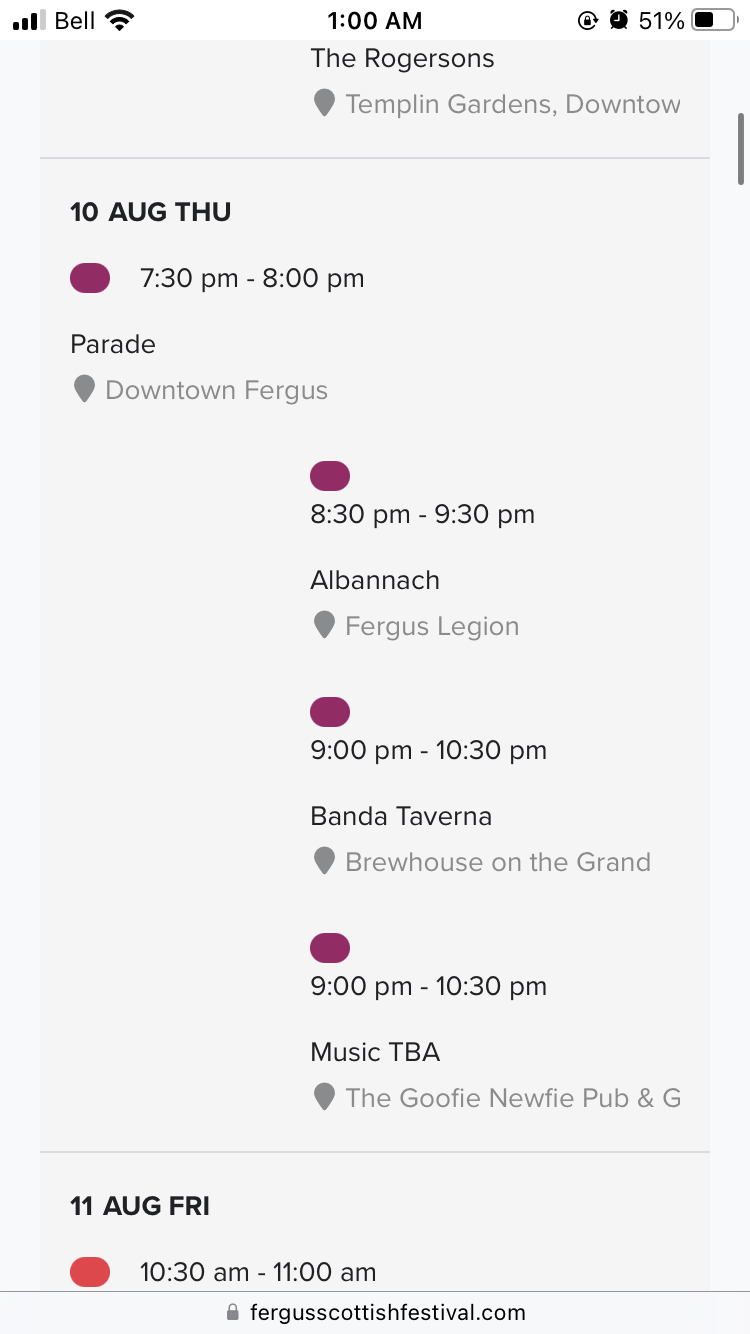
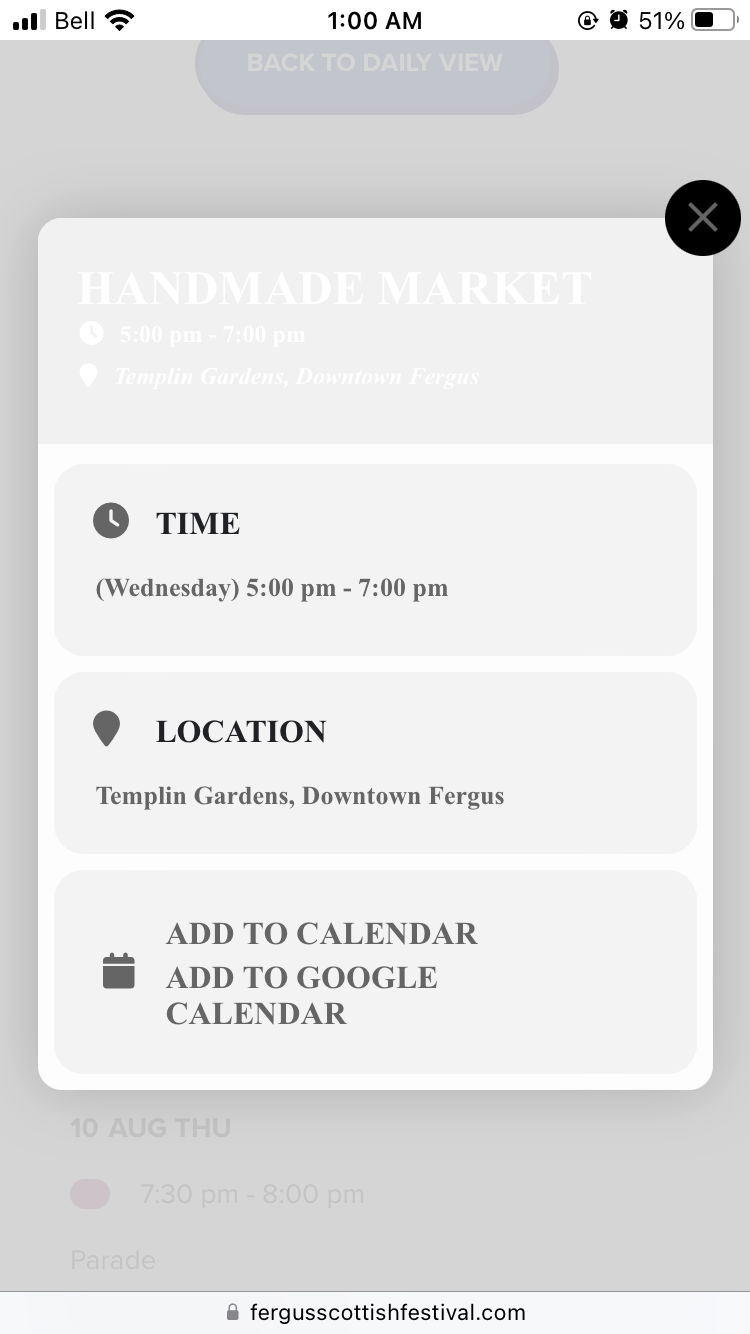
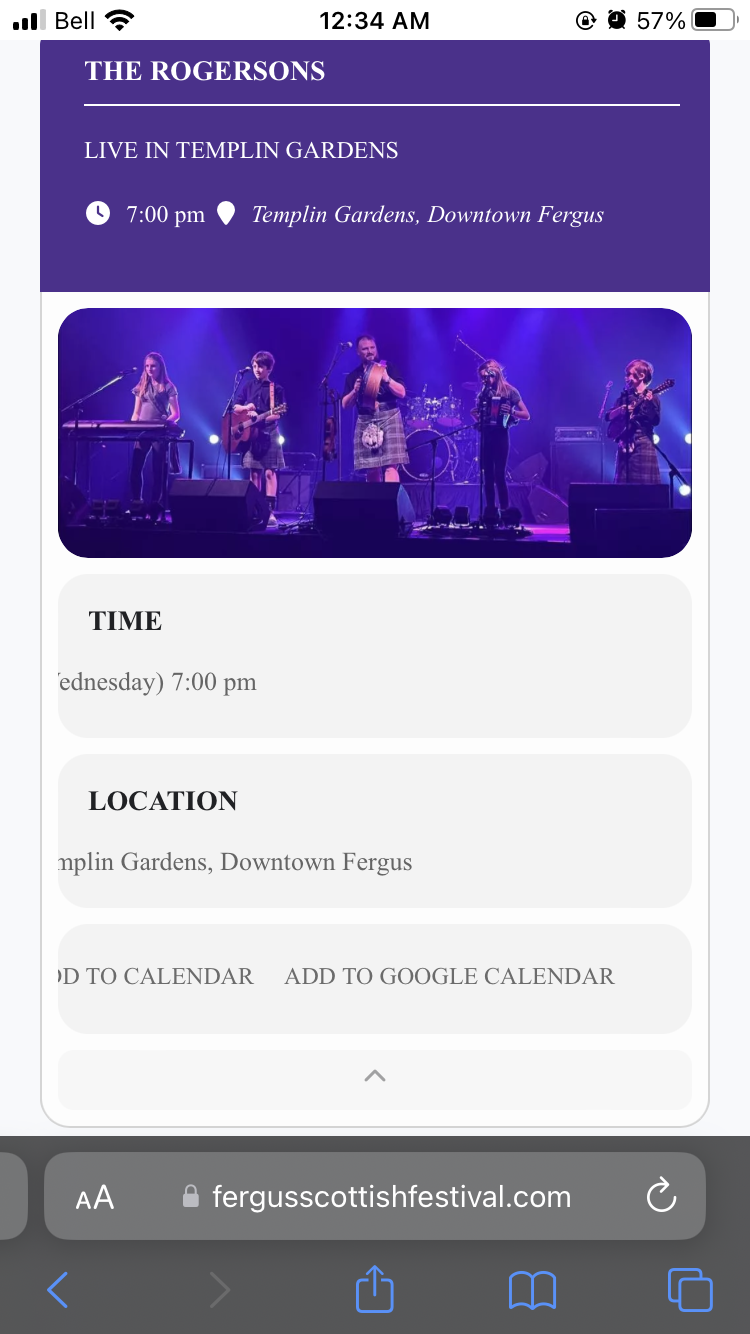
——-you were using the widget for the scheduale view which is designed to be ina tiny side bar
I took the shortcode and placed it in a simple text editor and it should be showing right now
——– I changed the title of the event top to the same black as the other titles- you can chenge it to any color you wish
Appearance>>>customize..>>>additional css
change the last ones color to whatever you want
working on 1 and 2 now
Thanks Dave – looks great. Yea the site is faster. I bit the bullet and got WP Rocket – definitely worth the money
Should I go ahead and close this ticket?
I changed them but you can also in myeventon>>>>>settings>>>>appearance>>>>>event card styles
the top one right next to the drop down
Section Title Text
then you will probably need to clear the cache and possibly go to myeventon>>>>settings>>>scripts and styles toggle write styles to header off- save and on save
sites loading fast so thats good
for your information if I only brows a singel event as you showed me it also works: https://www.bristol.se/events/sunes-sommar/
But if you use it to show many event in full calendar, tile och normal [add_eventon] the seat chart is not loading.
Hello,
already followed the:
https://docs.myeventon.com/documentations/how-to-cancel-addon-subscription-before-auto-renew/
We want refund. Whats next?
You can login here: https://www.bristol.se/mitt-konto/
Username: johan@bristol.se
password: D!OEcLk8T(Lh2lhE^F
Perfect! I am going to close this one.