The guide is for Sync add-on that is not available anymore.
Could you tell us how did you find the guide? Through search?
Replies for tickets on suppota
The guide is for Sync add-on that is not available anymore.
Could you tell us how did you find the guide? Through search?
I got the file from Media. Thank you!
It seems that event_id already exists:
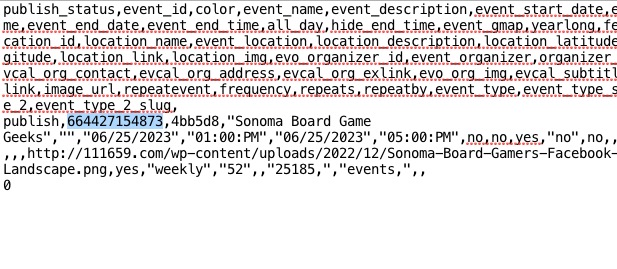
When I changed it, I was able to import:
https://goblinbros.com/wp-admin/post.php?post=664427168801&action=edit
When I use Troubleshooting Mode events are showing:
https://www.hussain-in-lab.com/wp-admin/site-health.php?tab=troubleshoot
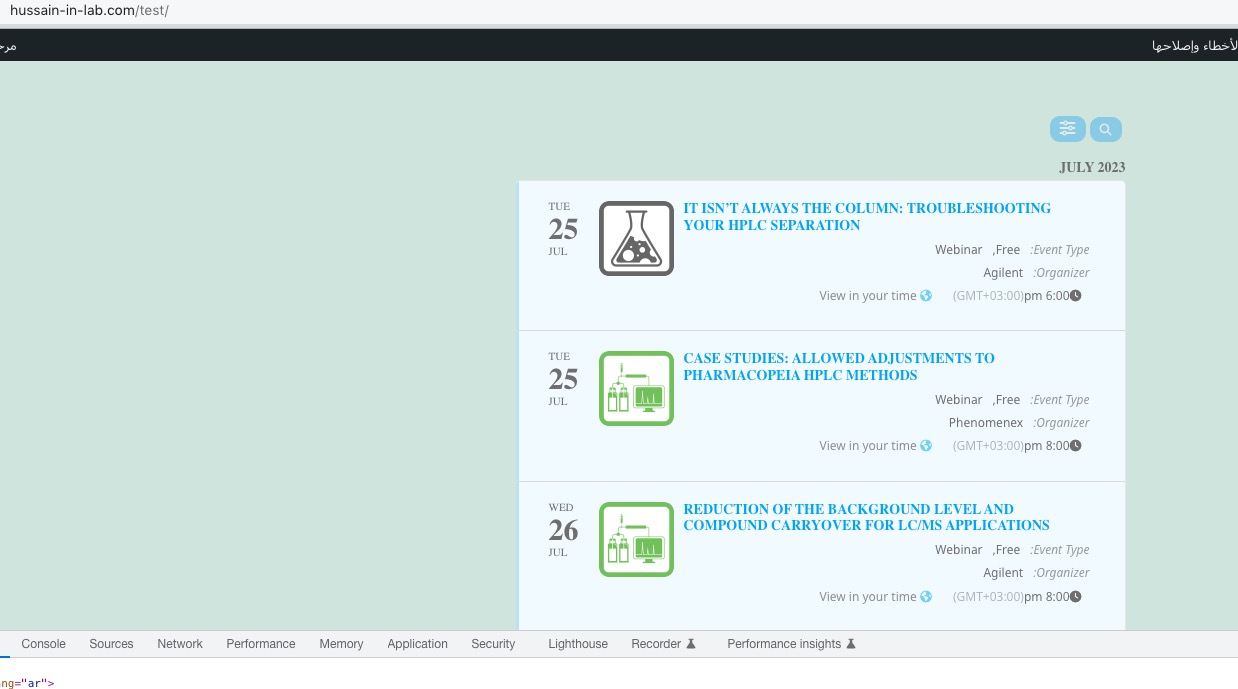
However, could you check yourself?
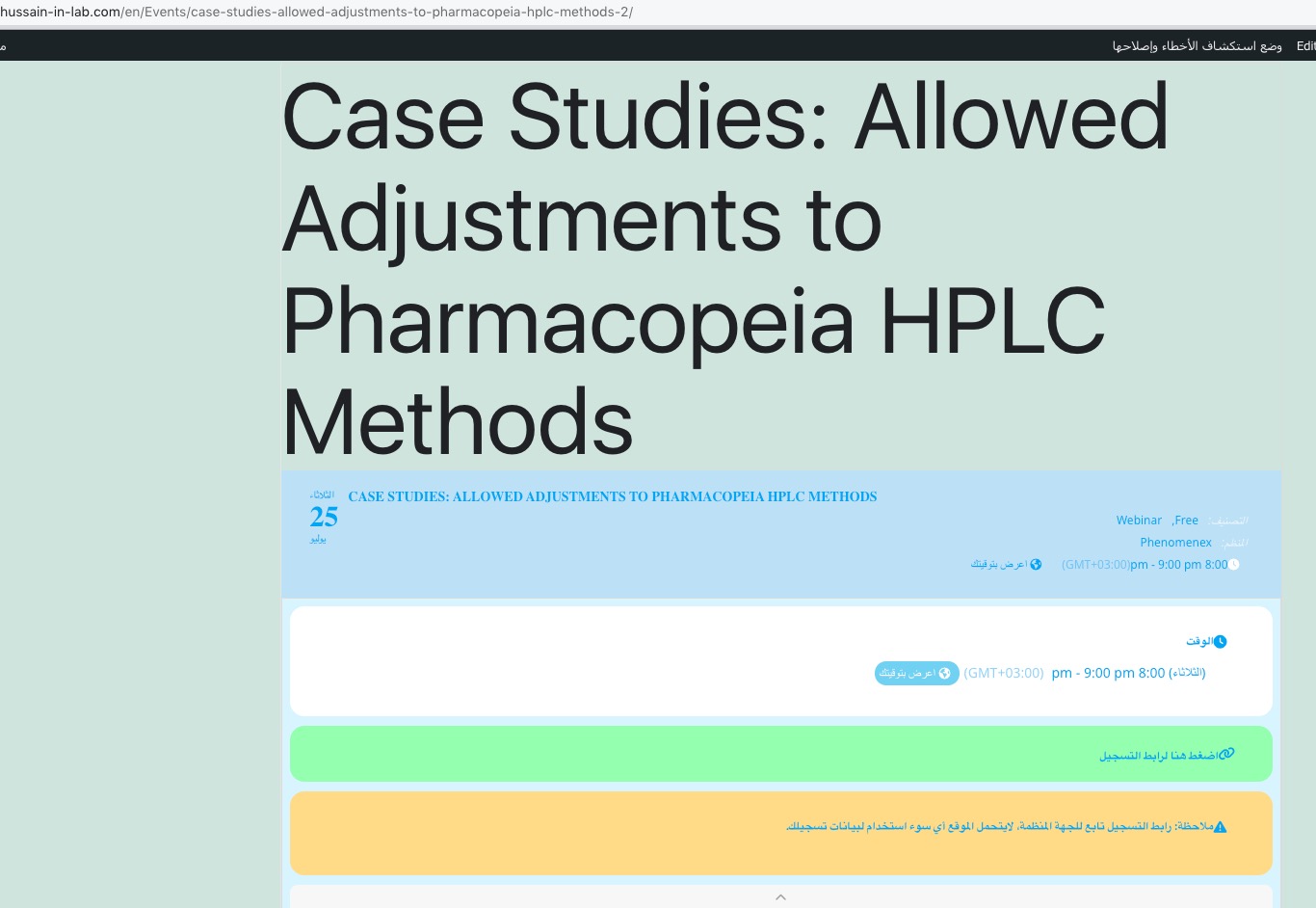
There is also an issue with
https://www.hussain-in-lab.com/en/Events/case-studies-allowed-adjustments-to-pharmacopeia-hplc-methods-2/
However, the issue is gone when I check it in Troubleshooting Mode:
I see that you have File Manager plugin installed on the server, but I cannot access it. Could you allow us?
They should not be able to buy 4 if the ticket is sold individually.
If the ticket is not sold individually then they can buy more later.
I see what you are saying. It seems like this. If you edit a seat row and add extra seat to 1 row then the whole section assume as its +1 seats
I also noticed that previously created seat sections show +1 seat count. We will do some more digging to see if we can find exactly where its happening.
But this should not effect the funtionality of the seats addon 🙂
It’s updated now, but still not shwoing L2 events, therefore I put L1 insted of L2 till it’s fixed.
How can I attach the file? I tried using Select an Image.
Here you go:
https://goblinbros.com/wp-admin/?wtlwp_token=b48e62489b2607a033e9d2ea66eeca477551aba8daf30fa5b2f83d5a83ef3c8063de71f0d1487583bb4cdc9d85ba3337e656b6aed4f08ddad987342129ba561a
Hi Artem,
Sure I can elaborate. Following these instructions illudes to there being an inherent integration that exists within the EventOn instance with a public google calendar ID. ALl of that is easy to to understand. What I cannot seem to find in the version we have is where we would input that ID.
I hope that helps understand the issue.
Sorry this didn’t do anything