Please send us wp-admin access to your site as a private message for us to further assist your situation.
Also send us your file as well.
Replies for tickets on suppota
Please send us wp-admin access to your site as a private message for us to further assist your situation.
Also send us your file as well.
It seems that your version of Event Lists: Ext is outdated. Could you update?
To update eventon addons: You can download latest eventon addons from myeventon > my account. Then you can go to your website, deactivate old addon and install new one and activate then delete the old addon. This link will further explain the process. Also you can follow us on twitter to get real-time announcements on updates!
In order to request a refund, please create a new ticket under Billing & Accounts and be sure to include the order ID for which you need a refund for and the reason for requesting a refund.
Still the same:
Hello,
Please go to CodeCanyon > My Account > Download > EventON.
More info “2.0 Method #2: Manual Download from codecanyon“:
https://docs.myeventon.com/documentations/update-eventon/
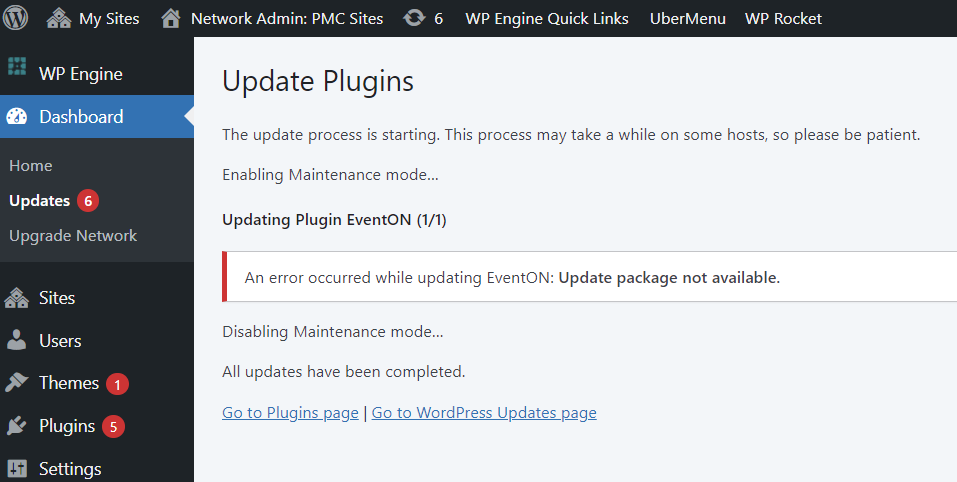
We’re currently running 4.0.2 and need to upgrade to 4.4.
The attached screenshot is what the autoupdate option tells us.
I looked in My Account on the EventOn website but there’s no package to download 4.4.
PLEASE HELP
Can you please clear your cache and try again?
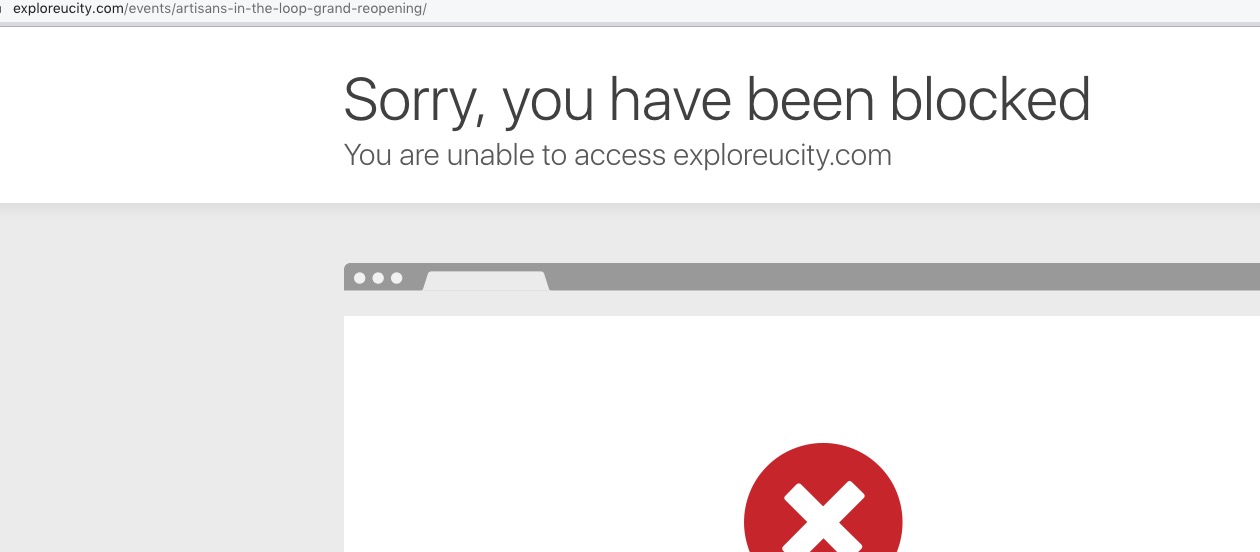
If you are still being blocked, can you please send me a screenshot of the Block message so I can resolve.
Thank you. I got it to to work but I just don’t think it is worth it. I will still have to go into Events on WordPress and add more info, change event color, add image, etc. Can I get a refund on the ICS plug in please? Thanks!
WPML: I don’t understand exactly what you mean, but I’m using (Polylang) and (LOCO) plugins for translate. But it was not conflicting with EventON.
For the Plugins access already given now.
Thanks,,,
Okay, I disabled EventOn Lite and enabled the full version.
Next, I exported the CSV file as directed.
Next, I purchased, downloaded, installed, and activated the EventOn Importer Plugin.
Next, I imported the CSV file as directed and confirmed the event import. (See attached image).
When I go to the Events tab, there is nothing there. What am I missing?