no, Artem, that’s not the point.
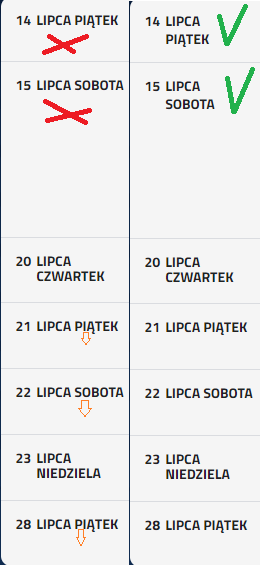
I just want you to help me get the day of the week UNDER the date of the tournament. Take a look at the attachment.
When the month is a short word, the date and day of the week line up in one line. And I want it to be two.
Schedule View shows events by day. For example, this event
https://laczynasdart.pl/wp-admin/post.php?post=4719&action=edit
goes from 20 to 23, so the calendar shows each day. You cannot change this with CSS, I am afraid.
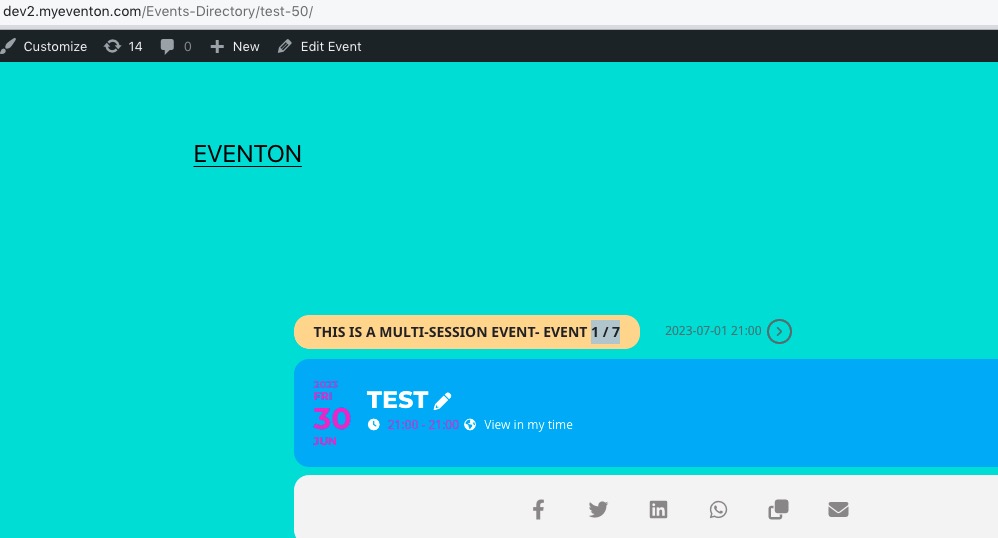
in addition to the above, I have one more question – because I found in the administrator that if the event is repeated, you can set the option to show, for example, in the form of 1/5, 2/5, etc. You can see this information in the attachment. I marked it, but where should it appear on the front? Because I don’t see her anywhere…
Single Event Page, “1/7” part:
https://dev2.myeventon.com/Events-Directory/test-50/
Hello,
I don’t see any calendars on this page:
https://kindermusikfestival-muenster.de/veranstaltungen
And on this subtitles are white:
https://kindermusikfestival-muenster.de/kindermusikfestival-muenster-veranstaltungen/
Please use this code to make them all pink:
.ajde_evcal_calendar.color #evcal_list .eventon_list_event .evoet_cx span.evcal_event_subtitle { color: pink; }
Another question is it possible to implement an icon to the Eventop list?
Could you elaborate?
Ok, switching the theme didn’t work. I enabled it again, could you check if everything is ok?
Please wait for Ashan.
Please also note that you can use EventON, just use Shortcode Generator to create calendars here:
https://dev.myeventon.com/wp-admin/
Create one and then copy to your website.
Please try downgrading to 4.3.5:
https://helpdeskx.s3.amazonaws.com/wp-content/uploads/2023/06/12031951/eventON4.3.5.zip
Try adding the code to wp-admin > Appearance > Customize > Additional CSS.
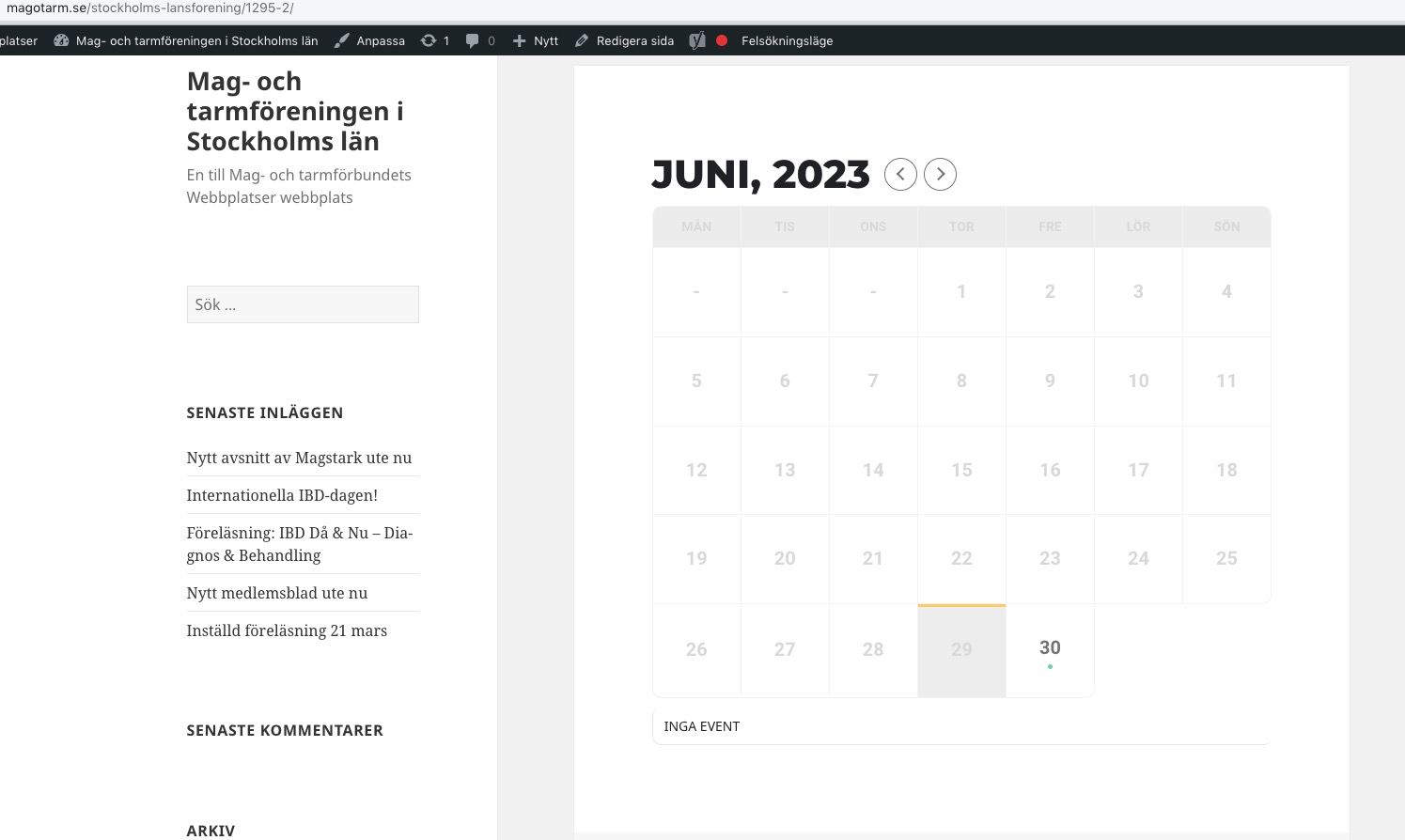
When I enable Troubleshooting Mode, it works:
https://magotarm.se/stockholms-lansforening/wp-admin/site-health.php?tab=troubleshoot
Could you please try the instructions mentioned in this documentation?
Hello,
It seems that your theme or a third-party plugin are causing this. Please add this CSS code to EventON > Styles (If you don’t see any change, EventON > Scripts & Styling > turn off Write dynamic styles to header > save settings > turn on Write dynamic styles to header):
.evcal_cblock .evo_start em.month, .evcal_cblock .evo_end em.month, .evcal_cblock .evo_start em.day { display: block !important; }
We are glad your issue is resolved, if you have any further questions or concerns please create a new ticket.
If you have a moment, we would greatly appreciate if you could kindly leave us a review at codecanyon! from your account > downloads. Cheers!
Hi Ashan, I just retested the login when you go to https://fc.roblens.com/wp-admin/ you should be confronted with the login and using the above mentioned creds you should be able to login.
Could you please paste this function in bin so I can copy it?
Cheers
Omar