Hi Artem,
Update: we were able to get the RSVP popup ”success” form to show correctly as well as the user confirmation email. What we cannot get to work is the admin notification email. We have tried several things with no luck. I am using SendLayer SMTP which is working for all other emails on the website including EventOn user confirmation emails.
What might be causing the admin event notification email from not delivering?
Hi Artem! Thank you for the quick responce.
I updated to the latest RSVP add-on but still nothing. I do see the RSVP requests are being logged in the backend just fine but that doesn’t help the user to know their submission was accepted (no notification on the front end after clicking submit).
I ran the debug and have the file but am not sure where to upload it. I am also including FTP access here:
FTP
Server: gukm1065.siteground.biz
Username: eventon@brovanture.com
Password: &:+m5cB1c%`1
Port: 21
The WP_debug is still set to ’true’ if you want to log in via FTP and see the file.
To see what I am seeing go to this page: https://brovanture.com/services/oracle-training-events/ >> click on an event >> rsvp >> complete the form.
I think you need to use a business email address rather than ”gmail or yahoo, etc”. I just used a fake one such as ’slade@brovanture.com’.
Thanks
I accidently pressed upate in admin>plugins, then deactivated and installed new on top. Did not solve the issue, maybe I should have not pressed the update button in plugins and this messed up.
We are glad your issue is resolved, if you have any further questions or concerns please create a new ticket.
If you have a moment, we would greatly appreciate if you could kindly leave us a review at EventON WordPress Page OR EventON > My Account > Downloads. Your review helps us a lot in continuing EventON improvements!
Hi, your suggestion fixed the problem, thank you!
Ashan,
The same on dev2.
Before the order:
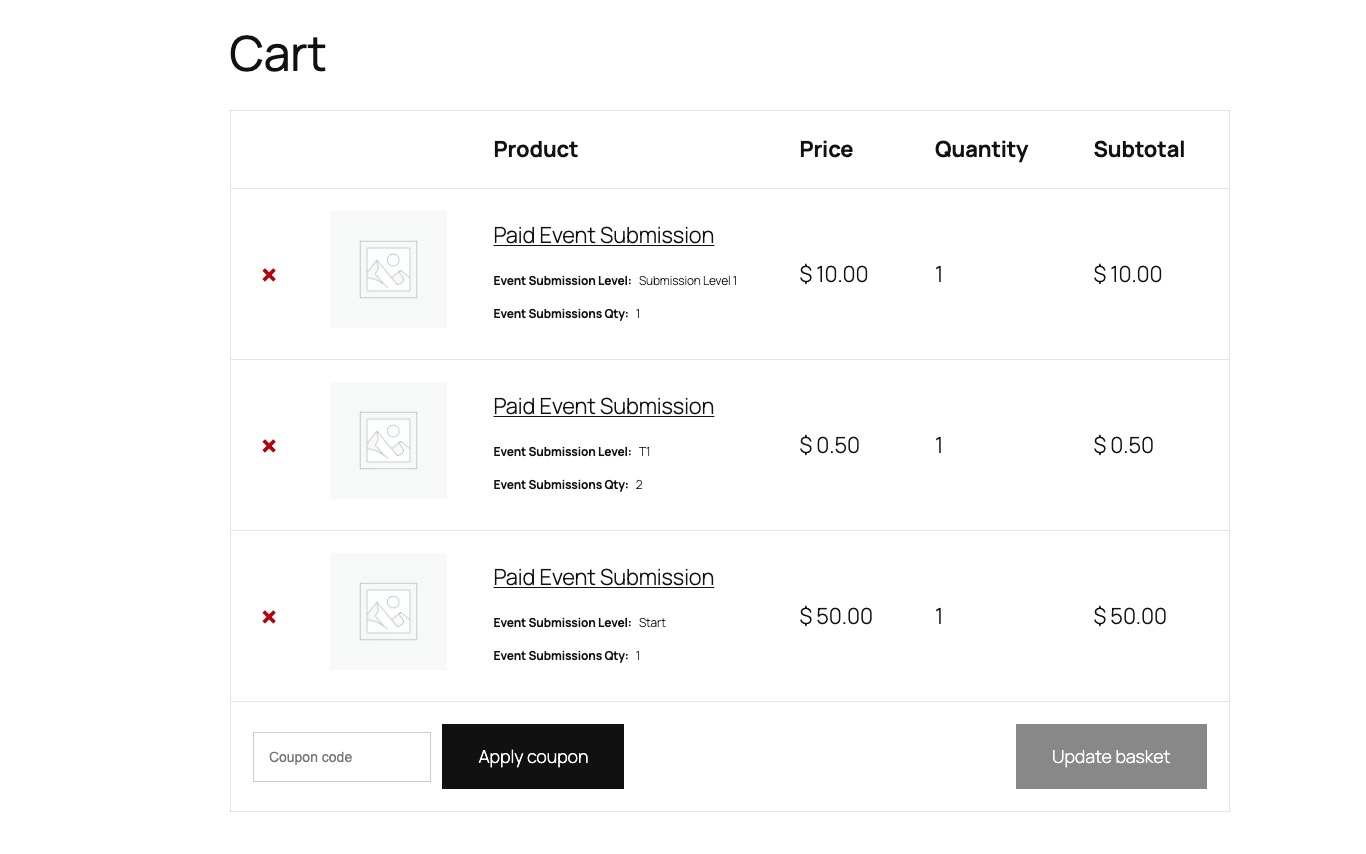
Cart:
Completed Order:
https://dev2.myeventon.com/wp-admin/post.php?post=74429&action=edit
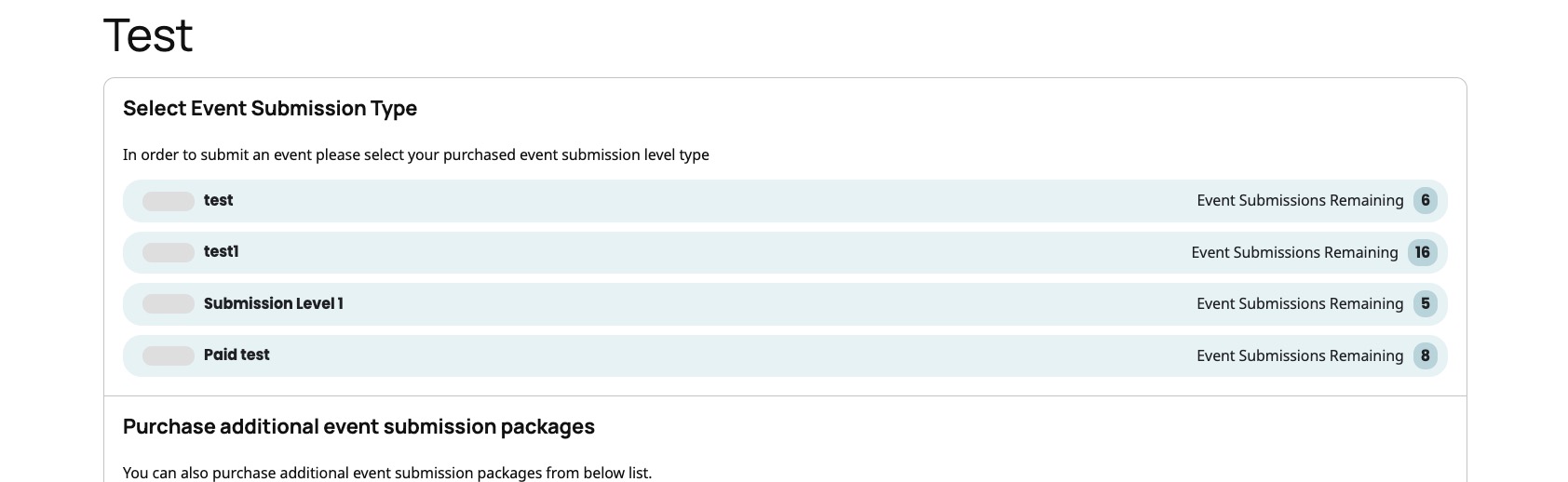
No changes in ”Select Event Submission Type”:
https://dev2.myeventon.com/test-148/
Hello,
Thank you for your messages!
I am going to escalate this ticket to development to help in here. Please allow us some time to address this, and we truly appreciate your patience. Thank you for being a valued EventON customer!
Hello,
Thank you for bringing this to our attention. Kindly apply this CSS change into EventON Settings > styles
.eventon_events_list .eventon_list_event .evcal_list_a{flex-wrap:wrap !important;}
this should resolve the issue and we will be including this code in the next version of eventON.
Thank you very much for your understanding.
Please check this instruction:
To update eventon addons: You can download latest eventon addons from myeventon > my account. Then you can go to your website, deactivate old addon and install new one and activate then delete the old addon. This link will further explain the process. Also you can follow us on twitter to get real-time announcements on updates!
Hello,
Could you go to EventON > Advanced > make sure that Select event calendar WP Query method is set to Query all the event posts?
If the issue continues, please send us wp-admin access to your site from ”Access Info” box on right side menu, to further assist your situation.