Hi AJ,
Thanks for sharing the file. I’ve just tested the file on https://csvlint.io/ and it appears that it has a couple of structural problems that could be coming in the way of the import process. One way that you could fix the structural issues is to open the file in Google Sheets or Numbers in Mac and without making any changes, download the file as a CSV. This will ensure that the file is correctly encoded in UTF-8 and possibly fix the line break issue.
Would you mind giving this a try and letting me know how it goes?
Hi Joe,
Thanks for your follow-up.
I’m glad to hear that downgrading worked! Would you be in a position to share access to a staging or development version of your site so that we can chase down the conflict with version 4.4?
I’m looking forward to your reply 🙂
Hi Joe,
I’m glad to hear that you were able to figure out how to transform the text. To answer your last question, you can use media queries to target various devices using their screen breakpoints. Here is an example of how this would look like:
/* Extra small devices (phones, 600px and down) */
@media only screen and (max-width: 600px) {.ajde_evcal_calendar.color #evcal_list .eventon_list_event .evoet_cx span.evcal_event_title {font-size: 17px}}
/* Small devices (portrait tablets and large phones, 600px and up) */
@media only screen and (min-width: 600px) {...}

/* Medium devices (landscape tablets, 768px and up) */
@media only screen and (min-width: 768px) {...}

/* Large devices (laptops/desktops, 992px and up) */
@media only screen and (min-width: 992px) {...}

/* Extra large devices (large laptops and desktops, 1200px and up) */
@media only screen and (min-width: 1200px) {...}
I hope this helps!
Thank you, I already tried to remove this. I had this in the eventon style and elementor css, because eventon custom style implementation didn’t work. But now I forgot I had it twice, thanks, it solved my problem.
Hello,
Could you elaborate on an example?
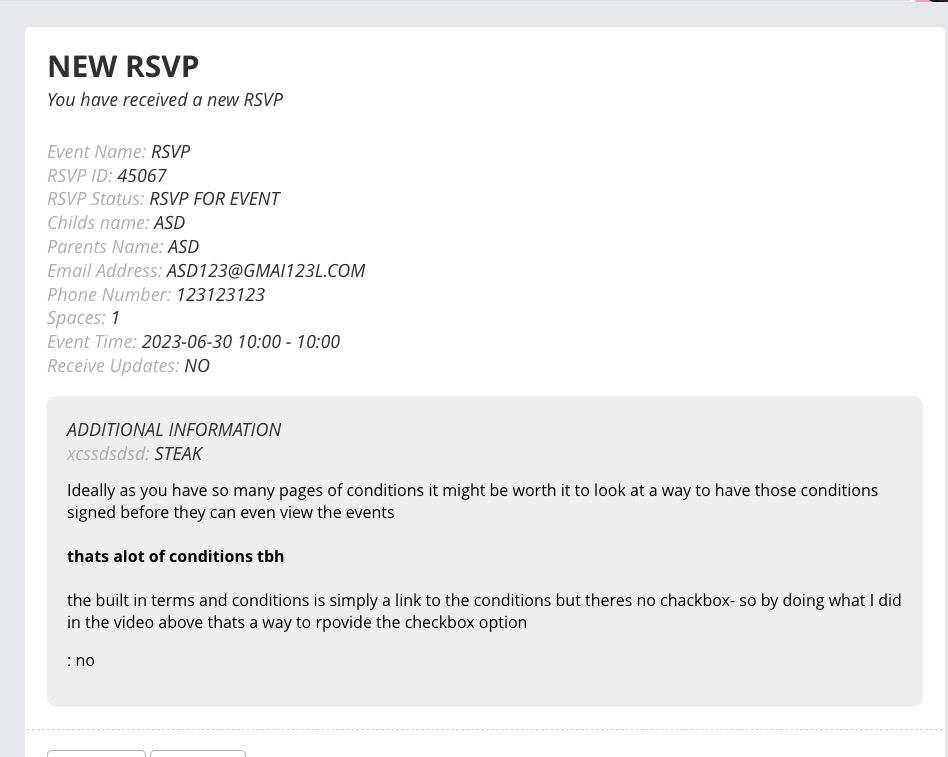
It seems that the confirmation on our test server has all the additional fields:
Perfect! Do you need anything else or can I close the ticket?
I cannot download it. Chrome says:
Failed – Network error
Upload it here as Media, we will be able to find it.
Hello,
We are sorry for the delay. It seems that when you go to https://staging2.tipcolorado.org/wp-admin/admin.php?page=et_divi_options and disable Defer jQuery And jQuery Migrate, it starts to work.
Hello,
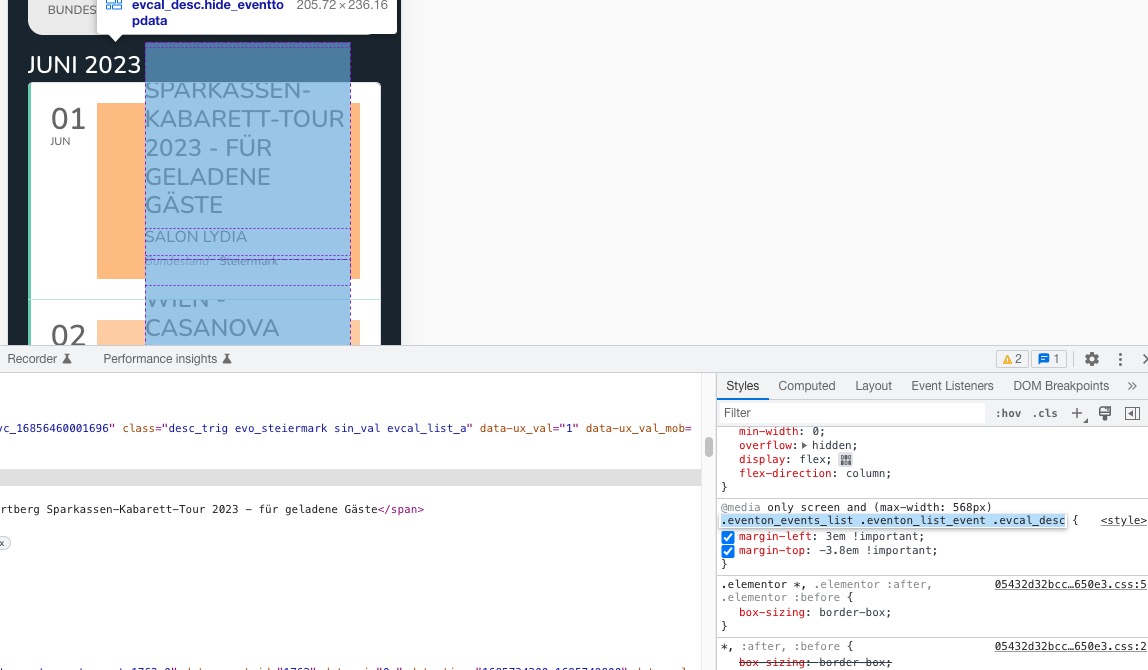
Could you remove this custom CSS style:
You should be able to find it in elementor-frontend-inline-css.