I created the user for you and you can use the WP file manager plugin to browse the files:
Username: eventon_support
Password: FQ5LU9%7cdmtid9DSiGx!U!L
Replies for tickets on suppota
I created the user for you and you can use the WP file manager plugin to browse the files:
Username: eventon_support
Password: FQ5LU9%7cdmtid9DSiGx!U!L
Or would a file manager plugin be enough for you?
Hi Artem, I don’t have FTP on my server only SFTP.
Can you give me your public key to add you?
Cheers
Omar

I will have to set this up on in the test area however scan the attached QR code and let me know your experience.
I was referring to the Events -> All Event Tickets – page.
Regarding the check-in. I am aware that I can manually check-in a patron. What doesn’t work and the whole point of us buying the add-on was the ability to scan the patron’s QR code and auto-checkin.
yes thanks that worked.
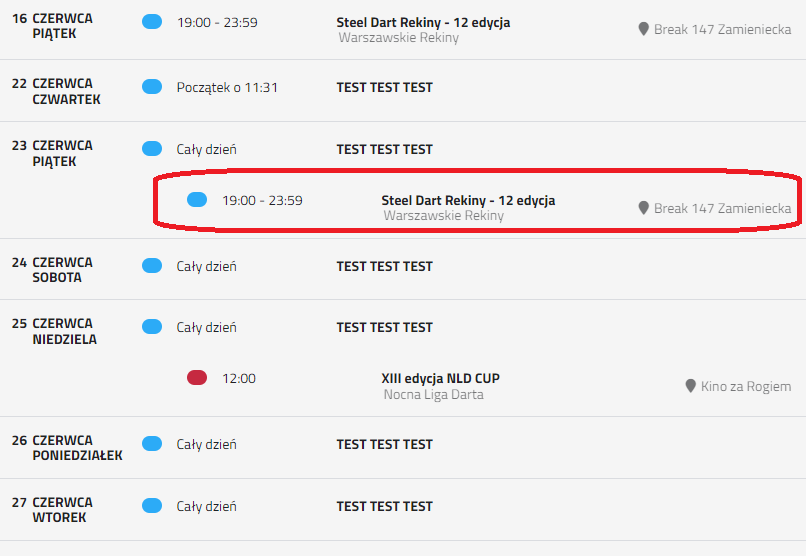
Hi,
unfortunately it didn’t help. Not only did it not affect the date and day in any way, but it also blew the case elsewhere 😉
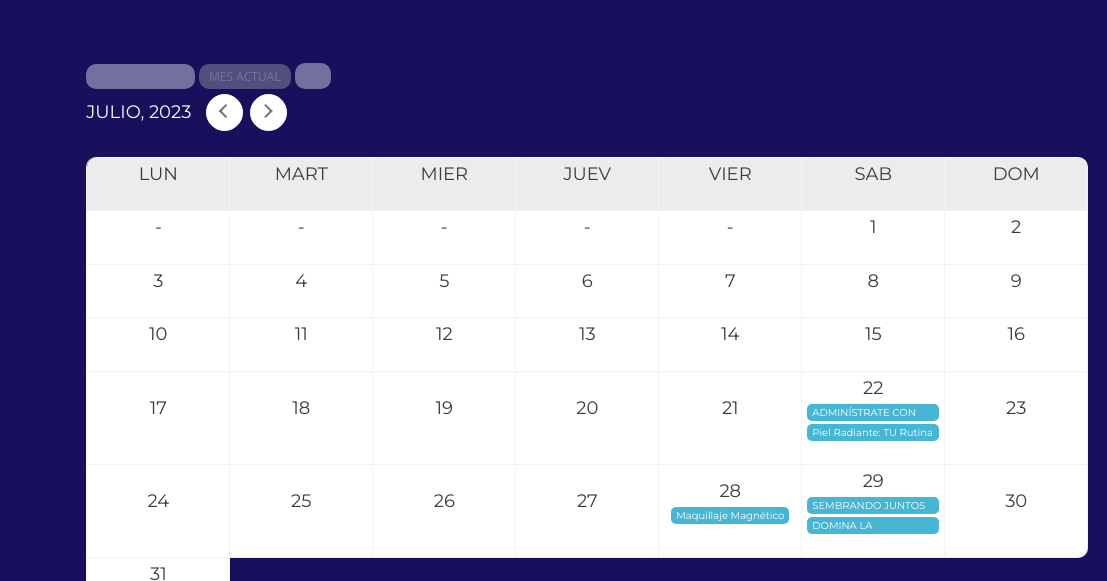
It actually improves a lot. But still the part of the jump month doesn’t change.
Maybe I’m in the wrong settings.
Even following these instructions does not work: (If you don’t see any change, EventON > Scripts & Styling > turn off Write dynamic styles to header > save settings > turn on Write dynamic styles to header)
is this in appearance/calendar header?

take a look at the attachment. At one time you gave me the code to have the date and day of the week in two different rows. And this code works, but when I have a month with a short name, then it becomes a problem and everything goes to one line, and I would like two.
Please try this code:
.evosv_grid .row .evosv_date { width: 165px; } .evosv_grid .row { margin-left: 165px; }