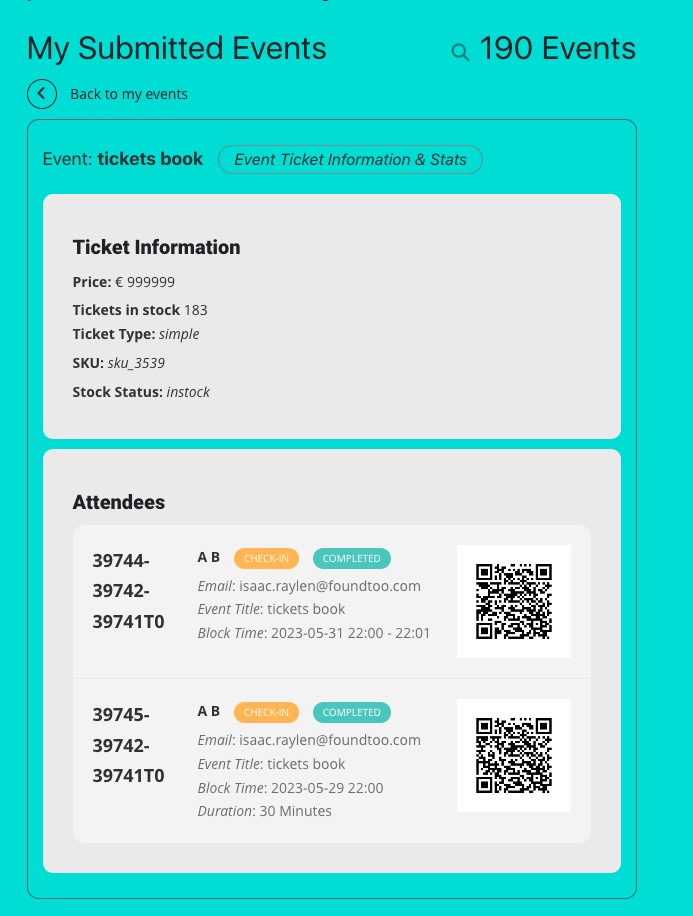
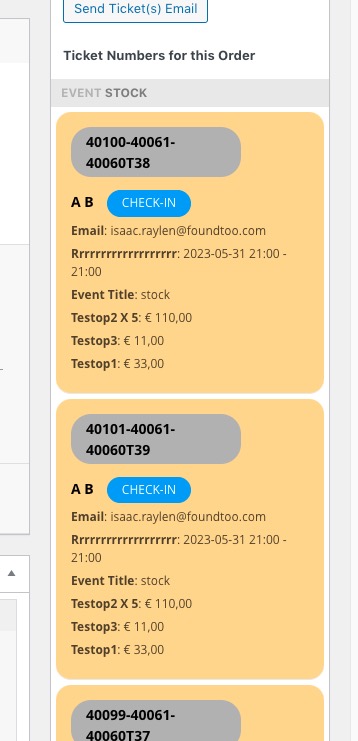
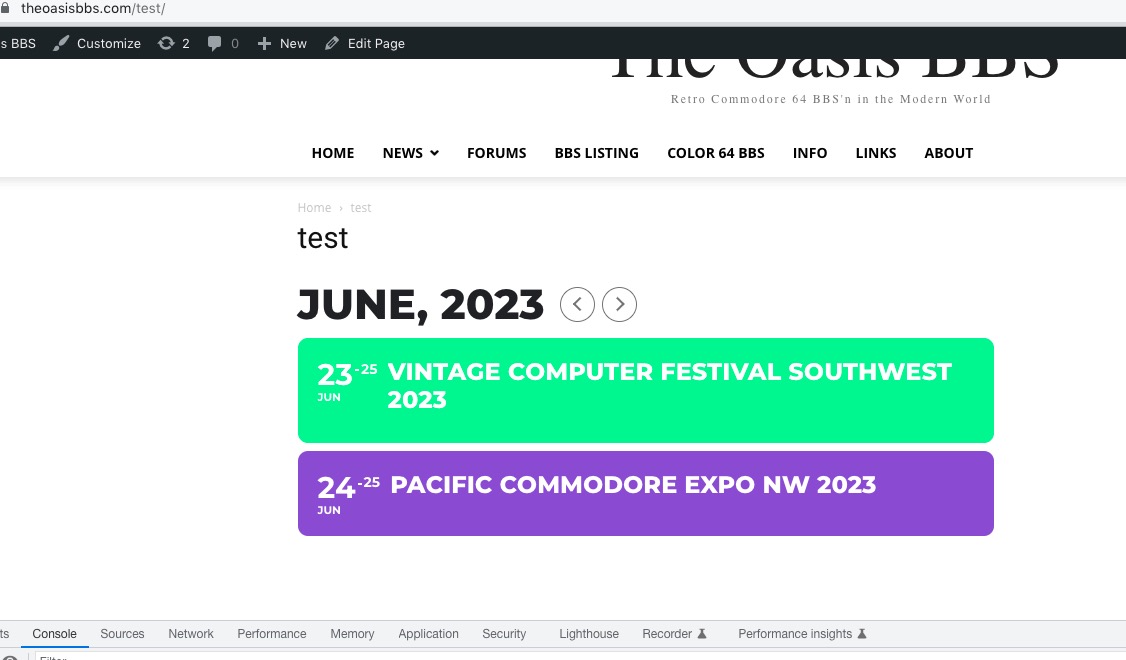
take a look at the attachment. At one time you gave me the code to have the date and day of the week in two different rows. And this code works, but when I have a month with a short name, then it becomes a problem and everything goes to one line, and I would like two.
Please try this code:
.evosv_grid .row .evosv_date { width: 165px; } .evosv_grid .row { margin-left: 165px; }
Hello,
2. Not possible, unfortunately.
3. Please go to EventON > Tickets > select Default event ticket stop selling time base: When Event Ends.
4. Unfortunately, booking blocks does not support repeating events.
5. Maybe Action User add-on:
https://www.myeventon.com/addons/action-user/
Try on https://dev.myeventon.com/wp-admin/
Here’s how it looks like in Event Manager:
Ashan,
The same on dev2.
Basic list with enabled Include Any:
https://dev2.myeventon.com/test-88/
Post that isn’t visible:
https://dev2.myeventon.com/wp-admin/post.php?post=44803&action=edit
Thank you for your messages, I am going to assign this ticket to Ashan and he will be able to take it from here and find you a solution. Please allow some time for him to get back to you, we greatly appreciate your patience and thank you for being a eventon customer! Also please disable any IP blocking on your site if there are any.
If this is not something available in the plugin, is it possible to get it custom done for a price? To reiterate, I am looking to turn WordPress posts into the same layout as an event. So I would like to choose which posts to add to the calendar and then put a set release date and title where when you click the event, it will go to the same post URL. I hope this makes sense, thank you for the support
It seems that you can use WP’s Schedule feature:
https://www.wpbeginner.com/beginners-guide/schedule-your-posts-in-wordpress/
Could you check and let me know?
any idea how to get data from wc customer note into the downloaded csv ?
Hello,
Please go to WooCommerce > Orders. Here you can search by all kinds of available fields. In order to checkin, please open an order and then scroll to this section:
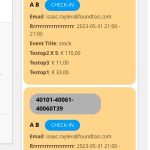
It seems to be working in Troubleshooting Mode:
https://theoasisbbs.com/wp-admin/site-health.php?tab=troubleshoot
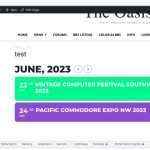
Could you please try the instructions mentioned in this documentation to make sure your issue is indeed coming from eventon.
Hello,
Please send us wp-admin access to your site as a private message for us to further assist your situation. Also send us FTP access to your site as a private message, so we can perform several tests from our end.
Hello,
I cannot access the website because my IP was blocked. Could you check?
could you give us access so we can test it out on your site?