Sorry about the delay. you should be able to get the latest version and I have updated our demo site as well
https://addons.myeventon.com/yearlyview/ you can check in here it is working fine.
Replies for tickets on suppota
Sorry about the delay. you should be able to get the latest version and I have updated our demo site as well
https://addons.myeventon.com/yearlyview/ you can check in here it is working fine.
If this is not something available in the plugin, is it possible to get it custom done for a price? To reiterate, I am looking to turn WordPress posts into the same layout as an event. So I would like to choose which posts to add to the calendar and then put a set release date and title where when you click the event, it will go to the same post URL. I hope this makes sense, thank you for the support
Hello,
Ashan will take a look at the issue.
There is this custom code that is being applied to every <p> tag on the whole page: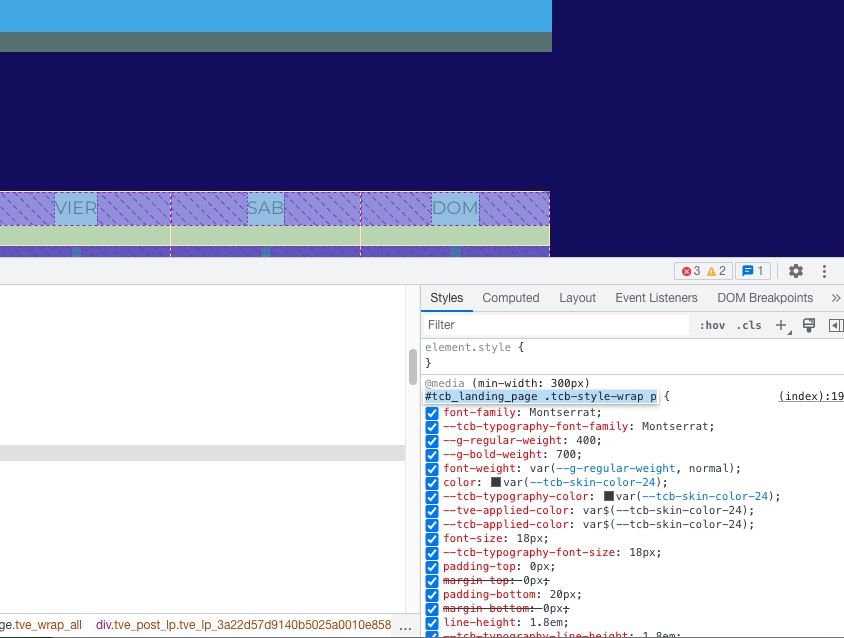 Please add this CSS code to EventON > Styles (If you don’t see any change, EventON > Scripts & Styling > turn off Write dynamic styles to header > save settings > turn on Write dynamic styles to header):
.ajde_evcal_calendar .calendar_header p, .ajde_evcal_calendar .evo_footer_nav p { color: white !important; }
Sorry for the delay. We respond during 24 hours.
Please wait for Ashan.
Hello,
Like this?
https://dev2.myeventon.com/test-87/
If so, please use Event Lists: Ext add-on
https://www.myeventon.com/addons/event-lists-extended/
Try this shortcode on https://dev.myeventon.com/wp-admin/
[add_eventon_el el_type=”pe” number_of_months=”12″ event_order=”DESC” month_order=”DESC”]
Hello,
With enabled EventON > Tickets > Show ticket purchase only for loggedin users, they cannot:
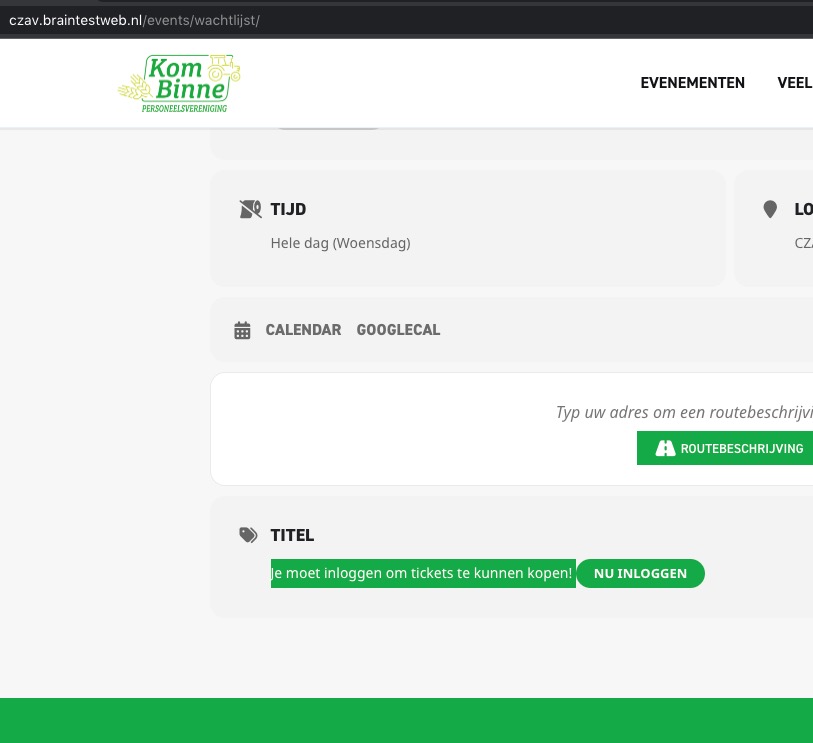
Could you check and elaborate more?
Maybe there is not enough memory. Could you try following:
https://docs.myeventon.com/documentations/increasing-wordpress-memory-limit/
Hello,
When I check the website in Troubleshooting Mode:
https://www.fotoklubbenkronborg.dk/wp-admin/site-health.php?tab=troubleshoot
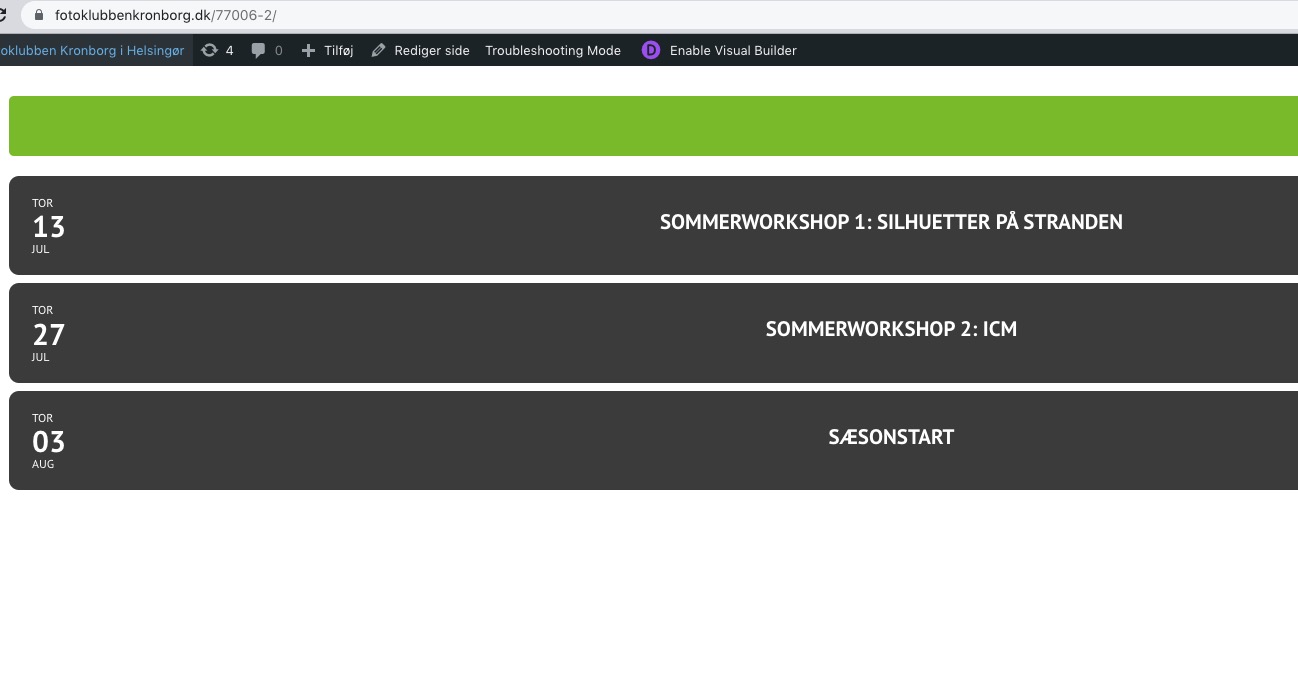
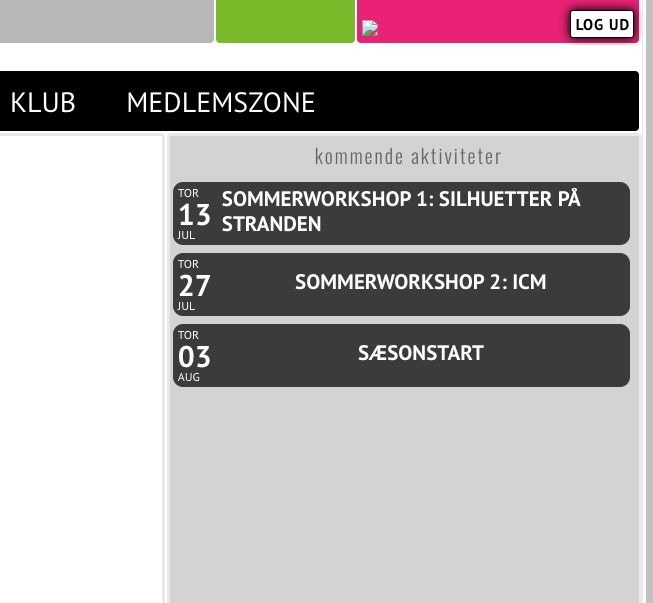
Please follow the instructions in this documentation to activate debug in your site to see any PHP errors recorded that can provide insight on to whats going on. Please reply with a link to debug.log file. If you are not able to do this please send us FTP access to your site so we can do this for you.
The login info has stopped working. Could you check?
Maybe try?
https://www.spontis.de/*
Sorry about this. Sometimes it’s hard to understand which one will work for Google.