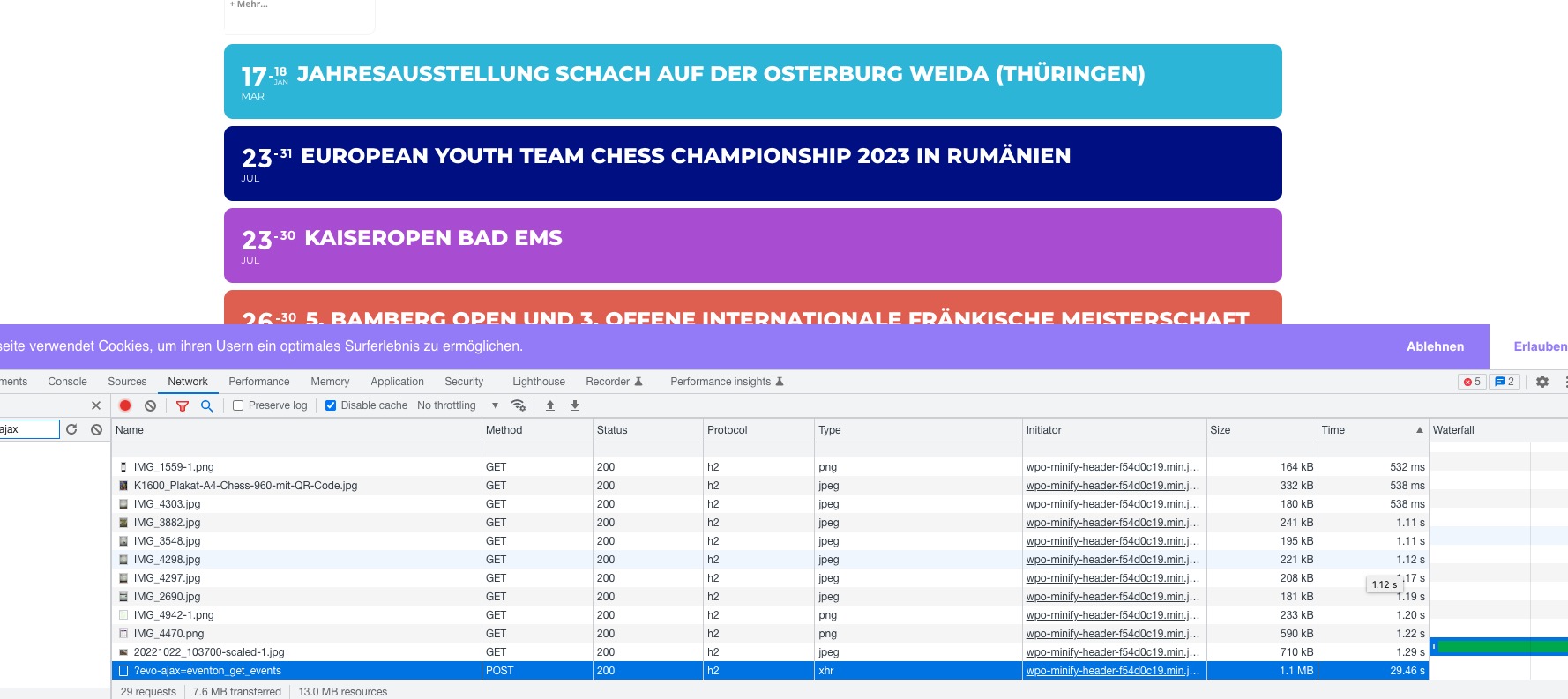
Seems to be working quite fast on our test server:
https://dev2.myeventon.com/43878-2/
When I check Network, sometimes it takes 1+ seconds to load regular images:
Could you try increasing Memory Limit:
https://docs.myeventon.com/documentations/increasing-wordpress-memory-limit/
Perfect! Ashan will check this and include the fix in the next update.
Unfortunately, it seems that this is not possible without customizing the source code. But according to CodeCanyon’s Support Policy we unable to help with the code customization.
I went to https://suce-sur-erdre.fr/wp-admin/admin.php?page=eventon#evcal_001 > enabled Select calendar event content filter type: EventON Content Filter, which seemed to be fixed the issue. Please check and let me know.
The situation is not normal, what problems do you have?
From your side complete silence! Do you have internal problems?
Please communicate truthfully, customers who have paid are entitled to an answer.
Thank you
Hello, with a ‘today’ event seems not to be working…
https://staging2.masterinteriorismo.com/32261-2/
Following your instructions I solved the problem
“However, the only mode that allows access to the conference of the 6 available is Always”
Now the others work too.
There remains the problem of using Zoom and Jitsi in popuns – Iframes.
When solved let me know.
Now I will also proceed to purchase the COUNTDOWN Addon
Thanks for your help.
Hello,
If you have this cal_id=”noIMG” in your shortcode, please remove it and check if the calendar loads then.
Hello,
Please take a look at the tutorial below on how to show past events
https://docs.myeventon.com/documentations/how-to-show-past-events/