Hello Taya Meeikeaw,
We are working on a big update for the whole ticket bundle where this will be included as well.
Replies for tickets on suppota
Hello Taya Meeikeaw,
We are working on a big update for the whole ticket bundle where this will be included as well.
Hello Dianna,
You are welcome!
The credentials for the event manager do not seem to work. Please confirm if they are working on your end.
EventON – Dynamic Pricing still not compatible with PHP 8.1
Hi again, I did not realize you had fixed this issue. Just got back to his project and saw that it’s working. I saw your CSS coding. Thank you so much!
Not sure if I need a new ticket for this, but when I created a new user, it is not showing the events for that user like it was doing with you when you logged in. I need myself and my customer to be able to both edit the entire list of all events. Is this just a setting that I have wrong? I’ve looked at all capabilities and I cannot see what is wrong.
My login again is:
https://nomanslandftl.com/wp-admin
User: Support
PW: bh7zUHn(Q*tM2P5jQjPHCKM9 (this is updated)
My customer account that I have as administrator and the events aren’t showing for her is:
My event manager login for my customer where it is not showing any events:
https://nomanslandftl.com/em
USER: Chelsea
PW: PAE#%@qknm26
Thanks in advance!
Hi Artem
Thanks for your reply. It would be helpful if you could give me more specific information on when Ashan will find the time for this.
I need to launch the website next week. Otherwise I would be more patient. I appreciate your support of course. Oh, and it is important to know how long you need the credentials I gave to be valid?
Regards
Astrid
Could you also update EventON to 4.3.5?
To update eventon to latest version: If you are unable to do autoupdate, you can go to codecanyon your account > download and get the latest eventon version as zip file. Then you can go to your website > make sure “Delete eventon settings & data when EventON is uninstalled” is Deslected from eventon settings, delete old eventon, install new one and activate. This link will further explain the process it. Also you can follow us on twitter to get real-time announcements on updates!
Hello,
Please follow the instructions in this documentation to activate debug in your site to see any PHP errors recorded that can provide insight on to whats going on. Please reply with a link to debug.log file. If you are not able to do this please send us FTP access to your site so we can do this for you.
Closed as duplicate.
That was the missing thing! Thank you vermy much!
Ashan,
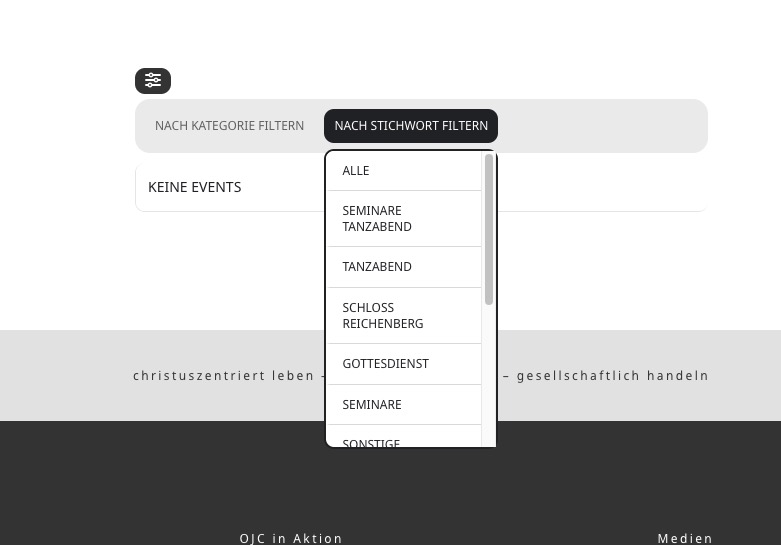
I applied to patch, but it still doesn’t work. Before/after I pressed the clear button: