Ok i think this is done by wordpress when a url is present trying to get its content to show a rich link data.
Couple of things you can do.
In custom meta data, switch to “visual” mode and then type the URL.
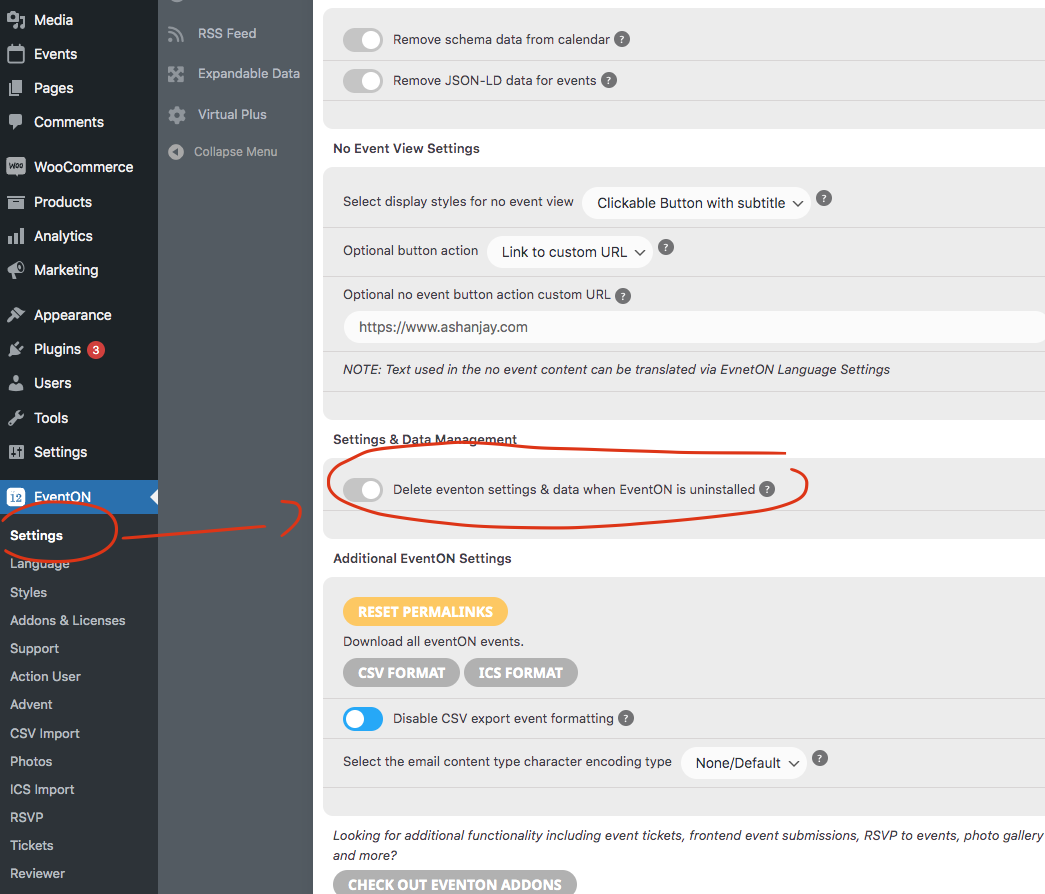
Then go to EventON Settings > General Settings > WP Eventon core settings > Select calendar event content filter type — set to No filter.
This will stop wordpress from trying to process url, but that will also stop event details properly formatting by wordpress.
I just followed your steps , created an event, and waited for email to come to fakemail.net email address and never received you can check check & log email plugin logs to see it was never sent
Where did the 500 come from ?
Im not wanting to have them at 500px. Im wanting the images to re size responsively.
Are you suggesting that I have to specify the exact image size of my uploaded image?
Thanks for the link to the demo. I’m still a little lost. What would it look like without this option checked?
Hello Artem,
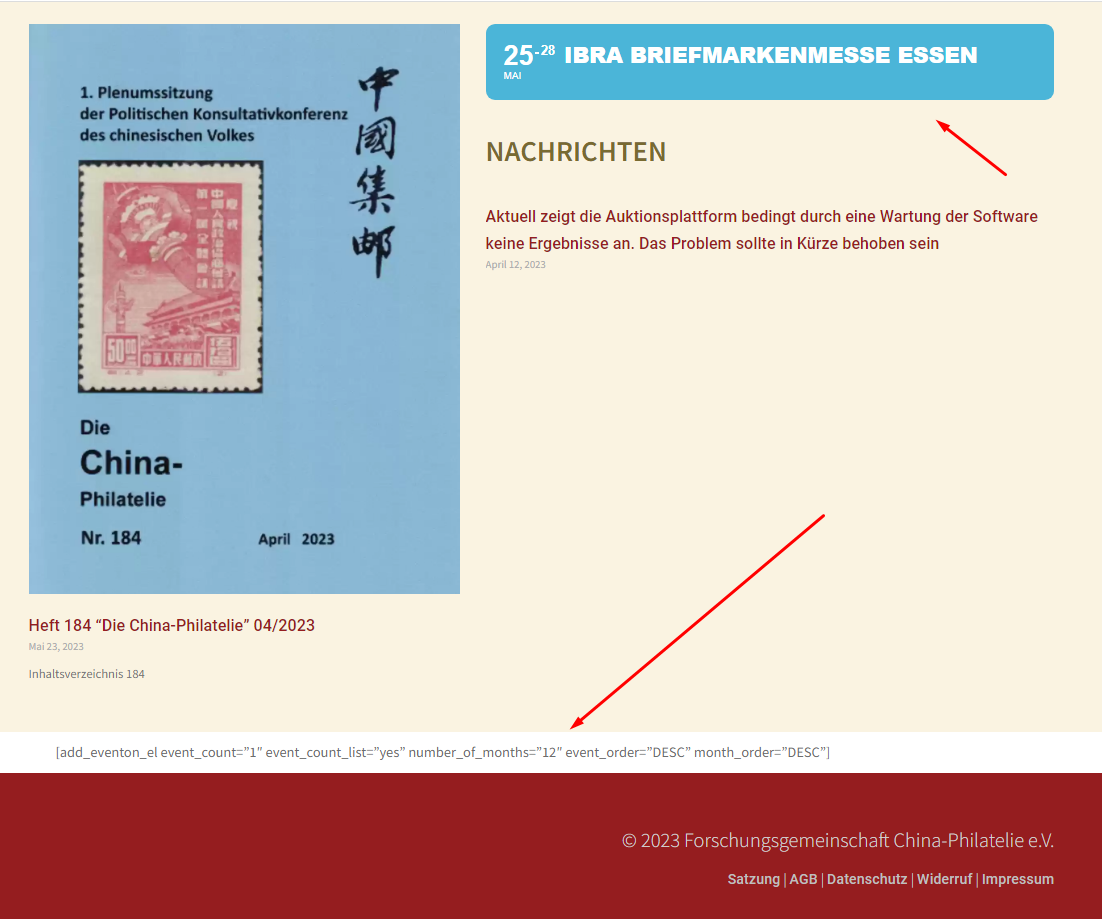
The code doesn’t work on my site (please check the screenshot). The default one I am using so far still works though. Any ideas? :/
We are switching from admin-ajax.php calls to endpoint ajax calls in the 4.4 version. This method will not load the entire site to run the ajax call. We are hoping this will help you and others in similar situations and will improve the calendar load times 🙂
Please stay tune!!
As long as you disable this in eventon settings the events posts should not be deleted.
order refunded and cancelled.
Order cancelled and refunded. If you have more questions, kindly send us a new ticket and we would be more than happy to help you resolve your issues!
What is the order ID for which you are wanting an invoice for? I am not able to replicate this issue from our end.