Thank you, so far so good!
Can we please realign ”Show Time Zone” with the time (see Screenshot) ?

Replies for tickets on suppota
Thank you, so far so good!
Can we please realign ”Show Time Zone” with the time (see Screenshot) ?
I just shared the access to our staging environment. If you check this event for example, there are some price options but no way to see them in orders or in the csv export. The headers are there, but no value. We made some changes to the csv export in theme but I deactivated these for this issue. Looking at the price of the orders I can see that they definitely added some of those options.
Please add the CSS code to EventON > Styles (If you don’t see any change, EventON > Scripts & Styling > turn off Write dynamic styles to header > save settings > turn on Write dynamic styles to header).
You can also add the code to wp-admin > Appearance > Customize > Additional CSS.
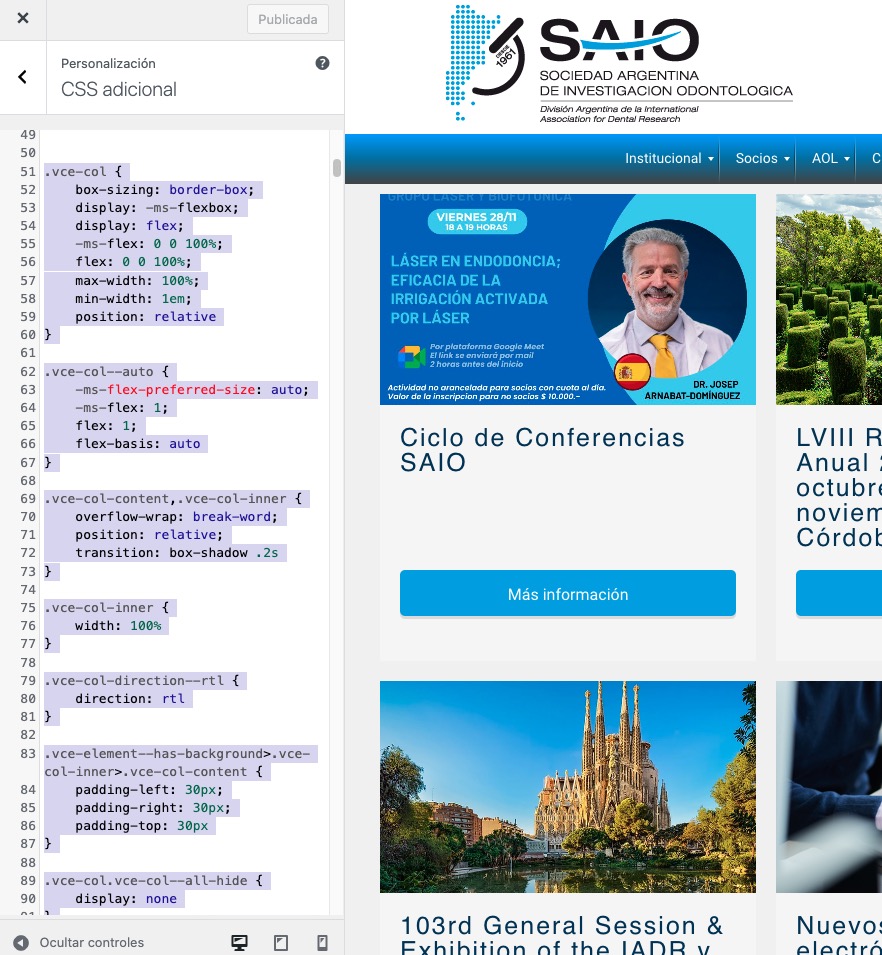
CSS styling is added here:
Unfortunately, adding the custom styling didn’t help the icon issue:
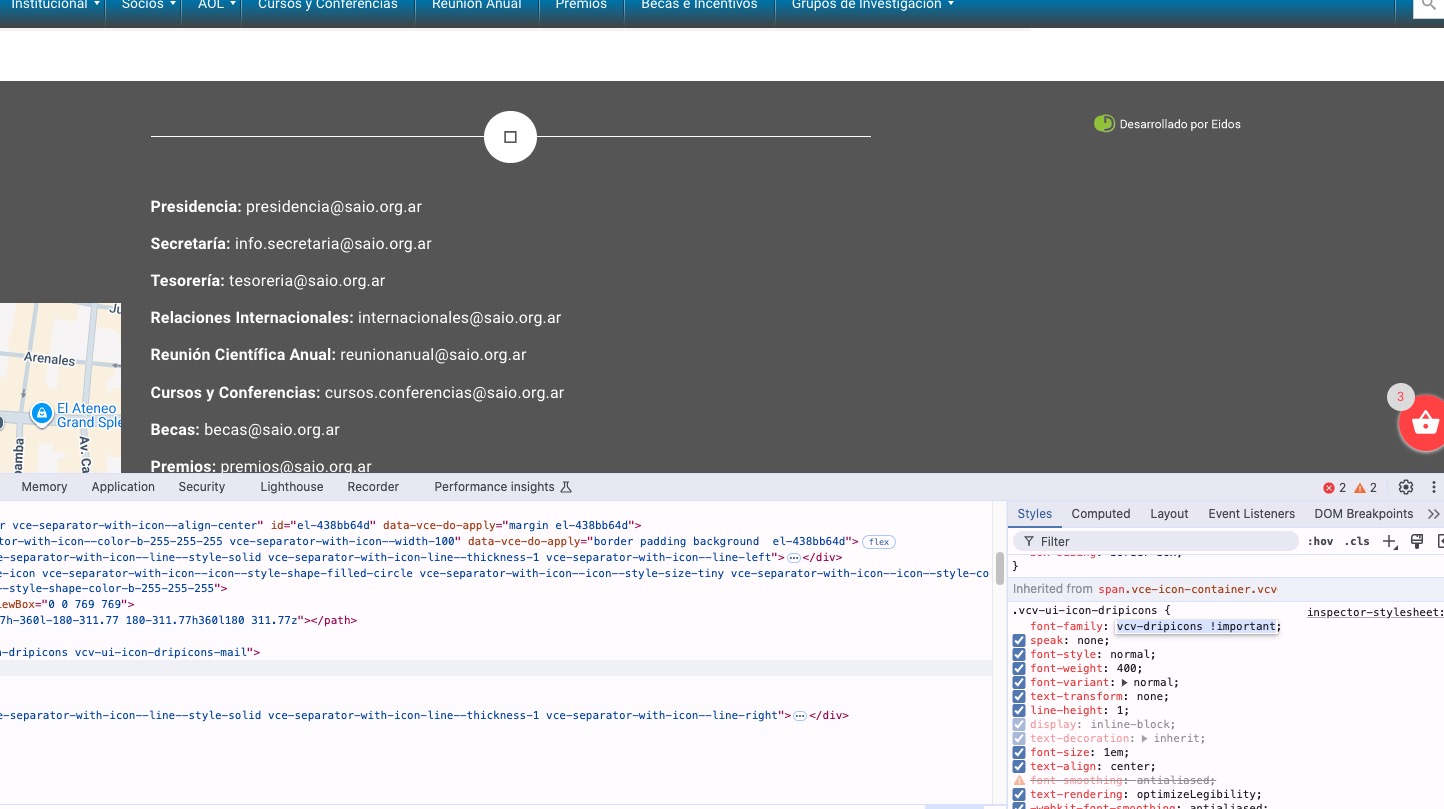
You can use this code to hide one icon and show the text on other:
.single-ajde_events #el-4086d7cc .vce-separator-with-icon–icon { display: none !important } .single-ajde_events div#el-41b9b3de span.vce-button–style-animated-icon-inner { max-width: 100vw; } .single-ajde_events div#el-41b9b3de span.vce-button–style-animated-icon-inner-text { -webkit-transform: translateX(0); transform: translateX(0); }
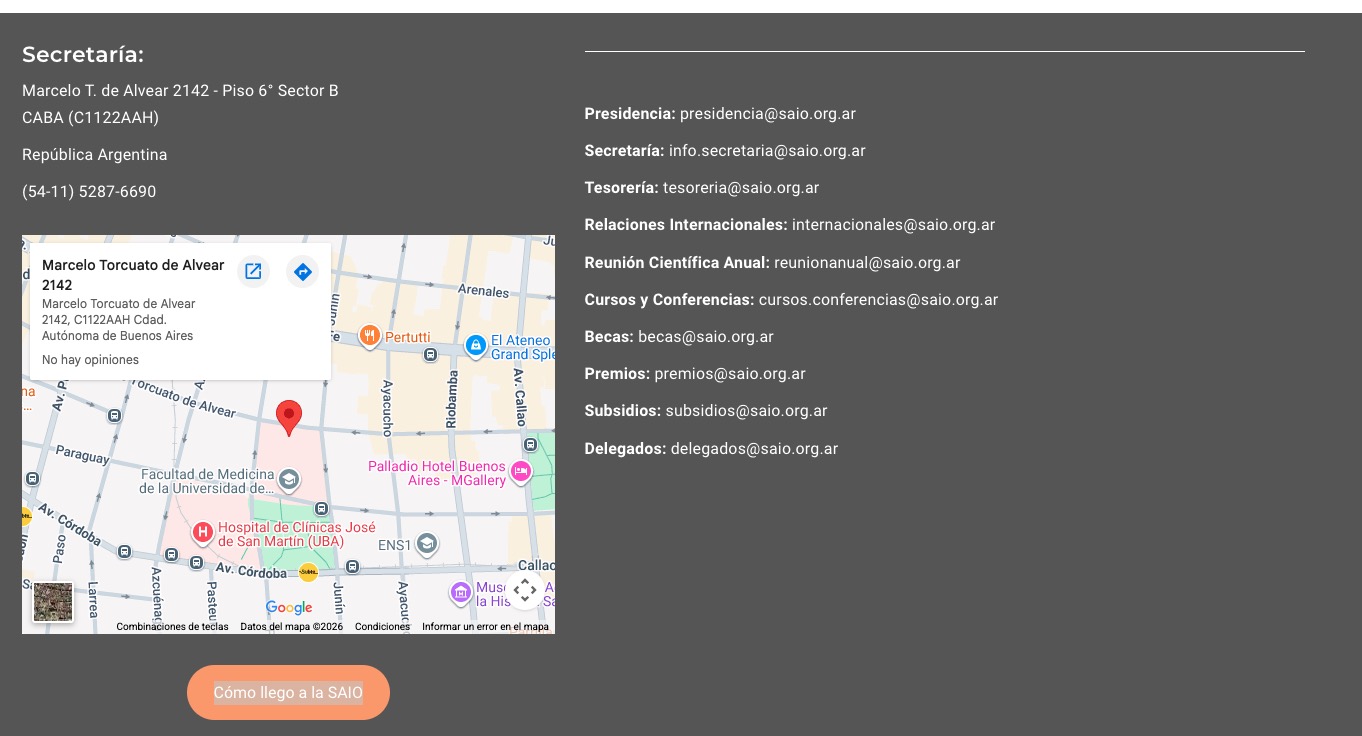
Please check and let me know.
Thanks. Which is the exacto script You added?
And, also, there are 2 iconos not showing in the footer of the event that does show on the other pages of the site as saio org.ar
That’s great. Thank you.
I really cannot stress how this needs to be working by Saturday.
As you can see from our weekend events that we have hundreds of customers visiting our venue.
Last night event was manageable but the weekend event will be near impossible to check people in efficiently.
I really would appreciate a quick resolution to this issue as it has the potential to cause a lot of stress for the staff and our customers.
Thanks, iain.
Where is the best place to add custom CSS to override the plugin default CSS? In the customizer or in the custom CSS settings per page in Elementor?
Please add this CSS code:
.evcal_list_a .evoet_cx .evcal_tz_time.tzo_trig, .eventon_events_list .evopop_top .evoet_cx .evcal_tz_time.tzo_trig { border: 0; padding: 0; }
.evcal_list_a .evoet_cx .evcal_tz_time.tzo_trig, .eventon_events_list .evopop_top .evoet_cx .evcal_tz_time.tzo_trig { color: #00acfb; background-color: white; }
.evcal_list_a .evoet_cx .evcal_tz_time.tzo_trig:hover, .eventon_events_list .evopop_top .evoet_cx .evcal_tz_time.tzo_trig:hover { color: #00acfb; background-color: white; }
You can try changing #00acfb to configure the text color and also white for the background.
We are glad your issue is resolved, if you have any further questions or concerns please create a new ticket.
If you have a moment, we would greatly appreciate if you could kindly leave us a review at EventON WordPress Page OR EventON > My Account > Downloads. Your review helps us a lot in continuing EventON improvements!
I added inline CSS styling Visual Composer to ”CSS adicional”:
https://saio.org.ar/wp-admin/customize.php?return=%2Fwp-admin%2Fplugin-editor.php%3Ffile%3DeventON%252Ftemplates%252Fsingle-ajde_events.php%26plugin%3DeventON%252Feventon.php
So now the footer seems to be working correctly:
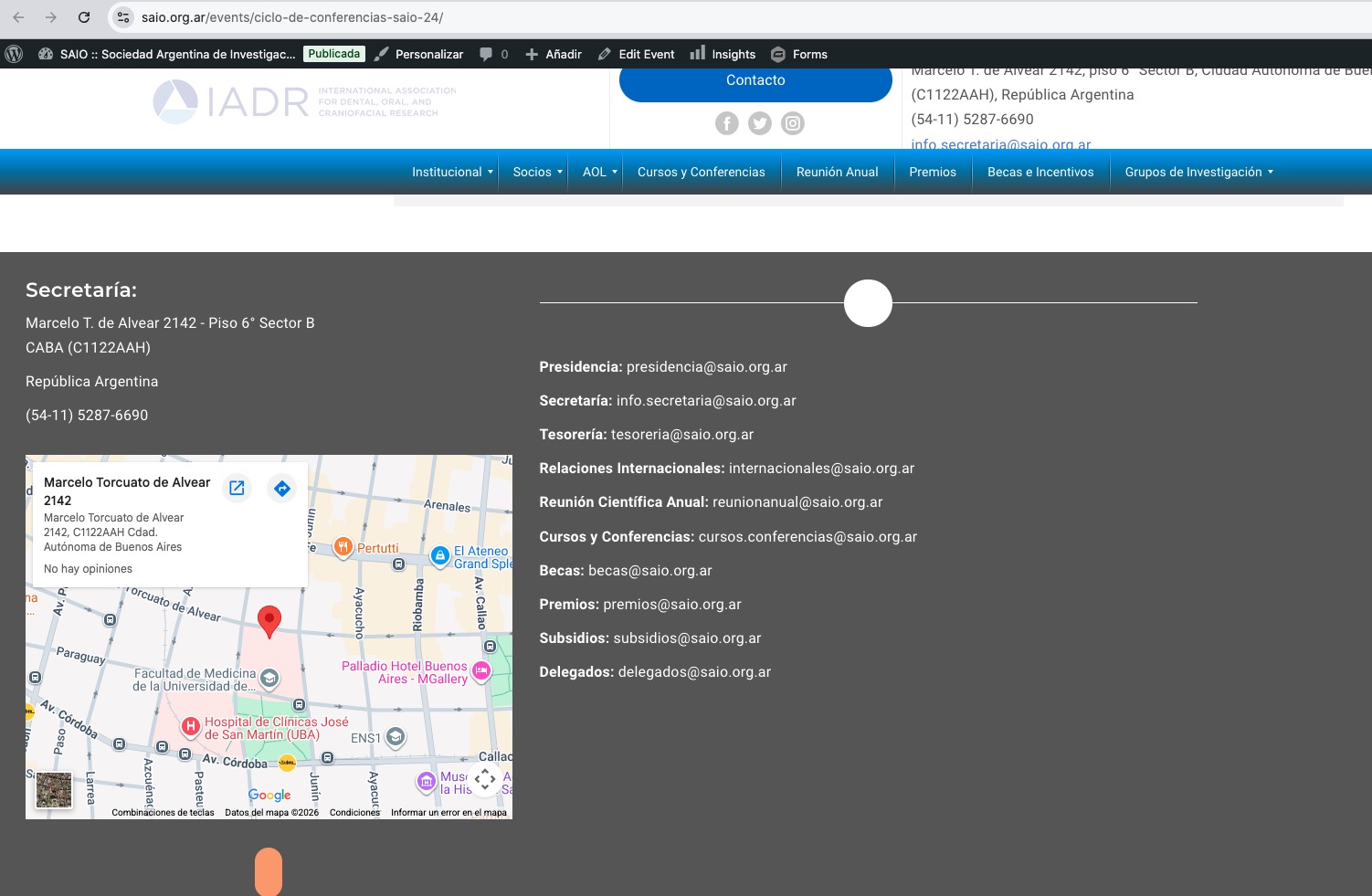
Could you check and let me know?