Hello,
I would like to report several issues that are still present in the system ater last update.
-
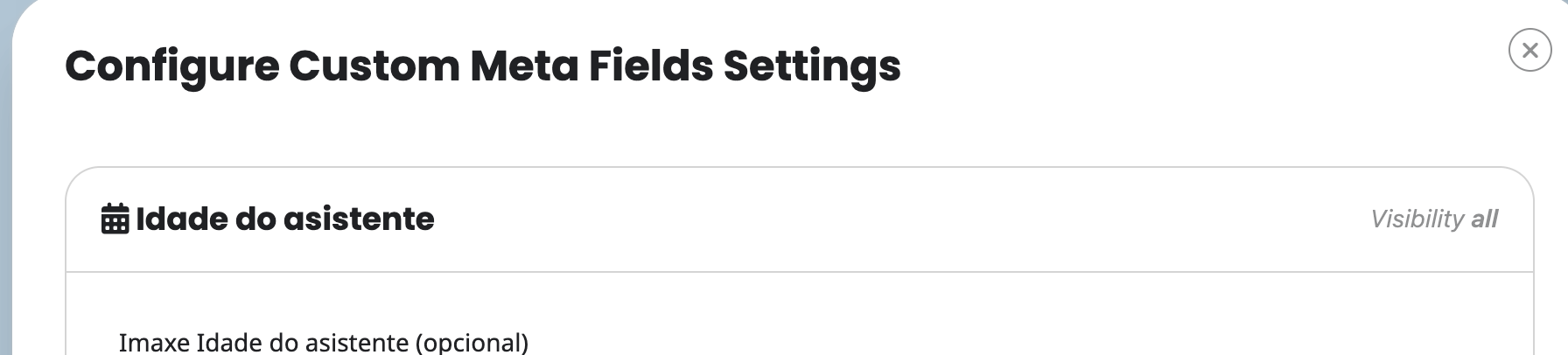
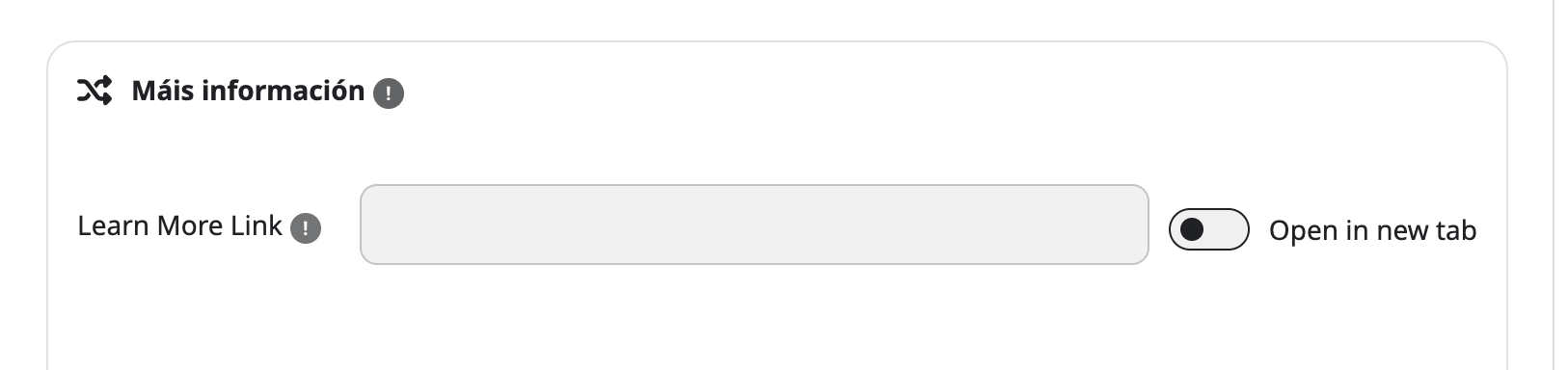
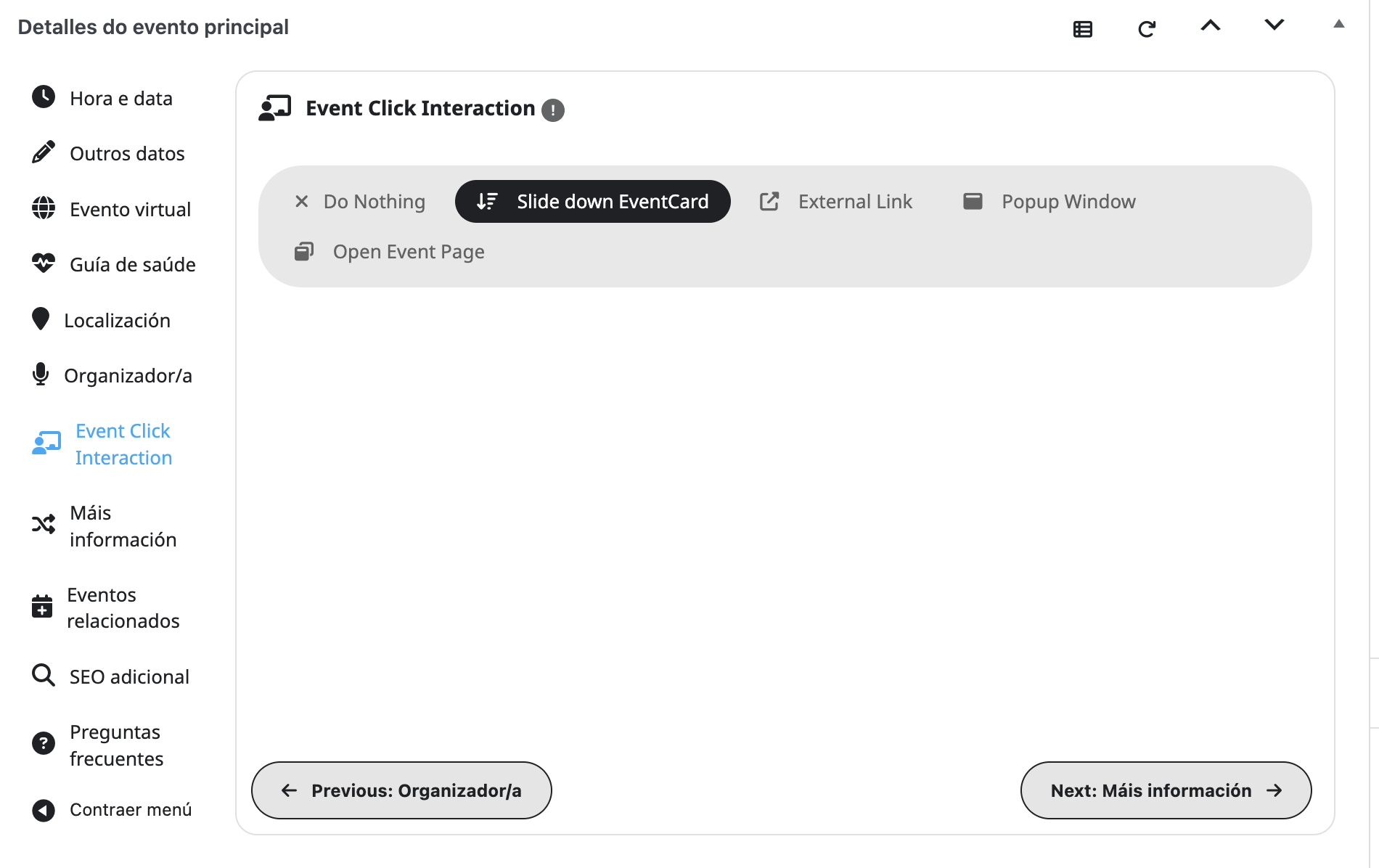
Untranslated text strings
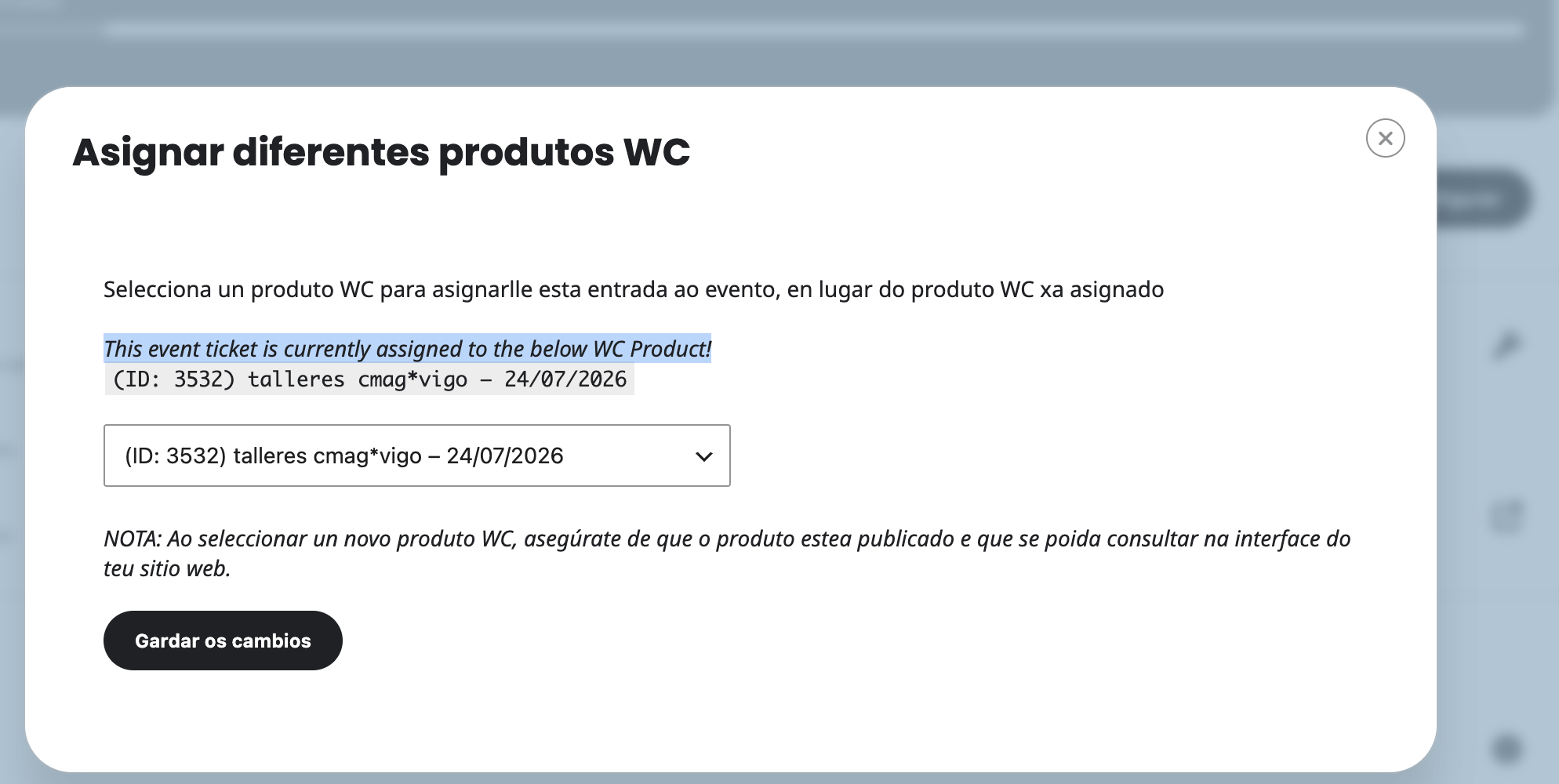
There are still multiple text strings across different sections of the platform that remain untranslated. This affects usability and creates confusion for users who do not understand the original language.
-
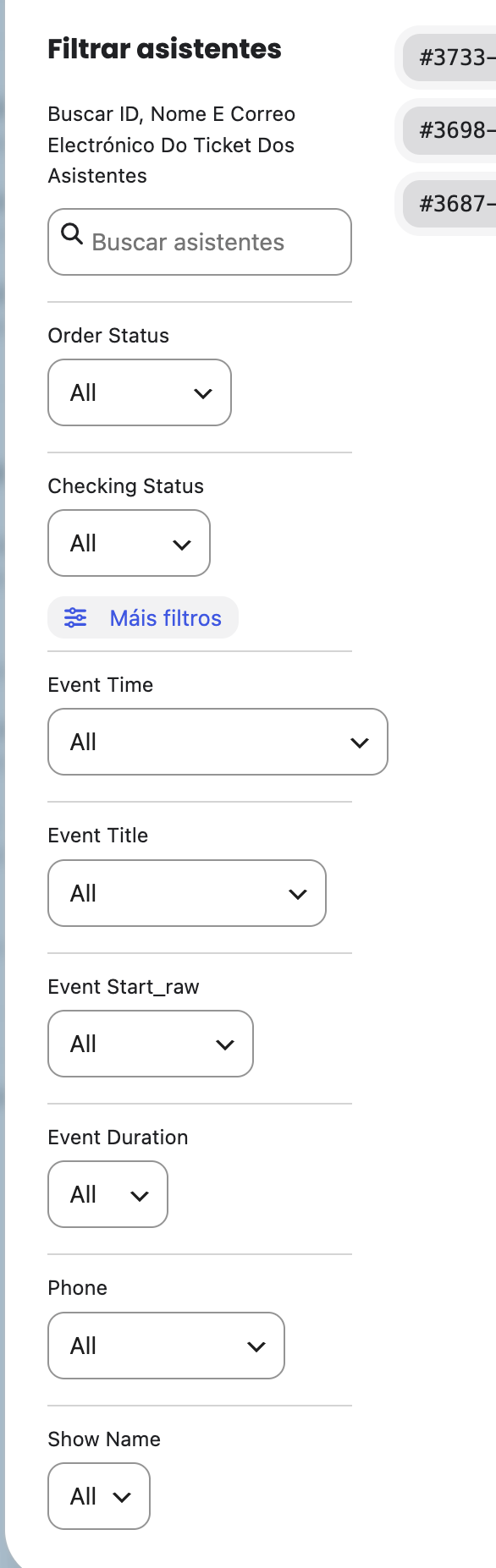
Overly strict attendee search
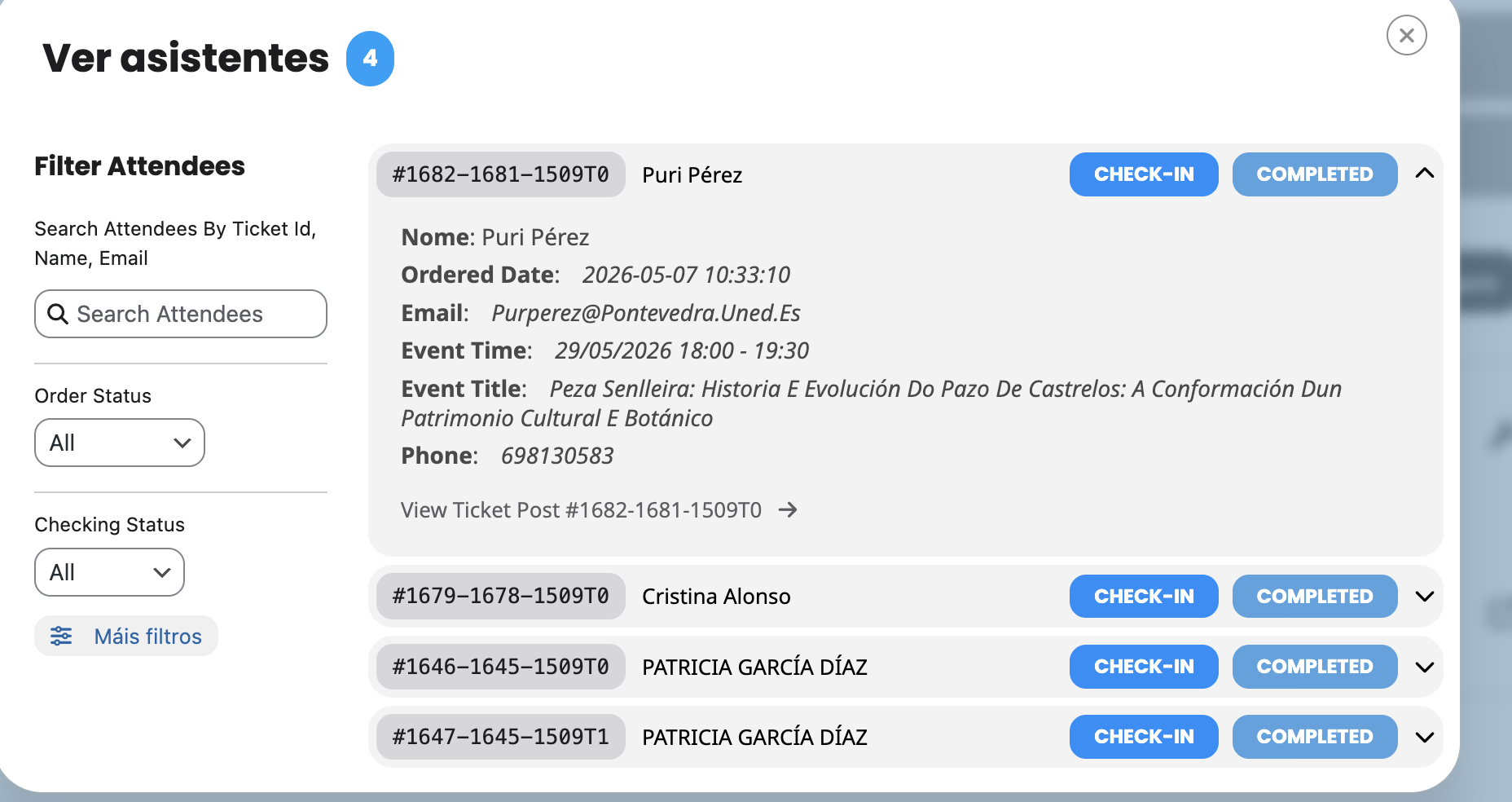
The attendee search is extremely strict and only returns results when the name is typed exactly as originally entered, including uppercase/lowercase letters, accents, etc. This is a significant issue, because we often do not know how each person wrote their name.
A more flexible search (case‑insensitive, accent‑insensitive, partial matching) is necessary.
-
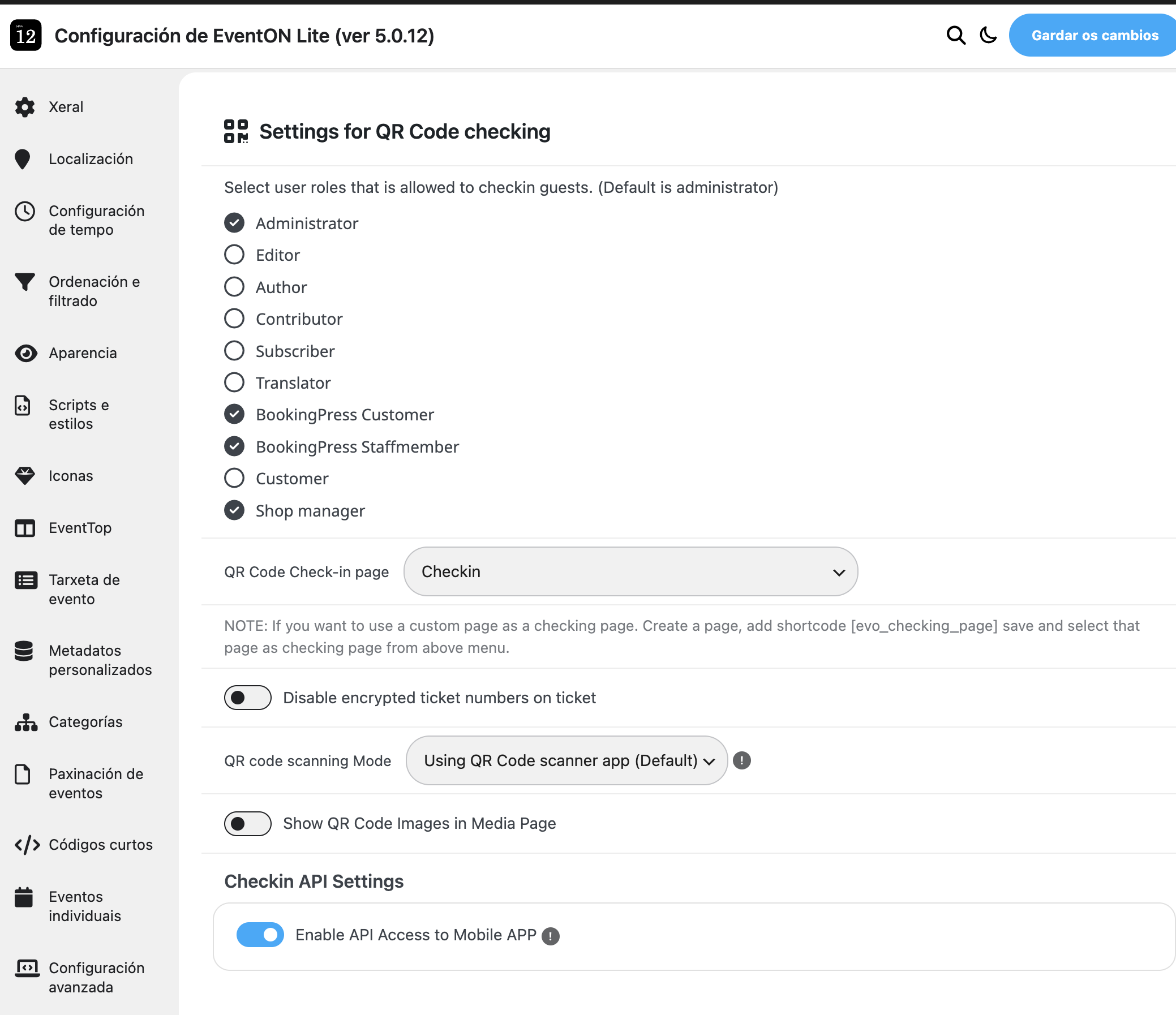
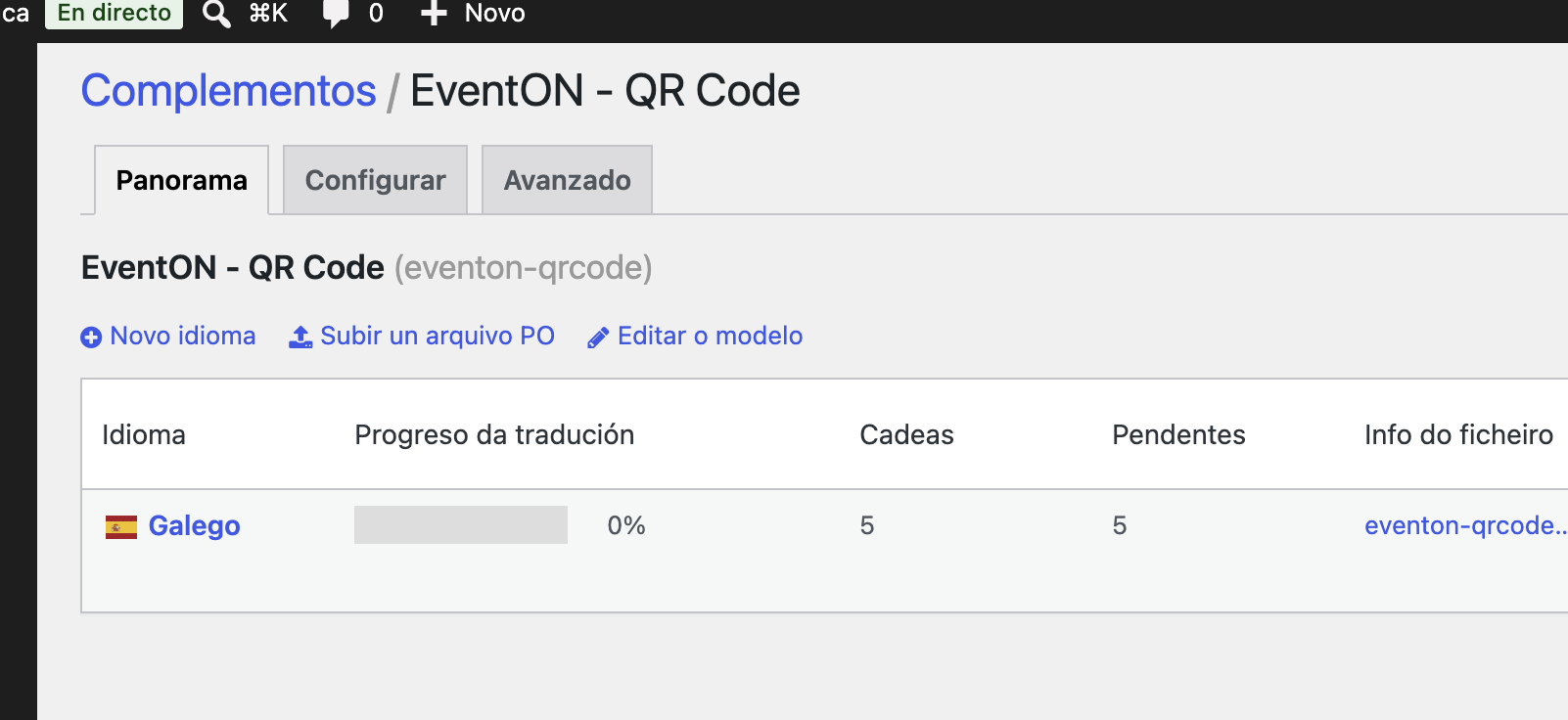
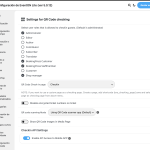
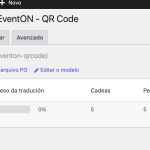
QR addon without translations
The QR addon has no translations at all. All content appears only in English, which makes it difficult to use in multilingual environments.
-
Additionally, the Sales Insights module in EventON is not loading at all.
The panel attempts to retrieve the sales data, but the AJAX request otx_sales_insight consistently returns a 500 Internal Server Error, causing the insights section to remain empty.
This means the system is unable to display any sales statistics for the event, even though the related WooCommerce product and tickets are correctly configured. The issue appears to come from the EventON Sales Insight addon itself, as the AJAX endpoint fails every time the page is loaded.
Please review this component as well, since it is currently impossible to access sales analytics for our events.
I would appreciate it if you could review these points and let us know whether any updates are planned to address them.
Thank you.


Hello,
Not possible to show FullCal or any other calendar except Main Calendar on external websites with Event API.
However, you can do so by using iframe:
https://docs.myeventon.com/documentations/show-calendar-another-site-via-iframe/
Please try and let me know.
Hello,
Please check
Terms And Conditions And Refund Policy
> 7. Subscriptions & Automatic Renewal > 7.4 Subscription Refunds. A renewal reminder mail was sent before the charge was made.
In order to cancel your subscription, please follow
https://docs.myeventon.com/documentations/how-to-cancel-addon-subscription-before-auto-renew/
Hello,
5.0.12 is available and fixes the issue. Please update and let us know.
To update eventon to latest version: (If auto update works, please try that from with your website plugins page)
1. If you purchased eventON from codecanyon > Go to EventON Full page and verify your purchase to get a free copy of eventON latest version and move your purchase over to myeventon.com.
2. If you already purchased eventON from myeventon.com go to My Account > Downloads and get the latest version copy.
Once you have the latest version zip file. Then you can go to your website > make sure ”Delete eventon settings & data when EventON is uninstalled” is De-slected from eventon settings, delete old eventon, install new one and activate. This link will further explain the process it. Follow us on X to get real-time announcements on updates!
Hello,
Thank you for your messages!
I am going to escalate this ticket to our account manager to help in here. Please allow us some time to address this, and we truly appreciate your patience. Thank you for being a valued EventON customer!
We are glad your issue is resolved, if you have any further questions or concerns please create a new ticket.
If you have a moment, we would greatly appreciate if you could kindly leave us a review at EventON WordPress Page OR EventON > My Account > Downloads. Your review helps us a lot in continuing EventON improvements!
We are glad your issue is resolved, if you have any further questions or concerns please create a new ticket.
If you have a moment, we would greatly appreciate if you could kindly leave us a review at EventON WordPress Page OR EventON > My Account > Downloads. Your review helps us a lot in continuing EventON improvements!
The shortcode doesn’t have any options related to show/hide past events. hide_past=”no” doesn’t work in this case.
Please send us wp-admin access to your site from ”Access Info” box on right side menu, to further assist your situation.
Hello,
Thank you for your great suggestion, at the moment it is not supported. However please create a new ticket and select Feature Request as category so others can vote on your idea and get it moved into development faster.
Hello Vincent Mazzotta,
Please create a new ticket with included login info in ”Access Information”, so we check the issue.