https://hfmexico.mx/americas-mobility-future/en/wp-admin
user: mobofuture
pw: p#pM7Qh?6?k7*Gtm
Replies for tickets on suppota
https://hfmexico.mx/americas-mobility-future/en/wp-admin
user: mobofuture
pw: p#pM7Qh?6?k7*Gtm
Hi again,
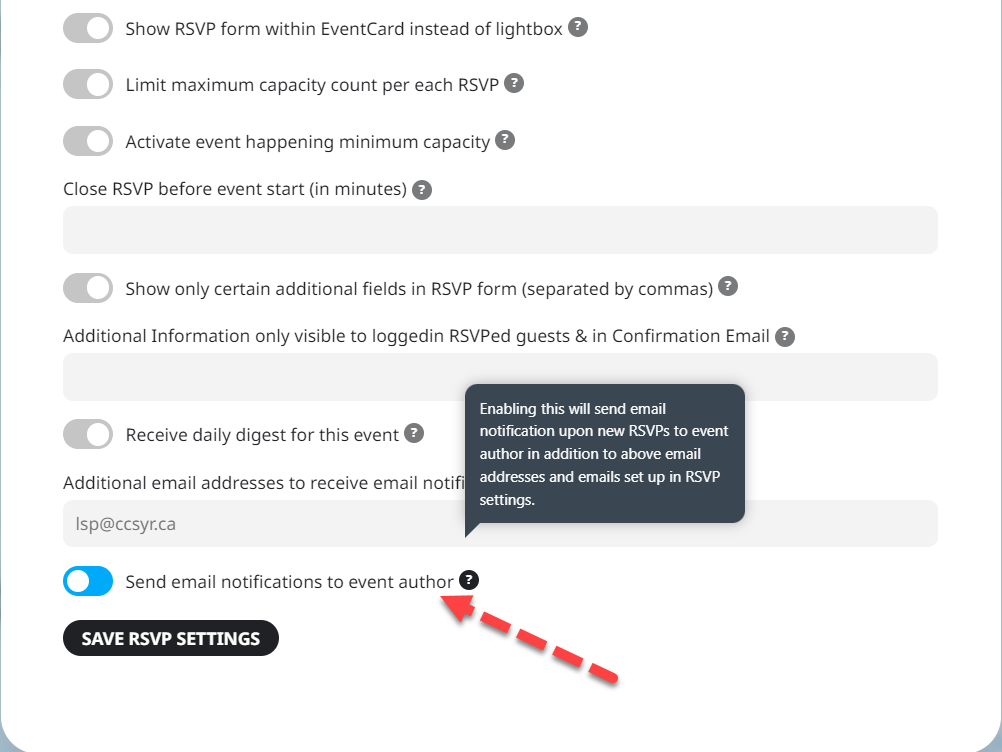
I noticed that RSVP has an option to send a notification to the event Author.
Please let me know who is considered as Author? If I give permission to my team to post the event through their own user on our website, then that person will be the Author and will receive RSVP notifications?
The website I pasted above contains the OLD install of the website we will re-develop, so it does not contain my active license.
The active license exists in
https://armos.2netdemo.gr/wp-login.php
Username: admin
Password: 8a843afcdd1100fc6102f6901c0d9e76
and we want to export the events from the old website to the new, so we can start development. Thanks!
No, we do not make manual changes to products.
Well yes, that was the issue but now it seems to be ok. the repeat text is no longer at the top of the page. Thank you
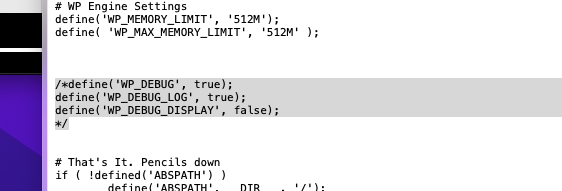
Debug mode is already active – unless you just added it.
Hi, thanks for the quick reply
I see that this setting doesn’t apply to repeating events (“This will not be performed on repeat, month/year long events.”) and all of our events are of that type.
Is there any other option?
Thank you!
I updated the SFTP password so that should work now but do you need a WP login? If so, I don’t know where I submitted that.
Added ip you should now be able to access thank you
Hello,
thank you for your answer, Unfortunately, this is a very expensive option.
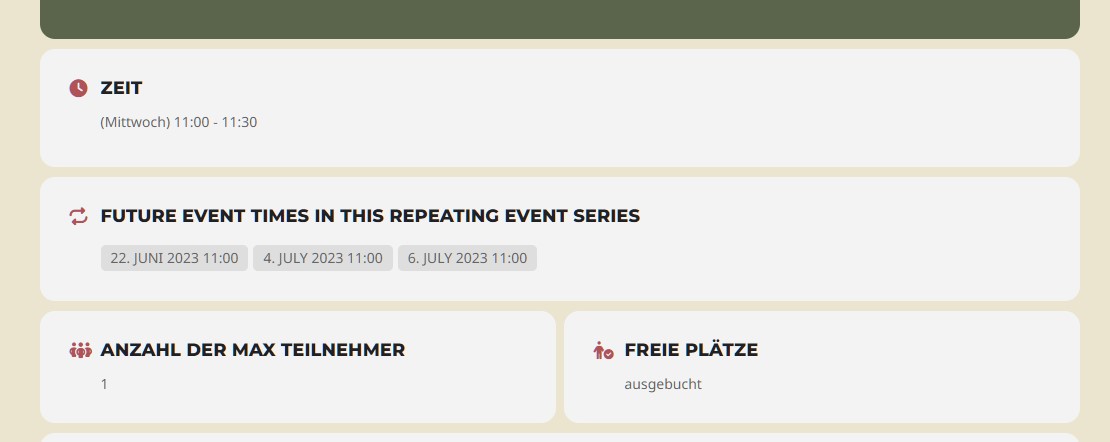
In the case of a repeating event, I have no way of managing the number of participants separately for each individual via the inserted custom meta fields. Does that mean that you always have to create the events individually?