I already tried to deactivate all other Plugins and changed the theme.
Archives: Replies
Replies for tickets on suppota
Reply to: tickets(316318)
Hello,
When I check the file with Google it seems to be working fine:
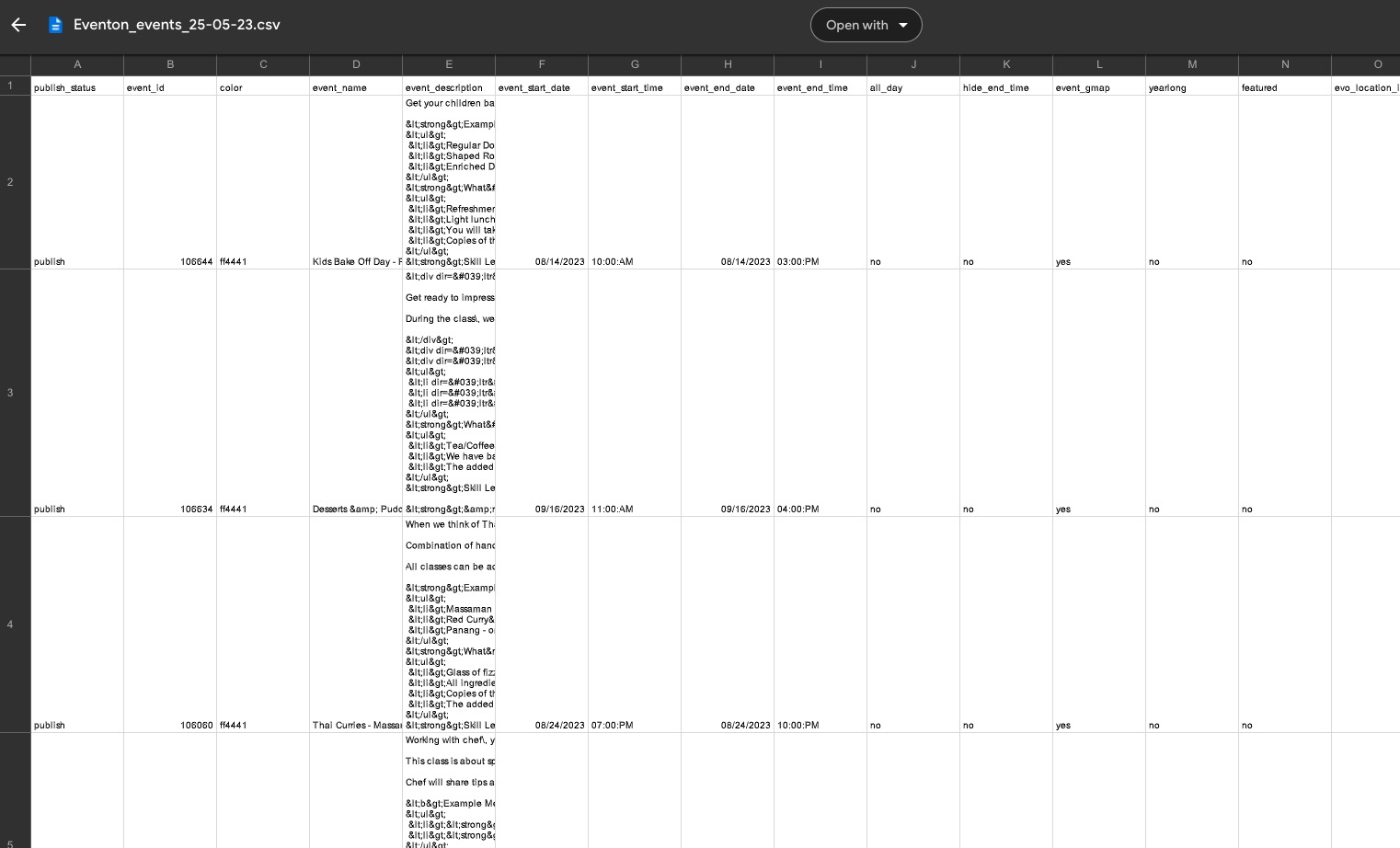
Could you try a different app?
Reply to: tickets(316370)
Hello,
This is how the order looks like:
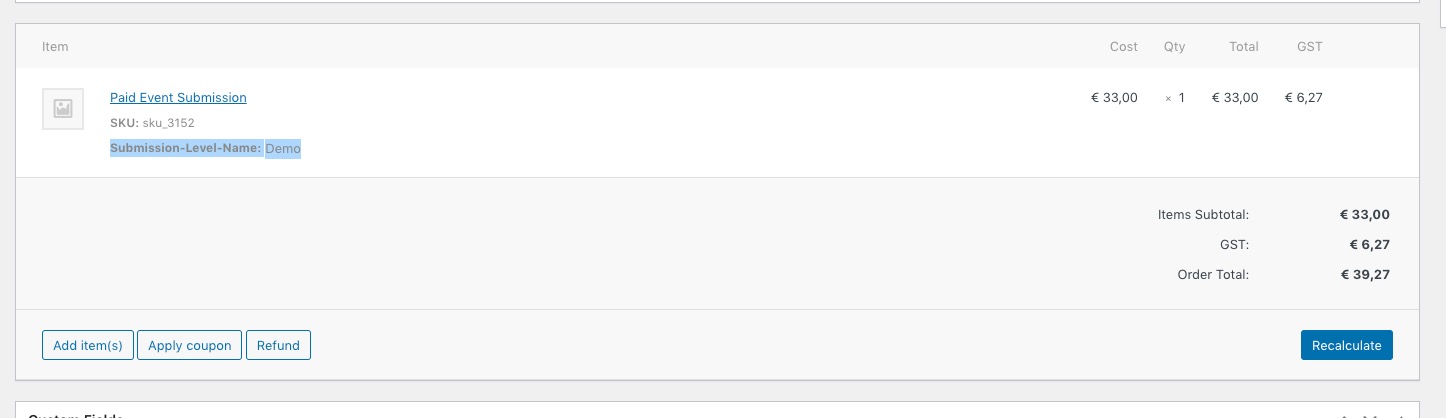
Please try on our demo site: https://dev.myeventon.com/wp-admin/
Reply to: tickets(304360)
Hi,
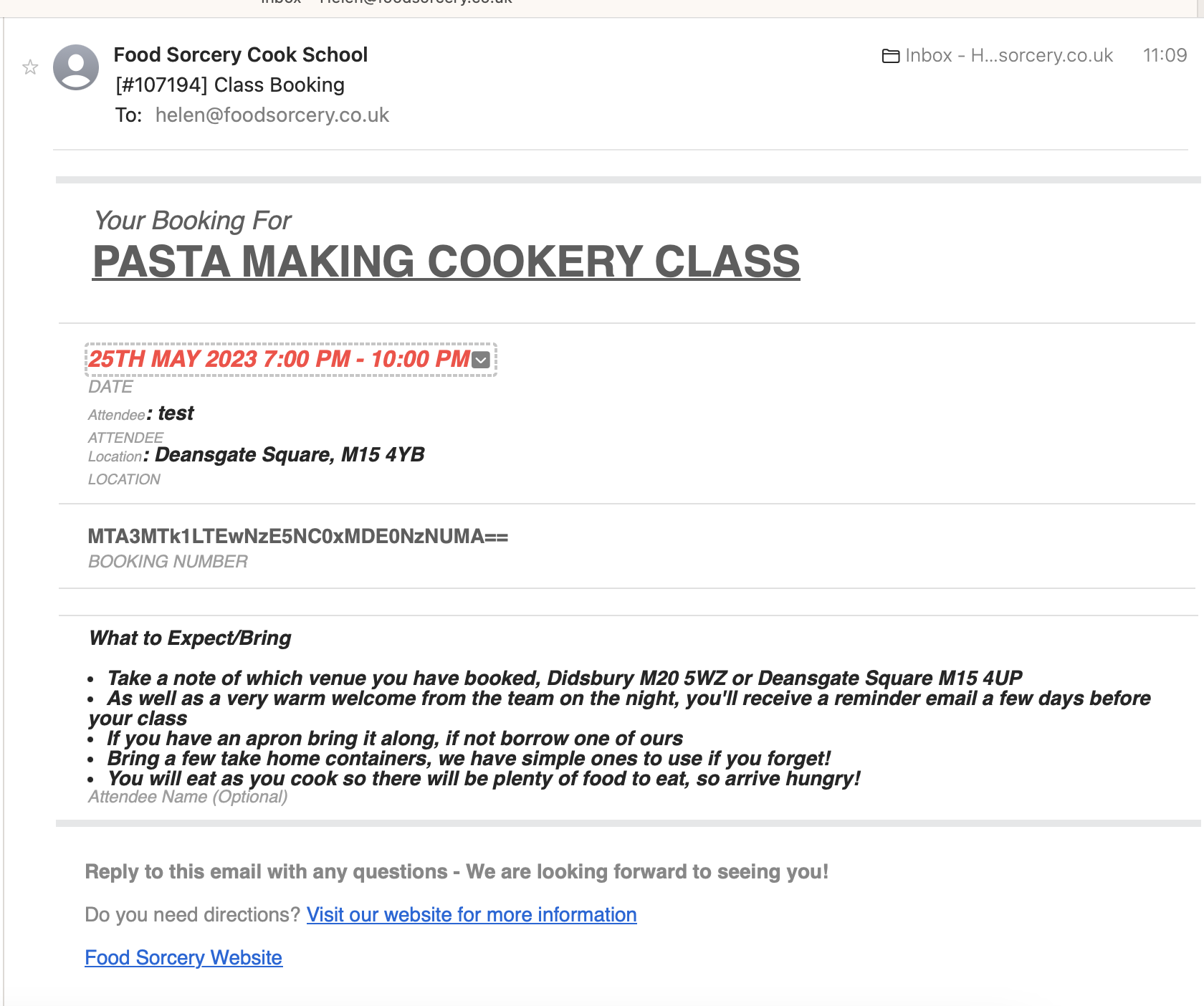
Thanks for looking at this – on our system it is not working.
see attached image
Please note I have flushed the cache
Reply to: tickets(316382)
Hello,
Please follow this guide on how to filter by country and cities:
https://docs.myeventon.com/documentations/how-to-use-event-types-to-do-more/
You can apply the same principle to States.
Reply to: tickets(316321)
Should work now. Please check with cleared cache.
Reply to: tickets(316179)
…the taxonomies where the issues lie.
Could you elaborate? Types have been imported as well: https://helpdeskx.s3.amazonaws.com/wp-content/uploads/2023/05/24125531/Screenshot-2023-05-24-at-21.54.57.jpg
Reply to: tickets(316131)
Thank you very much for the suggestion!
We are glad your issue is resolved, if you have any further questions or concerns please create a new ticket.
Reply to: tickets(316131)
Hello, ok, it looks it works, but please fix it somehow in your plugin, there is big problem.
Thank you.
Lukas
Reply to: tickets(316397)
Hi Charles,
Please go to Eventon > Settings > EventTop and ensure that Tags and Event Tag Types are added to the EventTop designer