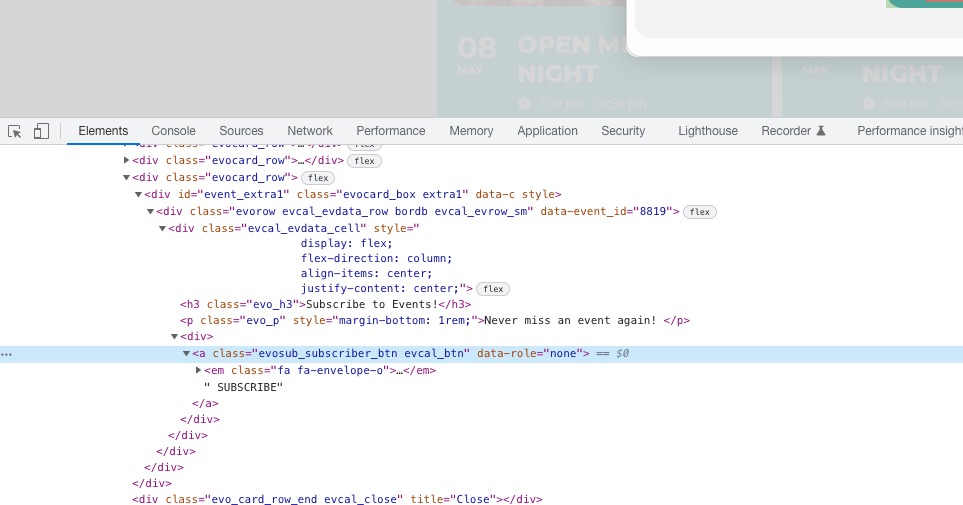
Hello,
Please add this CSS code to EventON > Styles (If you don’t see any change, EventON > Scripts & Styling > turn off Write dynamic styles to header > save settings > turn on Write dynamic styles to header):
.ajde_evcal_calendar.color #evcal_list .eventon_list_event .evoet_cx em.date { color: #F08741 !important; }
Try calling a JavaScript function through HREF:
More info
https://blog.udemy.com/javascript-href/
Hello,
I cannot check the page because it is password protected. Could you send us the pass?
Go to EventON > Search Events > disable Enable Search on all calendars by default.
Now add search=”yes” to shortcodes where you want to show the search icon.
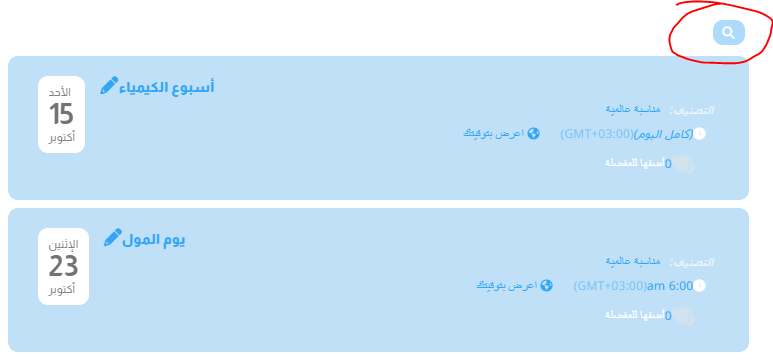
Great, and how to hide (search icon)? Please see the attachment.
Thanks,,,
I have a custom user role called “Luuuper”
url: intheluuup.com
username: rains.grace@yahoo.com
password: OtULUg2y0GrSbDY7W*7vGR@p
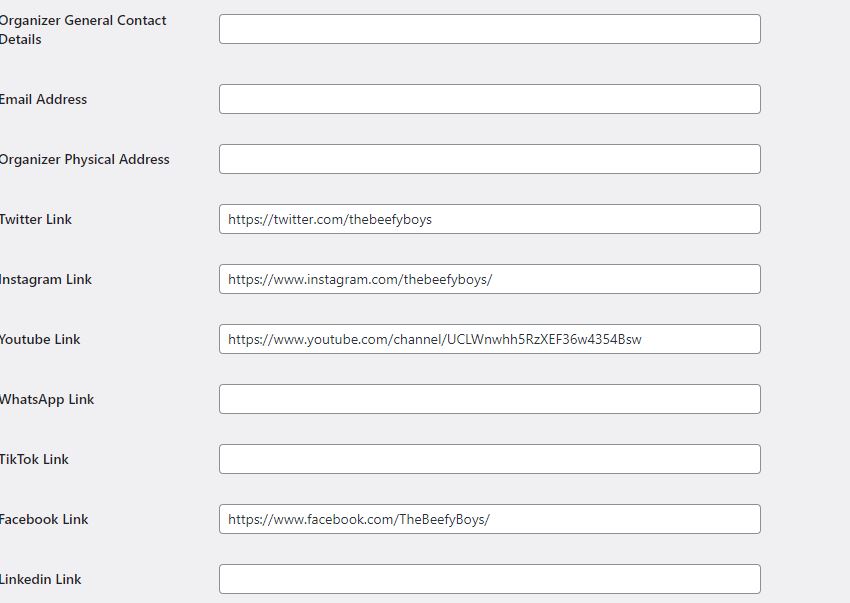
Hi i have updated and urls are correct but still same issue
We are glad your issue is resolved, if you have any further questions or concerns please create a new ticket.
If you have a moment, we would greatly appreciate if you could kindly leave us a review at codecanyon! from your account > downloads. Cheers!
Thank you very much, now it works correctly.